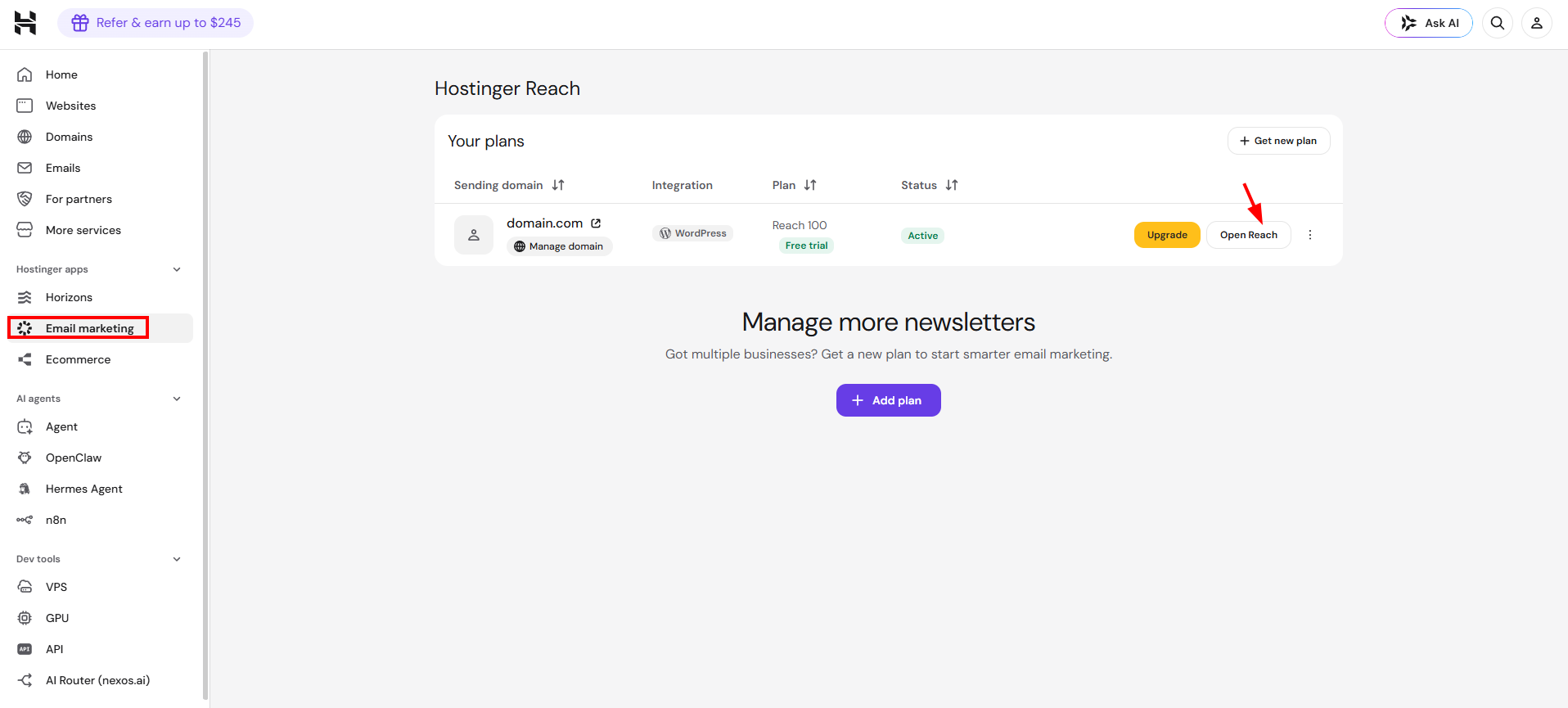
To sign up for Hostinger Reach, choose a plan on the Hostinger Reach page and log in to or create a Hostinger account. Existing Hostinger Reach users open the Reach dashboard from the Hostinger dashboard by going to Email Marketing → Open Reach.
Sign up for Hostinger Reach
To get started with Hostinger Reach:
-
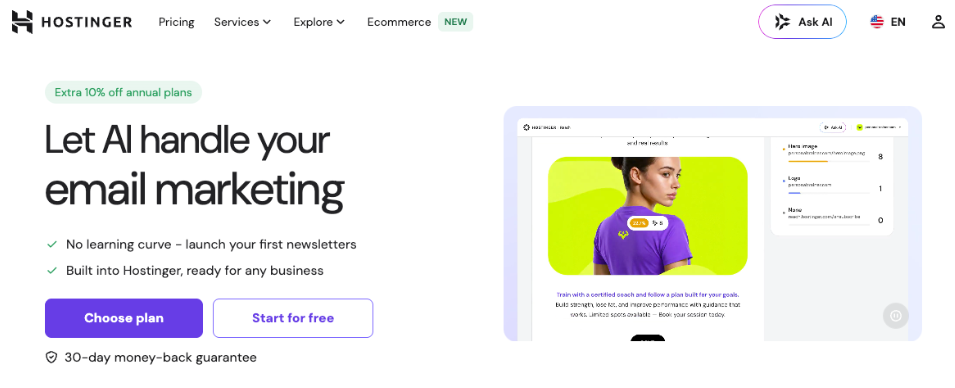
Visit the Hostinger Reach page and click Start for free or Choose plan:
-
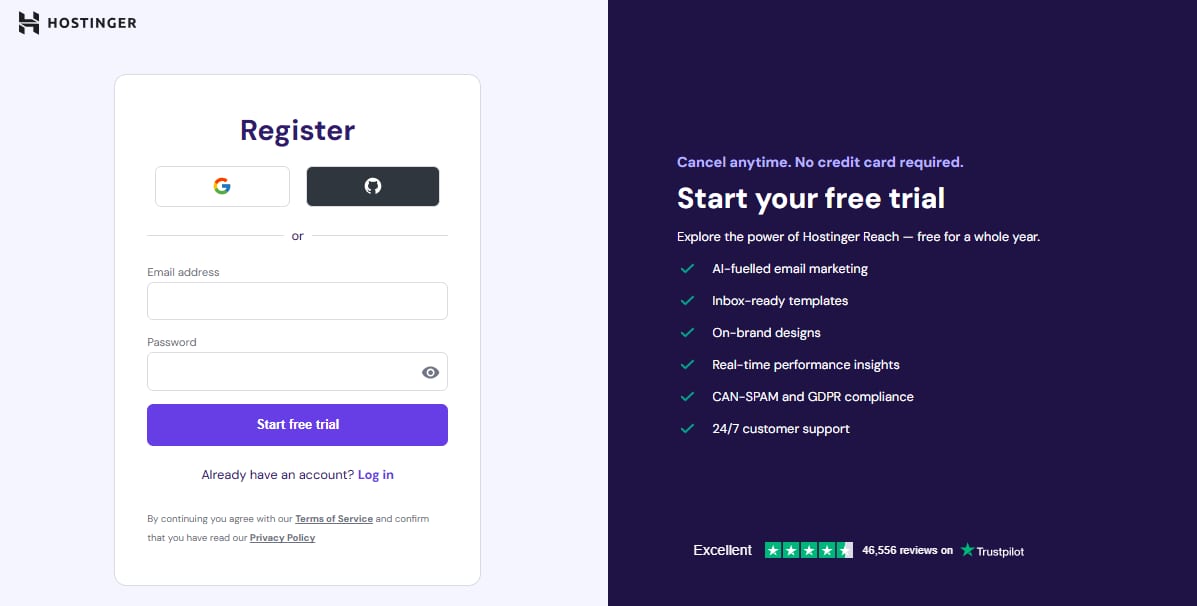
You’ll be asked to log in to your Hostinger account or create a new one.
-
After you successfully log in, you’ll be taken to the home page of Reach.
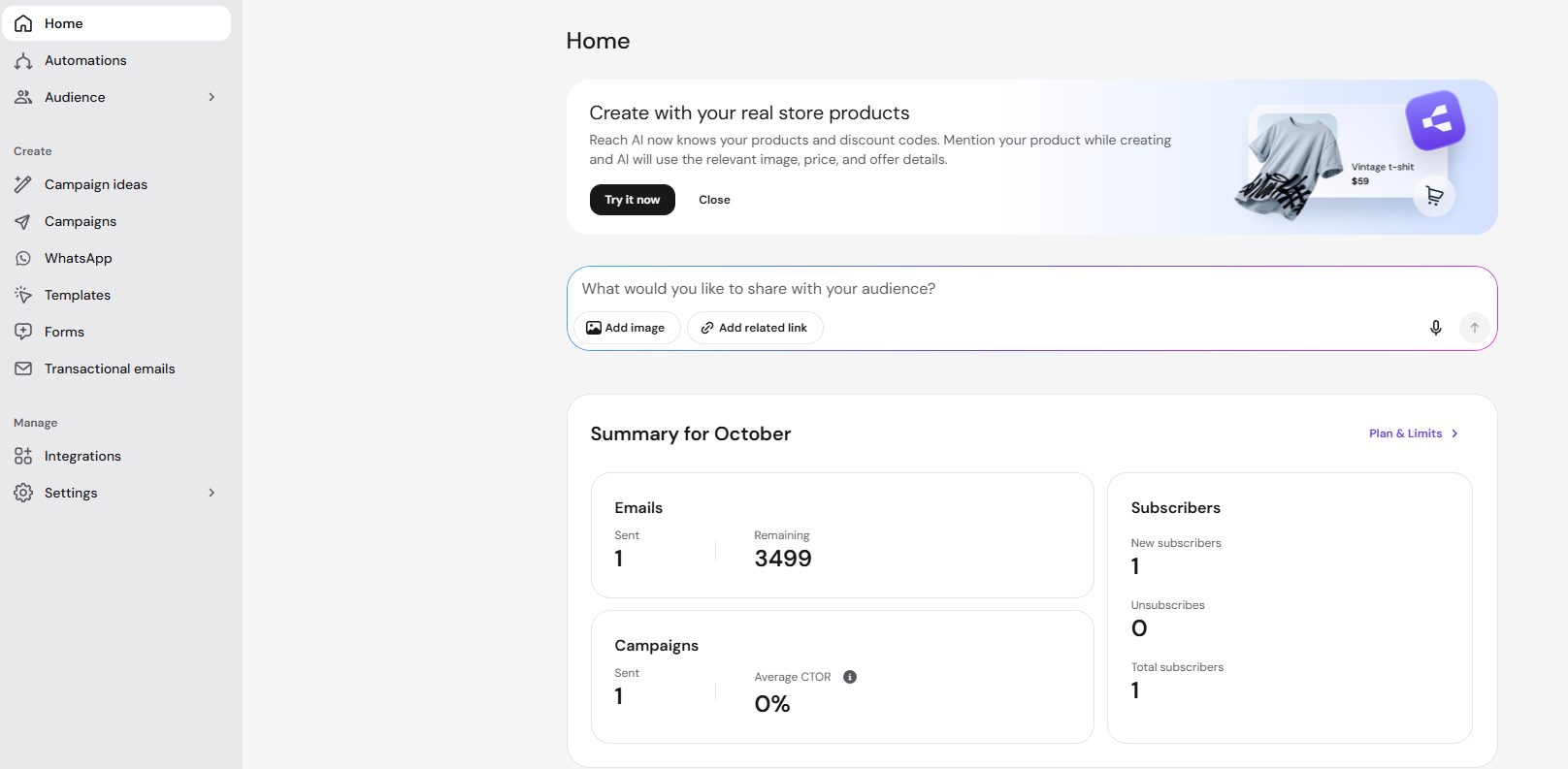
You can find all the step-by-step instructions on how to get started with Hostinger Reach.
Access Reach dashboard
If you have already set up your Reach before, you can also access it directly from Hostinger dashboard by navigating to Email Marketing, then click Open Reach.
With your account set up and connected, you’re ready to build, send, and track email campaigns directly from Hostinger Reach. You can check further guides to continue building your email marketing below.
Set up your Reach account
- Connect your domain
- How to add contacts
- Form Builder overview and setup guide
- Double opt-in explained and how to use it
- Adding Business Details
- How to connect WhatsApp and complete Meta setup
Build and send campaigns
- How to create a full campaign draft with AI
- How to use Campaign ideas
- How to generate an automation draft with AI
- Creating email templates with HTML, AI, and design tools
- What is the Spam Checker tool and how to use it
- Track your campaign’s performance
Integrations