Hostinger Reach is a beginner-friendly, AI-enhanced email marketing platform fully integrated into the Hostinger ecosystem.
Enter your business details to comply with email marketing regulations and show your audience that you run a real business. Business details will be used in your templates for compliance and reputation.
Add your business details
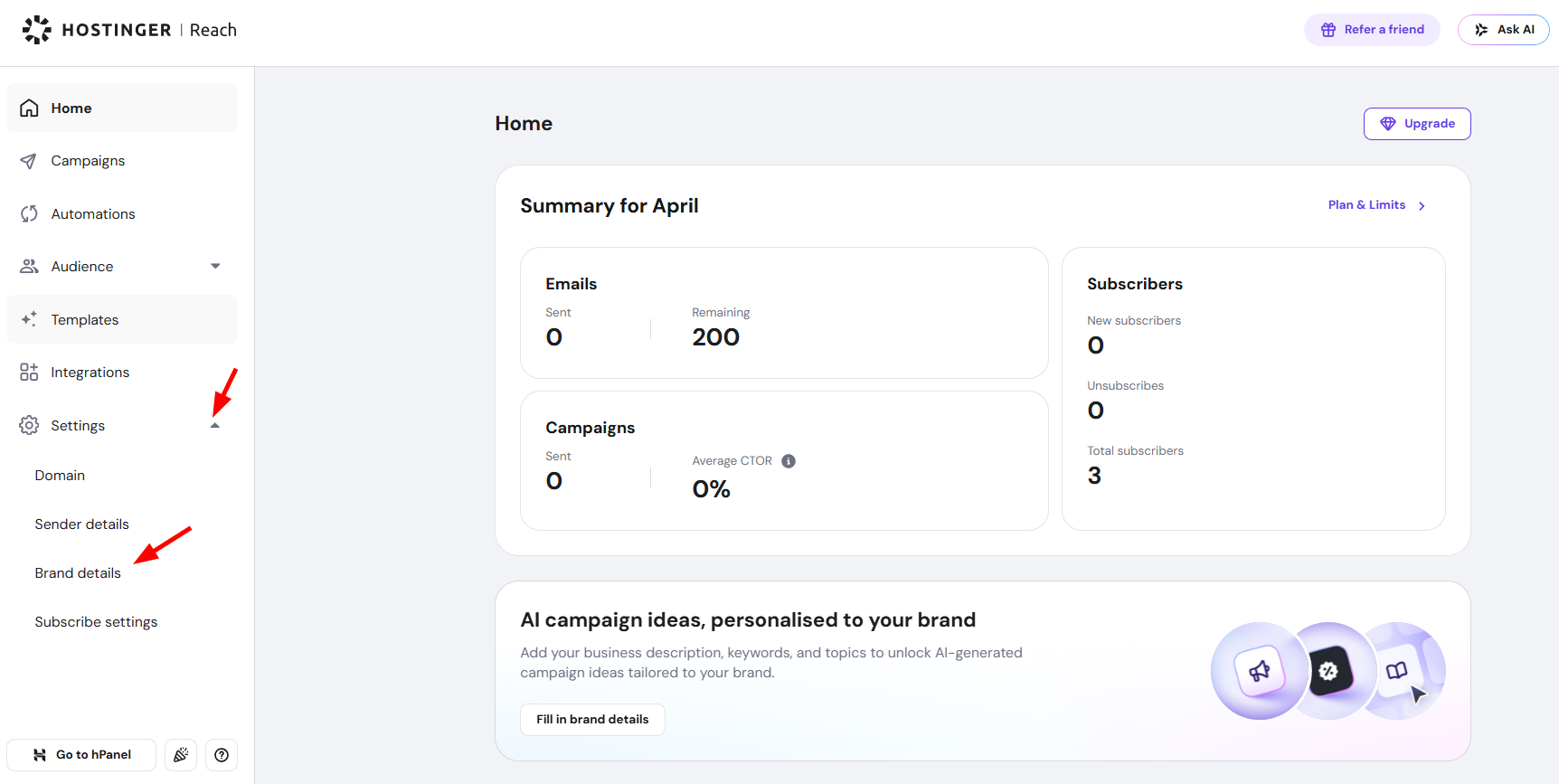
To get started, access Hostinger Reach dashboard, then click Settings in the left sidebar, then select Brand details.
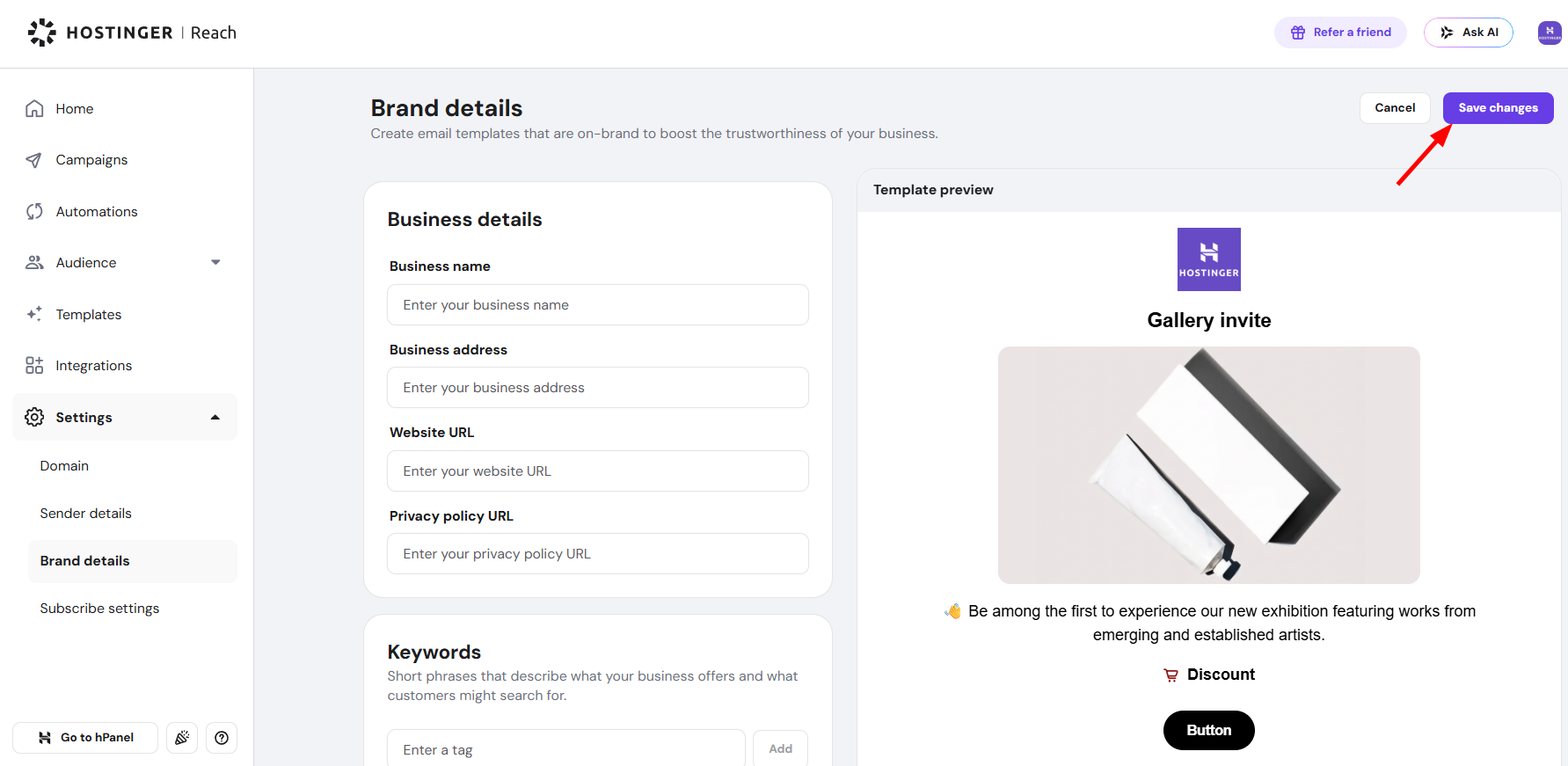
On this page, you can fill in the details that are relevant to your business:
- Logo – upload your business logo
- Font – select a font for all text, buttons, and headings in your email templates
- Colors – customize accent, text, button, link, and background colors
- Social links – add your social media profiles
- Business description – describe what your brand does
- Business details – your business name, address, website URL, and privacy policy URL
- Keywords – short phrases describing what your business offers
- Selling points – unique benefits that make your business stand out
- Topics – main themes and content areas your emails may cover
Once you’ve filled in the relevant sections, click Save changes in the top right corner.