If you are unsure what audience to target, which email template to use, or when to send your campaign, AI Campaign Drafts in Hostinger Reach email marketing can do the heavy lifting for you.
By combining the information you provide, the AI assistant creates a complete campaign draft, including a recommended strategy, email template, and target audience, ready for your review.
Getting started
From your Reach homepage, you’ll see the question:
“What would you like to share with your audience?”
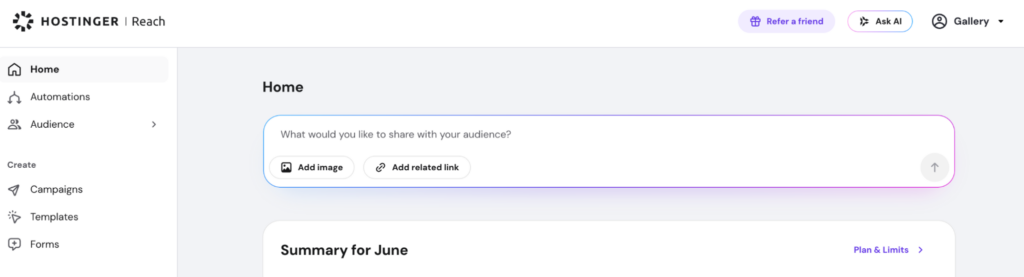
This is where you provide the information AI will use to create your campaign draft.
Describe what you’d like to communicate and include as much relevant context as possible. You can also add:
- Product links
- Event pages
- Website URLs
- Images
- Product descriptions
- Promotional details
The more information you provide, the better AI can tailor the campaign to your goals.
Example prompts
Here are some examples of information you can provide:
Product Launch
We’re launching our new wireless headphones next week. They feature active noise cancellation, 40-hour battery life, and premium sound quality. Here’s the product page: [link]
Event Promotion
We’re hosting a webinar about email marketing best practices on August 15. We’d like to attract small business owners and marketers. Here’s the registration page: [link]
Seasonal Sale
We’re running a summer sale with up to 40% off selected products. The promotion runs from July 1–15. Here’s our store page: [link]
Company Announcement
We’ve introduced a new customer loyalty program that rewards repeat purchases. We’d like to inform existing customers and encourage sign-ups.
Review your campaign plan
Once AI analyzes your request, it generates a campaign plan for you to review.
The plan includes:
- Campaign objective and strategy
- Suggested email template
- Recommended target audience
Before creating the campaign, you’ll have the opportunity to review these recommendations.
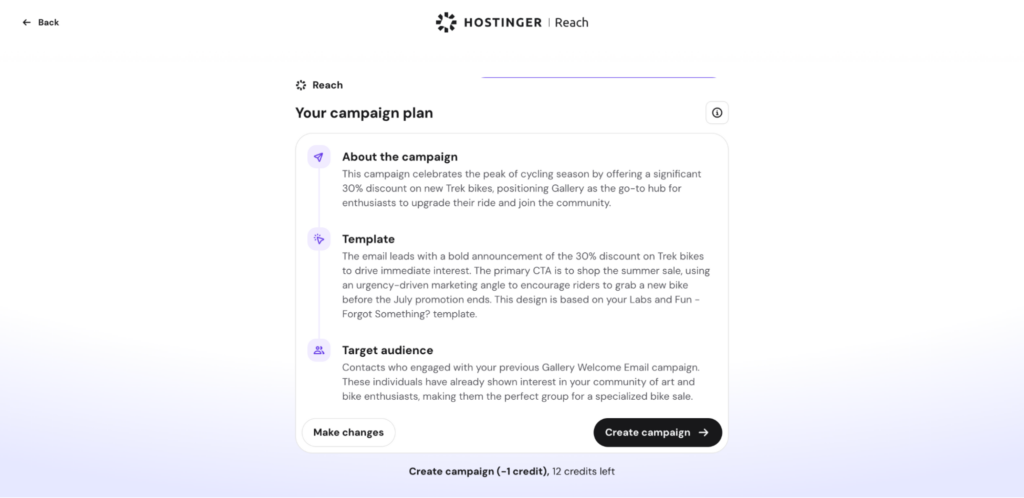
Make changes
Want to adjust something?
Click Make Changes and describe what you’d like to modify. For example:
- “Target existing customers instead of new subscribers.”
- “Make the campaign more promotional.”
- “Focus on our upcoming webinar instead of the product launch.”
Apply the changes and review the updated campaign plan.
When you’re satisfied with the plan, click Create Campaign.
Creating your campaign draft
Creating a campaign draft uses 1 AI credit.
After you click Create Campaign, AI begins preparing a complete campaign draft for you.
The generated draft includes:
- Campaign strategy
- Email template content
- Suggested audience settings
The draft is fully prepared and ready for your review.
Wait for your campaign
Campaign generation typically takes around one minute.
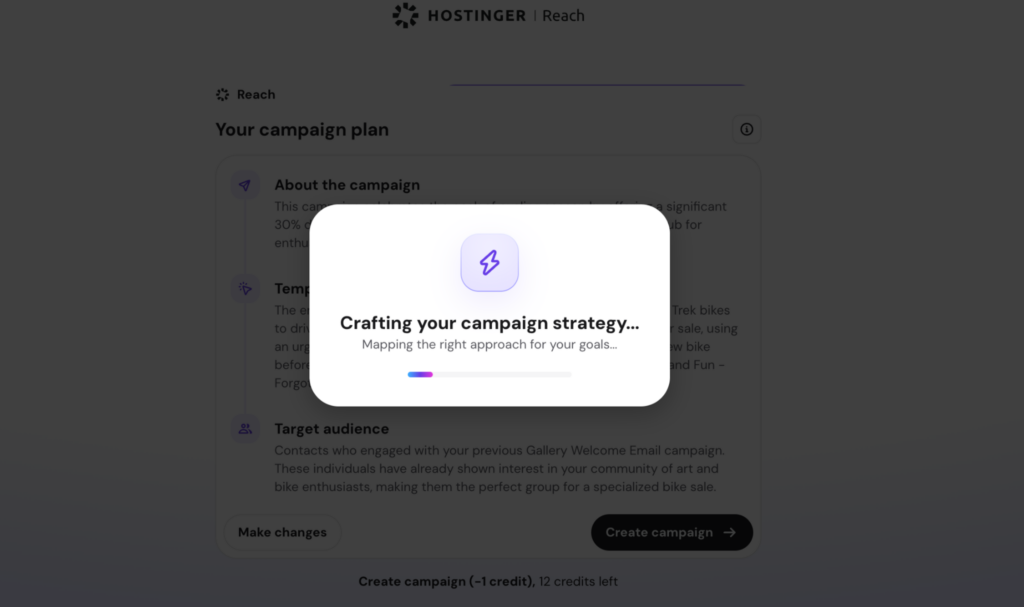
While AI is creating your campaign, Reach prepares all the necessary campaign elements behind the scenes—saving you significantly more time than creating everything manually.
Review and send your campaign
Once the campaign is ready, you’ll be automatically redirected to your AI-generated campaign.
You remain fully in control of your campaign and can edit any information generated by AI, including:
- Email content
- Subject lines
- Campaign details
- Audience settings
- Other campaign configurations
Make any adjustments you’d like, then proceed through the campaign creation flow and send your campaign when you’re ready.
Tip: Keep your Brand Details up to date
For the best results, make sure your Brand Details settings in Reach are fully completed and up to date.
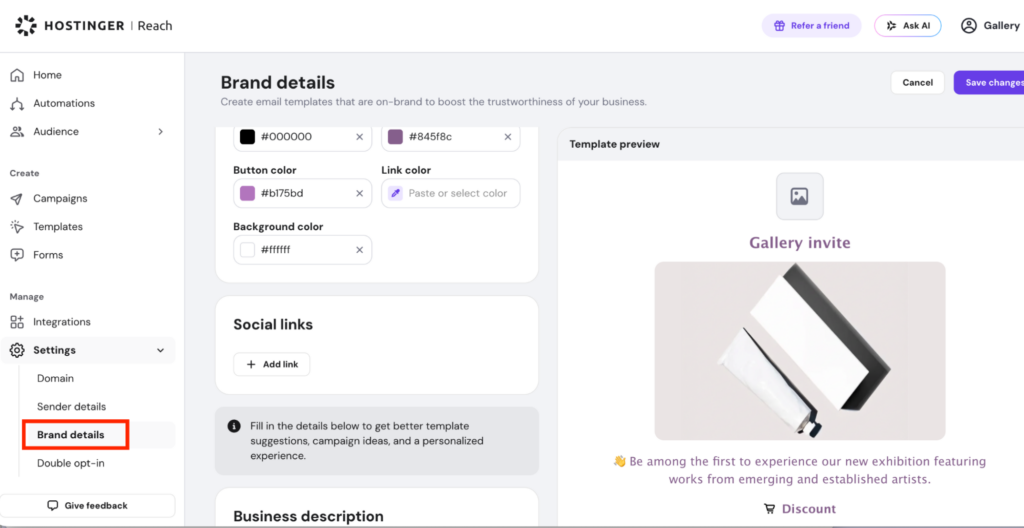
AI uses this information to better understand:
- Your business and industry
- Your products and services
- Your target audience
- Your brand voice and positioning
The more accurate and complete your brand information is, the more relevant and personalized your AI-generated campaign plans and drafts will be.
Before creating AI Campaign Drafts, take a moment to review your Brand Details and ensure all information reflects your current business and marketing goals.
Important Notes
- Creating a campaign draft consumes 1 AI credit.
- Campaign generation typically takes about one minute.
- AI-generated content can be edited at any time before sending.
- AI suggestions are designed to help you get started faster, but you should always review the generated content before sending.
- You remain fully in control of the final campaign.
Happy creating with AI Campaign Drafts!