Hostinger AI Builder agentic mode is a prompt-based tool for building web applications without coding knowledge. You need an active hosting plan to create and publish projects, in addition to an AI credit plan that provides a set number of AI credits with your plan.
How AI credits work
Hostinger AI Builder agentic mode uses a dynamic credit model. Credits are deducted for each request based on the current credit-usage calculation, not a fixed per-message fee.
- The number of credits deducted varies between requests, even for requests of similar complexity.
- Complex requests, such as heavy code generation or deep analysis, generally consume more credits than short or simple requests.
- All messages are included in the calculation, including general inquiries and non-coding interactions.
- Manual edits made in Select & edit mode, such as changing text or replacing an image, also deduct a small number of credits from your balance.
To review credit usage per response, hover over the icon on the Hostinger AI Builder reply. You can review this article about dynamic credits for full details.
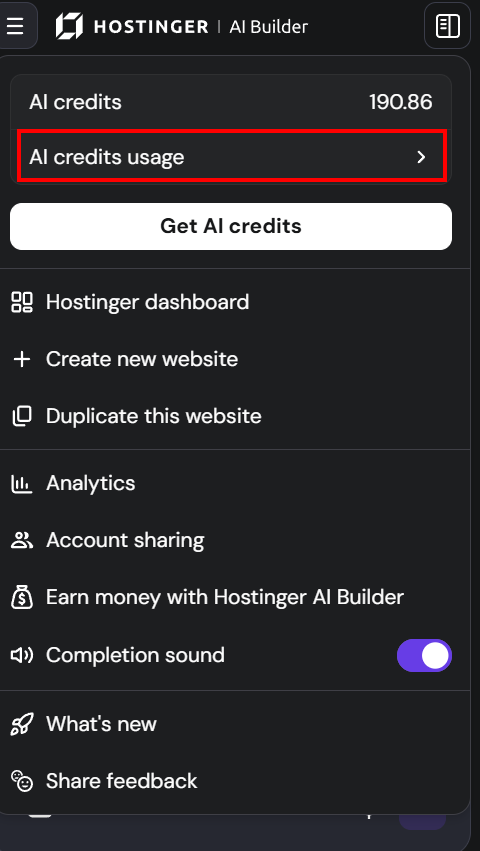
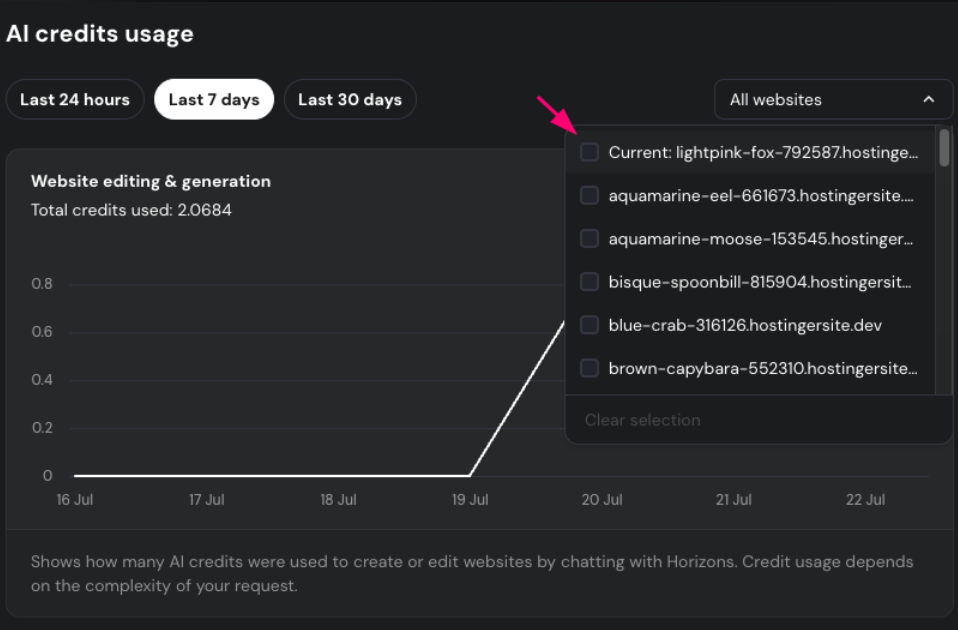
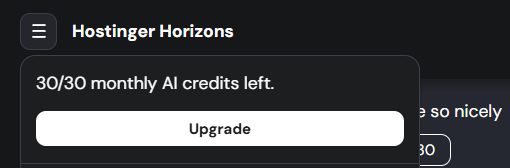
Top-ups AI credits
Need more AI credits? You can buy additional top-ups.
- Top-ups are more expensive per credit than subscriptions, but they don’t require an additional subscription.
- Top-ups expire 3 months after purchase if unused.
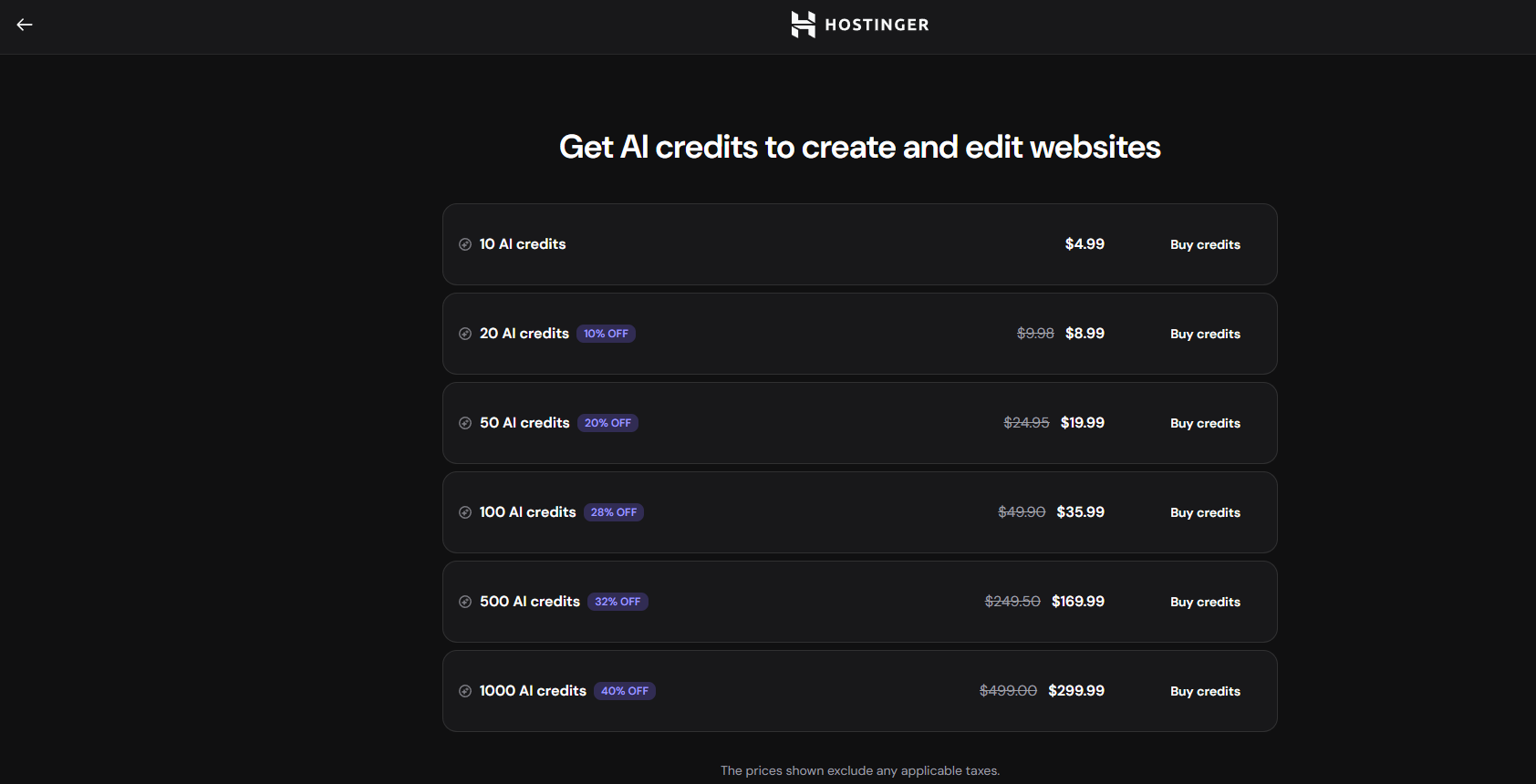
- Top-up options range from 10 credits to thousands.
Click on the “Get AI credits” button:
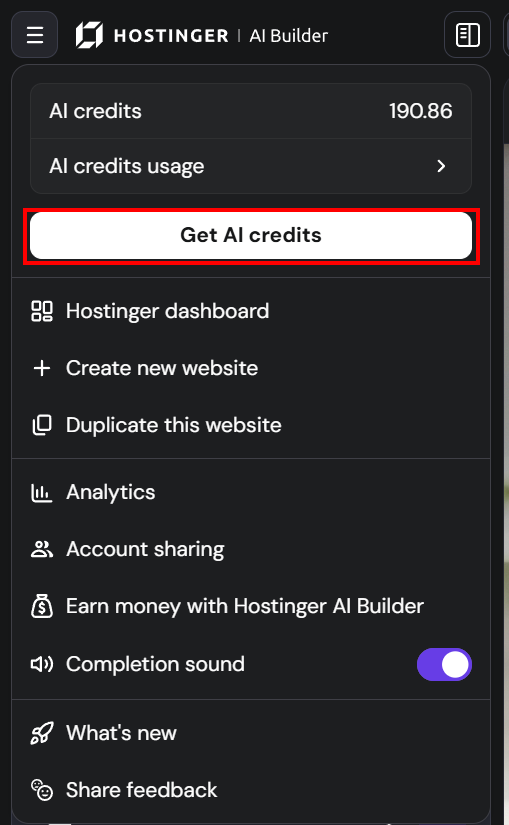
And you’ll be able to select the amount of credits that suits you best:
Your AI credits are now easy to track and top up whenever your project needs more.