Disconnect an online payment gateway or remove a manual payment method from your Hostinger AI Builder online store.
Remove a payment method
- In your store management area, go to Settings → Payments
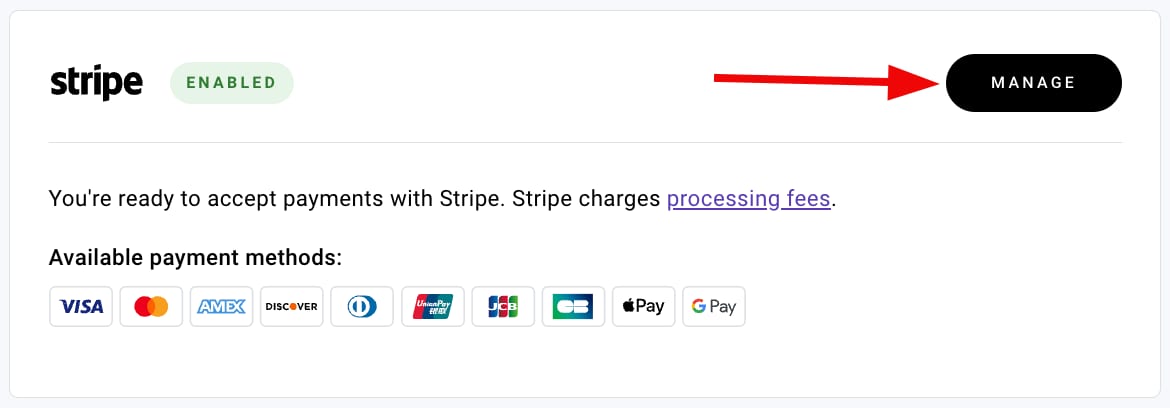
- Click on Manage next to the payment method in question:
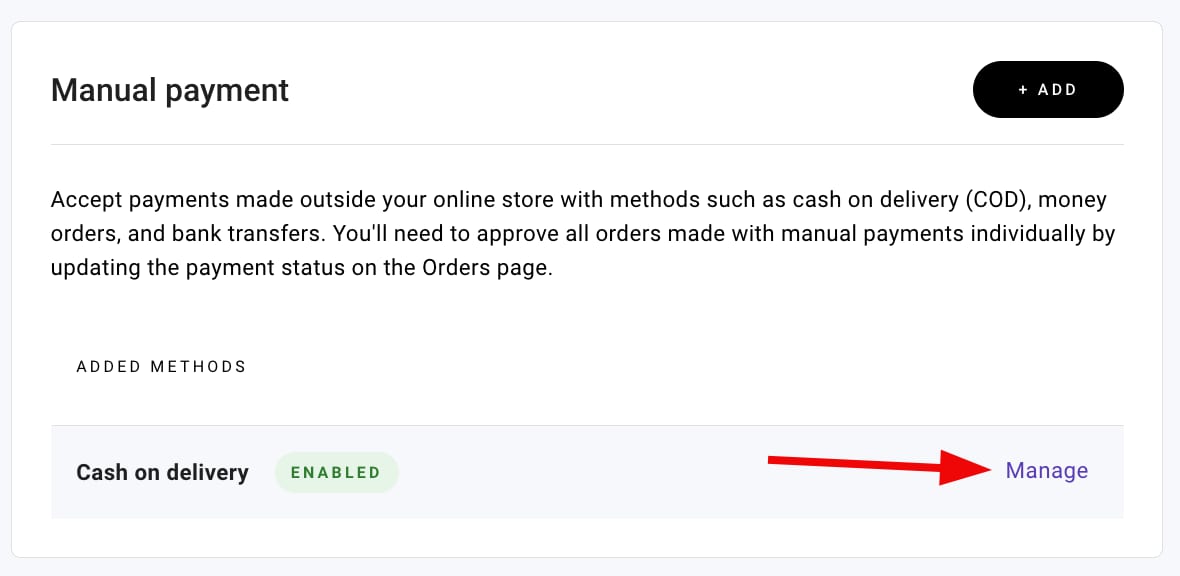
- Or, click on Manage next to a manual payment method:
- Then, click on Disconnect or Remove. Confirm your choice, and finally, update your website.
NOTE
-
If you don’t want to remove the payment method completely, you may unmark the checkbox next to the setting that enables the payment method in checkout:
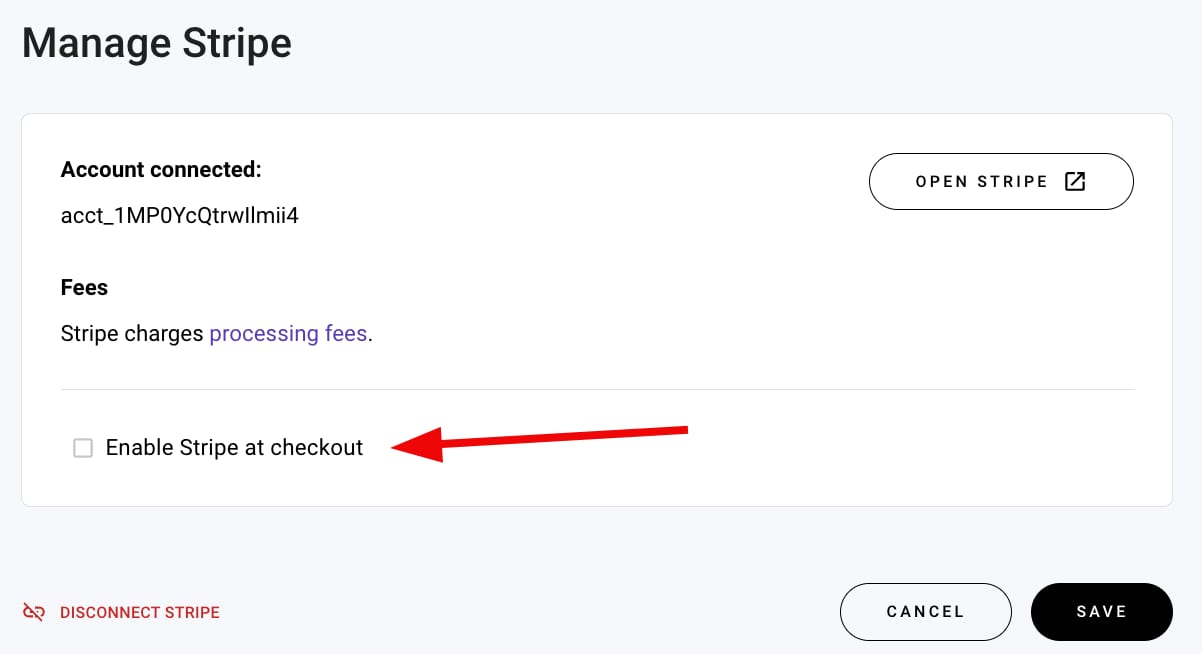
Your payment method is now removed or disabled from checkout.