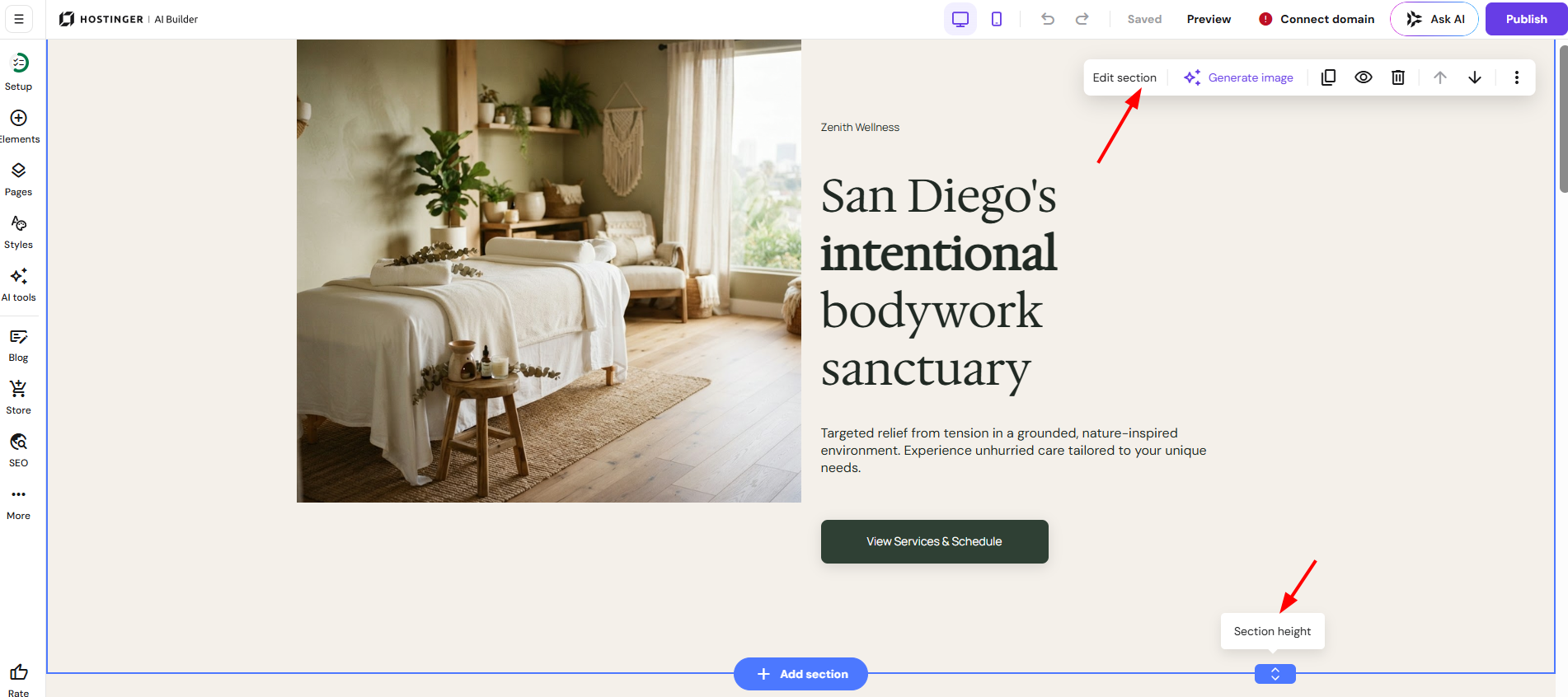
Customize the style of your Hostinger AI Builder manual mode website globally through the Website styles panel, or locally on individual elements and sections.
Customize global styles
Within the builder, expand the Website styles panel on the left:
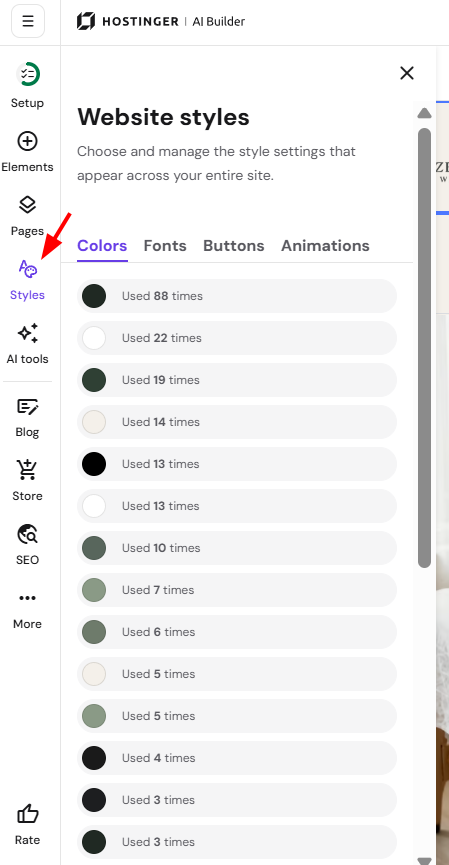
Here, you can find the global style settings of the following:
-
Colors: choose a color palette or create your own
-
Text: choose a pair of fonts and customize the style of headings, paragraphs, and navigation menu links
-
Buttons: choose the preferred button shape
-
Animations: choose the preferred animation style
Customize elements and sections locally
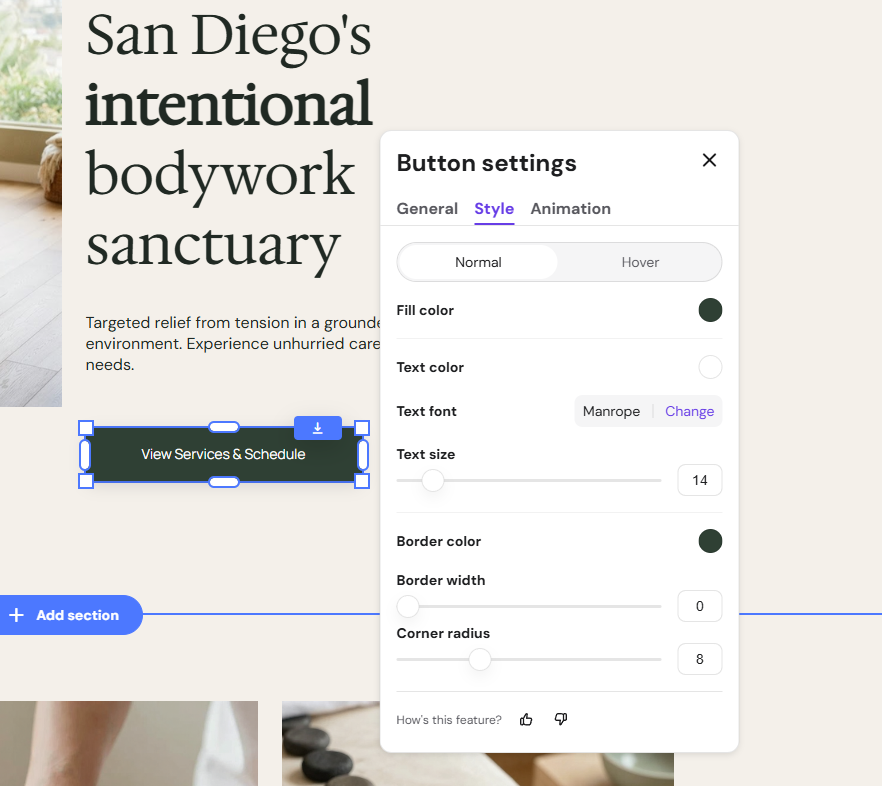
Besides the global style settings, you can also customize every website element locally. Simply click on an element, select Edit, and explore its individual settings:
All website sections – be it a header, footer, or regular one – have their own settings, too. Click on a section to reveal its settings menu: