Interior design website templates
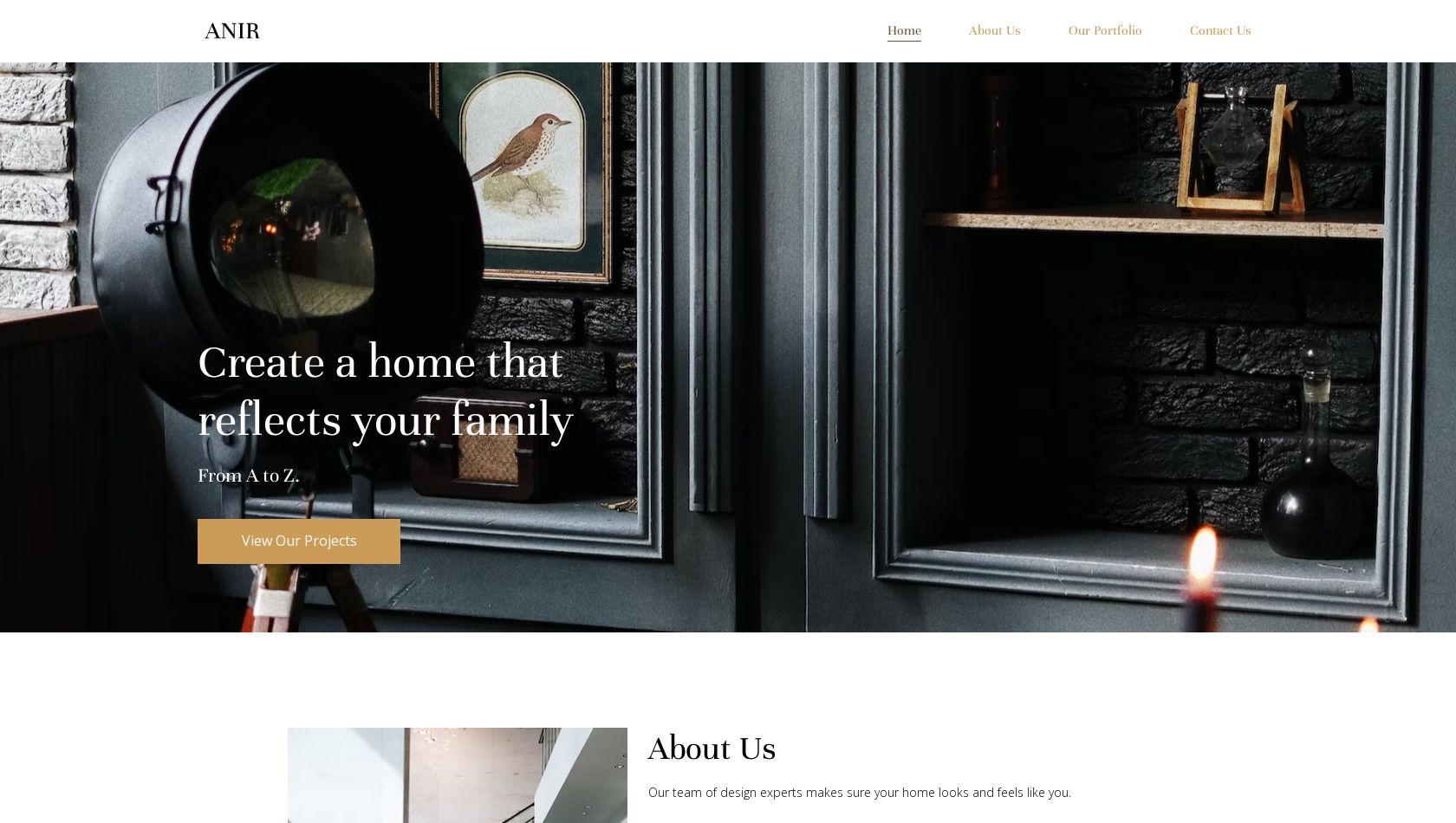
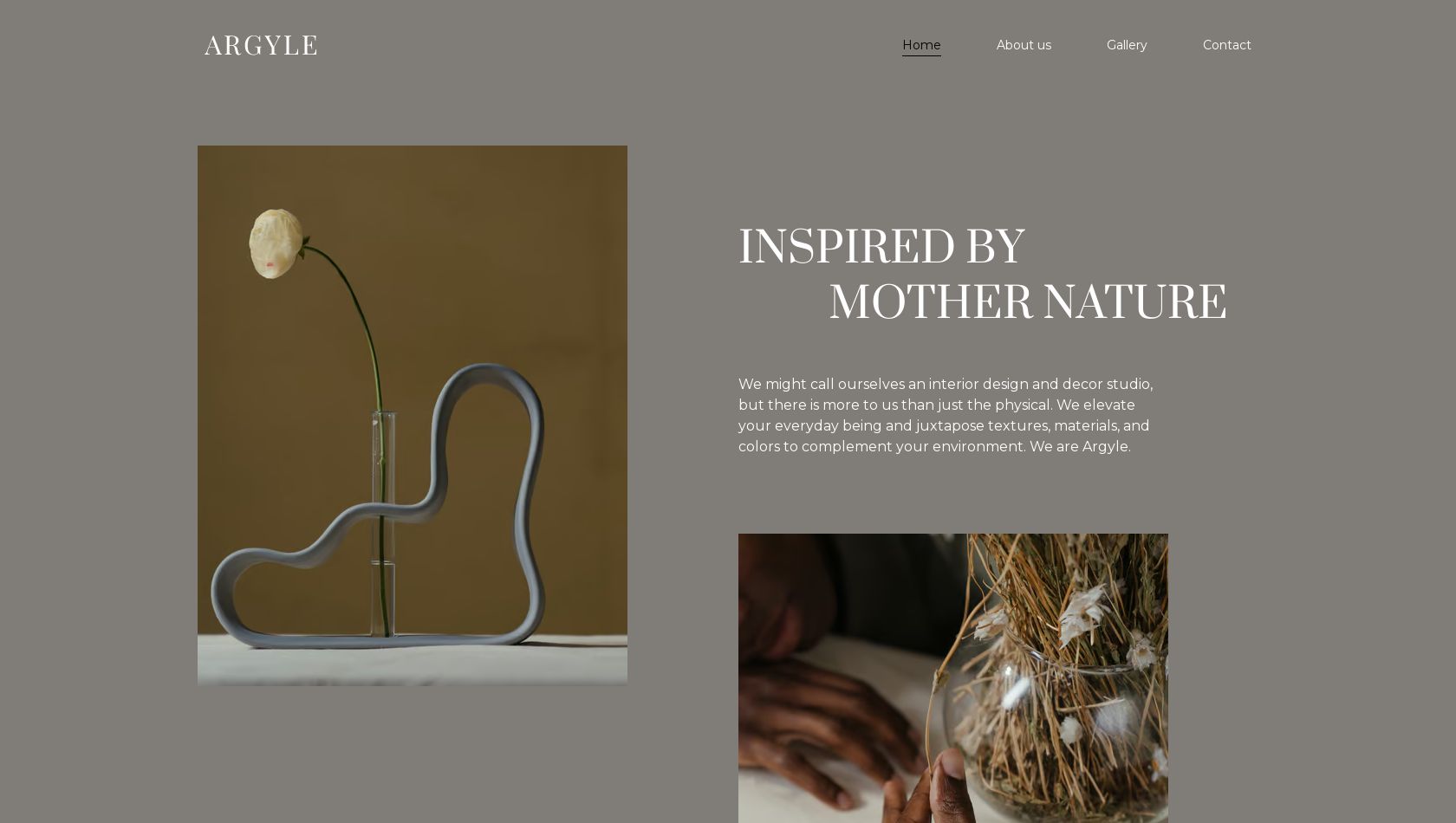
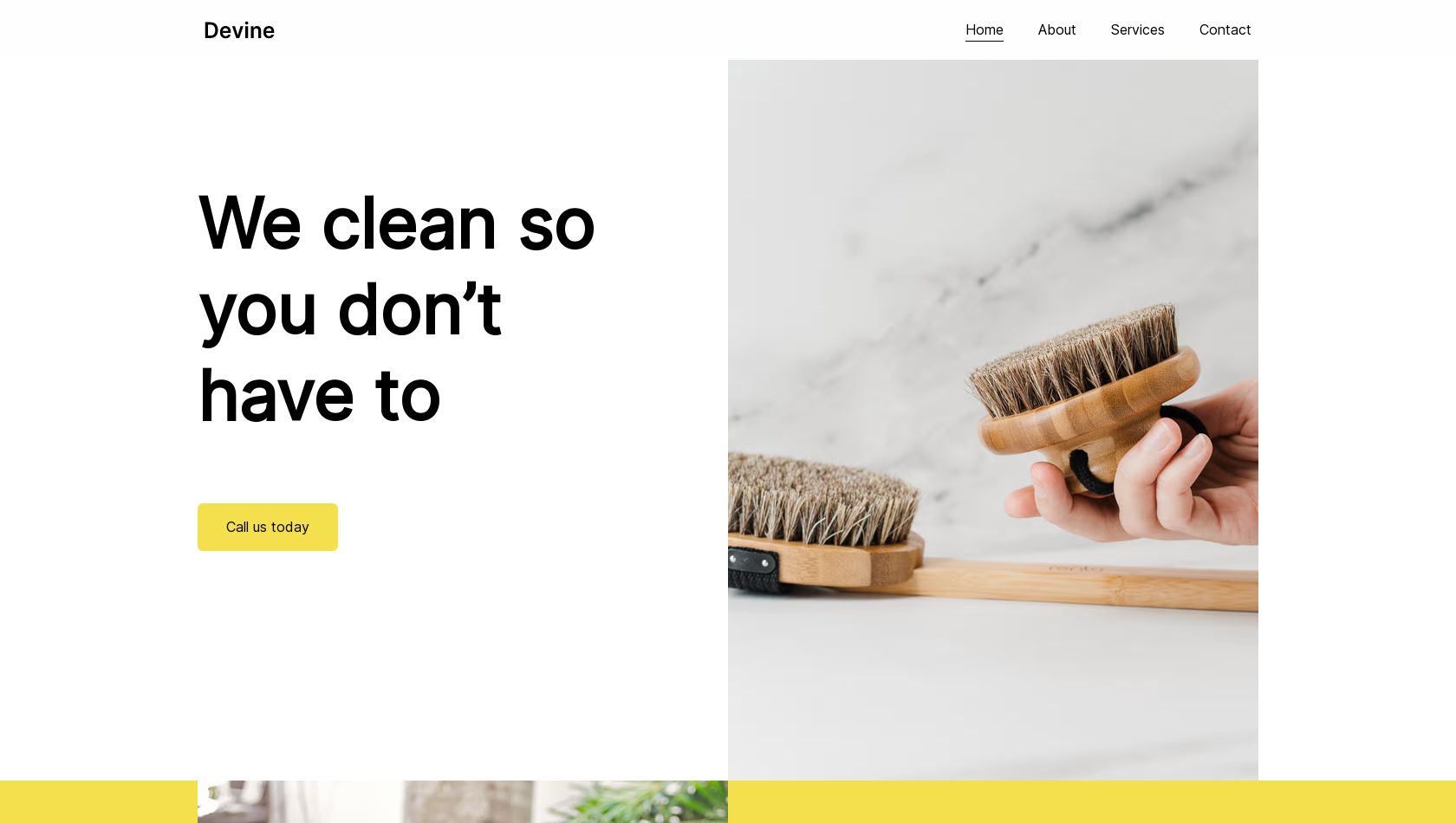

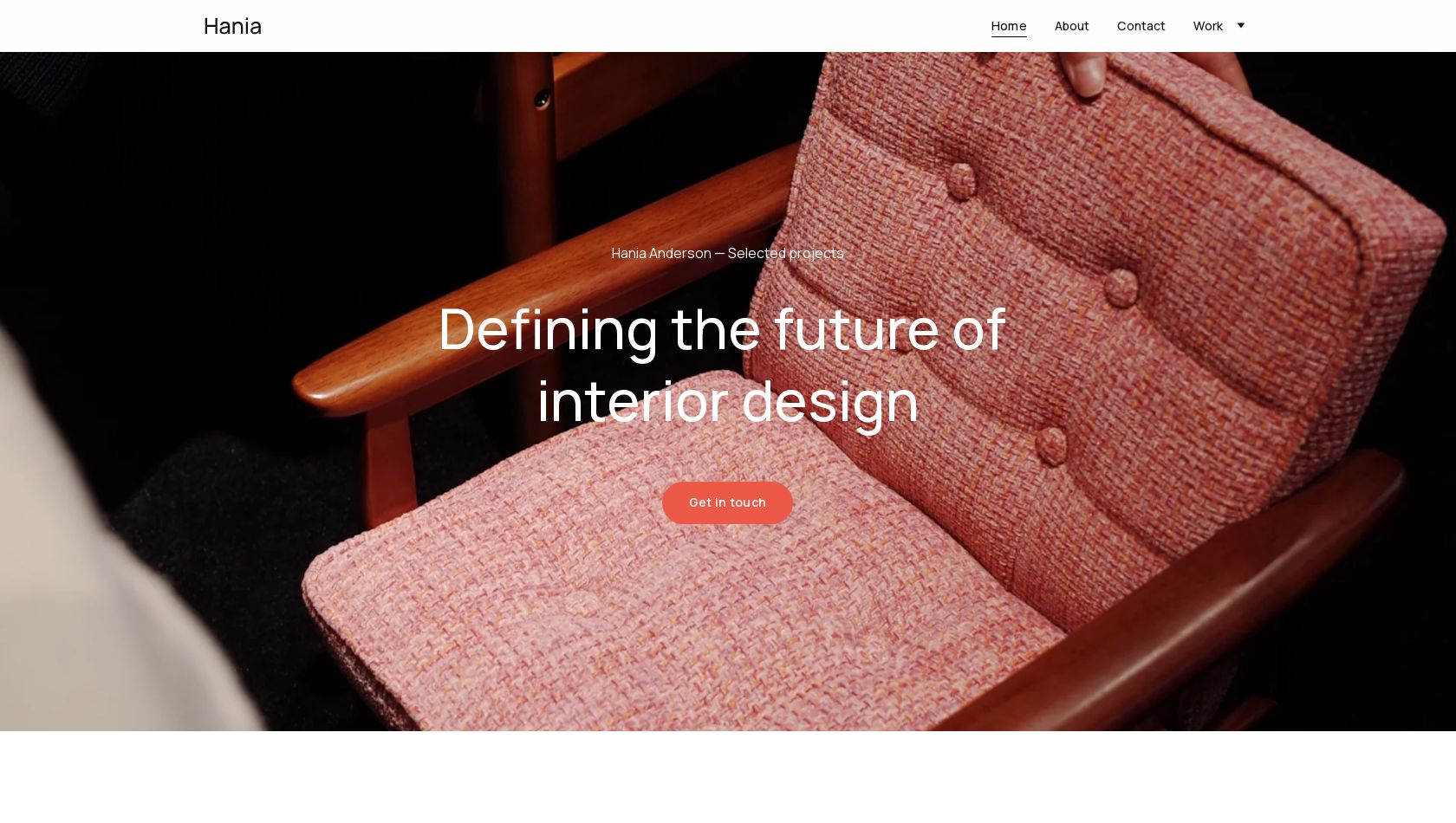
Website templates FAQs
What is a website template?
A website template, or website theme, is a pre-designed layout for a website that includes ready-made structure, design elements, and sample content. It acts as a starting point that you can customize with your own text, images, branding, and features to create a complete website quickly.
Hostinger website templates typically include:
- Page layouts (homepage, about, contact, etc.)
- Design elements like fonts, colors, and sections
- Navigation structure
- Responsive design so the site works on mobile and desktop.
Using a template means you don’t need to design or code a website from scratch. Instead, you select a template that fits your needs and modify it to match your brand or project.
What are the different types of website templates?
Hostinger website templates are designed for a variety of purposes and industries. Depending on the niche, the designs range from clean and minimalistic to vibrant and bold.
Some of the most popular template categories include ecommerce, portfolio, business, resume, blog, marketing, and fashion. There is also a selection of blank templates if you already have a specific vision you want to bring to life.
How do I choose a template for my website?
Start by thinking about what you want to achieve with your website. Depending on your goals, you may need different types of websites. For example, you might use:
- a business website template for a company site
- a portfolio template to showcase your work
- an ecommerce template to sell products online.
Once you’ve identified the type of site you need, consider the following:
- Required features and functionality. For example, ecommerce sites need product pages and checkout options, while influencers or creators may prefer blog-style layouts to share stories and photos.
- Layout and design style. Choose a layout that suits your content, such as a minimalist design for portfolios or a more dynamic layout for businesses.
- Brand alignment. The template’s look and feel should be close to your brand’s style so it can be easily customized to match your identity.
What makes a good web design template?
While there’s no definitive answer, good web design templates should be fully mobile-responsive, made using HTML5, and follow modern design principles and trends.
On top of that, a good website layout template should serve multiple purposes. For example, a one-page website design should be easy to transform into an online store by adding ecommerce functionality and extra pages.
How do I create a website using a template?
Simply choose the website design you like – you can preview it before you start editing.
We offer two types of templates, depending on how you’d like to edit them.
Manual templates. Use a traditional drag-and-drop editor to change fonts, adjust colors, and update images and text manually. AI tools, such as AI Writer, are also available to help speed things up.
Agentic templates. Follow a vibe coding approach – update text and images directly, and adjust fonts or color schemes by describing the changes to an AI agent, which will apply them for you.
Both approaches are beginner-friendly and make it easy to apply changes quickly – so simply choose the template that suits you best.
Once you’re happy with how your website looks, click Publish, and it will go live immediately.
Are Hostinger website templates free?
You can start building your project using any Hostinger template for free, with no credit card required. However, you’ll need to upgrade to a paid plan when you’re ready to publish your project online.
Plans start at ₹149/mo no matter what template you’re building with.
Hostinger plans already include hosting and a custom domain name, so you won’t need to pay extra or use third-party services.
Can I add more pages to my chosen theme?
Absolutely – think of web design templates as creative examples of how a website could look. You can customize them freely and add new pages or sections whenever you need while editing your project.
Do I need coding skills to use a template?
No. Hostinger website design templates are built to be easy to customize without coding. You can edit layouts, text, images, and other elements while building your project, allowing you to create a professional website without technical skills.
Are Hostinger website templates good for SEO?
Yes, all Hostinger template websites are optimized for search engines. Whether you’re creating a landing page, portfolio, or an online store, your website will benefit from fast loading speeds, a logical structure, and built-in on-page SEO features.
Are website templates mobile-friendly?
All of Hostinger’s templates for websites are fully mobile-responsive. This means that no matter what device your audience is using, your website will look pixel-perfect at all times.
Can I make changes to my website after I’ve published it?
Of course. Even the best websites benefit from regular updates. From time to time, you may want to create new pages, update existing content, or add new functionality as your website grows. Your contact details might change, or your project may evolve into a full ecommerce business. Whenever needed, simply return to your project, make the updates, and publish the changes.
Can I change the code of my website?
Depending on the editor you use, the level of access to your website’s code may vary.
With Manual mode, you can’t directly edit the source code of a template-based site, but you can add custom code snippets to your pages. This allows you to extend your website with additional functionality, such as widgets, infographics, interactive maps, forms, animations, and more.
With Agentic mode, you have full access to your project’s code, giving you greater flexibility and making it a good option for more advanced users who want deeper customization.