To create a game with Hostinger AI Builder, describe your game idea in agentic mode, and AI Builder builds a game instead of a website. Hostinger AI Builder recognizes when your description asks for a game and switches from website building to game development. You can describe a game from scratch in any of 15 genres or start from a ready-made game template.
Before you start
- Confirm your hosting plan meets the hosting requirements for Hostinger AI Builder.
- Building in agentic mode uses AI credits.
Create a game with Hostinger AI Builder agentic mode
Describe your game in agentic mode, and Hostinger AI Builder builds it from your description.
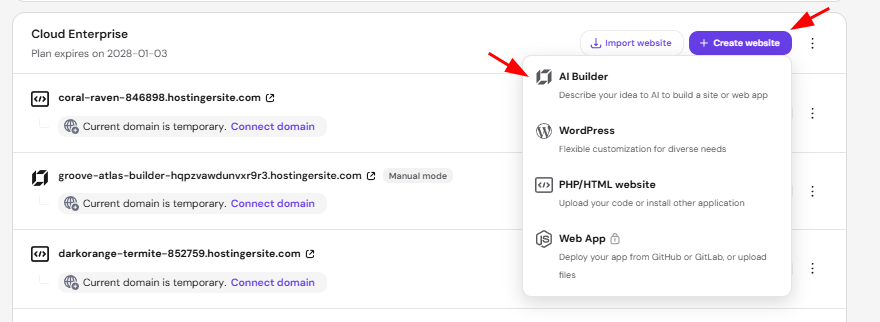
- Go to the Websites section of the Hostinger dashboard.
- Click Create website in the hosting plan you want to use, then choose AI Builder.
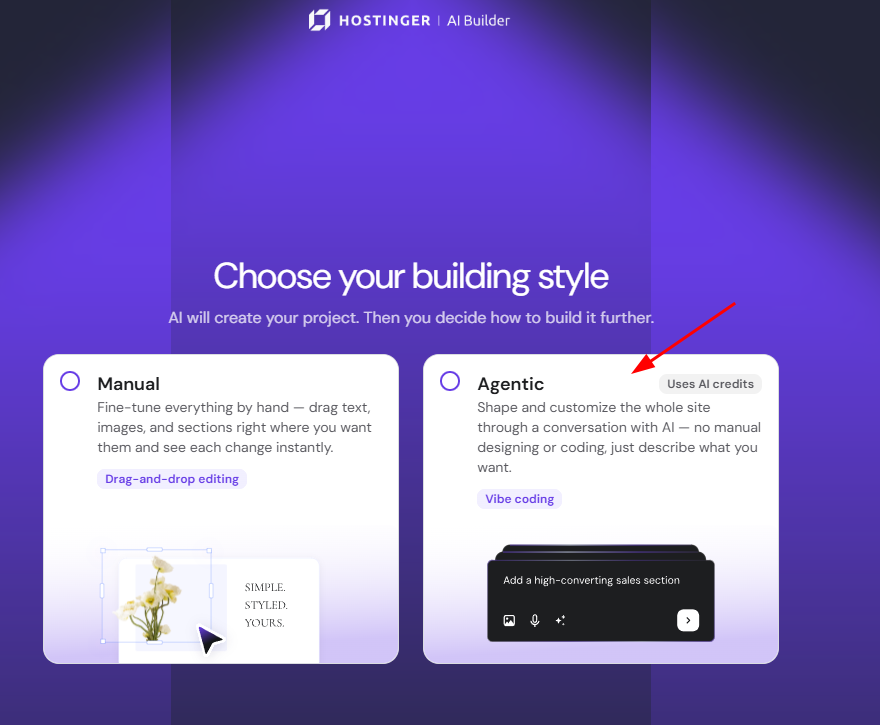
- Select Agentic.
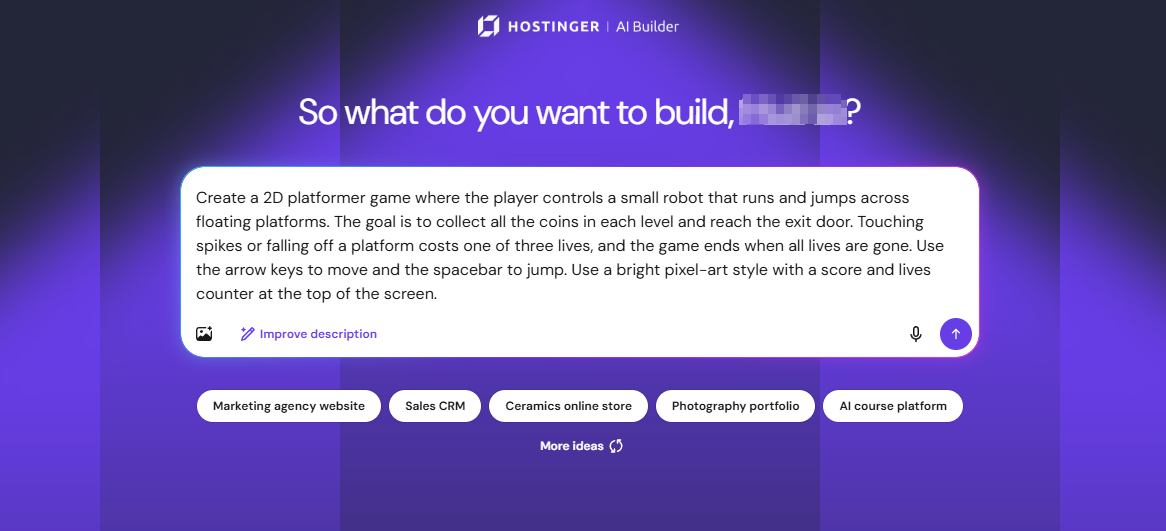
- Describe your game, including its genre and main rules. For example: “Create a 2D platformer game where the player controls a small robot that runs and jumps across floating platforms. The goal is to collect all the coins in each level and reach the exit door. Touching spikes or falling off a platform costs one of three lives, and the game ends when all lives are gone. Use the arrow keys to move and the spacebar to jump. Use a bright pixel-art style with a score and lives counter at the top of the screen.”
- Review the game, then describe any changes in the same chat.
Game genres in Hostinger AI Builder
Hostinger AI Builder has built-in references for 15 game genres: arcade, platformer, puzzle, shooter, racing, role-playing game (RPG) and adventure, strategy, simulation and idle, sports, fighting, rhythm, word and trivia, tabletop, educational, and persistent online worlds. Name the genre in your description so AI Builder builds the type of game you have in mind.
Start from a Hostinger AI Builder game template
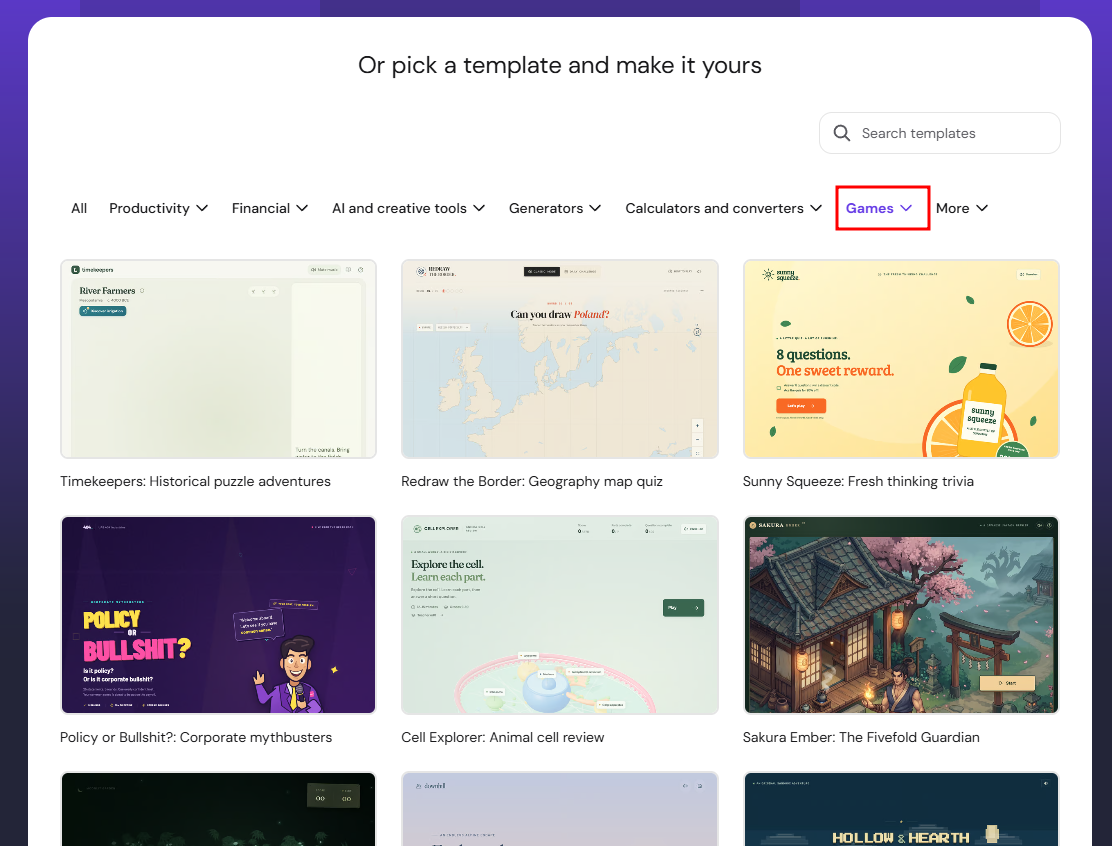
Start from a ready-made game template if you want to customize an existing game instead of describing one from scratch. You can customize a game template by chatting with AI or by making visual edits. Browse the Hostinger game templates, or see Hostinger AI Builder: How to select templates in agentic mode to pick a template inside AI Builder.
Your game is built in Hostinger AI Builder, and you can keep refining it by describing changes in the chat.