Change the background of a section on your Hostinger AI Builder manual mode website, using a color, gradient, or image.
Change the section background
Within the builder, click on the section you want to edit and select Edit section:
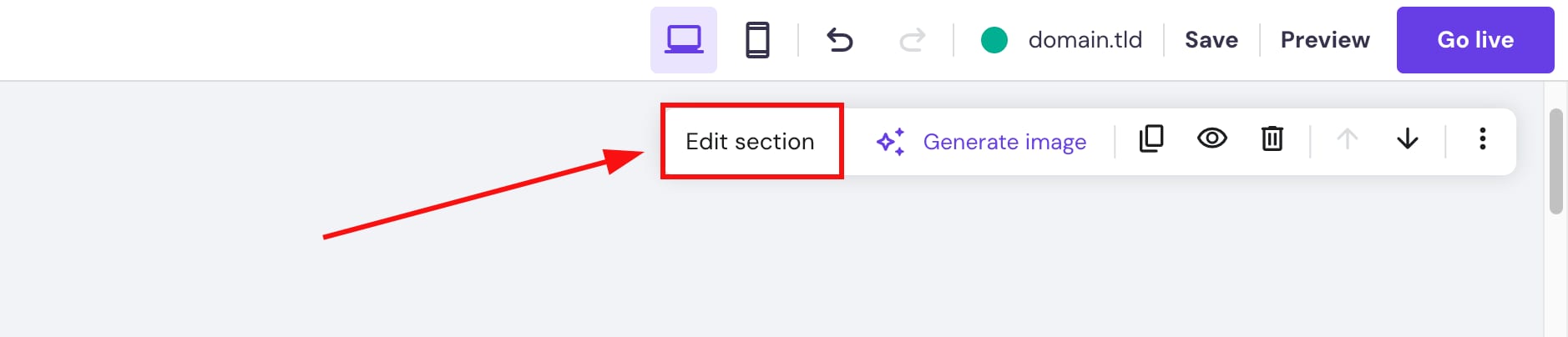
If you wish to use an image background, you may also click on Generate image right away
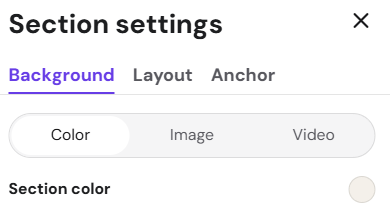
Choose between color, image, or video:
|
Color background |
Image background |
Video background |
|
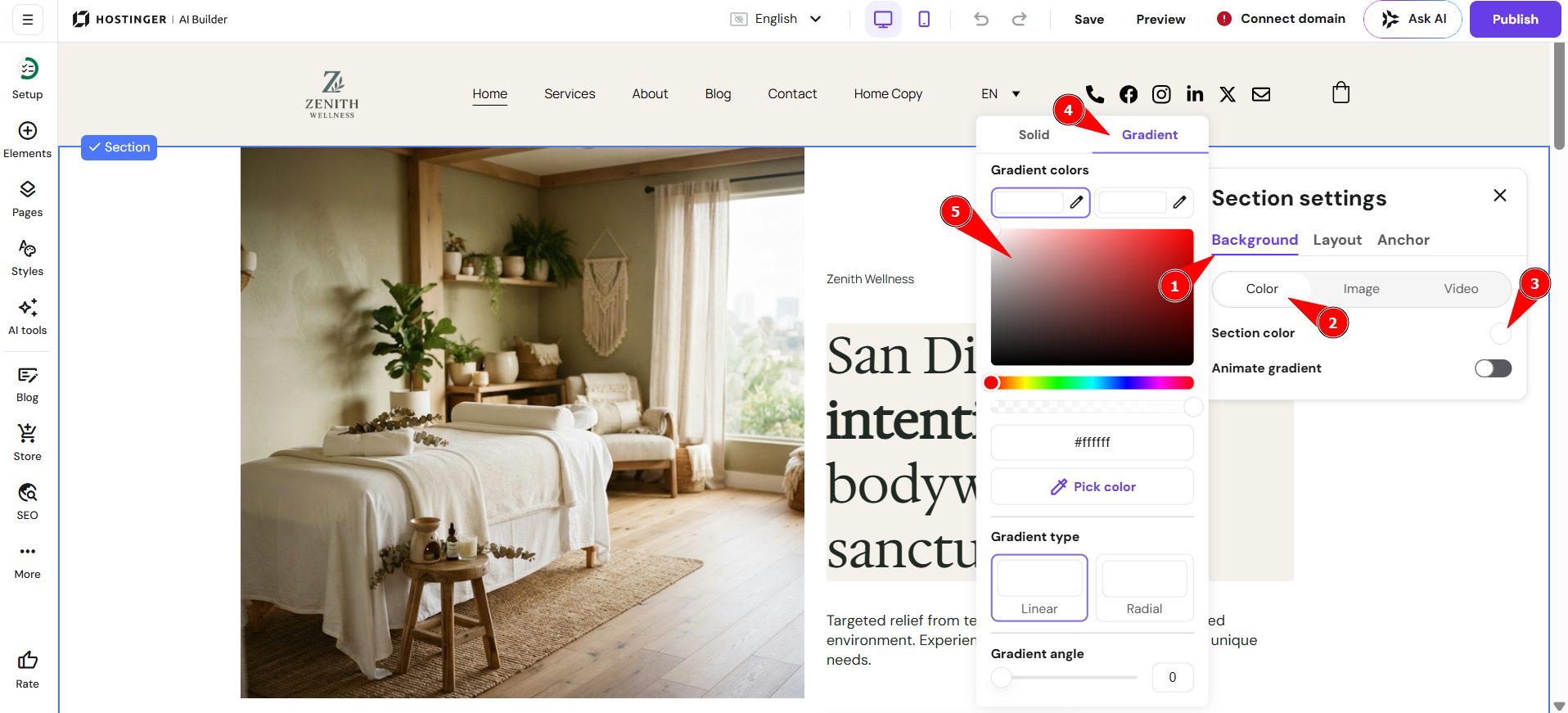
Click on the color bubble and set any color you like. You can also set a gradient background color. Two gradient types are available:
|
Click on Add image or Replace image and select an image from the media library, upload your own image, or browse the free image gallery After setting a background image, you can also:
|
Click on Replace video and select a video from the media library or upload your own After setting a background video, you can also:
|
With background color, you can also configure it to be gradient as shown below:
It is not recommended to use GIFs for a section background because they may affect your website speed.
If you want to add video background to sections, you would need to add videos in GIF format inside your editor.
Your section background is now set up with the color, gradient, image, or video style you prefer.