Generate images using AI directly in Hostinger AI Builder manual mode, from section settings or image element settings.
Using AI Image Generator
Access AI Builder, then you can find tools for image generation in the section settings:

Or image element settings:
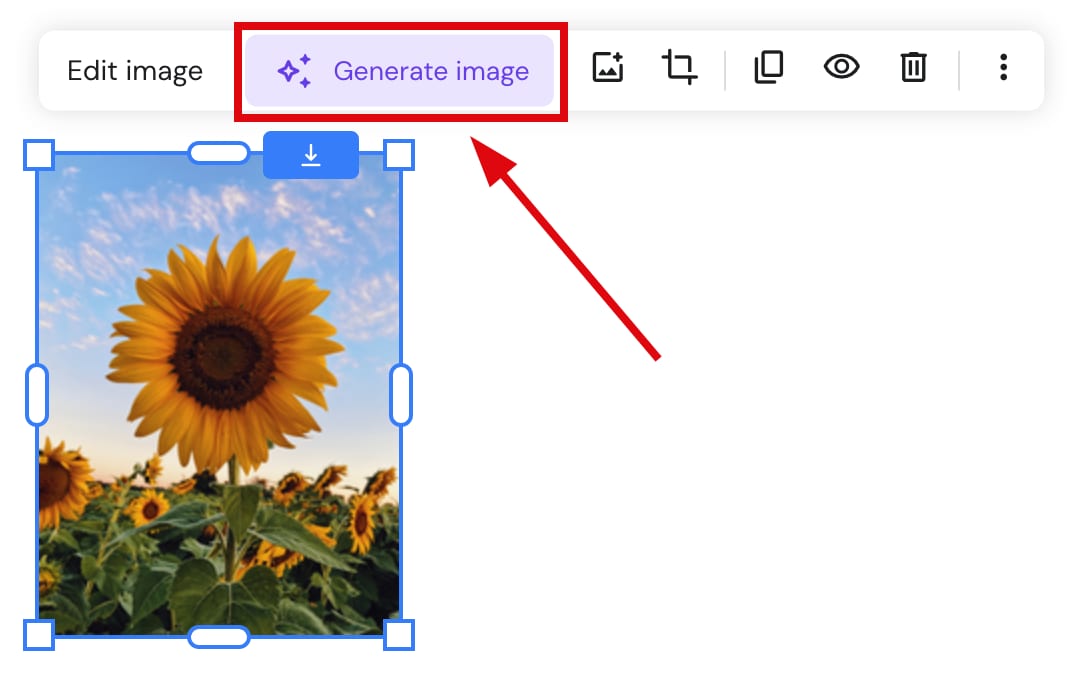
To use the tool:
-
Click on Generate image
-
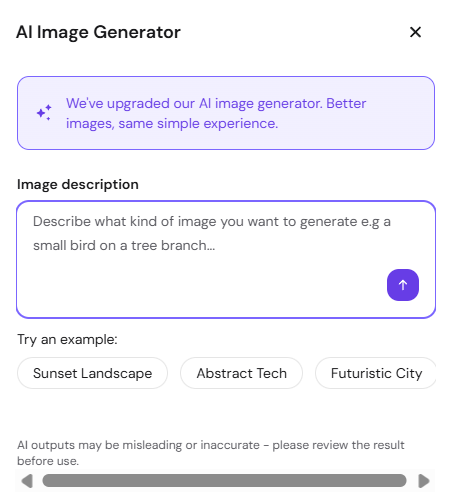
Describe the visual you want AI to generate for you
-
Select the desired image style and click Generate image.:

- A single image is generated based on your prompt. If the result doesn’t match your vision, click Edit description to adjust your prompt and regenerate.

- Click Use this image to insert it into your site. Generated images are saved to and accessible from the media library.
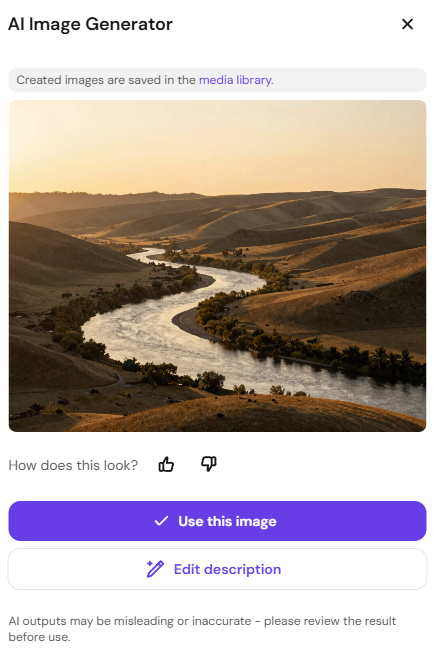
The generator produces one image per request. Regenerating with the same prompt may produce similar results — refine your prompt for different outputs.