Add a PayPal payment button to your Hostinger AI Builder manual mode website using the embed code element. PayPal’s payment buttons let customers pay with PayPal, PayPal Credit, Venmo, and major credit or debit cards.
Alternatively, you may enable PayPal in your store settings this way: How to Enable Online Payments with PayPal
Add a PayPal button
- Create a PayPal button by following this guide. Once you’ve done that, copy the integration code of your PayPal button.
- Then, at Hostinger, open the editor of your builder-based website and add an embed code element to the preferred place of your site. Click on the element, select Enter code, and paste the code of your PayPal button:

- Finally, update your website.
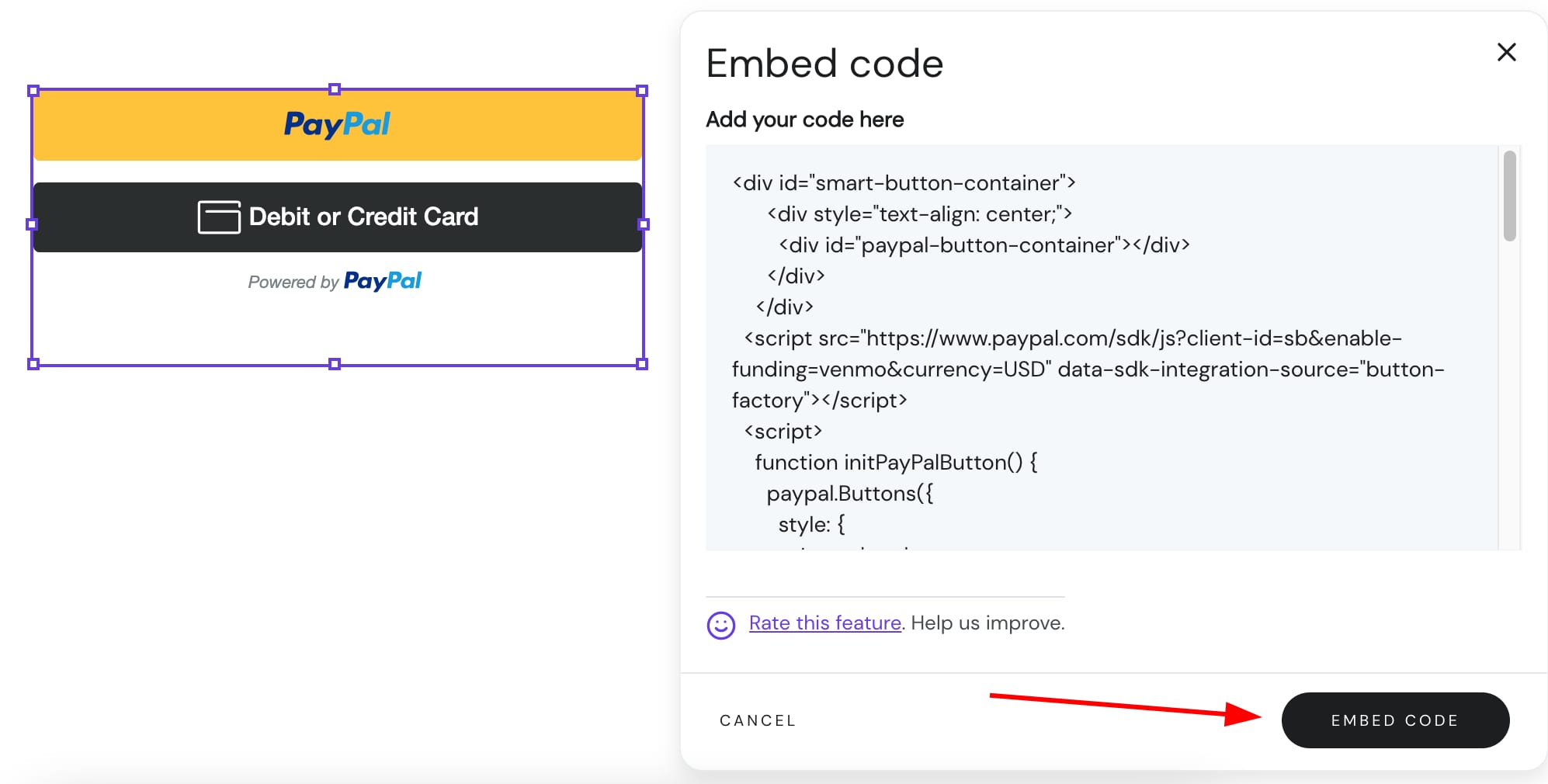
Your PayPal button is now live on your website.