17 casual business email examples for common workplace situations
Oct 02, 2026
/
By Alma
/
16 min Read

These 17 casual business email examples show how to make everyday workplace messages sound warmer without making them vague, overly familiar, or difficult to act on.
A casual business email uses first names, contractions, and direct wording. It still explains why you’re writing, what you need, and when you need it. “Could you send the revised figures by Thursday?” sounds natural while giving the recipient a clear task and deadline.
A casual business tone works well for routine requests, project updates, meeting notes, introductions, appreciation, and follow-ups. Legal, HR, financial, and other sensitive messages require a more formal structure, as their wording may become part of an official record.
How casual you should sound depends on the relationship with the recipient. A close colleague might receive a quick “Hi Sam,” while a new client or senior external contact needs more context and a more measured opening.
The purpose of the email shapes the wording as well. A project check-in needs a clear question and deadline, while a thank-you email should focus on the specific help someone provided. Choose the email type that matches what you need to say.
If you need to… | Use this email |
Introduce yourself to a new colleague | Self-introduction email |
Share an article, report, or tool | Resource-sharing email |
Thank someone for their help | Thank-you email |
Celebrate a colleague’s achievement | Congratulations email |
Connect two people | Contact introduction email |
Reconnect with someone you know | Reconnection email |
Ask for a project update | Project check-in email |
Ask for a quick favor | Request email |
Schedule or move a meeting | Scheduling or rescheduling email |
Ask someone to review your work | Feedback request email |
Summarize a meeting | Post-meeting follow-up email |
Remind someone about an unanswered message | Delayed-reply follow-up email |
Share progress with a team | Team update email |
Invite colleagues to an event | Team event invitation |
Apologize for the mistake | Apology email |
Turn down a request or invitation | Polite decline email |
Explain a delay or setback | Bad-news email |
Starting and strengthening workplace relationships
These casual business emails help you introduce yourself, recognize someone’s work, or restart a professional relationship without sounding rehearsed.
1. Introducing yourself to a new colleague
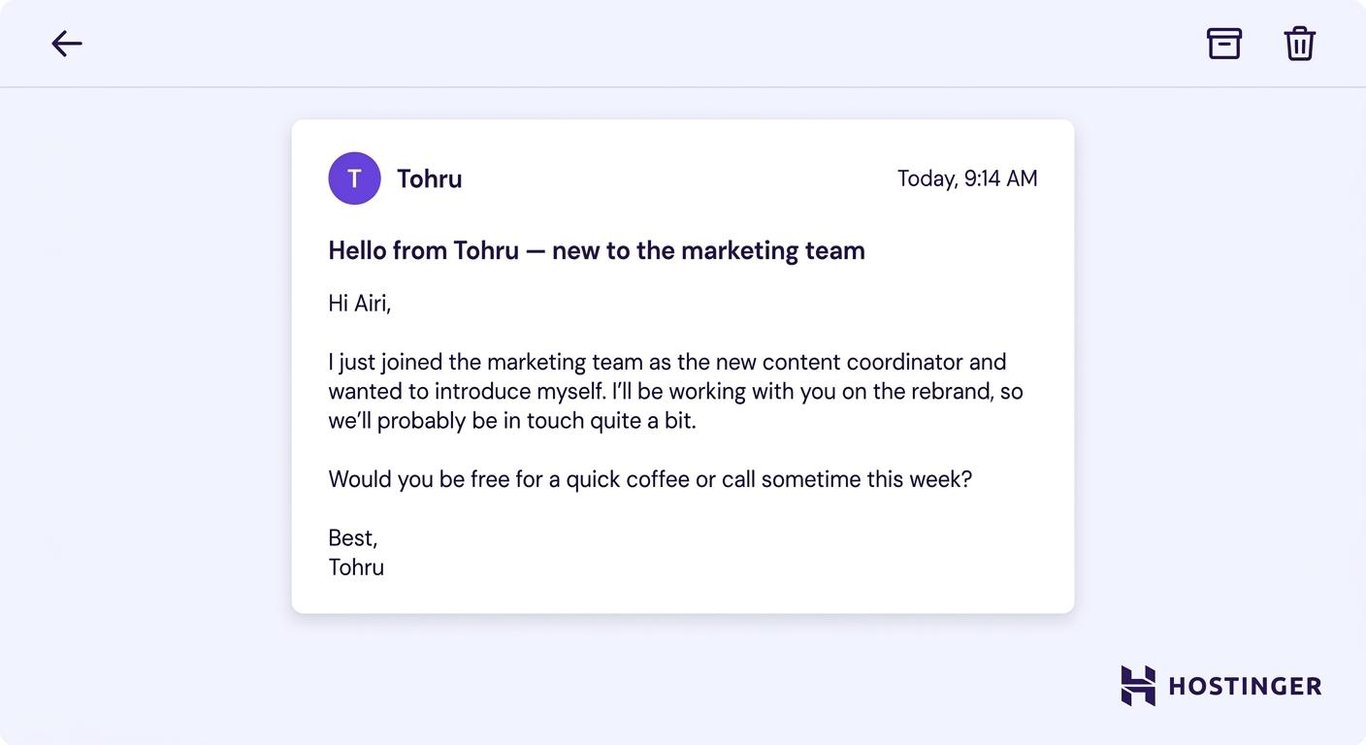
A self-introduction email should explain who you are, how your work connects, and why you’re reaching out.
- Casual business – “Hi Airi, I just joined the marketing team and wanted to say hello. I’ll be working with you on the rebrand, so it’d be great to have a quick chat this week.”
- Too formal – “Hello Airi, I recently joined the marketing team as the new content coordinator. Would you be available for a short introductory call this week?”
The casual version uses a first name, a contraction, and a shared project. It still gives Airi enough context to understand who the sender is and why a conversation would be useful.
Use “Hi” or “Hello” when you haven’t met the person before. “Hey,” suits colleagues you already know and would greet that way in person.
When contacting a senior external person or someone in a more traditional workplace, explore templates for more formal workplace messages before deciding how casual to sound.
Here is a self-introduction email template you can use:
Subject – Hello from [your name] — new to the [team]
Hi [first name],
I just joined the [team or department] as [role] and wanted to introduce myself. I’ll be working on [shared project or responsibility], so we’ll probably be in touch quite a bit.
Would you be free for a quick coffee or call sometime this week?
Best,
[Your name]
2. Sharing a useful resource
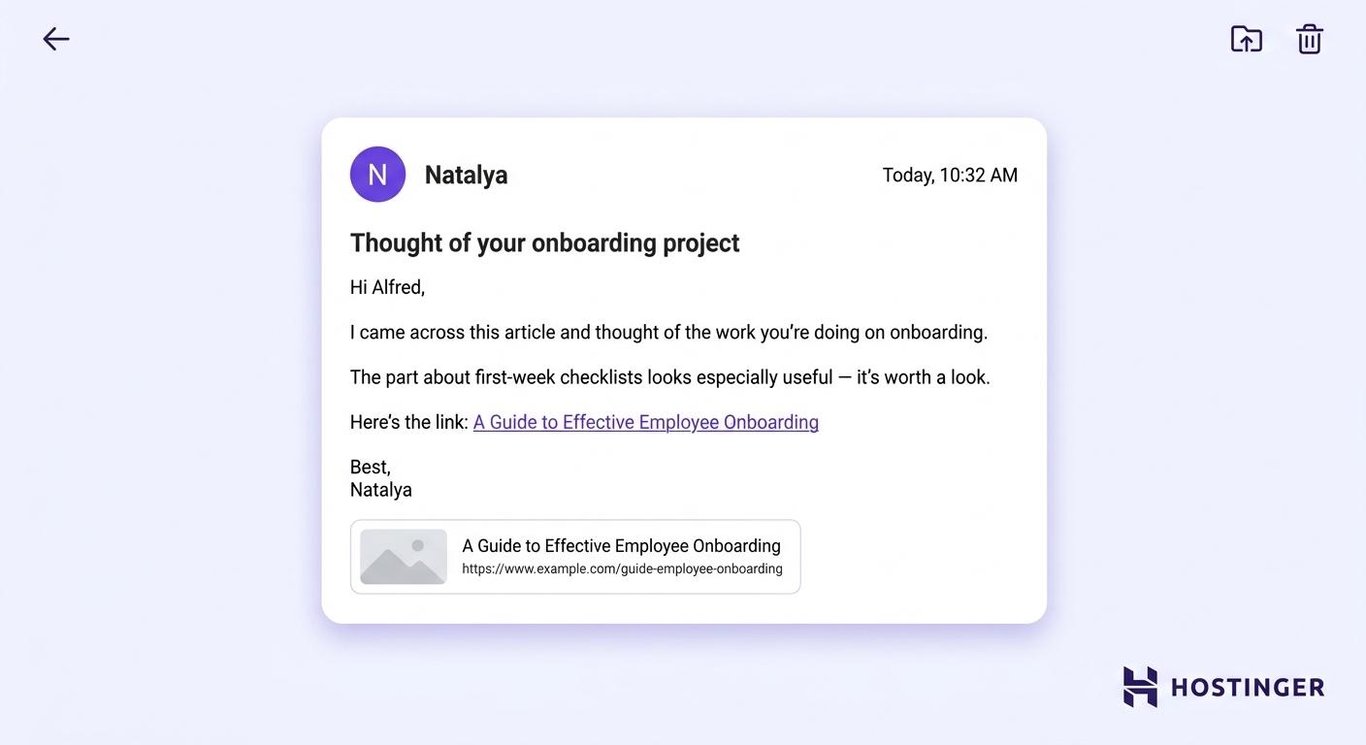
A resource-sharing email should explain what you’re sending and why it matters to their current work.
- Casual business – “Hi Alfred, saw this and thought of your onboarding project. The first-week checklist is especially useful, so it’s worth a look.”
- Too formal – “Hello Alfred, I came across an article about employee onboarding that may be relevant to your current project. The section on first-week planning may be particularly useful.”
The casual version removes unnecessary setup and points directly to the part worth reading.
Don’t send a bare link with “Thought you might like this.” Tell the recipient what to look at and how it connects to their work.
Send the resource only to people who’ll benefit from it. A useful one-to-one message can become inbox noise when copied to an entire team.
Here is an example of resource-sharing email template:
Subject – Thought of your [project or task]
Hi [first name],
I came across this [article, report, or tool] and thought of the work you’re doing on [project].
The part about [specific topic] looks especially useful for [reason].
Here’s the link: [link]
Best,
[Your name]
3. Saying thank you
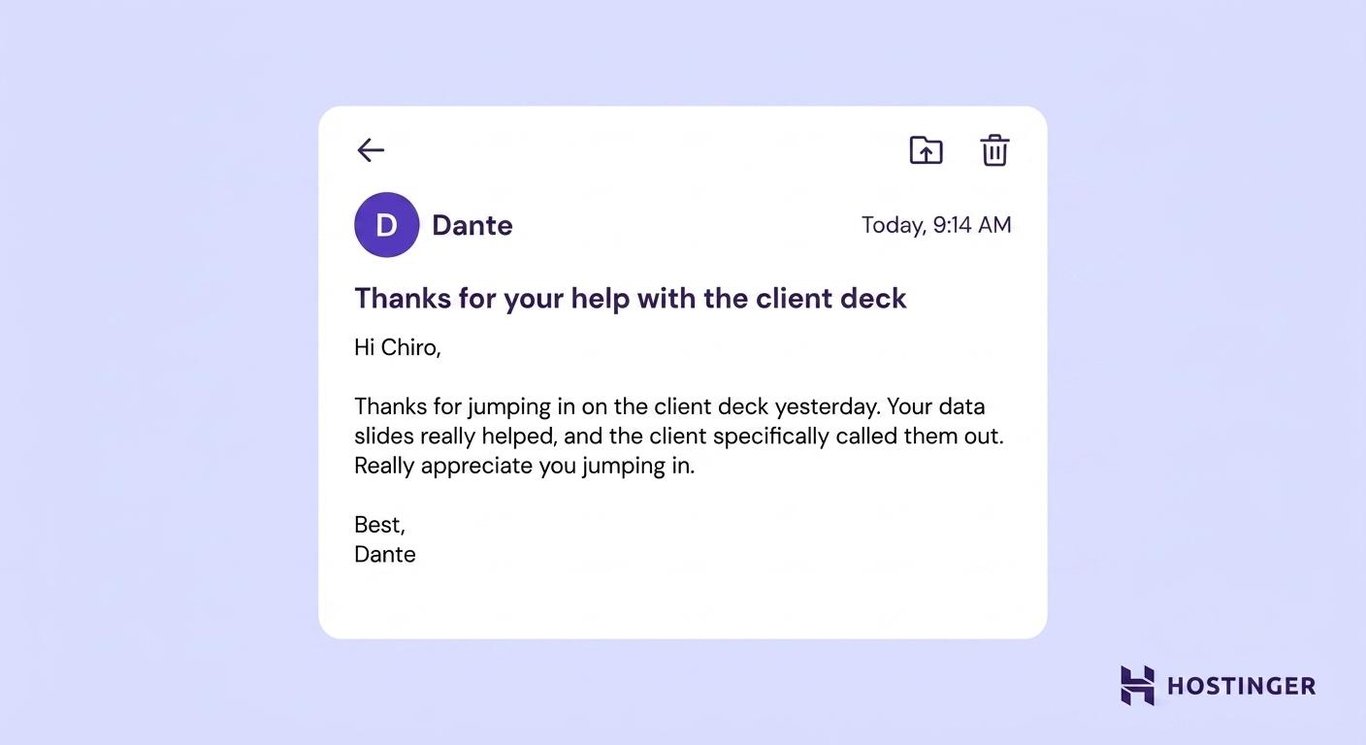
A thank-you email feels more genuine when it names what the person did and the result it helped produce.
- Casual business – “Hi Chiro, thanks for jumping in on the client deck yesterday. Your data slides really helped, and the client specifically called them out.”
- Too formal – “Hello Chiro, thank you for your assistance with yesterday’s client presentation. Your contribution to the data slides strengthened the final deck.”
The casual version sounds personal because the praise is connected to a specific action and outcome. Avoid generic praise such as “Thanks for everything” or “Your contribution was invaluable.” One concrete detail makes the message more believable.
For a major contribution, consider copying the person’s manager or recognizing them through your team’s usual channel.
You can use this thank-you email template for your needs:
Subject – Thanks for your help with [task]
Hi [first name],
Thanks for helping with [specific task]. Your work on [specific part] made it much easier to [result].
Really appreciate you jumping in.
Best,
[Your name]
4. Congratulating a colleague
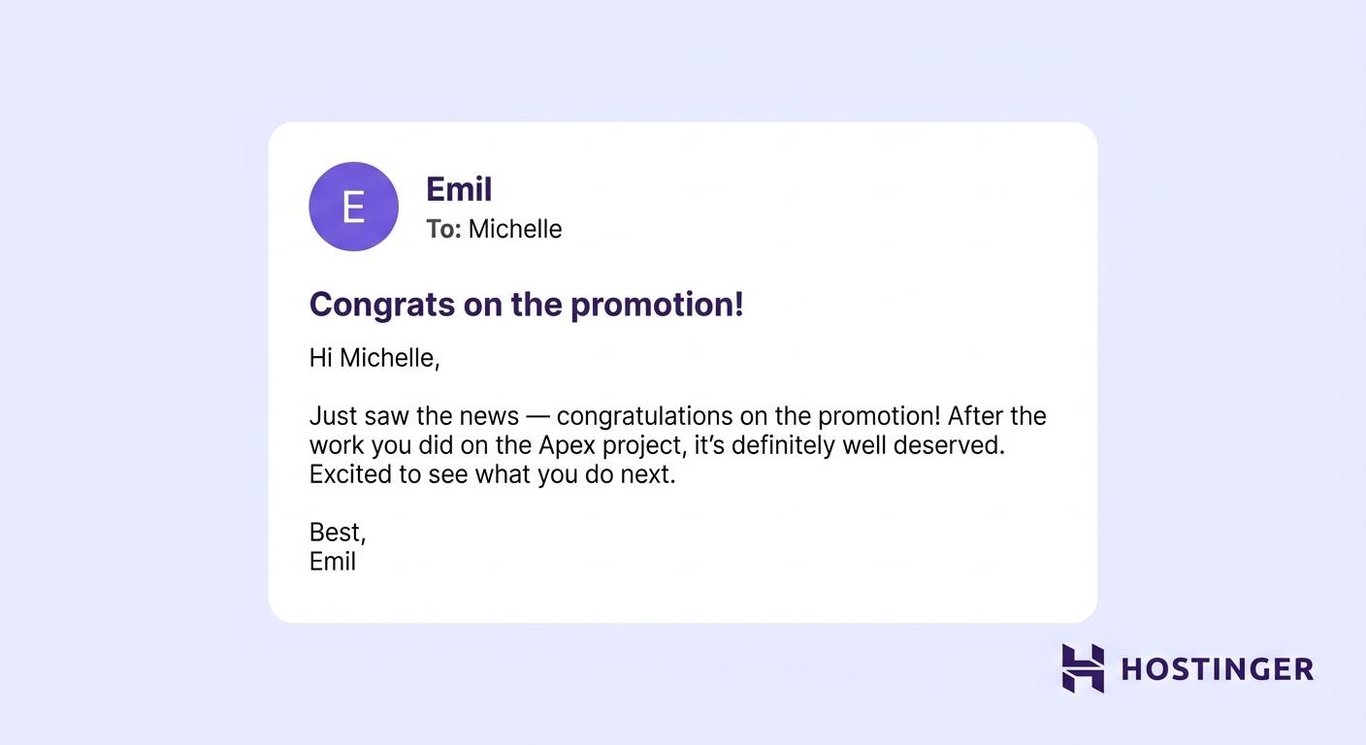
A congratulations email should name the achievement and include one detail that shows you understand why it matters.
- Casual business – “Hi Michelle, just saw the news — congrats on the promotion! Well deserved after the way you turned the Apex project around.”
- Too formal – “Hello Michelle, congratulations on your promotion to senior manager. Your leadership on the Apex project played an important role in this achievement.”
The casual version keeps the praise professional but sounds like it came from someone familiar with Tom’s work.
“Congrats!” on its own can feel rushed. Add one detail that shows you paid attention.
If you plan to congratulate someone publicly by copying a team, consider whether they’d be comfortable with the attention first.
Here is a usable congratulations email template:
Subject – Congrats on [achievement]!
Hi [first name],
Just saw the news — congratulations on [achievement]!
After the work you did on [specific project or result], it’s definitely well deserved.
Excited to see what you do next.
Best,
[Your name]
5. Introducing two contacts
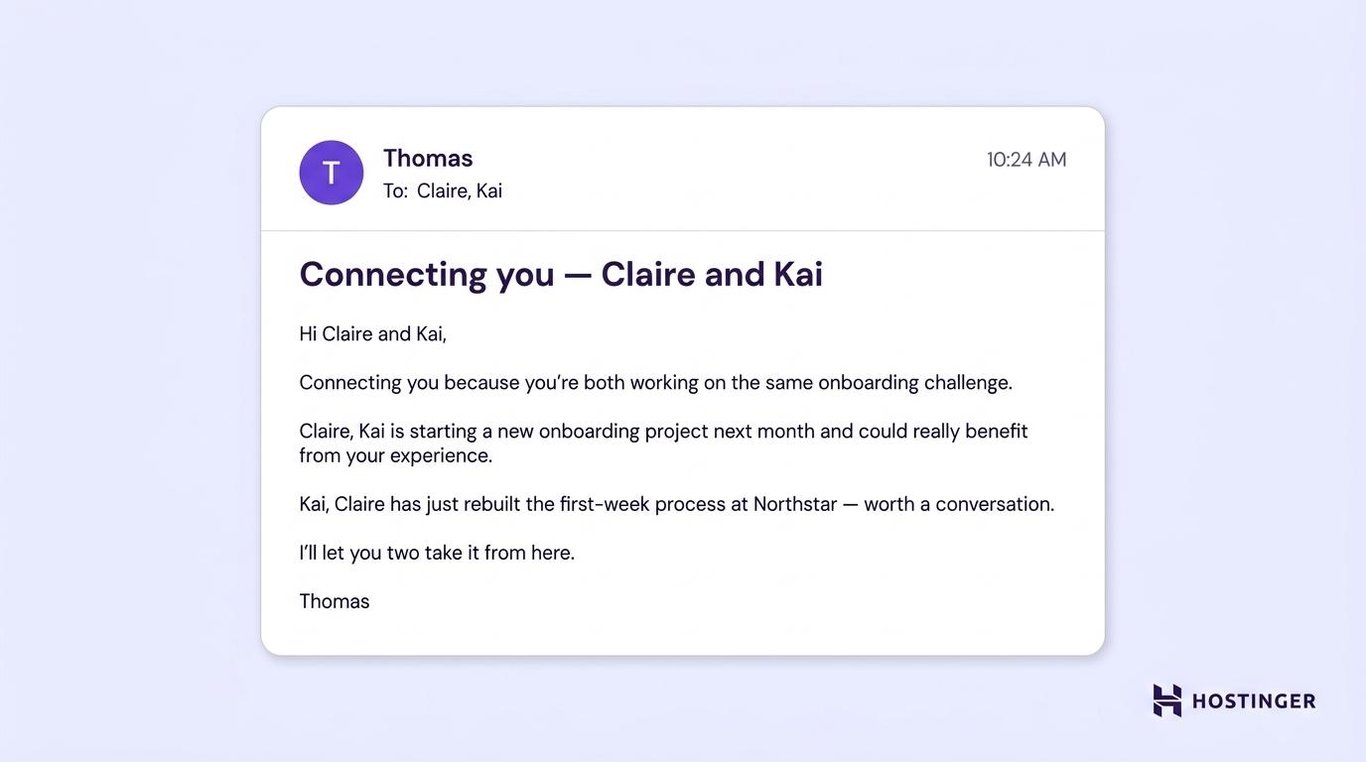
A contact introduction email should explain why the two people would benefit from knowing each other, then let them continue the conversation.
Ask each person privately before making the introduction. This double opt-in prevents either recipient from feeling pressured into a conversation they didn’t request.
- Casual business – “Hi Claire and Kai, connecting you two because you’re both working on the same onboarding challenge. Claire has just rebuilt the first-week process at Northstar, and Kai is starting a similar project next month.”
- Too formal – “Hello Claire and Kai, I’d like to introduce you because you’re both working on customer onboarding projects and may find it useful to compare approaches.”
The casual version gives each person a clear reason to reply, rather than framing the introduction as a general networking opportunity.
Don’t use broad phrases such as “There may be some synergy.” Name the project, skill, or challenge they share.
After the introduction, the recipients can remove you from later replies unless you still need to be involved.
Here is a template of a contact introduction email:
Subject – Connecting you — [name A] and [name B]
Hi [name A] and [name B],
Connecting you because you’re both working on [shared project, topic, or challenge].
[Name A], [Name B] has been [short explanation of their relevant work or experience].
[Name B], [Name A] is currently [short explanation of their relevant work or goal].
I’ll let you two take it from here.
Best,
[Your name]
6. Reconnecting with a former colleague
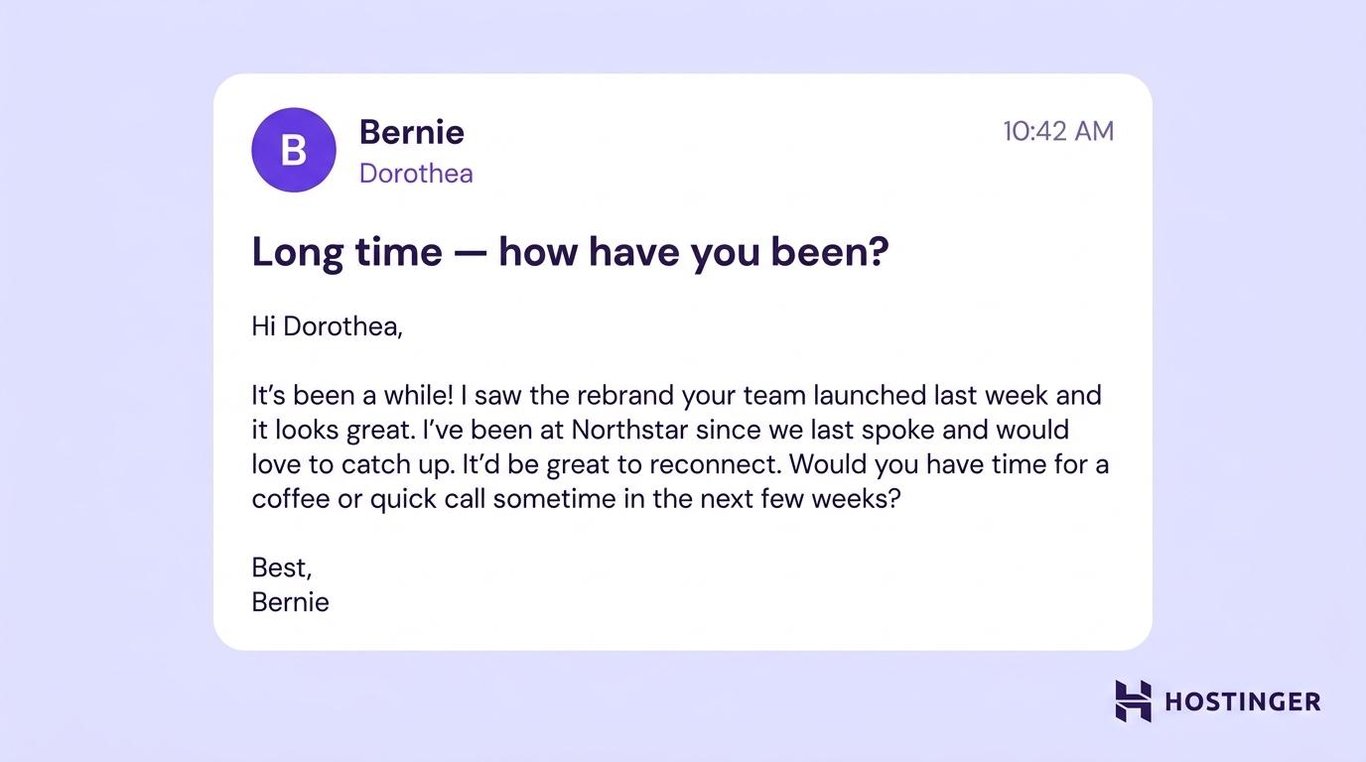
A reconnection email should show genuine interest before asking for someone’s time, advice, or help.
- Casual business – “Hi Dorothea, it’s been a while! I saw your team’s rebrand last week, and it looks great. I’ve moved to Northstar since we last spoke and would love to catch up.”
- Too formal – “Hello Dorothea, it has been some time since we last spoke. I recently saw your company’s rebrand and wanted to reconnect.”
The casual version refers to a specific aspect of Dorothea’s work and provides a brief update before suggesting a conversation.
Don’t hide a favor behind a long catch-up message. If you need something, state it honestly after re-establishing the context.
Keep the first message low-pressure. Its purpose is to reopen the conversation, not cover everything that has happened since you last spoke.
Here is a reconnection email template:
Subject – Long time — how have you been?
Hi [first name],
It’s been a while! I saw [recent project, update, or achievement] and thought of you.
I’ve been [short update about what you’ve been doing] since we last spoke.
It’d be great to catch up. Would you have time for a coffee or a quick call sometime in the next few weeks?
Best,
[Your name]
Requests, meetings, and feedback
These messages make it easy for the recipient to understand what you need, how much work it involves, and when you need it.
7. Checking in on a project
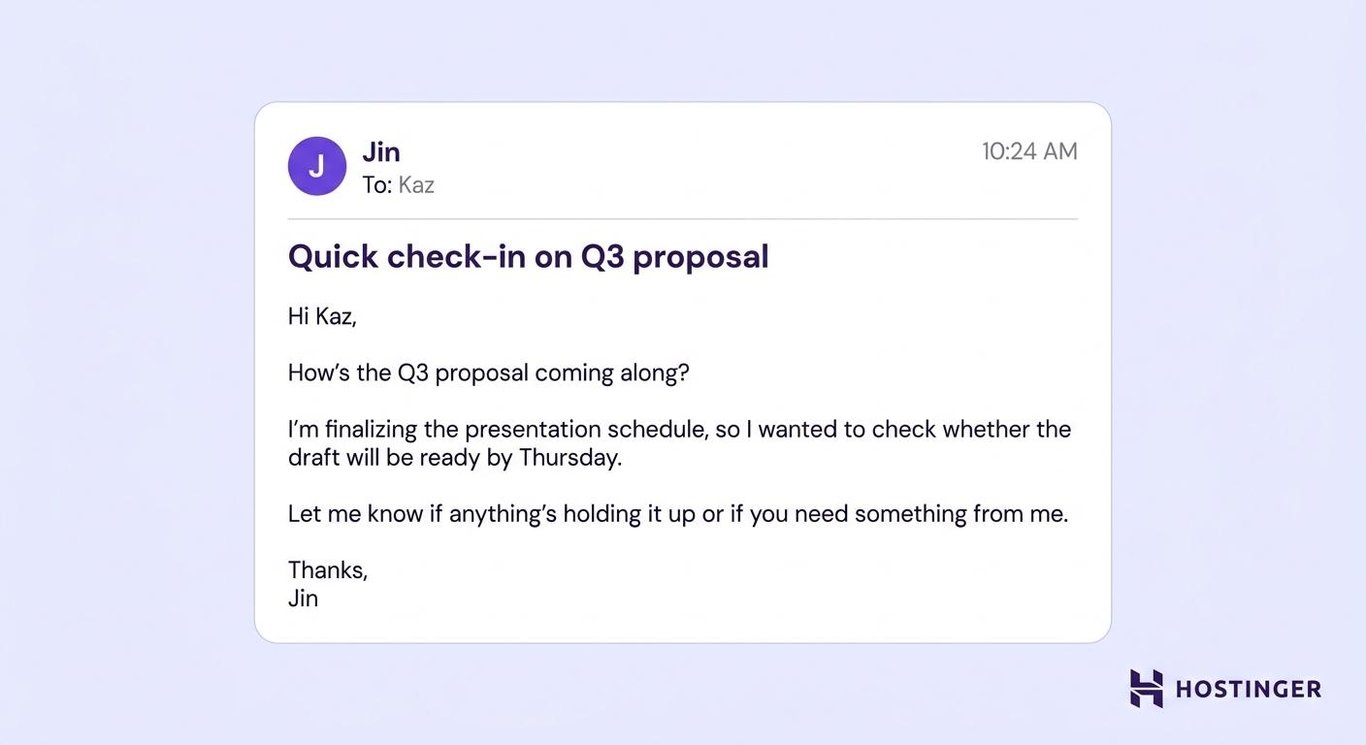
A project check-in should name the deliverable, ask one clear question, and explain why the timing matters.
- Casual business – “Hi Kaz, how’s the Q3 proposal coming along? I’m finalizing the presentation schedule and need to know whether the draft will be ready by Thursday.”
- Too formal – “Hello Kaz, could you provide an update on the Q3 proposal? I’m finalizing the presentation schedule and need to confirm whether the draft will be ready by Thursday.”
The casual version sounds more conversational without removing the deadline or the reason for asking.
Avoid sending “Just checking in” without a question. The recipient shouldn’t have to guess what information you need.
Don’t say “no rush” when a deadline exists. State the date clearly so they can plan around it.
Here is a project check-in email template:
Subject – Quick check-in on [project]
Hi [first name],
How’s [task or deliverable] coming along?
I’m working on [related task] and wanted to check whether it’ll be ready by [date or time].
Let me know if anything’s holding it up or if you need something from me.
Thanks,
[Your name]
8. Asking for a quick favor
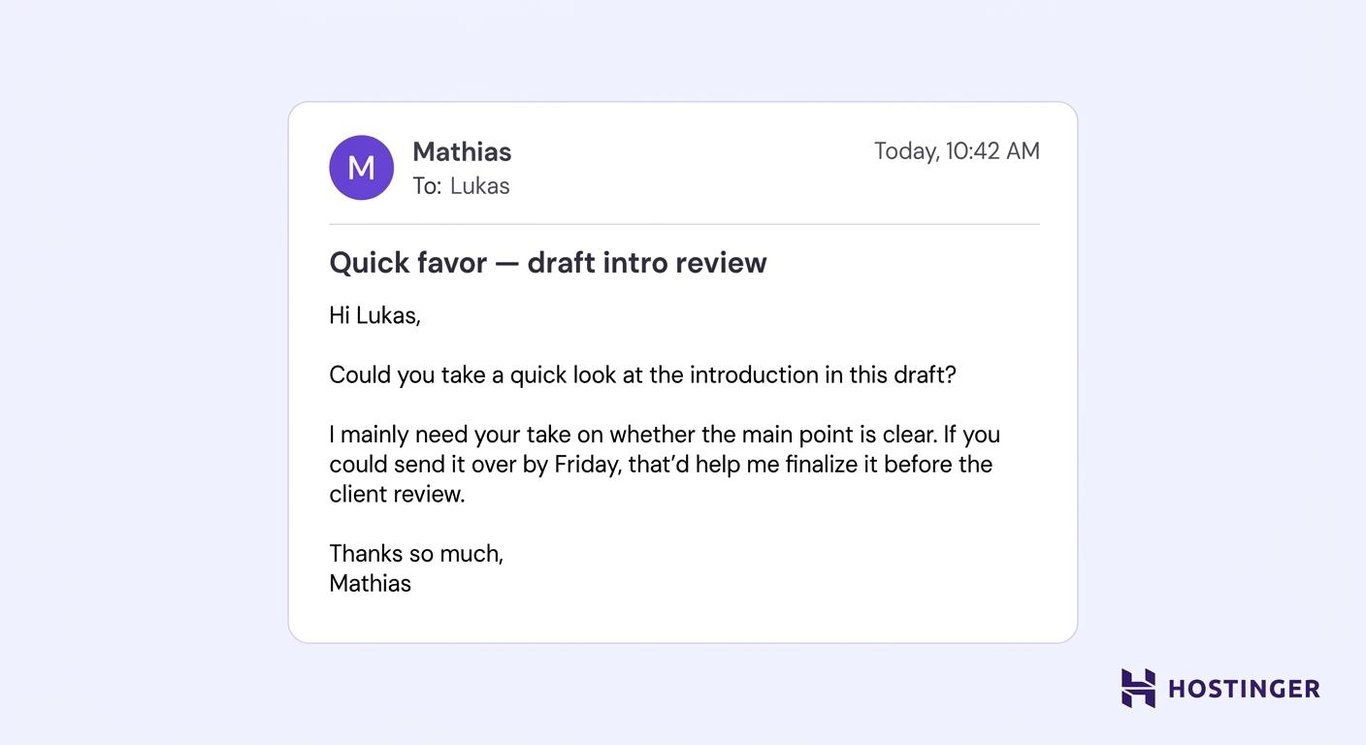
A casual request works best when the task, expected input, and deadline are clear from the start.
- Casual business – “Hi Lukas, could you take a quick look at the introduction in this draft? I’d especially like your take on whether the main point is clear. Friday would be ideal.”
- Too formal – “Hello Lukas, would you be able to review the attached document and share your comments on the introduction by Friday?”
The casual version narrows the request and makes the expected feedback easier to provide.
Only include a time estimate when you can accurately judge the work. Saying “It’ll only take five minutes” can sound dismissive if the task turns out to be larger.
A casual tone doesn’t replace basic politeness. Keep “please,” “thanks,” and a clear deadline where they belong.
Here is a quick request email template:
Subject – Quick favor — [request]
Hi [first name],
Could you help me with [specific request]?
I mainly need your input on [specific part or question]. If you could send it over by [deadline], that’d help me [reason].
Thanks so much,
[Your name]
9. Scheduling or rescheduling a meeting
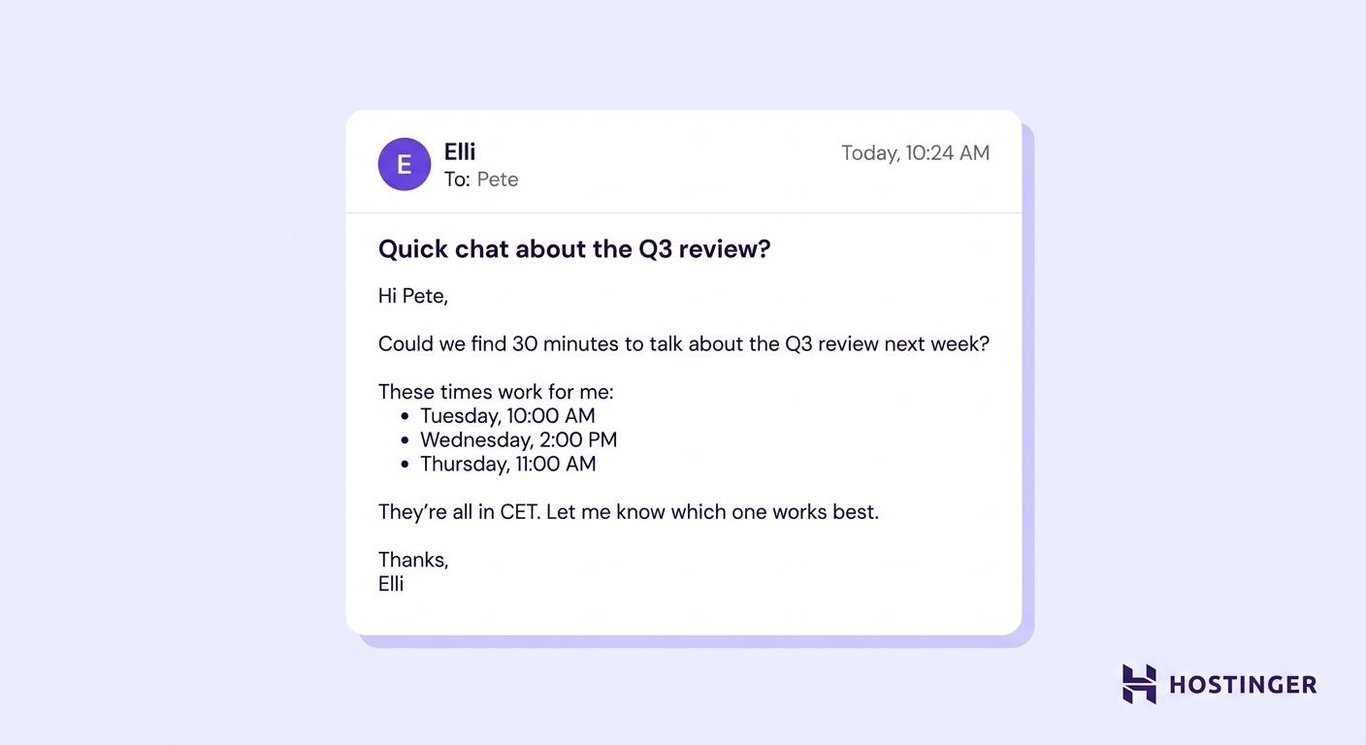
A scheduling email should offer the recipient specific options rather than starting a long exchange about availability.
- Casual business – “Hi Pete, something’s come up on Tuesday. Would Thursday at 2 p.m. work instead?”
- Too formal – “Hello Pete, I need to reschedule our meeting, currently planned for Tuesday at 2 p.m. Would you be available at the same time on Thursday?”
The casual version keeps the important details without making a routine calendar change sound more serious than it is.
Offering two or three options reduces unnecessary replies. “Sometime next week” gives the recipient too much scheduling work.
Use a neutral greeting, such as “Hi,” when working across time zones. Always include the time zone when the proposed time could be unclear.
For example, here is a template to schedule a meeting:
Subject – Quick chat about [topic]?
Hi [first name],
Could we find [length of time] to talk about [topic] next week?
These times work for me:
- [Day and time]
- [Day and time]
- [Day and time]
They’re all in [time zone]. Let me know which one works best.
Thanks,
[Your name]
On the other hand, this is a template to reschedule a meeting:
Subject – Can we move our [day] meeting?
Hi [first name],
Something’s come up at [original time]. Would either of these times work instead?
- [New day and time]
- [New day and time]
We can keep the same agenda.
Sorry for the change,
[Your name]
10. Requesting feedback
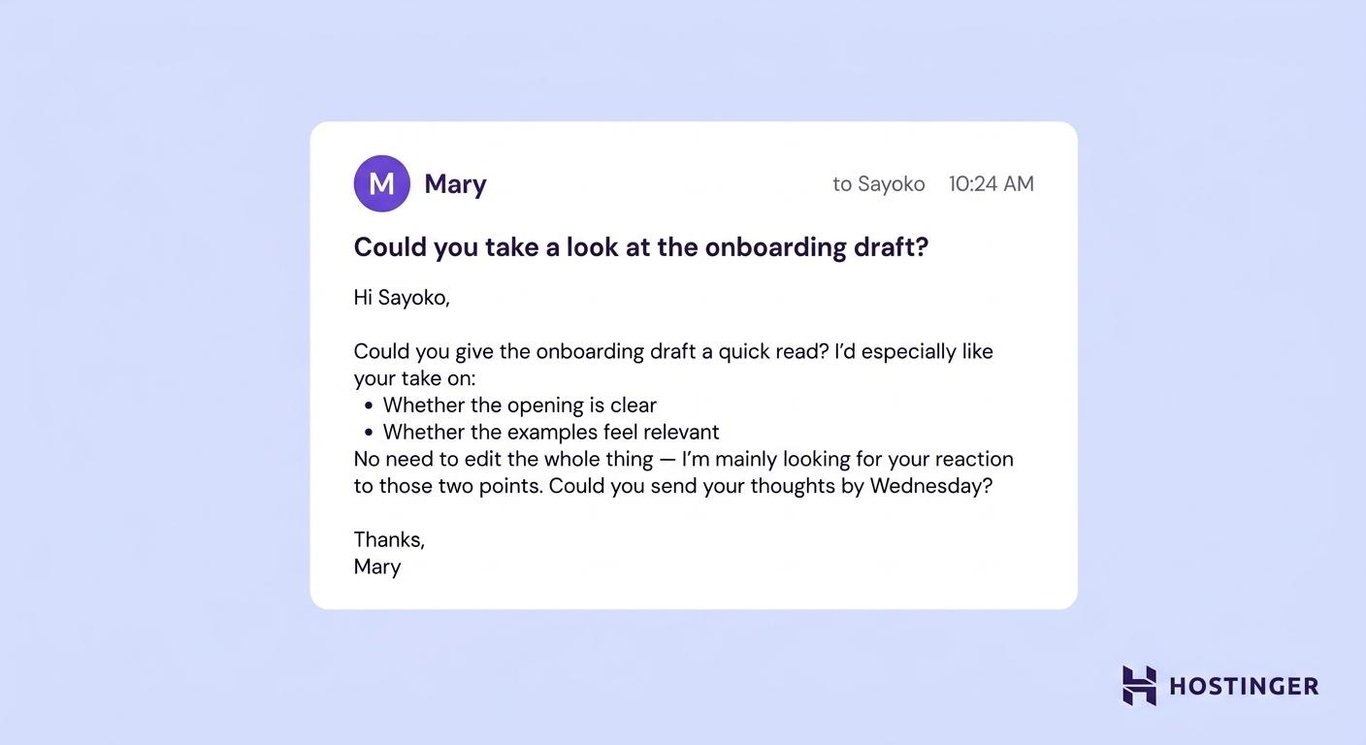
A feedback request should tell the recipient which parts to review instead of asking for broad opinions on an entire document.
- Casual business – “Hi Sayoko, could you give this draft a quick read? I mainly want to know whether the opening is clear and whether the examples feel relevant. Wednesday would be great.”
- Too formal – “Hello Sayoko, could you review the attached draft and provide feedback on the introduction and examples by Wednesday?”
The casual version limits the review to two questions, making the task easier to understand and complete.
“Any feedback?” places all the work on the reviewer. Ask two or three focused questions to help them know what would help you most.
For performance reviews, legal documents, or client approvals, use a more structured request and keep a clear written record of the response.
Here is a feedback request email template:
Subject – Could you take a look at [document or project]?
Hi [first name],
Could you give [document or project] a quick read?
I’d especially like your take on:
- [Specific question]
- [Specific question]
No need to edit the whole thing — I’m mainly looking for your reaction to those two points.
Could you send your thoughts by [deadline]?
Thanks,
[Your name]
Follow-ups and team communication
These emails record decisions, bring unanswered requests back to someone’s attention, and keep groups informed without burying the main point.
11. Following up after a meeting
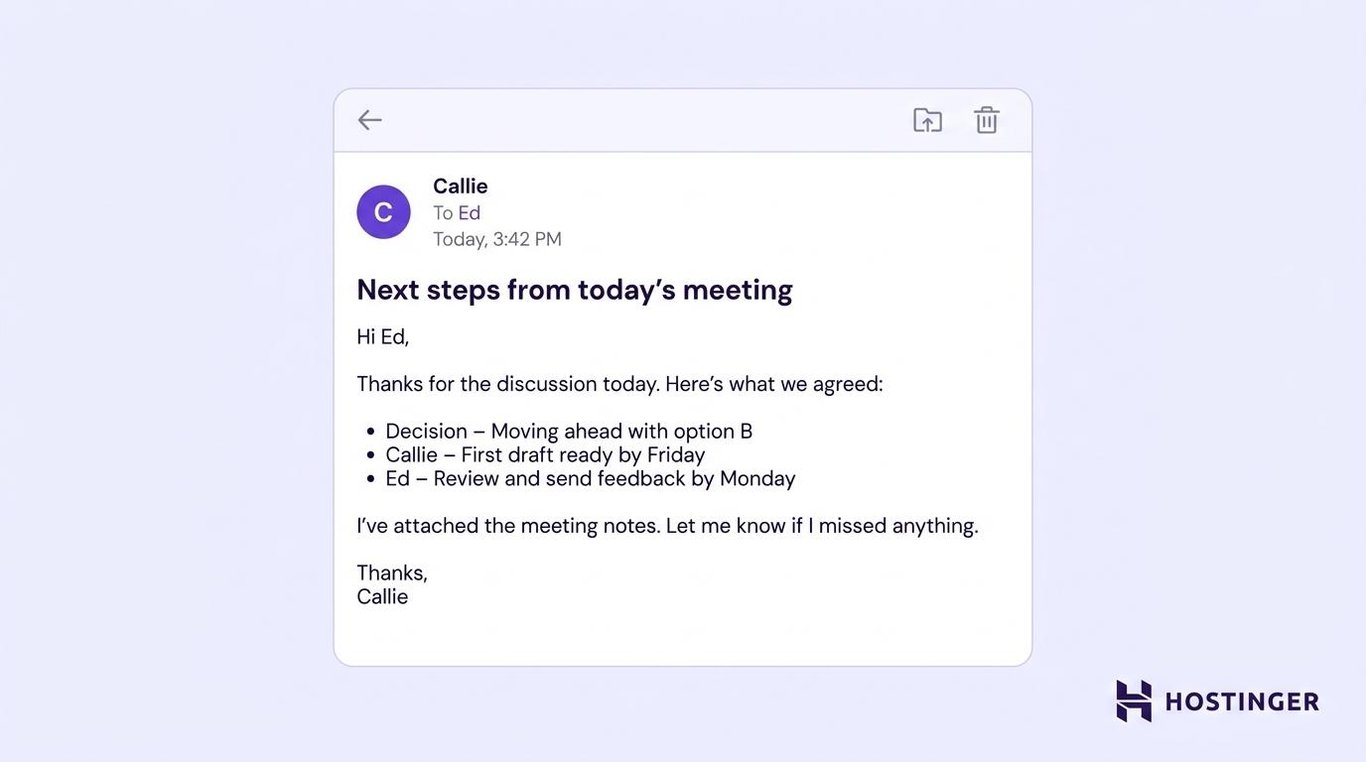
A meeting follow-up should list the decision, owner, and deadline before general notes.
- Casual business – “Hi Ed, great discussion today. We’re moving ahead with option B, and I’ll have the first draft ready by Friday.”
- Too formal – “Hello Ed, thank you for meeting with me today. We agreed to proceed with option B, and the first draft will be completed by Friday.”
The casual version still records the result and deadline, but it doesn’t sound like formal meeting minutes.
Send the recap while the decisions and responsibilities are still fresh, especially when someone needs to act on them.
Don’t write “Following up on our discussion” and leave the reader to remember what was agreed. State the outcome directly.
Here is a post-meeting follow-up email template:
Subject – Next steps from today’s [meeting]
Hi [name or team],
Thanks for the discussion today. Here’s what we agreed:
- Decision – [Main decision]
- [Owner] – [Action] by [deadline]
- [Owner] – [Action] by [deadline]
I’ve attached [notes, slides, or files]. Let me know if I missed anything.
Thanks,
[Your name]
12. Nudging someone for a delayed reply
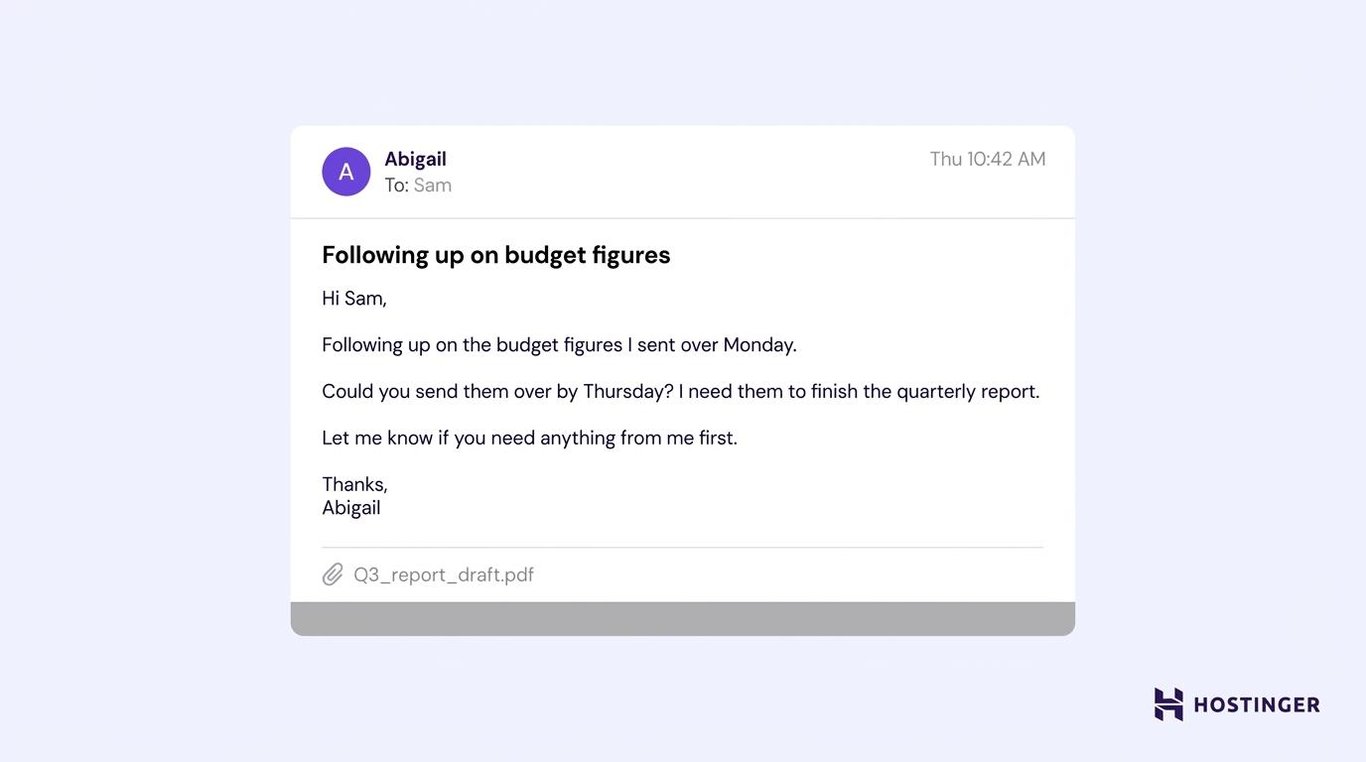
A delayed-reply nudge should remind the person what you need, give a usable deadline, and explain what depends on their response.
- Casual business – “Hi Sam, following up on the budget figures I sent over Monday. Could you get them to me by Thursday? I need them to finish the report.”
- Too formal – “Hello Sam, I’m following up on the budget figures I requested on Monday. Could you provide them by Thursday so I can complete the report?”
The casual version is direct without blaming Sam for not replying.
Avoid “As per my last email” and “Circling back again.” Those phrases focus on the missed response rather than the work that needs to be done.
After two unanswered nudges, use another channel such as chat, a call, or an in-person conversation.
Here is a delayed-reply follow-up email template:
Subject – Following up on [topic]
Hi [first name],
Following up on [request or question] from [day or date].
Could you send [what you need] by [deadline]? I need it to finish [dependent task].
Let me know if you need anything from me first.
Thanks,
[Your name]
13. Sending a team update
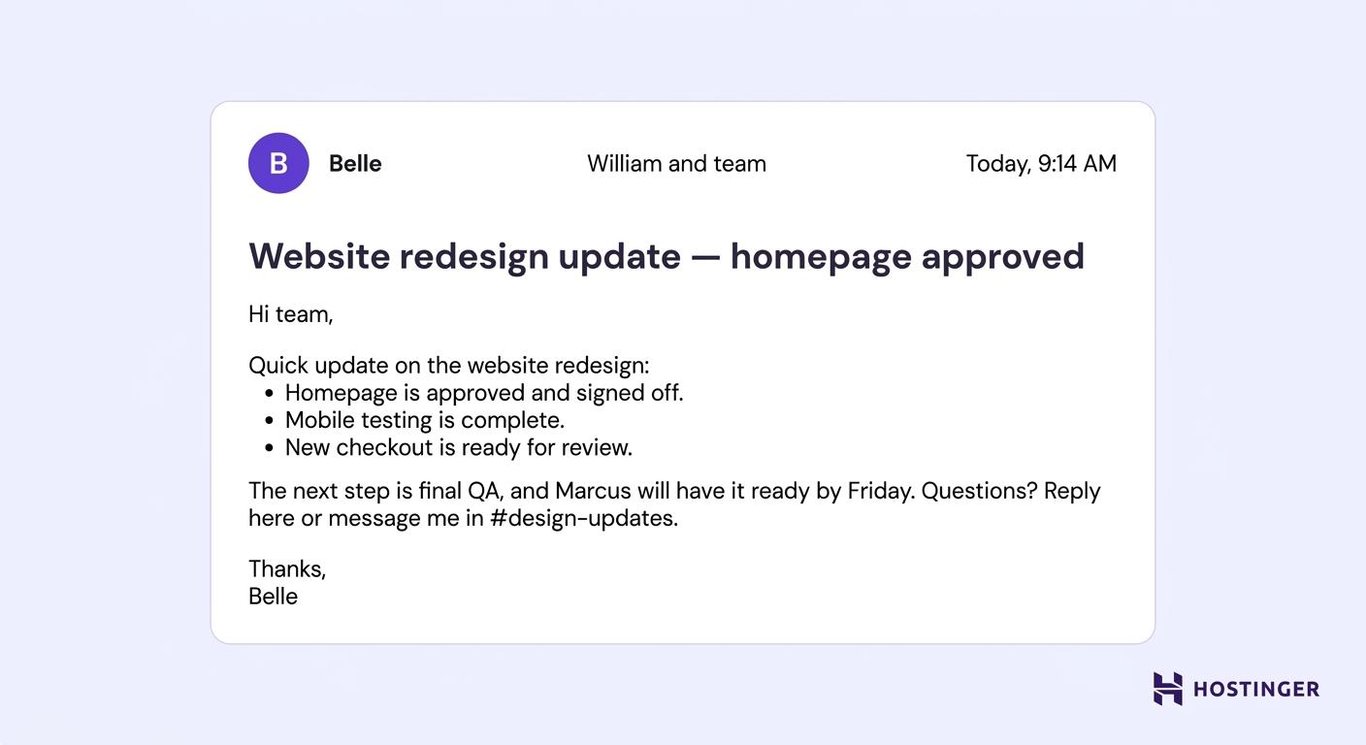
A team update should tell readers what changed, what happens next, and whether they need to take any action.
- Casual business – “Hi William and team, quick update on the website redesign — the homepage is approved, mobile testing is complete, and the new checkout is ready for review.”
- Too formal – “Hello William and team, I’m writing to provide an update on the website redesign. The project has now reached three key milestones.”
The casual version leads with the progress instead of announcing that an update exists.
Keep background details below the main update. Readers should understand the current status before they reach the second paragraph.
For layoffs, policy changes, or other sensitive announcements, use a more formal tone and coordinate the message with the relevant leaders.
Here is a team update email template:
Subject – [Project] update — [main change]
Hi team,
Quick update on [project or topic]:
- [Progress or milestone]
- [Progress or milestone]
- [Progress or milestone]
The next step is [action], and [owner] will have it ready by [deadline].
Questions? Reply here or message me in [channel].
Thanks,
[Your name]
14. Inviting colleagues to a team event
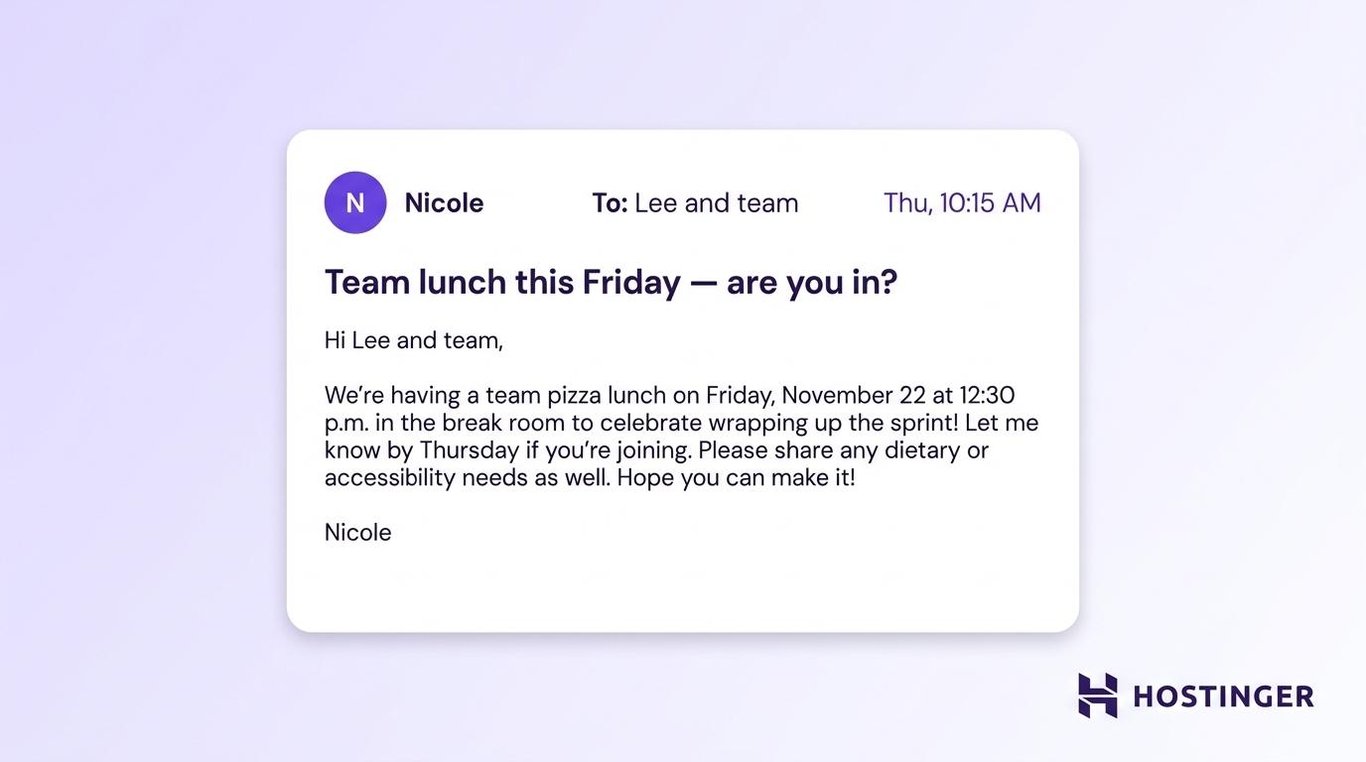
A team invitation should include the reason, date, time, location, and response deadline without sounding like a formal ceremony.
- Casual business – “Hi Lee and team, we’re having pizza in the break room this Friday at 12:30 to celebrate wrapping up the sprint.”
- Too formal – “Hello Lee and team, you’re invited to attend a team lunch on Friday at 12:30 p.m. in the break room to celebrate the completion of the sprint.”
The casual version sounds more conversational while keeping the event details clear.
Put the event and reason in the subject line. “Pizza Friday after the sprint” provides more context than “Team event notification.”
Don’t assume everyone drinks alcohol, eats the same food, or can take part in the same physical activities. Give people a simple way to share what they need.
Here is a team event invitation email template:
Subject – [Event] this [day] — are you in?
Hi team,
We’re having [event] on [day, date] at [time] in [location] to celebrate [reason].
Let me know by [deadline] if you’re joining. Please share any dietary or accessibility needs as well.
Hope you can make it!
[Your name]
Difficult workplace messages
A warmer tone can make difficult emails easier to read, but it shouldn’t soften the facts. State what happened, what changes, and what the recipient needs to do next.
15. Apologizing for a mistake
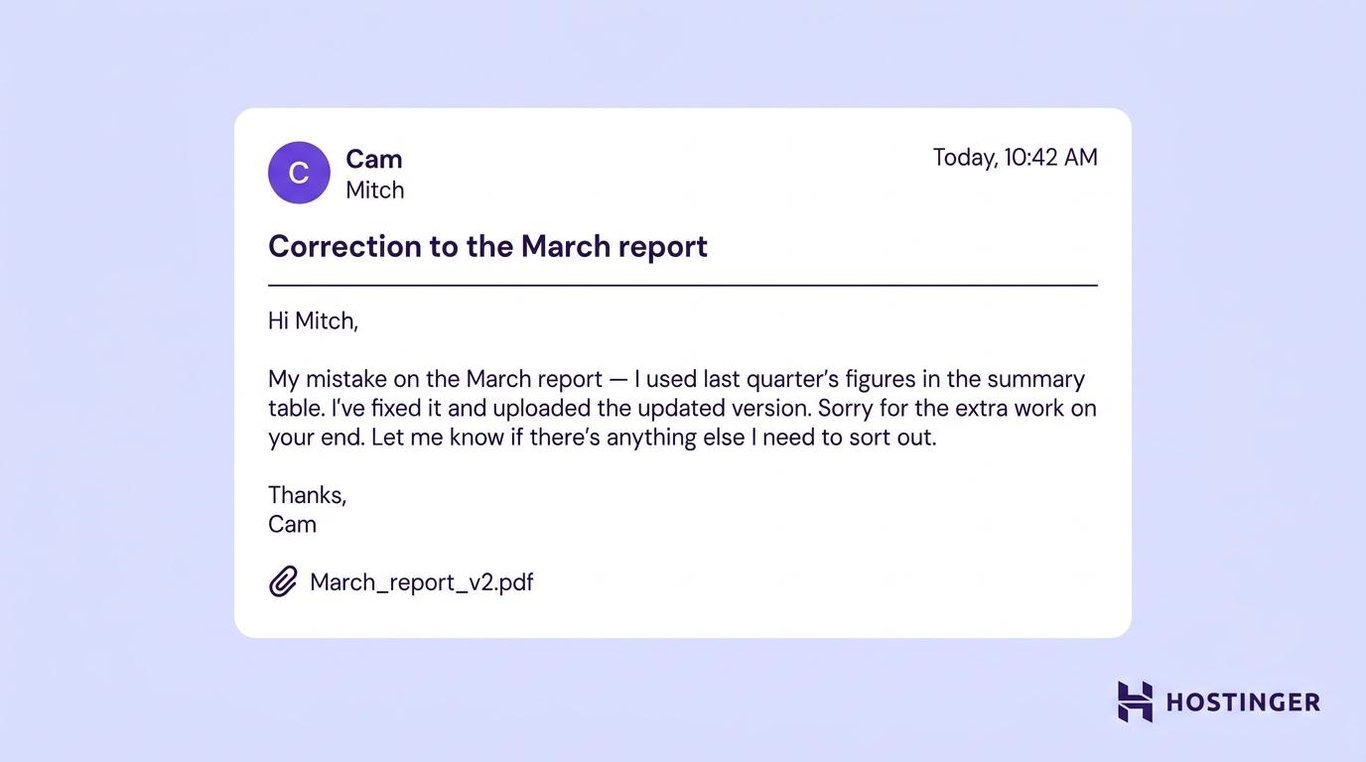
An apology email should name the mistake, explain the correction, and acknowledge the effect on the recipient.
- Casual business – “Hi Mitch, my mistake on the March report — I used last quarter’s figures in the summary table. I’ve corrected the file and uploaded the new version. Sorry for the extra work.”
- Too formal – “Hello Mitch, I apologize for the error in the March report. I used the previous quarter’s figures in the summary table and have now corrected the file.”
The casual version takes responsibility without turning the email into a long explanation.
One clear apology is enough. Repeating “I’m so sorry” several times shifts the focus from the correction to your feelings.
For mistakes involving money, contracts, customers, or legal risk, speak with the relevant manager before sending the message.
This is an example of an apology email template:
Subject – Correction to [item]
Hi [first name],
My mistake on [document, task, or message] — [brief explanation of what went wrong].
I’ve fixed it and [uploaded, attached, or sent] the updated version.
Sorry for [specific impact]. Let me know if there’s anything else I need to sort out.
Thanks,
[Your name]
16. Declining a request or invitation
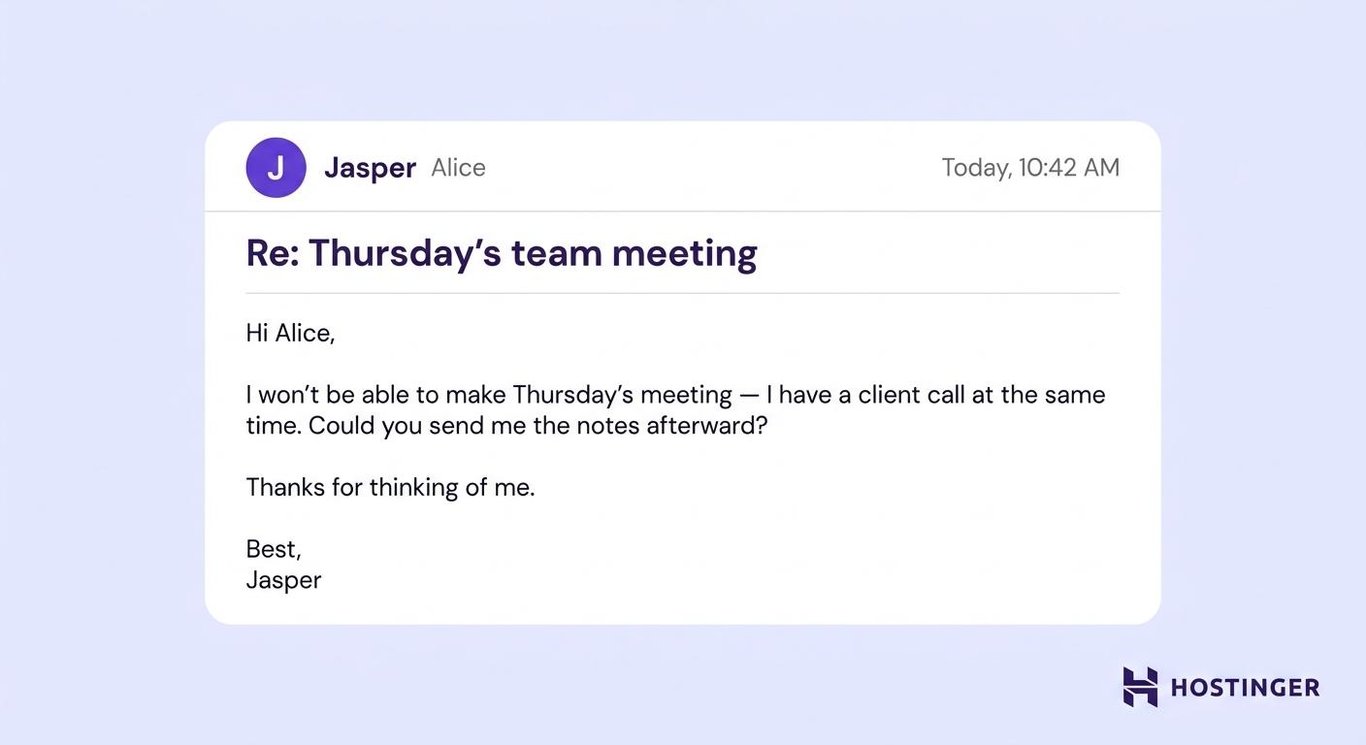
A polite decline should make the answer clear in the first sentence, then offer an alternative only when one is realistic.
- Casual business – “Hi Alice, I can’t make Thursday’s meeting because I’ve got a client call at the same time. Could you send me the notes afterward?”
- Too formal – “Hello Alice, I’m unable to attend Thursday’s meeting because I have a client call at the same time. Please send me the notes afterward.”
The casual version is straightforward without sounding dismissive.
Don’t make the refusal so indirect that the recipient can’t tell whether you’re saying no.
You don’t need to provide a detailed personal explanation. A short reason is enough, and an alternative isn’t required when you don’t have a realistic one.
Here is a polite decline email template:
Subject – Re: [original request or invitation]
Hi [first name],
I won’t be able to [attend, take this on, or help with this] because [brief reason, when useful].
[Optional alternative, such as another time, another person, or a smaller way you can help.]
Thanks for thinking of me.
Best,
[Your name]
17. Sharing bad news or a setback
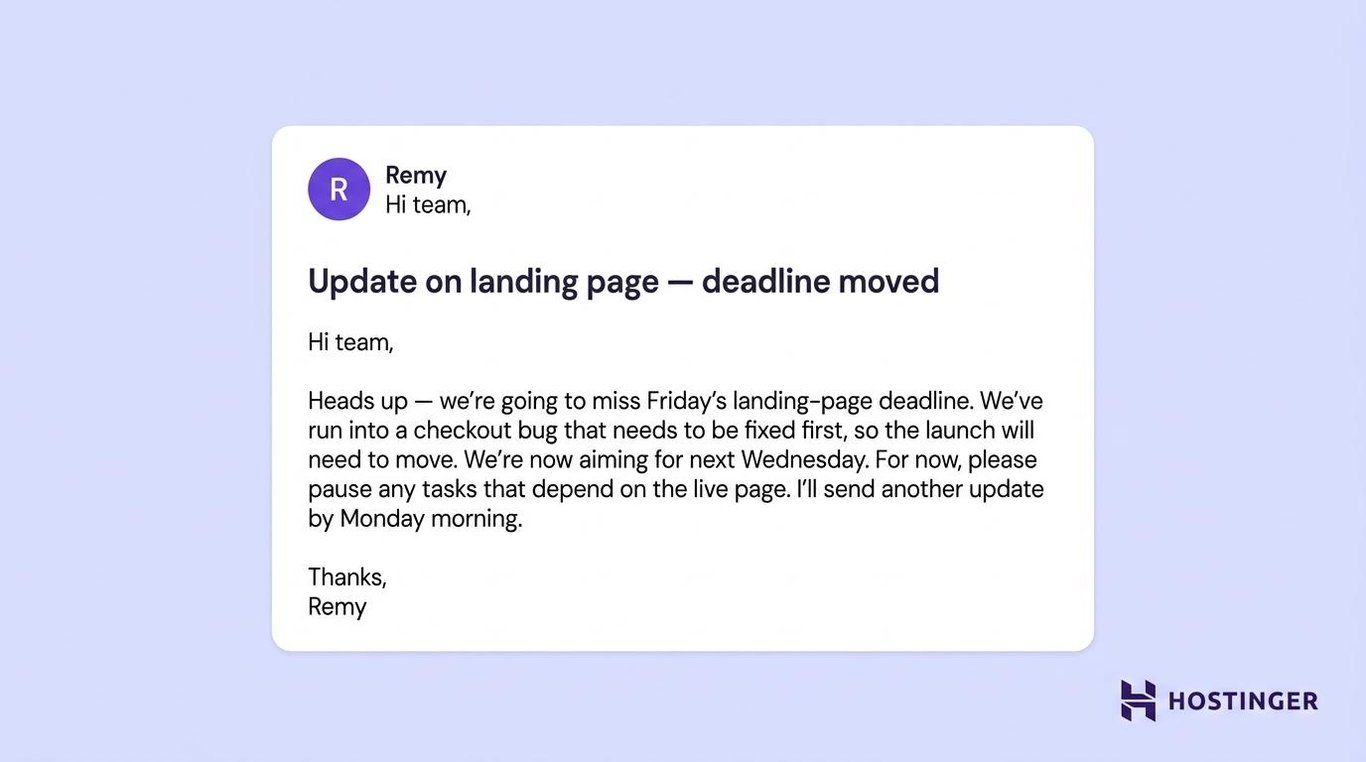
A bad-news email should explain what changed, why it happened, who is affected, and when the next update will arrive.
- Casual business – “Hi team, heads up — we’re going to miss Friday’s landing-page deadline. The checkout bug needs to be fixed first, so the new target is next Wednesday.”
- Too formal – “Hello team, I’m writing to inform you that the landing page won’t be ready by Friday because the checkout bug must be resolved first. The revised delivery date is next Wednesday.”
The casual version is direct, but it doesn’t downplay the delay.
Don’t hide the setback below several paragraphs of background. State it in the first sentence, then explain the cause and revised plan.
Include what the delay changes for the recipient. They should know whether to pause another task, move a meeting, inform a customer, or wait for a new deadline.
You can use this bad-news email template:
Subject – Update on [project or deadline]
Hi [name or team],
Heads up — we’re going to [miss the deadline, delay the launch, or change the plan].
We’ve run into [specific cause], so [affected task or project] will need to move. We’re now aiming for [new date or plan].
For now, please [anything the recipient should do differently].
I’ll send another update by [date or time].
Thanks,
[Your name]
Best practices for casual business emails
A casual business email should sound natural while still making the purpose, timing, and next step clear.
- Match the greeting to the relationship – “Hi [first name]” works in most workplace situations. Use “Hey” only with people you already know well. “Hello” is safer for new clients, senior contacts, or more traditional workplaces.
- State the purpose early – Explain why you’re writing within the first two sentences. Instead of opening with several lines of small talk, write: “Hi Maya, could you send the revised report by Thursday?”
- Use contractions without forcing slang – Words such as “I’ll,” “we’re,” and “you’ve” make the message sound more natural. Phrases such as “just floating this up” or “grab me on Slack” depend more heavily on the workplace and the relationship.
- Make the subject line specific – Name the project, request, event, or decision. “Feedback needed on homepage draft” gives the recipient more context than “Quick question.” You can also make your subject line clear without sounding stiff by putting the main topic or action near the beginning.
- Keep the length proportional to the task – A quick request may need three sentences. A team update may need several bullets covering the status, owner, and deadline. Include enough information for the recipient to respond without needing to ask for basic details.
- Give the recipient one clear next step – Ask for one decision, file, review, or reply whenever possible. Replace “Let me know your thoughts” with “Could you confirm the budget by Thursday?”
- Choose a closing that matches the message – “Thanks” works well after a request. “Best” is a neutral option. “Talk soon” fits when another conversation is already planned. Choose a closing that fits the relationship, rather than using the same sign-off every time.
- Keep the sender details clear – Include your name, role, company, and relevant contact information. You can keep your email signature polished without filling it with unnecessary quotes, images, or links.
Before sending, check whether the recipient can answer three questions without guessing:
- Why are you writing?
- What do you need from them?
- When do you need it?
How to make the templates sound like you
To make these casual business email examples sound like you, make each template specific to the recipient, situation, and response you need.
Start by replacing the placeholders with real details. Mention the project, the recent conversation, the exact deadline, the shared contact, or the result.
For example, “Thanks for your help with the launch timeline” sounds more genuine than “Thank you for your valuable assistance” because it tells the recipient exactly what you appreciated.
Then, adjust the wording to match your relationship with them. If the recipient uses first names, contractions, and short paragraphs, you can do the same. If their messages are more reserved, keep your version slightly more formal.
Read the finished email aloud. Simplify any sentence that doesn’t sound like something you’d naturally say to that person.
Finally, check that the recipient knows what to do next. They should be able to reply, approve something, send a file, or take the next step without asking what you meant.
When to use a more formal tone
Use a more formal tone when the wording could affect someone’s employment, finances, legal position, or official record.
That includes:
- HR decisions
- Legal or contractual matters
- Formal complaints
- Financial disputes
- Serious client-facing mistakes
- Performance or disciplinary messages
- First contact with senior external people in traditional industries
- Messages that may become part of an official record
Direct wording still matters in these situations, but the email needs fuller context and more careful phrasing.
Involve the relevant manager, HR representative, legal adviser, or account owner before sending sensitive information. For these messages, use a more formal email structure instead of trying to make the email sound conversational.
Should you use a professional email address for casual business emails?
Yes. A casual writing style doesn’t make the message personal or unofficial, so it should still come from an address connected to your business.
An address such as name@yourbusiness.com tells the recipient who you are and which company you represent. This matters when emailing clients, suppliers, new colleagues, or anyone who may not recognize your name.
You can use a credible address for work conversations instead of sending business messages from a generic free account.
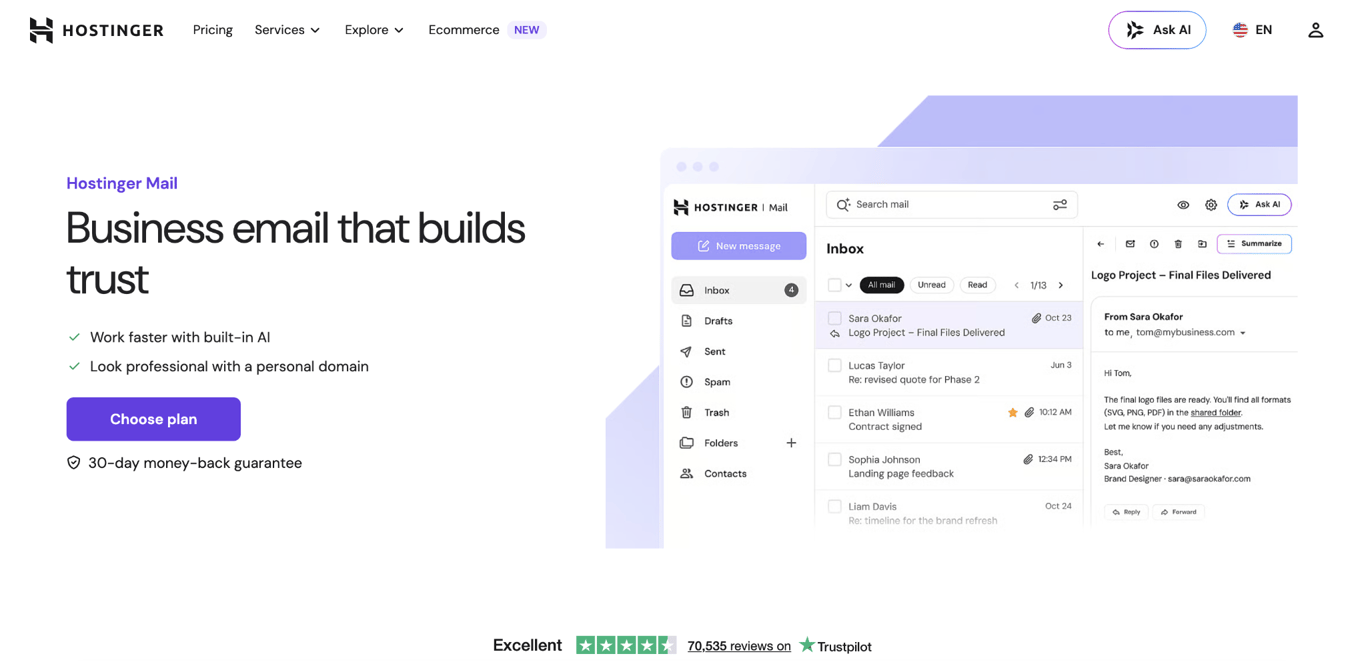
Hostinger Mail lets you create an email address using your own domain. Its AI tools can draft messages and replies, summarize long threads, and adapt drafts to your preferred tone and writing style.
Review any generated draft before sending it. Add the specific project, deadline, previous conversation, or personal detail that connects the message to the recipient.
Choose one of the templates above, replace every placeholder with real context, and read the finished email aloud. If it sounds like something you’d say at work and gives the recipient a clear next step, it’s ready to send.

This article is a localized version of 17 casual business email examples for common workplace situations, originally published in English.
All of the tutorial content on this website is subject to Hostinger's rigorous editorial standards and values.

Alma is an AI Content Editor with 9+ years of experience helping ideas take shape across SEO, marketing, and content. She loves working with words, structure, and strategy to make content both useful and enjoyable to read. Off the clock, she can be found gaming, drawing, or diving into her latest D&D adventure.