10 best AI newsletter generators to create and send branded campaigns
Sep 04, 2026
/
By Justina B.
/
12 min Read

The best AI newsletter generators create on-brand newsletters you can edit and send without switching platforms. Five criteria separate the strongest options: AI output scope, ease of editing, brand controls, pricing, and use-case fit.
A tool that produces polished copy but forces you into a separate builder to design and send isn’t actually saving you time. The ones worth using apply your branding automatically and take you from prompt to sent campaign in one place.
| Tool | Best for | AI output scope | Brand controls | Free plan / starting price | Standout feature |
| Hostinger Reach | AI-generated branded newsletters | Copy + design + send | Logo, colors, fonts | Free plan (1 year) / ₹149.00/month on a 24-month period | One-prompt branded email generation |
| GetResponse | All-in-one marketing with funnels | Copy + design + send | Logo, colors, templates | Free plan (500 contacts) / $15.58/month annually | Conversion funnels and webinar hosting |
| Mailchimp | Beginners wanting a familiar platform | Copy + design + send (Standard+); basic AI on all plans | Logo, colors, fonts, Creative Assistant (paid plans) | Free (500 contacts) / $13/month after a free trial | 300+ integrations |
| Beehiiv | Creators monetizing newsletters | Limited AI on Launch; full suite on Scale+ with 25 AI credits per day | Logo, colors, fonts (Beehiiv branding until Max plan) | Free (2,500 subscribers) / $43/month annually | Built-in ad network and paid subscriptions |
| MailerLite | Small businesses for simple newsletters | Design + send; AI copy on Comfort+ | Logo, colors, templates | Free (250 subscribers) / $10.80/month annually | Smart sending and paid newsletter subscriptions |
| Brevo | Multichannel campaigns | Copy + send (full automation on Standard+) | Logo, colors, templates | Free (300 emails/day) / $8.08/month annually | Pay-by-email pricing with no subscriber cap |
| ActiveCampaign | Advanced automation | Copy + design + send | Logo, colors, templates | 14-day free trial / $15/month annually | Visual automation builder (branching on Plus+) |
| Kit | Creators selling digital products | Copy only (Creator+) | Minimal design controls | Free (10,000 subscribers) / $33/month annually | Commerce tools for digital products and paid newsletters |
| HubSpot | Teams needing CRM-tied newsletters | Copy + design + send (AI writer on Pro) | Logo, colors, templates | Free (basic) / $7/month per seat + onboarding fees on Pro+ | CRM-powered personalization and revenue attribution |
| Constant Contact | Local businesses and events | AI copy on all plans; AI campaign builder on Standard+ | Logo, colors, templates | 14-day free trial / $8.40/month (500 contacts) | Event management with ticketing and RSVPs |
1. Hostinger Reach
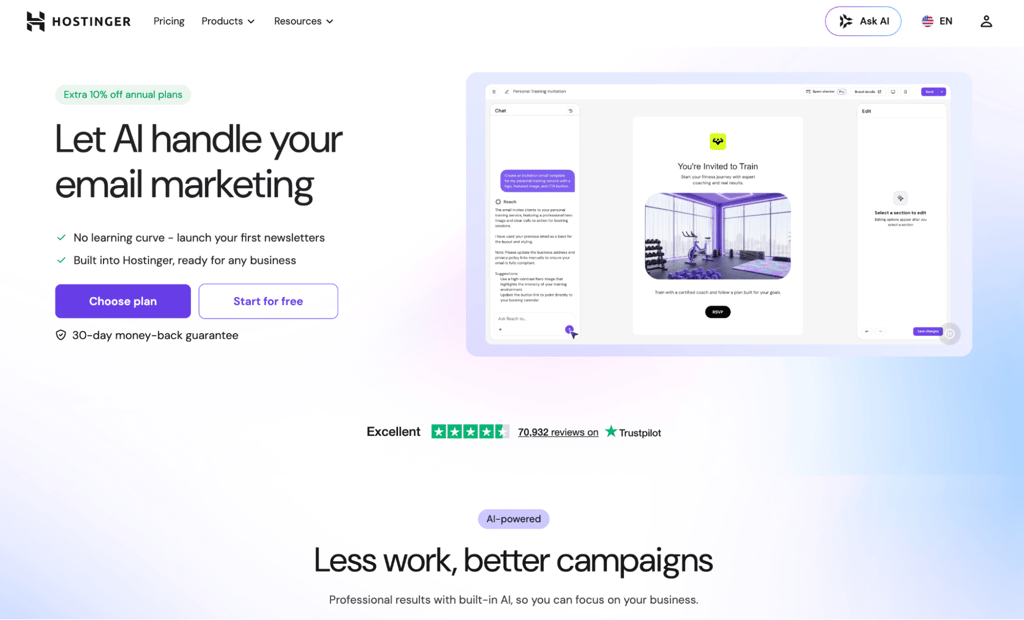
Best for: AI-generated branded newsletters with built-in sending and analytics.
Hostinger Reach is an AI-powered email marketing tool that generates newsletter copy, layout, and branded design from a single description of your campaign goal. It’s built for beginners and small businesses that want one tool for the whole workflow instead of switching between a writer, a design app, and a separate email service provider.
The AI generates a mobile-friendly, on-brand email you can keep editing before you send. Swap copy, adjust the layout, or tweak branding using the AI editor, design editor, or code editor. That makes it easy to create a newsletter that looks exactly the way you want.
Hostinger Reach pros
- Brand controls. Upload your logo and set your colors once. Every generated template automatically matches your brand.
- Contact management. Import contacts via CSV or sync them from Hostinger AI Builder, Hostinger Ecommerce, or WordPress through a plugin that supports 11 integrations, including WPForms, Contact Form 7, and WooCommerce.
- Email sequences and automation. Set up welcome emails, follow-ups, and promotions with flexible scheduling on paid plans. Automations can trigger on form submissions, and Hostinger Ecommerce store owners get purchase and abandoned-cart triggers with checkout opt-in contacts syncing automatically.
- AI-based contact segmentation. Describe your target audience in plain language, and Reach builds a segment for you.
Hostinger Reach cons
- No branching logic or multi-condition triggers. Automation workflows are limited to simpler, linear sequences compared to ActiveCampaign or HubSpot.
- Limited native third-party integrations. Reach doesn’t currently offer a large library of direct integrations with platforms like Zapier or external CRMs, but you can connect external tools through its API or n8n workflows.
- No built-in newsletter monetization features. That includes paid subscriptions or ad networks.
Hostinger Reach pricing
Reach’s free plan lasts one year and includes 100 unique recipients and 200 emails per month. Paid plans start at ₹149.00/month on a 24-month term, covering 500 unique recipients and 3,500 emails per month.
Higher tiers scale with your audience, from 1,000 recipients and 7,000 emails up to 50,000 recipients and 350,000 emails per month. All paid plans include AI credits, automation, send-time optimization, and spam checking.
2. GetResponse
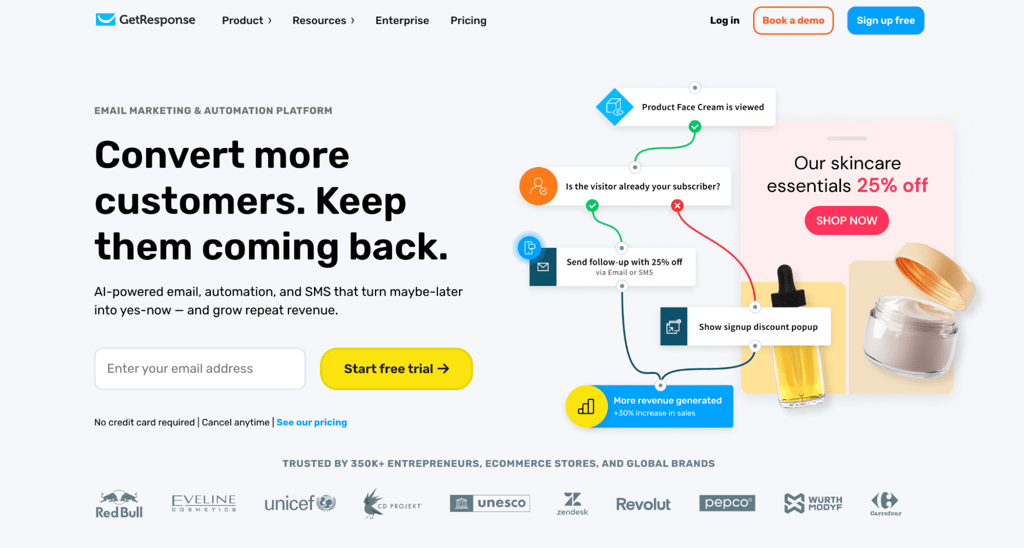
Best for: all-in-one marketing with funnels, webinars, and automation in one platform.
GetResponse is an email marketing and automation platform with an AI newsletter generator that produces a full draft – text, layout, images, and color scheme – from a short questionnaire, which you can then edit before sending.
It works well for marketers who need more than email. GetResponse keeps everything from list building to automation to selling in a single dashboard, so you’re not stitching together separate tools for each stage of the campaign.
GetResponse pros
- Automation workflows. Build multi-step sequences. The Starter plan allows one custom workflow; the Marketer plan and above remove that cap.
- Landing page builder. Create pages that tie directly into your email campaigns and funnels.
- Webinar hosting. Built into the Creator plan and above.
- Conversion funnel builder. Available on the Marketer plan and above.
GetResponse cons
- Limited automation on the free plan. GetResponse offers a free-forever account for up to 500 contacts and 2,500 newsletters per month, but premium features such as advanced automation are only available during the initial 14-day trial unless you upgrade.
- The Starter plan locks you into basic email features. Most of the tools that make GetResponse stand out only kick in on higher tiers.
- AI-generated designs often default to rigid template layouts. You’ll need to rearrange elements manually.
- The dashboard shows features your plan doesn’t even include. This can be confusing when learning the platform.
GetResponse pricing
Paid plans billed annually start at Starter for $15.58/month, Marketer for $48.38/month, and Creator for $56.58/month. All paid plans include unlimited monthly email sends and AI-powered content generators.
3. Mailchimp
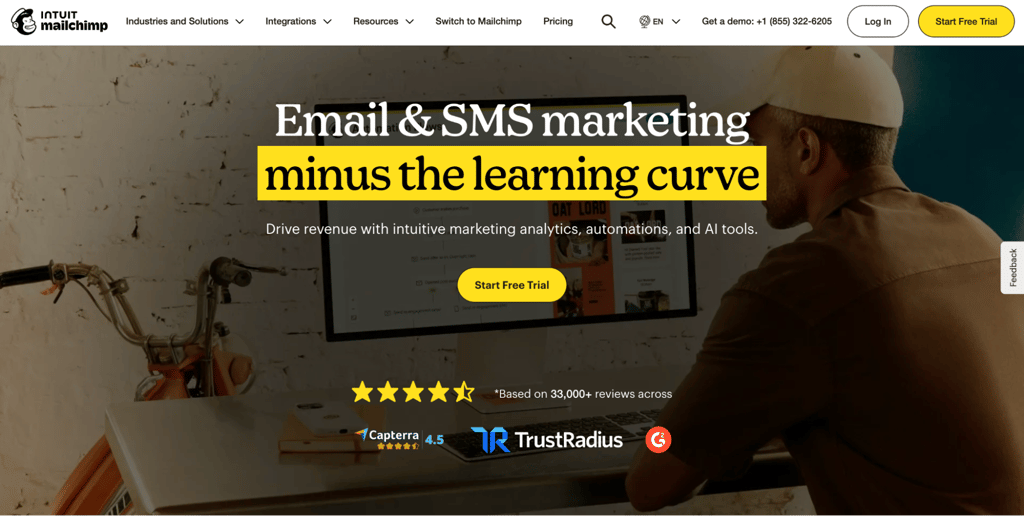
Best for: beginners wanting a familiar platform with a wide integration library.
Mailchimp is one of the most recognized email marketing platforms. Its AI tools, called Intuit Assist, help draft newsletter copy, generate subject lines, and create on-brand templates. That name recognition, plus the low learning curve, makes it a natural starting point for beginners.
Mailchimp pros
- Intuit Assist AI. Generates email copy and brand-matched designs. Available on Standard and Premium plans only.
- 300+ integrations. Connects to ecommerce platforms, CRMs, social media tools, and more.
- Audience segmentation. Group contacts by behavior, purchase history, or custom fields.
- Marketing Automation Flows. Automate sequences with up to four steps on Essentials and up to 200 steps with branching on Standard and Premium.
Mailchimp cons
- The free plan includes Mailchimp branding on every email. This undercuts the value of branded campaigns for businesses trying to look professional.
- AI features require the Standard plan, the third pricing tier. The two lower tiers don’t include AI-drafted copy or AI-generated designs.
- The built-in website, social media, and CRM tools cover the basics but lack the depth you’d need for serious use. If any of these are central to your workflow, plan on pairing them with dedicated tools.
Mailchimp pricing
Mailchimp’s Free plan supports up to 250 contacts and includes basic email marketing features. Paid plans such as Essentials and Standard are available with a 14-day free trial, with Standard adding more advanced automation and AI features.
Paid plans start at Essentials for $13/month, Standard for $20/month, and Premium for $350/month after a free trial. Annual billing discounts don’t apply to lists below 10,000 contacts, so these prices are the same whether you pay monthly or annually at smaller list sizes.
4. Beehiiv
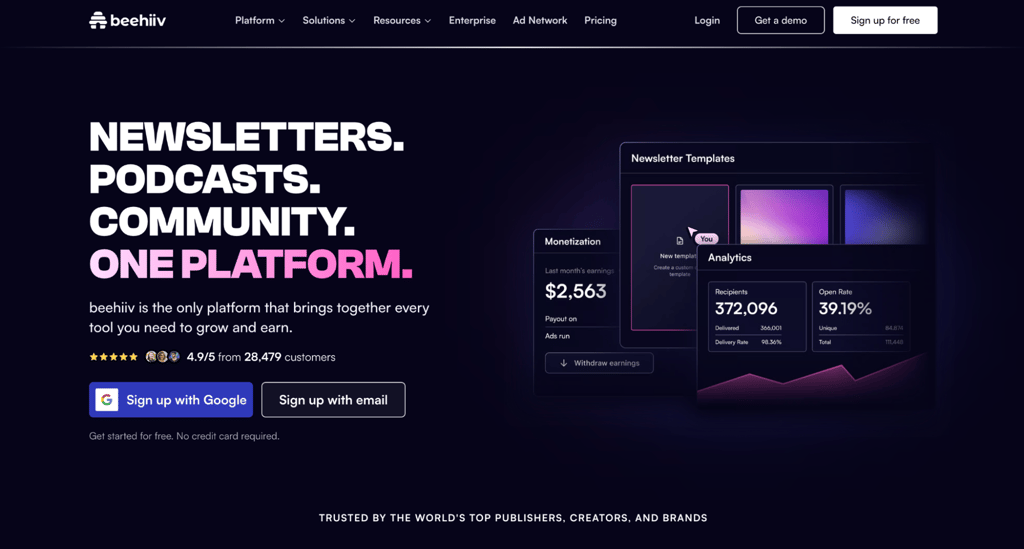
Best for: creators monetizing newsletters through ads, paid subscriptions, and recommendations.
Beehiiv is a newsletter-first platform built for creators and publishers who want to grow an audience and earn from it. Its Copilot feature acts as an AI assistant that helps draft, refine, and optimize your emails right inside the editor.
Beehiiv stands out among other AI email writers. You don’t need separate tools for content and revenue.
Beehiiv pros
- Referral program. Reward subscribers for referring new readers.
- Recommendation network. Get discovered by audiences of other Beehiiv publishers.
- SEO-friendly web hosting and custom domains. Your newsletter doubles as a searchable website.
Beehiiv cons
- The editor is newsletter-native, not a general-purpose email builder. There’s no visual drag-and-drop for complex layouts like product grids or multi-column designs.
- Less suited for transactional or ecommerce emails. Beehiiv is built for content-driven newsletters, not order confirmations or shipping updates.
- The free Launch plan only includes limited AI and publishing tools. Automation, paid subscriptions, and Ad Network access are all locked behind paid plans.
Beehiiv pricing
The free Launch plan supports up to 2,500 subscribers with 10 AI credits per day and read-only Copilot access, but no email automations.
Scale starts at $43/month on an annual plan. It includes the full AI suite with 25 credits per day, write access, monetization features, and automation.
Max starts at $96/month on an annual plan. It adds the Sponsorship Storefront, 50 AI credits per day, priority support, and advanced analytics.
5. MailerLite
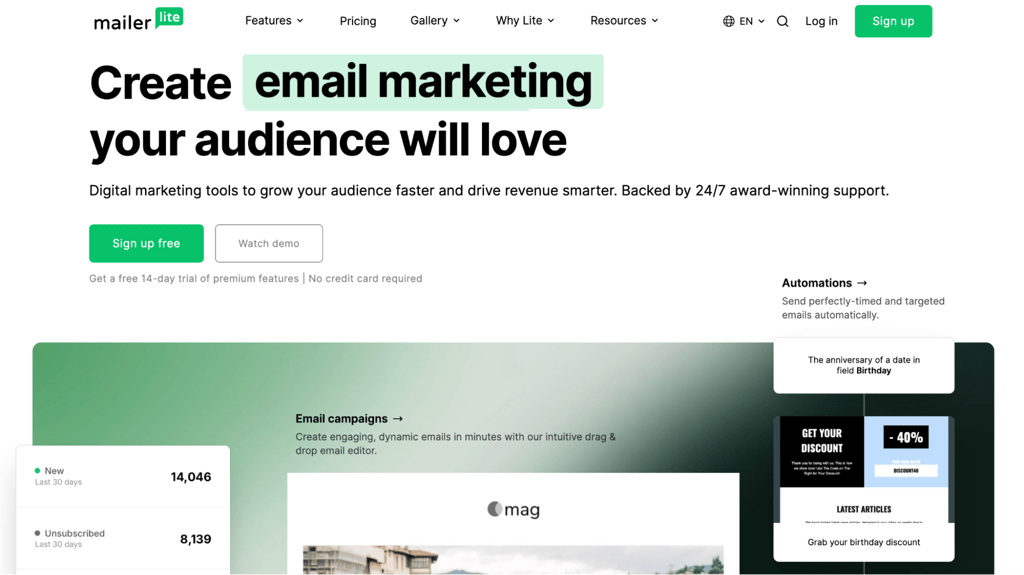
Best for: small businesses that want simple, clean newsletters without a steep learning curve.
MailerLite includes a built-in AI writing assistant and send-time optimization. It delivers each email at the time when a subscriber is most likely to open it. The interface stays minimal even as you add automations, landing pages, and signup forms.
MailerLite pros
- Automation on every plan. Even the free tier includes automated email sequences, so you can set up welcome sequences and follow-ups from day one.
- Landing pages and website builder. Create pages tied to your email campaigns.
- Paid newsletter subscriptions and digital product sales. Monetize your audience directly through MailerLite.
MailerLite cons
- The free plan includes MailerLite branding in the email footer. It is removed only with paid plans.
- Design templates have fewer layout options than other tools. Mailchimp, for example, gives you more flexibility here.
- No built-in CRM. Contact management covers labeling and segmenting contacts. However, it doesn’t track deals or revenue.
MailerLite pricing
The free plan includes 250 subscribers, 2,500 emails per month, two user seats, but no AI features. Comfort starts at $10.80/month on annual billing. It includes the AI writing assistant, 50 visual automations, and unlimited templates.
Power for $22.50/month, billed annually, removes the automation count limit and adds multiple triggers, unlimited monthly emails, and user seats. It also includes partner discounts and a dedicated IP as an add-on.
6. Brevo
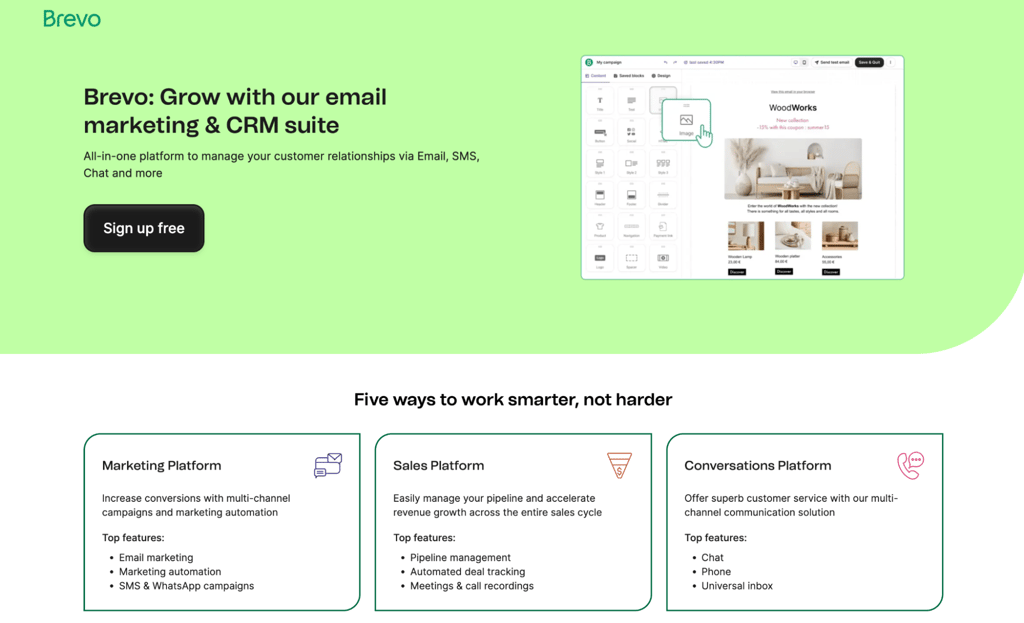
Best for: multichannel campaigns with pay-by-email pricing and no subscriber cap.
Brevo combines email, SMS, WhatsApp, and live chat in one platform. You can run campaigns across channels without managing separate tools, and trigger messages based on behavior in any of them. Aura AI, its built-in assistant, handles subject lines and email copy.
Brevo pros
- Aura AI content generator. Draft email copy, subject lines, and adjust tone. Available on all plans, including free – a low risk way to test where AI can improve email campaigns before paying for a higher tier.
- Multichannel messaging. Starter includes email, SMS, and web push (capped at 1,000 subscribers per campaign); WhatsApp and mobile push require the Professional plan.
- Marketing automation. Multi-step workflows on all plans, including the free one.
Brevo cons
- AI generates text only, not layouts. You’ll build the email structure manually using the drag-and-drop editor.
- The editor offers fewer design blocks than Mailchimp or MailerLite. Customization options are more limited, too.
- The template library is smaller than the competitors’. Most templates lean toward simple, text-heavy designs.
Brevo pricing
The free plan includes 300 emails per day, a drag-and-drop editor, templates, forms, basic reporting, and multi-step automation capped at 2,000 contacts.
Paid plans start with Starter at $8.08/month for 5,000 emails/month, Standard at $16.17/month, and Professional at $449.08/month for 150,000 emails/month, billed annually.
7. ActiveCampaign
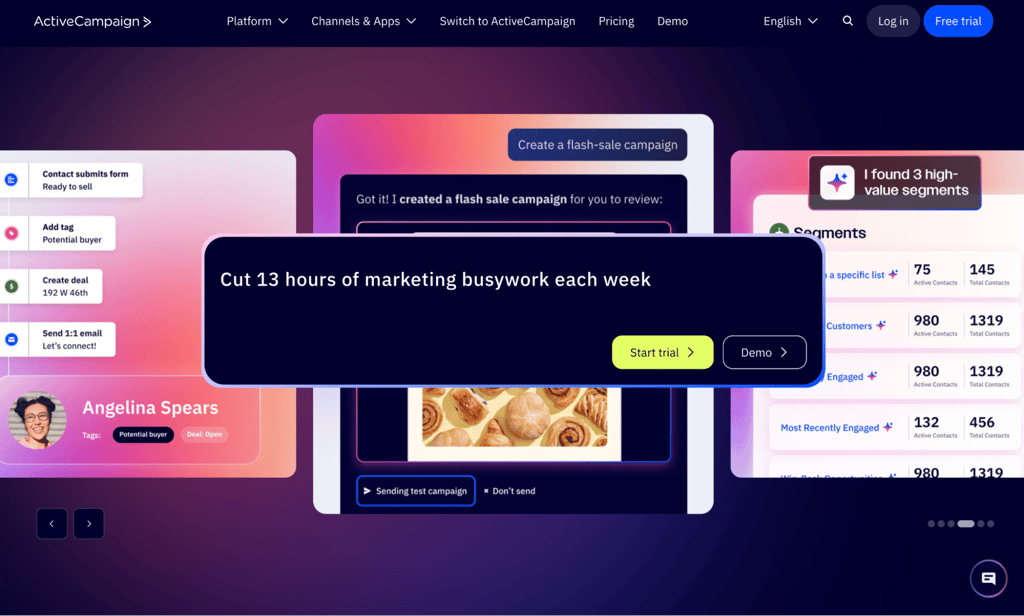
Best for: businesses that run multi-step email sequences tied to sales and customer data.
ActiveCampaign is a marketing automation and CRM platform that connects email campaigns to your sales pipeline. Its AI Campaign Builder generates email content, Predictive Sending times each send to individual contacts, and its automation builder maps customer journeys across channels.
ActiveCampaign pros
- AI content and image generation. Write email copy, subject lines, and create visuals for all plans. Usage limits apply to Starter and Plus.
- Visual automation builder. Starter allows five actions with no branching. Plus gives unlimited actions, branching logic, and multiple triggers – the most advanced tier among these tools.
- Conditional content blocks. Show different content to different segments within the same email, available on the Pro plan and above.
- 1,000+ integrations. Connect ActiveCampaign with your existing tools and platforms.
- A/B testing. Email A/B testing is available on all plans. Automation A/B testing requires the Pro plan.
ActiveCampaign cons
- No free plan. The 14-day trial isn’t long enough to build and test meaningful automation workflows before making a decision.
- Lead scoring requires a separate Pipelines add-on on top of the Plus plan. That means extra costs beyond your base subscription.
- The automation builder has a steep learning curve. Even simple workflows require configuring dozens of trigger types, conditions, and action steps.
ActiveCampaign pricing
Starter costs $15/month, billed annually, and includes email marketing, limited segmentation, five automation actions, and one user. Plus costs $49/month and adds unlimited automation actions with branching, landing pages, and standard segmentation.
Pro costs $79/month and includes predictive content, conversion tracking, premium ecommerce integrations, three users, and full access to Active Intelligence. Enterprise costs $145/month and includes premium CRM integrations such as Salesforce, custom objects, SSO, a dedicated account team, and five users.
8. Kit
Best for: creators selling digital products, courses, and paid subscriptions through email.
Kit, formerly ConvertKit, is a creator-focused email platform with a built-in commerce layer. Instead of connecting a separate storefront, you sell directly through your newsletter. Its editor generates subject lines natively. A recent integration also lets you connect AI tools like Claude or ChatGPT to draft broadcasts and pull subscriber data through chat.
Kit pros
- Kit MCP. Connect Claude, ChatGPT, or Gemini to your Kit account to draft and edit newsletter content, available on the Creator plan and above only.
- Visual automation builder. Create multi-step sequences triggered by subscriber actions.
- A/B testing. Test two subject line variants on the Creator plan. The Pro plan adds testing across five subject lines, preview text, or content variants.
- 14-day free trial. Test the tool with no credit card required.
Kit cons
- AI handles writing and integration only. It doesn’t generate email designs or layouts.
- Email design options are intentionally minimal. Kit focuses on text-heavy, blog-style newsletters rather than visual templates.
- The Creator plan’s analytics are limited to opens, clicks, and subscriber growth. Revenue and sales tracking are only available on Pro, so you can’t measure what’s actually earning money until you upgrade.
Kit pricing
The free Newsletter plan supports up to 10,000 subscribers with basic automation but no AI features or A/B testing. Creator starts at $33/month for up to 1,000 subscribers and includes Kit MCP, full automation, and commerce tools.
Pricing scales with subscribers. Creator at 10,000 subscribers costs $116/month; at 25,000 subscribers, it’s $166/month. Pro starts at $66/month annually for up to 1,000 subscribers, adding the Insights dashboard and priority support – pricing scales with list size the same way Creator’s does.
9. HubSpot
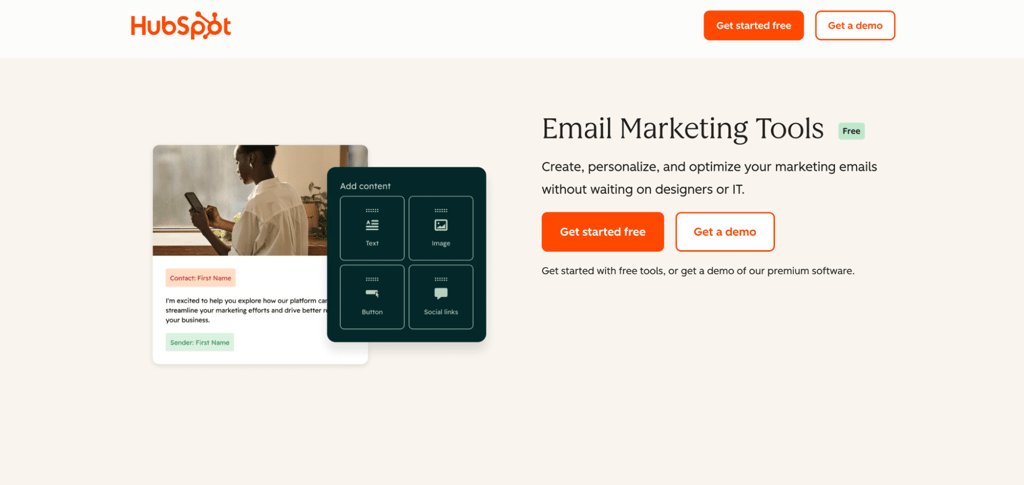
Best for: teams needing CRM-tied newsletters with revenue attribution and sales pipeline data.
HubSpot’s Marketing Hub is a CRM-first marketing platform that ties Breeze, its AI, directly to contact records, deals, and customer lifecycle stages. Lead source reporting starts with the Professional plan, but tracking which campaigns drive closed deals requires Enterprise.
HubSpot pros
- AI email writer Breeze. Draft full emails from a prompt. Available on Marketing Hub Professional or higher.
- CRM-powered personalization. Use contact data, deal stages, and lifecycle information to personalize newsletter content.
- A/B testing. Test subject lines, content, and send times on Professional and above.
- Campaign and custom reporting. Track how newsletters perform with campaign-level analytics on Professional. Multi-touch revenue attribution is Enterprise-only.
HubSpot cons
- Complex setup before you start. You’ll need to configure the CRM, contact properties, and lifecycle stages before the personalization features work properly.
- Steep learning curve for basic use. HubSpot is a full marketing and sales platform, so teams that only need to send newsletters may spend extra time navigating features they won’t use.
- Limited design flexibility. The drag-and-drop email editor is functional but more rigid than dedicated email marketing tools like MailerLite or Mailchimp.
- Mandatory onboarding fees. Professional requires a one-time $3,000 fee, and Enterprise requires $7,000, adding a high upfront cost.
HubSpot pricing
The free plan includes a basic CRM, up to 2,000 emails per month, and the drag-and-drop editor. Starter costs $7/seat/month billed annually, and covers email marketing with templates and simple automation, but no AI features or A/B testing.
Professional costs $800/month annually with full Breeze AI, A/B testing, advanced personalization, and campaign reporting for 2,000 marketing contacts. Enterprise costs $3,600/month and adds multi-touch revenue attribution, custom objects, and advanced permissions.
10. Constant Contact
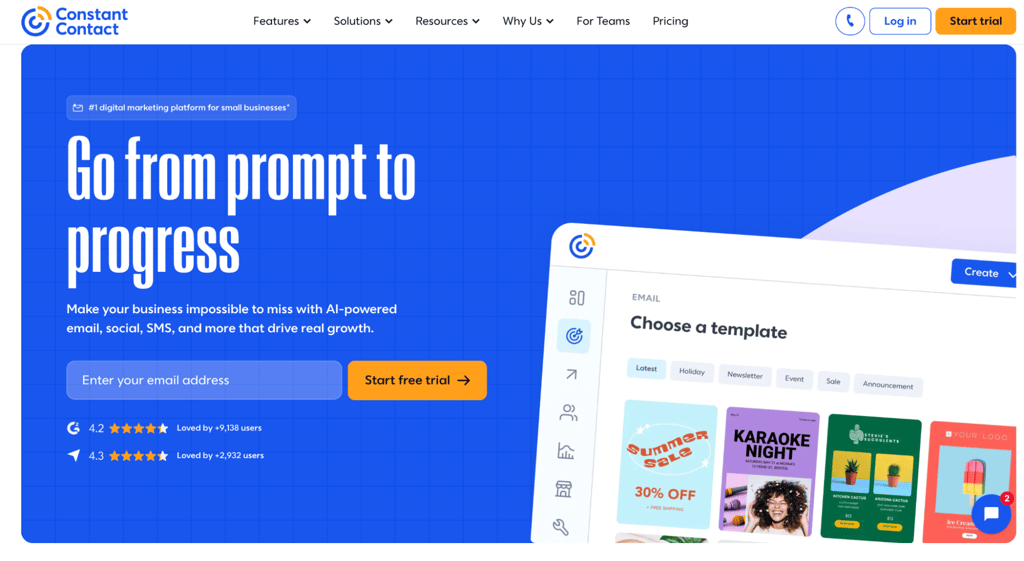
Best for: local businesses, nonprofits, and event organizers who want a simple email tool with strong deliverability.
Constant Contact is an email marketing platform with an AI content generator that drafts newsletters and subject lines from a brief description of your goals. It’s designed for smaller teams that want to get campaigns running quickly without a complex setup.
Constant Contact pros
- Event management tools. Send invitations, manage RSVPs, and sell tickets.
- Social media posting. Schedule and publish posts alongside your email campaigns.
- Phone and chat support. Talk to a marketing expert when you need help.
- 14-day free trial. Test the platform and its features before committing to a paid plan.
Constant Contact cons
- Automation is the biggest limitation. Lite gets one automation template, Standard adds three templates plus AI campaign building and automatic resends to non-openers, and custom automation logic is Premium-only.
- AI-generated drafts tend to be generic and repetitive. They often need full rewrites before sending.
- The drag-and-drop editor feels dated compared to Mailchimp or MailerLite. Templates focus on simple text-and-image layouts, so you’ll have fewer design blocks and less flexibility.
- SMS is only available in the US. International customers don’t have access.
Constant Contact pricing
The Lite plan starts at $8.40/month for up to 500 contacts, with basic email, one automation template, and the AI content generator. Standard costs $24.50/month and adds three pre-built automation templates.
Premium costs $56/month and includes custom automations, advanced segmentation, and SEO recommendations. For event tickets, it carries a fee of roughly 5.8% + $0.30 via Stripe or 6.39% + $0.49 via PayPal per ticket order. All listed prices apply to the first three months only.
What to look for in an AI newsletter generator
The best AI newsletter generator depends on five criteria:
- AI output scope.
- Ease of editing.
- Brand controls.
- Pricing.
- Use-case fit.
AI output scope determines whether the tool generates newsletter copy only or handles copy, design, and sending. A tool that covers the full workflow reduces the need to switch between separate writing, design, and email platforms.
Ease of editing means being able to review your email design and adjust the copy, images, and structure without having to start over. AI-generated newsletters rarely land perfectly on the first try, so this matters.
Brand controls save time on every campaign by automatically applying your logo, colors, and fonts. Without them, you’ll fix design inconsistencies manually each time you generate a new email.
Pricing works differently across tools. Some charge per subscriber, which gets expensive past a few thousand contacts. Others charge per email sent, which favors large lists with lower send frequency.
Use-case fit covers everything from automation depth to analytics. Some tools handle welcome sequences, behavioral triggers, and revenue attribution. Others focus on simple sends. The right choice depends on how complex your campaigns need to be.
Is Hostinger Reach good for creating AI newsletters?
Yes, Hostinger Reach works well when your newsletter workflow is straightforward. Describe a campaign, review the AI draft, make adjustments as needed, and send. You can measure finished newsletter performance directly from your Reach dashboard.
That makes it a strong fit for:
- Weekly updates and product announcements.
- Seasonal promotions.
- Simple drip sequences that don’t need complex branching logic.
It’s also the most practical option if you already use Hostinger for hosting, website building, or ecommerce. Contacts sync automatically from Hostinger AI Builder, Hostinger Ecommerce, or WordPress through a plugin, and email authentication is handled for you on Hostinger domains.
You don’t need a Hostinger website to collect subscribers, either. Reach includes a standalone form builder that generates embeddable sign-up forms for any website.
Next steps for your AI-powered newsletter
Match the tool to what you actually need, then test your top pick with a real campaign before committing.
If your newsletters are simple updates or promotions, a focused tool like Reach or MailerLite keeps things lean. If you need CRM integration or multi-step automation, ActiveCampaign or HubSpot may be better suited. When choosing between the two approaches, compare ActiveCampaign with Hostinger Reach based on the automation depth your campaigns actually require.
Most tools on this list offer free plans or trials, so use them to evaluate your shortlist before choosing a platform. Send a few newsletters, review the AI-generated copy and design, and check whether the editor, automation features, and pricing fit your workflow.
This article is a localized version of 10 best AI newsletter generators to create and send branded campaigns, originally published in English.
All of the tutorial content on this website is subject to Hostinger's rigorous editorial standards and values.

Justina is a Content Writer passionate about marketing, with a background in social media and customer success management. She also loves reading books, traveling and exploring new places as well as cooking, and trying out new recipes. Follow her on LinkedIn.