Monday September 28, 2026
Gusti S. & Simon L.
Hostinger weekly product updates: Week 39, 2026

Here’s what shipped the week of September 21 to 25, 2026, across Hostinger Reach, Hostinger AI Builder, Hostinger Agent, Hostinger Ecommerce, Domains, and Agency hosting:
- Hostinger Reach can now generate a complete automation draft from a plain-language description.
- New Hostinger AI Builder websites use server-side rendering for better SEO and instant content.
- Hostinger Agent chats can now be organized into projects.
- Hostinger Ecommerce added custom donation amounts, unlocking “Pay what you want.”
- Hostinger Ecommerce added a new Analytics page for sales and traffic.
- .si domains are now available to register.
- Agency hosting plans now include GitHub integration.
Here’s a closer look at each.
Generate automation drafts with AI in Hostinger Reach
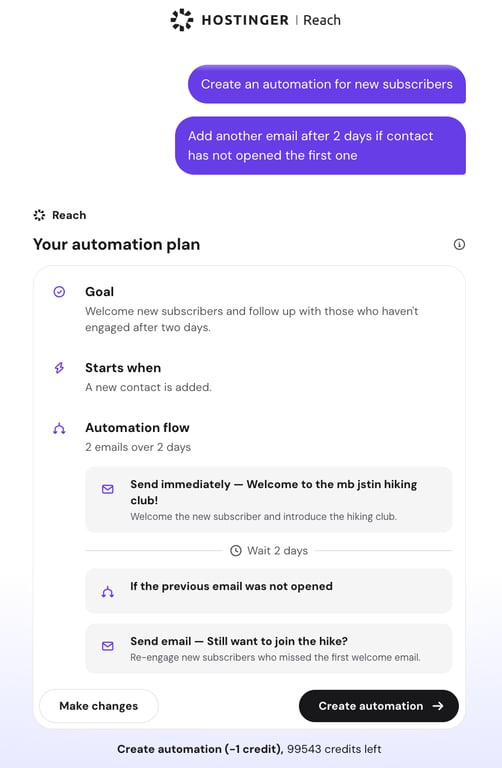
You can now generate a complete automation draft in Hostinger Reach from a plain-language description. Describe what the automation should do, and Reach generates a plan showing the goal, trigger, email sequence, and timing before anything is created.
Review the plan, request changes if you need them, then confirm it to build the automation. See how to generate an automation draft with AI.
New Hostinger AI Builder websites now use server-side rendering
New Hostinger AI Builder websites, created on or after September 21, 2026, now use server-side rendering (SSR), which prepares pages on Hostinger’s servers before they reach the visitor’s browser.
That improves SEO, since search engines and social media previews receive the full page content immediately, and visitors see real content right away.
Every new website also generates proper page titles and descriptions, a robots.txt file, and a sitemap that includes dynamically generated pages like product and blog pages.
You can fine-tune the rest in Hostinger AI Builder’s SEO settings.
Organize Hostinger Agent chats into projects
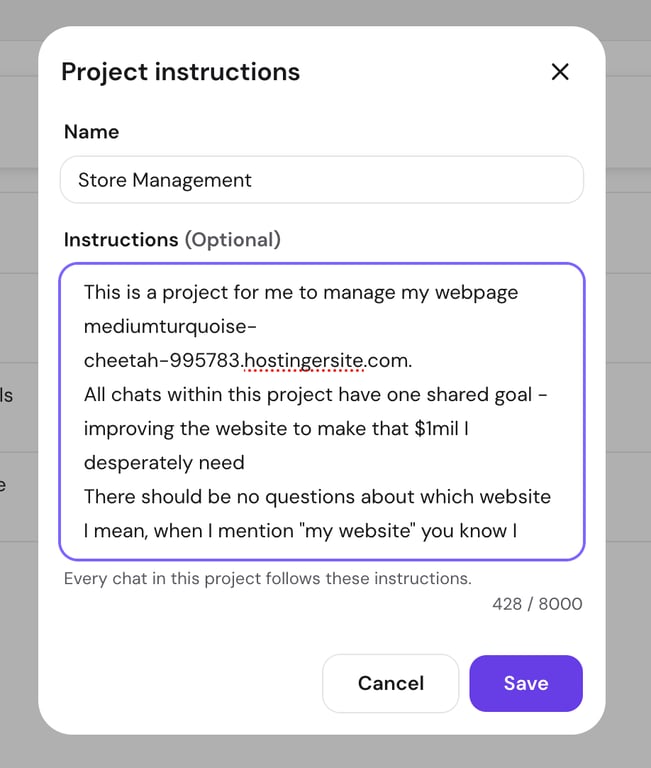
You can now organize your Hostinger Agent chats into projects, so you don’t have to repeat context in every new conversation.
Create a project, add existing or new chats to it, and edit or delete it at any time from the Projects panel. Here’s how to organize Hostinger Agent chats into projects.
Custom donation amounts in Hostinger Ecommerce
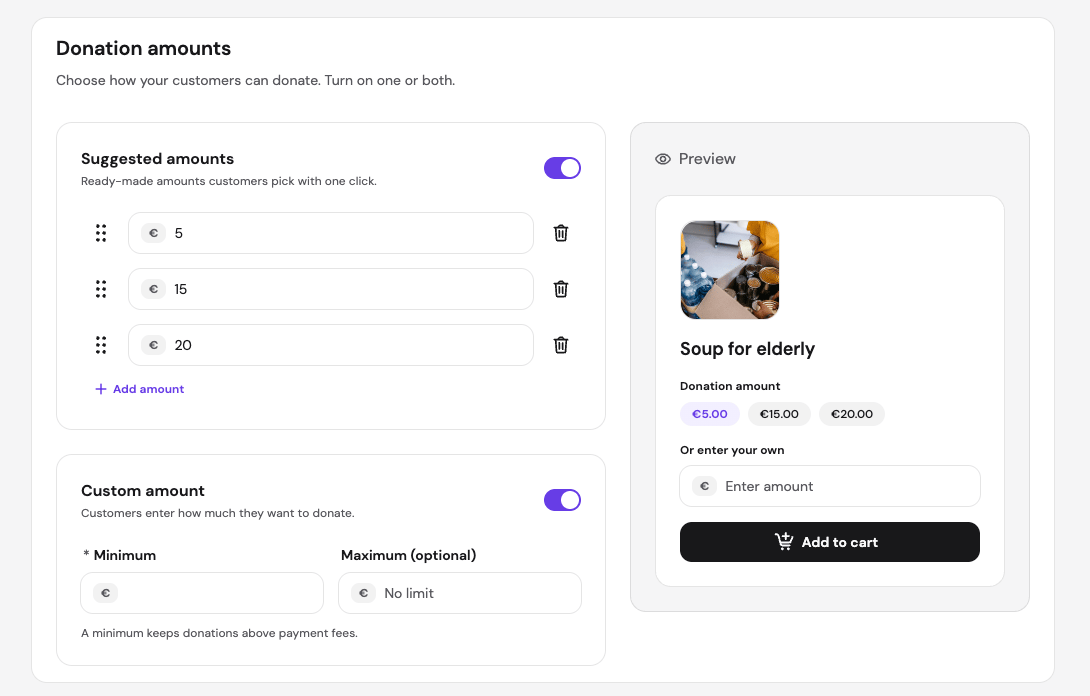
Donation-type products now support custom amounts. Customers can enter whatever donation amount feels right, and you can predefine a few values for easy selection, without restricting customers or cluttering the interface.
This also unlocks “Pay what you want” for products and “Buy me a coffee” at checkout. It’s currently supported in Quick Link stores and custom sales channels. More in how to add products to your store.
A new Analytics page in Hostinger Ecommerce
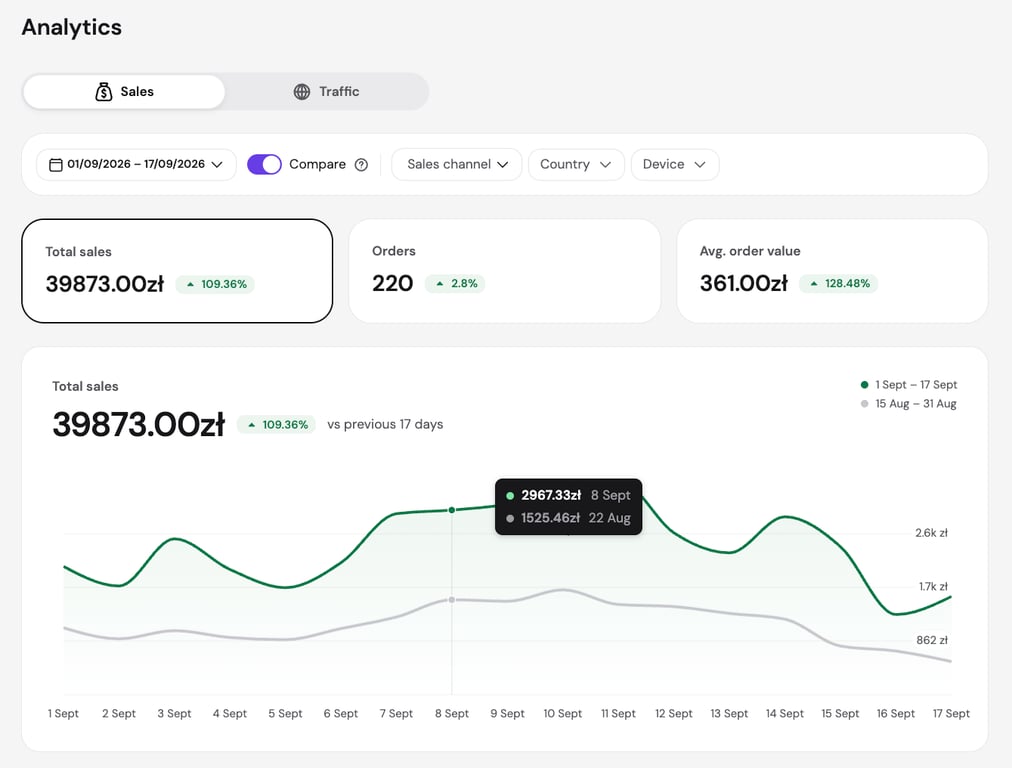
Store owners can now see detailed analytics in one place: how much you sell, what sells, and where your visitors come from.
The new Analytics page splits into a Sales tab and a Traffic tab. Sales shows total sales, orders, average order value, and which channels, products, and discounts drive results.
Traffic shows visits, unique visitors, and where visitors come from by channel, country, and device. Both tabs share the same date range, comparison, and filter controls.
Learn more here about how to use the Analytics page.
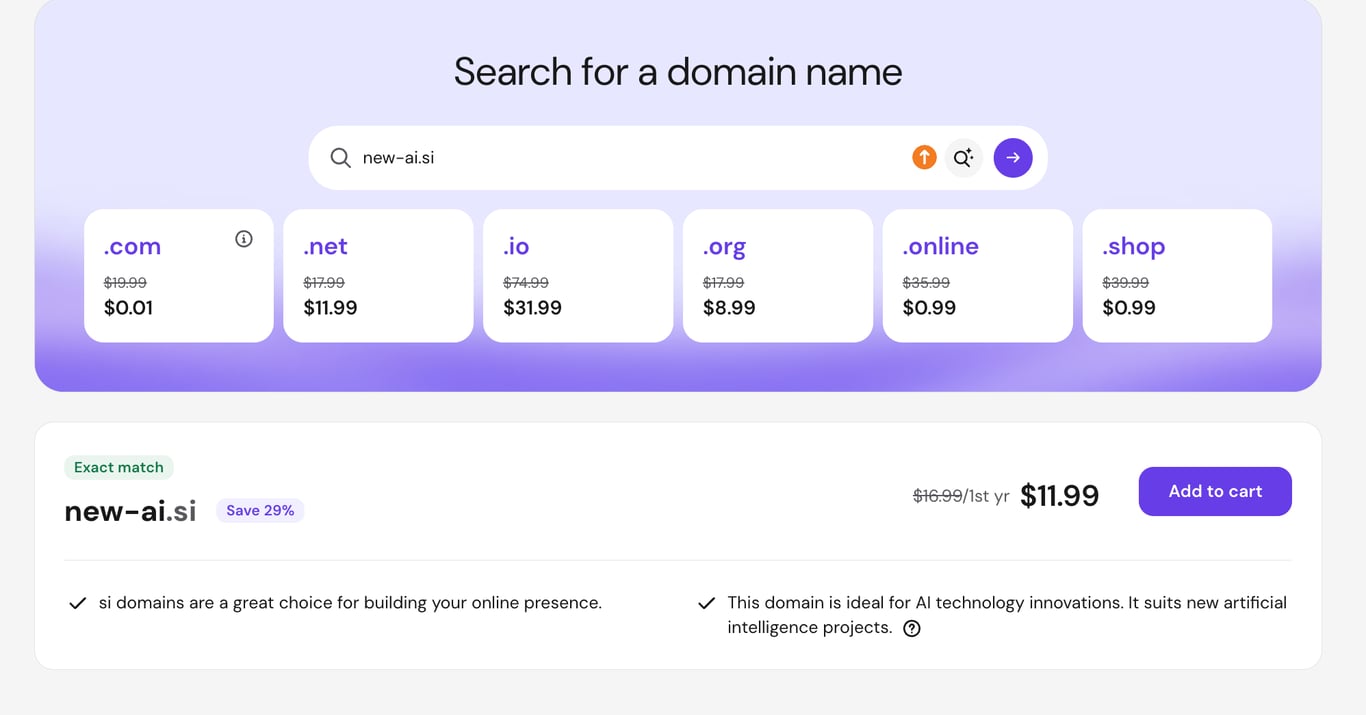
.si domains are now available to register
The .si TLD is now available for registration, so you can secure a .si domain and start building right away.
As Slovenia’s country-code domain, .si is a strong signal that your site serves a Slovenian audience, which can help with local trust and search visibility.
It’s also become a favorite for AI projects, since “SI” reads as “superintelligence,” making it a memorable pick for anything in the AI space.
You can register a .si domain here.
GitHub integration for Agency hosting plans
Agency hosting plans now have GitHub OAuth integration. You can connect an existing website to your GitHub account and deploy WordPress, PHP, and HTML websites directly from it.
Automatic deployments can be paused and resumed at any time, and you can view all completed deployments for a website and run a manual redeploy when needed. Here’s how to deploy a Git repository.
That’s all for this week
For the running log of every release, check our changelog, and for the story behind each week’s updates, browse our weekly product updates.

Gusti Ayu Sandra is a Brand Reputation Specialist at Hostinger, where she keeps conversations between the brand and its community honest and helpful. Her career started in Customer Success, which taught her what customers really care about. Today, she works closely with the community across different platforms to make sure every voice is heard. Follow her on LinkedIn.

Simon is a dynamic Content Writer who loves helping people transform their creative ideas into thriving businesses. With extensive marketing experience, he constantly strives to connect the right message with the right audience. In his spare time, Simon enjoys long runs, nurturing his chilli plants, and hiking through forests. Follow him on LinkedIn.