Top 7 Zoho Mail alternatives: Key features and pricing
Sep 15, 2026
/
By Bruno S.
/
9 min Read
The best Zoho Mail alternatives are Hostinger Business Mail, Google Workspace, Microsoft 365, Proton Mail, Fastmail, Tuta, and Titan Mail. These providers offer different combinations of custom-domain email, collaboration tools, storage, privacy features, integrations, and pricing.
The seven Zoho Mail alternatives covered in this article are:
- Hostinger Business Mail – best for affordable custom-domain email with straightforward setup
- Google Workspace – best for teams that rely on Gmail and Google collaboration tools
- Microsoft 365 – best for businesses using Outlook and Microsoft applications
- Proton Mail – best for privacy-focused email communication
- Fastmail – best for an ad-free, email-focused experience
- Tuta – best for encrypted business email with strong privacy protections
- Titan Mail – best for built-in sales and email productivity features
Compare each provider’s key features, limitations, and pricing to determine which Zoho Mail alternative best fits your business needs.
| Tool | Best for | Key features |
| Hostinger Business Mail | SMBs and individuals wanting a simple branded email | Custom domain email, AI assistant, easy setup, SPF/DKIM/DMARC |
| Google Workspace | Teams needing a full collaboration suite | Gmail, Drive, Docs, Meet, 30 GB–5 TB storage per user |
| Microsoft 365 (Outlook) | Businesses already using Microsoft tools | Outlook, Teams, OneDrive, 1 TB storage, enterprise security |
| Proton Mail | Privacy-first businesses and regulated industries | End-to-end encryption, Swiss jurisdiction, custom domains |
| Fastmail | Professionals wanting fast, ad-free email | IMAP/SMTP support, custom domains, masked email |
| Tuta | Budget-conscious users who need strong encryption | Quantum-safe encryption, open source, free plan available |
| Titan Mail | Small businesses that need a productivity-focused email | Read receipts, email scheduling, templates, booking links |
1. Hostinger Business Mail
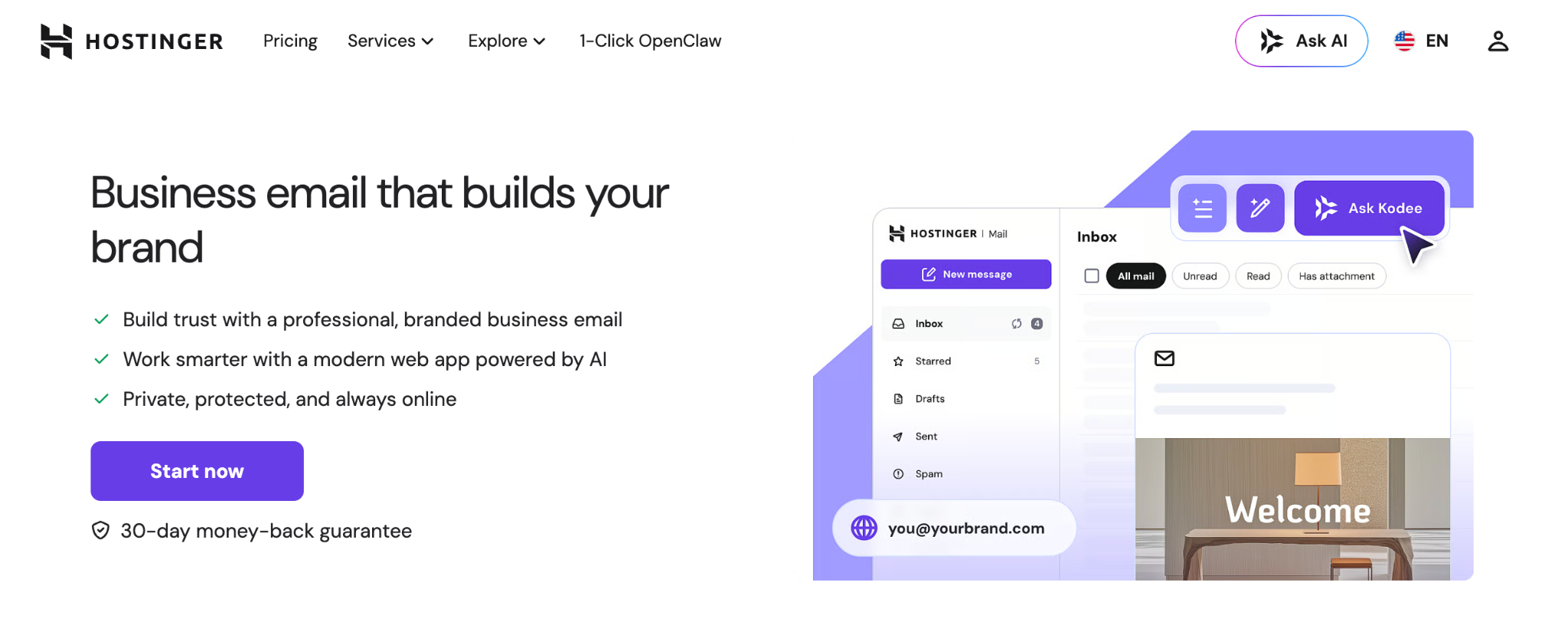
Hostinger Business Mail is a professional email hosting service built for small businesses and individuals who need a branded inbox without a complex productivity suite. Compared to Zoho Mail, Hostinger is better suited to users who want faster setup and a predictable per-mailbox pricing.
Hostinger Business Email is a more straightforward alternative for users who want email hosting without the broader suite of workplace tools that Zoho provides. The differences become clearer when comparing Hostinger Mail vs. Zoho Mail across factors such as pricing, storage, email features, security, and support.
Hostinger has three business email plans: Starter, Standard, and Premium. Starter gives you 5 GB of storage per mailbox, five email aliases, and five forwarding rules. Standard increases this to 20GB of storage, 20 forwarding rules, and 10 email aliases.
The Premium plan includes 50 GB of storage, 50 forwarding rules, 30 aliases, a free domain for one year, and AI-powered email tools.
Hostinger also supports SPF, DKIM, and DMARC email authentication, which helps receiving servers verify legitimate messages, protect the domain from spoofing, and improve email delivery. DNS records are configured automatically if your domain is registered with Hostinger. If it’s registered elsewhere, Hostinger provides the records you need to add manually through your domain registrar.
Hostinger also provides migration support for businesses moving their emails to a new provider, including mailbox messages and folders from an existing service.
Hostinger Business Mail pros
- Custom domain email (name@yourbusiness.com)
- Easy setup through Hostinger dashboard
- AI tools available on Standard and Premium Plans
- Email authentication support, including SPF, DKIM, and DMARC, is included on all plans
- Email migration support
- 30-day money-back guarantee
Hostinger Business Mail cons
- No built-in calendar, task management, or document editing tools
- AI features are limited to the Standard and Premium plans
- Not designed for enterprise-scale teams
Hostinger Business Mail pricing
The Starter plan costs $0.59/month per mailbox in a 12-month term and renews at $1.59/month. Standard starts at $1.39/month and renews at $2.79/month. Premium starts at $2.99/month and renews at $3.99/month.
All plans are priced per mailbox on fixed annual terms, so your costs don’t change mid-cycle.
For comparison, Zoho Mail Lite costs $1 per user per month, so the Starter plan is budget-friendly for users who want a simpler branded email setup with a modest email volume.
The Premium plan at $3.99/month on renewal costs more than Zoho’s base plan but includes AI tools that Zoho offers only on higher tiers.

2. Google Workspace (Gmail)
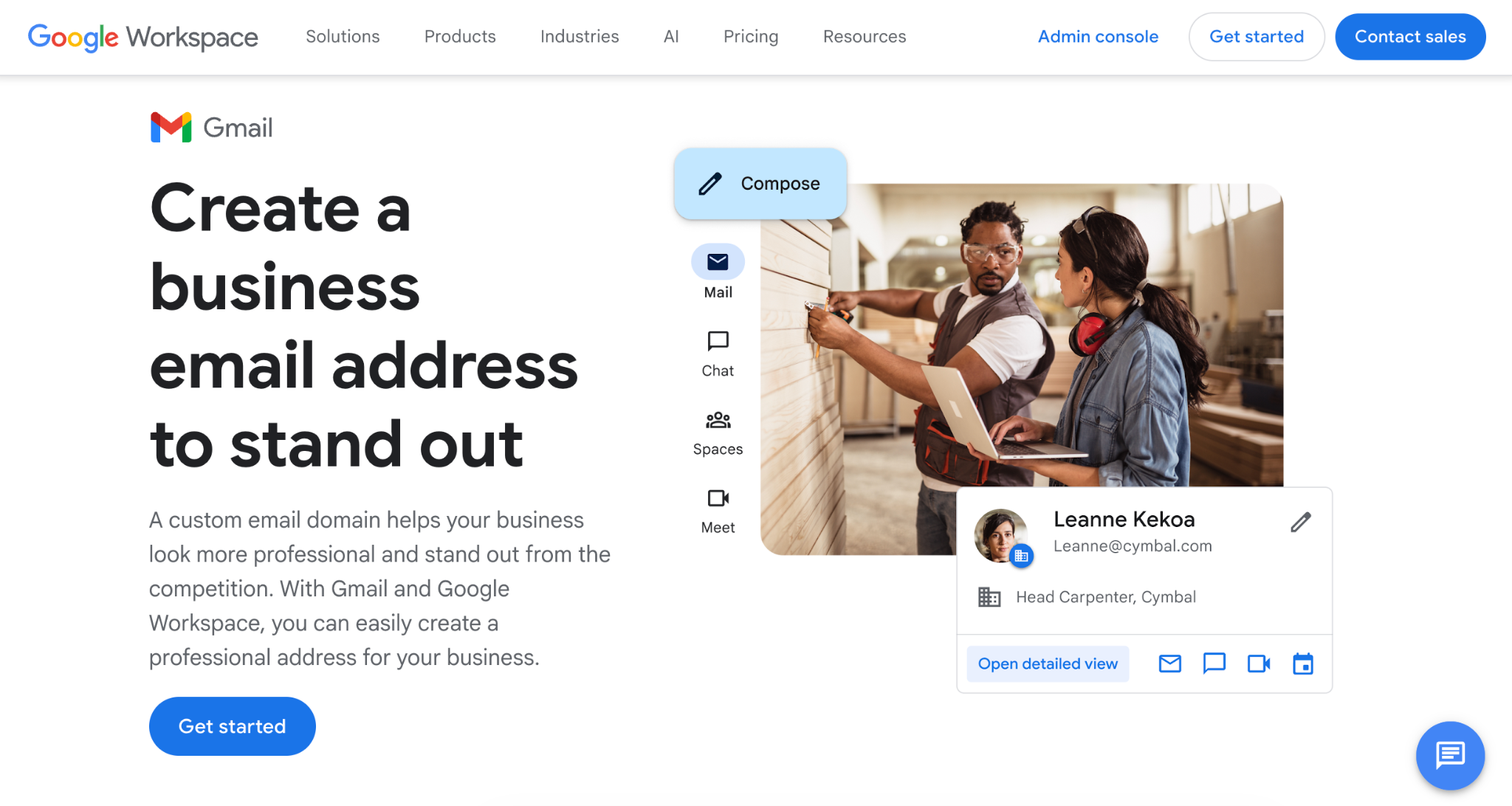
Google Workspace is a cloud-based productivity suite that includes Gmail, along with Google Drive, Docs, Sheets, Slides, Meet, and Calendar. Compared with Zoho Mail, it is a stronger choice for teams that need real-time collaboration and already work inside Google’s ecosystem.
Users usually switch from Zoho Mail to Google Workspace for the familiar collaboration ecosystem. Google Docs makes co-editing simple. The integration between Gmail and Calendar makes it great for daily team workflows.
The familiar Gmail interface makes onboarding easier for teams that already use personal Gmail or Google Drive.
Google Workspace pros
- Integration with Google Drive, Docs, Sheets, Slides, Calendar, and Meet
- 30 GB–5 TB of pooled storage per user, depending on plan
- Real-time document collaboration
- Familiar Gmail interface
- Strong spam filtering and security controls
Google Workspace cons
- Cost increases as your team adds users
- More than some businesses need for basic email hosting
- Each user requires a separate paid license
Google Workspace pricing
Starter costs $7 per user per month on the annual plan with 30 GB of pooled storage per person, custom business email, Gemini AI assistant in Gmail, and video meetings for up to 100 participants.
Standard is $14 per user per month and includes 2 TB per user. It adds meeting recordings with noise cancellation (150 participants), mail merge, Gemini AI across Docs and Meet, appointment booking pages, and eSignature.
Plus is $22 per user per month with 5 TB per person and enhanced security controls, including eDiscovery and Secure LDAP.
A 5-person team on Starter costs $420/year; the same team on Standard costs $840/year. The Standard plan is worth it if your team actively uses Meet and Docs. If they only need email, Starter covers it.
3. Microsoft 365 (Outlook)
Microsoft 365 is a business productivity platform that includes Outlook for email and calendar, plus tools such as Teams, OneDrive, Word, Excel, and PowerPoint. It is a better alternative to Zoho Mail for businesses already using Microsoft services.
Microsoft 365 also offers stronger enterprise administration and security options than Zoho’s lower-tier mail plans. Unlike Google Workspace, Teams is built into your inbox for chats and video calls. The Teams desktop app also works well even when you are offline.
Microsoft Outlook pros
- Integration with Word, Excel, PowerPoint, OneDrive, and Teams
- 1 TB of OneDrive cloud storage per user across all business plans
- Desktop apps work offline, including Outlook
- Advanced security options on Business Premium
- Strong enterprise compliance and audit logging tools
Microsoft Outlook cons
- Setup and administration are more complex than consumer-grade tools
- The full feature set requires Business Standard or higher
- More expensive than Zoho for small teams on the entry plan
Microsoft Outlook pricing
Microsoft 365 Business Basic costs $6 per user per month on an annual subscription and includes web and mobile versions of Office apps, custom business email, Teams, and 1 TB of cloud storage per user.
Business Standard is $12.50 per user per month and adds desktop versions of all Office apps, meeting recordings, and webinar hosting.
Business Premium is $22 per user per month and adds advanced identity and device management features. It’s the right tier for businesses with compliance requirements.
A 5-person team on Business Basic costs $360/year; Business Standard costs $750/year. The $390 difference comes down to one question: Does your team need desktop Office apps? If they work primarily in a browser, Basic is sufficient.
4. Proton Mail
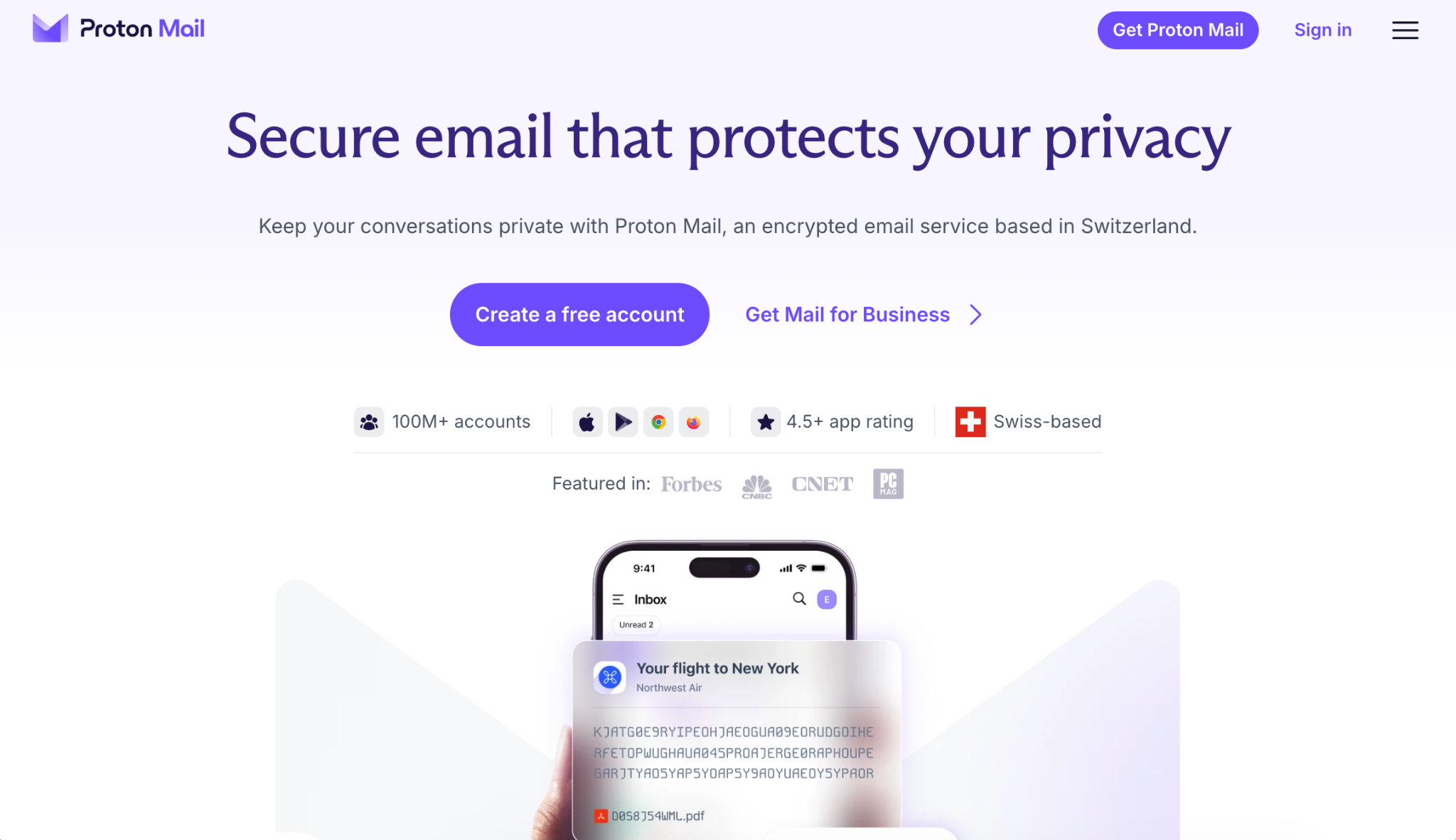
Proton Mail is a privacy-focused email service built around end-to-end encryption and zero-access architecture. It’s based in Geneva, Switzerland, subject to Swiss privacy laws, and is independently audited.
It’s the right Zoho Mail alternative for privacy-conscious businesses that need secure email and custom domains.
Emails between Proton users are automatically end-to-end encrypted. Emails to external addresses can be sent with a password for encryption. The business plans add custom domains, shared calendars, and administrative controls.
Proton Mail pros
- Zero-access encryption for stored mailbox data
- End-to-end encryption between Proton users
- Password-protected emails for non-Proton recipients
- Swiss jurisdiction under strong European privacy laws
- Custom domain support on business plans
- 14-day free trial with no credit card required
Proton Mail cons
- IMAP/SMTP access requires the Proton Mail Bridge desktop app
- Using Proton Mail with third-party desktop clients requires Proton Mail Bridge.
- Fewer third-party integrations than Google or Microsoft
- Higher price per user than Zoho or Hostinger
Proton Mail pricing
Mail Essentials costs $6.99 per user per month on an annual subscription and includes 15 GB storage, three custom email domains, secure email and calendar, appointment scheduling, cloud storage and file sharing, plus a document and spreadsheet editor.
Workspace Standard is $12.99 per user per month. It includes everything in Mail Essentials plus 1 TB of storage per user, 15 custom domains, video meetings for up to 100 participants, a built-in VPN with an ad blocker and malware protection, and a password manager with team vaults.
Workspace Premium is $19.99 per user per month. It includes everything in Workspace Standard, features 3 TB storage, 20 custom domains, 250-participant video meetings, Private AI Chat, an email writing assistant, and data retention policies. All plans include a 14-day free trial.
5. Fastmail
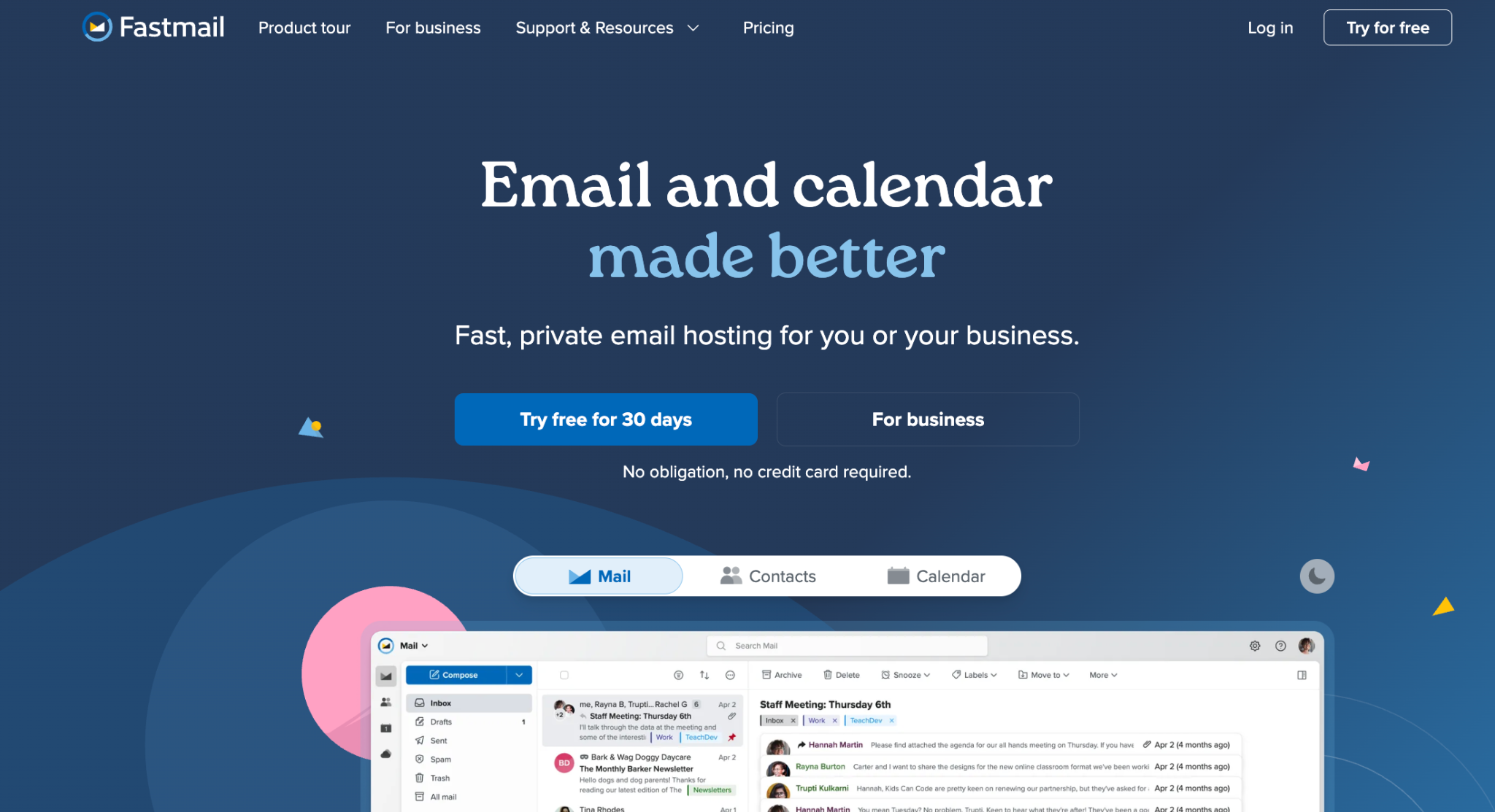
Fastmail is a premium email hosting service focused on speed, privacy, custom domains, and a clean, ad-free inbox.
Compared to Zoho Mail, FastMail is simpler and more email-focused, but it does not offer the same built-in collaboration. It is a good fit for professionals and small businesses who want a reliable custom domain without a productivity suite.
Fastmail loads fast and natively supports third-party email clients such as Outlook and Apple Mail via IMAP-SMTP. Fastmail also offers masked email addresses, temporary aliases that forward to your real inbox.
Fastmail pros
- Fast, clean interface with no ads and no data tracking
- Native IMAP/SMTP support for use with third-party email clients
- Masked email addresses for privacy and spam control
- Custom domain support on Standard and Professional plans
- 30-day free trial, no credit card required
Fastmail cons
- No free plan
- Not as privacy-focused as Proton Mail or Tuta
- Fewer collaboration tools compared to Zoho, Google or Microsoft
- No live chat support
Fastmail pricing
Basic costs $3 per user per month on an annual subscription and includes 6 GB of storage, shared calendars, shared email addresses, and 24/7 support. Custom domain email and third-party app support are not included.
Standard is $5 per user per month, with 60 GB storage, custom business email addresses, third-party app integrations, scheduled send, and snooze. Professional is $9 per user per month, with 150 GB storage plus an email retention archive for legal compliance. All plans include a 30-day free trial.
6. Tuta
Tuta (formerly Tutanota) is an open-source, encrypted email and calendar service based in Hanover, Germany. It is great for users who want a privacy-focused email at a lower cost than other business email suites, such as Zoho.
Tuta uses end-to-end encryption, offers quantum-safe encryption and is subject to strict EU privacy rules. The free plan includes 1 GB of storage, making it a low-friction entry point before upgrading to a paid business plan.
Tuta pros
- Quantum-safe end-to-end encryption by default
- Open-source codebase, independently audited
- Free plan available
- Hosted in Germany and GDPR-compliant
- No ads, no tracking
Tuta cons
- No IMAP/SMTP support
- Third-party email clients are not supported
- Fewer integrations than Zoho, Google or Microsoft
- Smaller feature set than full productivity suites
Tuta pricing
Based in Germany, Tuta charges in Euros. Essential costs €6 per user per month on an annual subscription and includes 50 GB storage, unlimited calendars and labels, 15 extra email addresses, and three custom domains. It’s a good fit for freelancers and solo users.
Advanced costs €8 per user per month and includes 500 GB of storage, 30 extra email addresses, and 10 custom domains. Unlimited is €12 per user per month with 1,000 GB storage, 30 extra email addresses, and unlimited custom domains.
7. Titan Mail
Titan Mail is a business-focused email service built for small business owners, freelancers, and sales professionals. Unlike Zoho, it is sold through web hosting and domain registrar partners. This makes it a convenient option if your domain or hosting provider already offers Titan. It has built-in business tools: email tracking with read receipts and link click tracking, follow-up reminders, email templates, booking links, and an AI writing assistant.
Titan Mail pros
- Built-in read receipts and link click tracking
- Email templates
- Follow-up reminders
- Booking links and calendar integration
- Custom domain support
- 24/7 live chat and email support
Titan Mail cons
- Available primarily through third-party hosting partners
- Fewer integrations than Zoho, Google, or Microsoft
- Smaller productivity ecosystem
Titan Mail pricing and availability
Titan Mail is purchased through Titan’s partner network. Pricing and included features depend on the hosting or domain provider selling the plan
Factors to consider when choosing a Zoho Mail alternative
The right Zoho Mail alternative depends on what you want your email provider to do better. These are the factors to consider before committing to a new provider.
- Ease of use. Hostinger and Titan are great for users who want a simpler setup than Zoho Mail. Microsoft 365 offers more comprehensive productivity suites but requires more setup time and administrative expertise. Match the tool’s complexity to your team’s technical level.
- Storage. Zoho Mail Lite gives you 5 GB per user. That’s workable for light use but may be limited for businesses with heavy email volume or large attachments. Hostinger Business Starter offers 5 GB, Business Standard offers 20GB, and Business Premium offers 50 GB. Google Workspace starts at 30 GB pooled and scales to 5 TB. Microsoft 365 includes 1 TB of OneDrive storage per user on all plans.
- Security and privacy. Standard TLS encryption may not be good enough if your business handles sensitive data in legal, medical, or financial contexts. Proton Mail and Tuta both use end-to-end email encryption, meaning only the sender and intended recipient can read the message content. Proton operates under Swiss law; Tuta under German law and GDPR.
- Integrations. Google Workspace integrates natively with hundreds of third-party tools through its marketplace. Microsoft 365 integrates with the entire Windows and Office ecosystem. Proton and Tuta have the narrowest integration surface, because encryption limits what third-party apps can access. If your workflows depend on connecting email to a CRM or project management tool, check what’s available before switching.
- Pricing and billing model. Most providers on this list charge per user per month. Hostinger Business Mail charges per mailbox instead, which can be cheaper if you need multiple addresses for one person. Tuta is one of the few options with a functional free plan. Always check what the service costs after the first term, not just the promotional rate.
- Professional features. Basic email hosting gets you a custom domain address and reliable delivery. Business-focused tools like read receipts (Titan), AI-assisted writing (Hostinger Premium and Titan), booking links (Titan), and calendar sharing (Proton, Google, Microsoft) can replace separate paid subscriptions for small teams. Factor those savings into the total cost comparison.
Which Zoho Mail alternative should you choose?
The best Zoho Mail alternative depends on whether your priority is affordability, collaboration, privacy, email management, or sales productivity.
- Choose Hostinger Business Mail for straightforward custom-domain email, predictable mailbox pricing, and simple setup.
- Choose Google Workspace for Gmail alongside collaborative tools such as Google Drive, Docs, and Meet.
- Choose Microsoft 365 for Outlook and close integration with Word, Excel, Teams, and other Microsoft applications.
- Choose Proton Mail or Tuta when encrypted communication and privacy protections are the main priorities.
- Choose Fastmail for an email-focused service with strong organization and customization features.
- Choose Titan Mail for built-in email tracking, scheduling, and other sales productivity tools.
After choosing a provider, setting up a business email address involves connecting your domain, creating the mailbox, and configuring the required DNS records.
Hostinger Business Mail simplifies this process with guided setup and domain-based mailboxes, making it suitable for businesses that want professional email without a complex productivity suite.
All of the tutorial content on this website is subject to Hostinger's rigorous editorial standards and values.

Bruno is a Content Writer at Hostinger, focused on creating and optimizing helpful, engaging articles about web development and marketing. With a background in journalism, he combines storytelling with practical insights to make complex topics easier to understand. He has also contributed to publications like MacMagazine and Jornal A Tarde. Outside of work, Bruno enjoys exploring art, cooking, and technology.