17 professional email greetings for every work situation
Aug 12, 2026
/
By Alma F.
/
8 min Read
The best professional email greetings match the recipient, the situation, and how formal the conversation needs to be. “Dear [Full Name]” suits formal first contact and job applications, while “Hello [Name]” and “Hi [Name]” suit different stages of everyday workplace communication.
The right opening also changes when you’re writing to several people, someone whose name you don’t know, or a person you’re already emailing back and forth with. Formal, neutral, and casual-professional greetings each suit different relationships, while some older or overly familiar openings are better replaced.
The greeting should match the rest of the email as well. The subject line, opening sentence, closing, and signature should use a similar level of formality so the message doesn’t feel inconsistent.
Formal professional email greetings
Formal professional email greetings suit first contact, job applications, important client messages, and situations where you don’t yet know how casually the recipient writes.
1. Dear [Full Name],
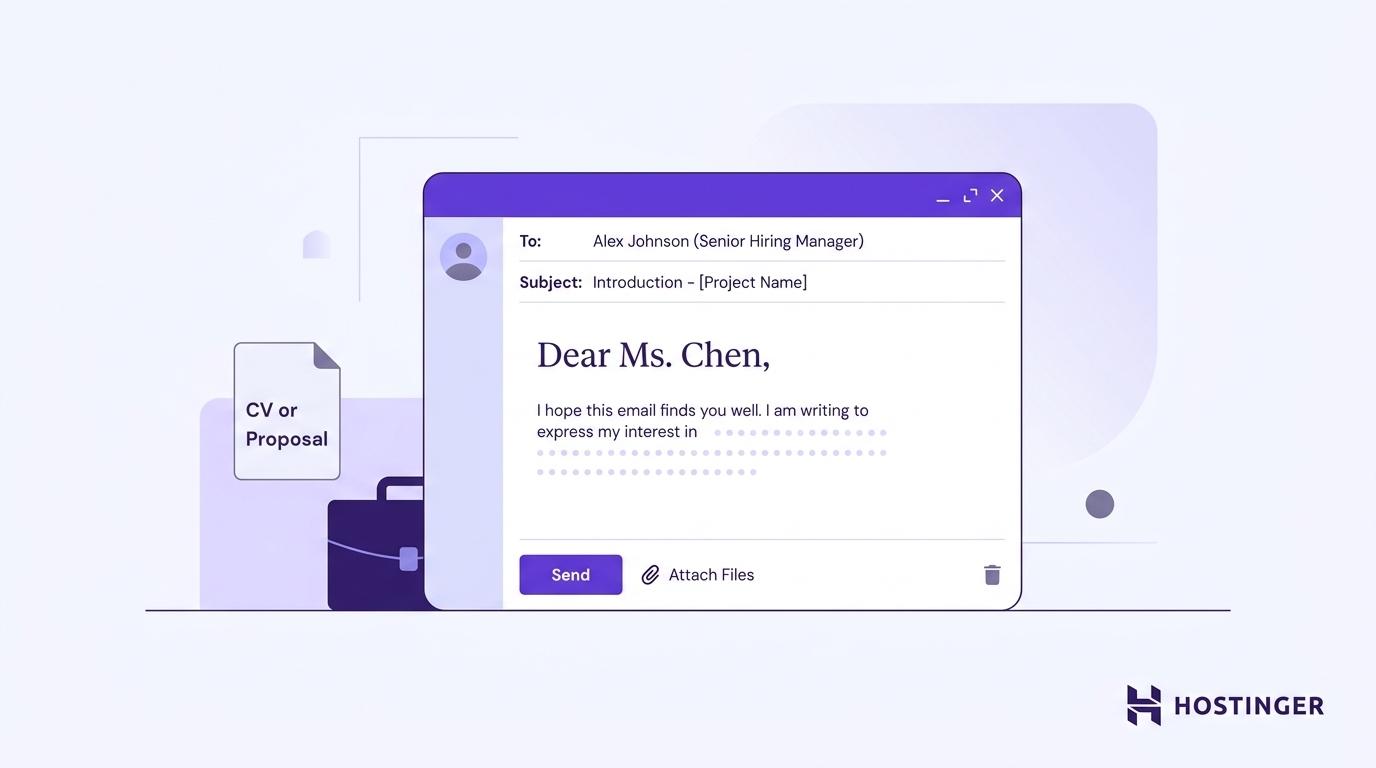
Use Dear [Full Name] when you know the person’s name but don’t know which title they use.
Dear Jordan Clarke,
I’m writing to apply for the project manager position listed on your careers page.
This gives you a formal opening without making you guess at Mr., Ms., Dr., or another title. It works well for job applications and first contact where using only a first name would feel too familiar.
Choose this over “Dear [Title] [Last Name]” when you aren’t certain which title the person uses.
2. Dear [Title] [Last Name],
Use Dear [Title] [Last Name] when you know the recipient uses a specific professional or academic title.
Dear Dr. Patel,
Thank you for taking the time to speak with me after yesterday’s conference.
This format suits doctors, professors, judges, and others whose titles are commonly used when addressing them professionally.
The key difference from “Dear [Full Name]” is certainty: use the title only when you know it is correct.
3. Dear [First Name],
Use Dear [First Name] when you already know the recipient but want more formality than “Hi.”
Dear Sarah,
Thank you for sending the revised contract.
It works well with established clients or professional contacts when the relationship is familiar but the message itself is more serious, such as a contract, proposal, payment, or sensitive business matter.
“Dear” is still appropriate in professional email and works especially well when you want more formality than “Hi.” Use the name the person uses themselves, and don’t shorten Joseph to Joe unless they do.
4. Dear Hiring Manager,
Use Dear Hiring Manager when you’re applying for a job and cannot find the name of the person reviewing applications.
Dear Hiring Manager,
I’m writing to apply for the Marketing Coordinator position.
Check the job listing and company website for a named contact first. If none is available, this greeting still identifies the person responsible for the hiring process.
Unlike “Dear [Job Title],” this greeting has one specific purpose: job applications.
5. Dear [Job Title],
Use Dear [Job Title] when you need to reach someone in a specific role but cannot find their name.
Dear Marketing Director,
I’m contacting you about a possible content partnership between our companies.
This works for targeted business requests where you know which role should handle the message. “Dear Marketing Director” is more specific than “Dear Sir or Madam” because it identifies the role you’re trying to reach.
A formal greeting works best when the subject is equally clear, so pair your greeting with a clear subject line that names the reason for the email.
Neutral professional email greetings
Neutral professional greetings suit everyday business email when “Dear” feels too formal, but a casual opening would assume too much familiarity.
6. Hello [Name],
Use Hello [Name] when you’re emailing someone for the first time and want a professional opening without the formality of “Dear.”
Hello Marcus,
I’m reaching out about the project timeline we discussed at yesterday’s meeting.
It suits new clients, vendors, professional contacts, and people you’ve only met briefly. “Hello” keeps some distance while still sounding natural.
The simplest distinction is: use “Hello” when the relationship is new.
7. Hi [Name],
Use Hi [Name] for routine messages once you already know the person or have exchanged emails before.
Hi Alex,
I’m following up on the proposal I sent last Tuesday.
It fits colleagues, existing clients, vendors, and other contacts you communicate with regularly.
Compared with “Hello,” “Hi” assumes more familiarity. Use “Hello” for a newer relationship and “Hi” once the communication is established.
The greeting sets only the opening tone. You should also structure the rest of your message professionally by making the purpose and request easy to find.
8. Good morning / Good afternoon [Name],
Use Good morning [Name] or Good afternoon [Name] when the message is tied to something happening that day and the recipient is likely to read it around the time you send it.
Good morning Jennifer,
Thank you for arranging today’s meeting.
Or later in the day:
Good afternoon Daniel,
I’ve attached the updated figures from this morning’s review.
These greetings work especially well for same-day meetings, appointments, and updates because the timing is part of the context.
If the recipient is in another time zone or may not read the message until much later, use “Hello” or “Hi” instead.
Casual-professional email greetings
Casual-professional greetings suit people you already know and communicate with in a relaxed way. They are too informal for most first contact or conversations that already use a more formal tone.
9. Hey [Name],
Use Hey [Name] with close colleagues and established contacts who already use the same casual tone with you.
Hey Sam,
Could you take a quick look at the updated mockup?
“Hey” works for quick requests between people who regularly communicate this way. It assumes more familiarity than “Hi.”
Avoid it for job applications, cold outreach, or first contact with a client. If you aren’t sure whether “Hey” is appropriate, use “Hi.”
10. [Name],
Use the recipient’s name alone for a short, direct message when you already have a close working relationship.
Marcus,
Can you send the updated budget before the 3 p.m. meeting?
This opening is more direct than “Hey [Name]” because there is no greeting before the request. That makes it useful for quick internal communication or an active conversation.
For first contact or a formal request, add “Hi,” “Hello,” or “Dear.”
Professional email greetings for groups
Group greetings depend on who belongs to the group. Two named recipients need a different opening from a whole team, department, or wider group of professional peers.
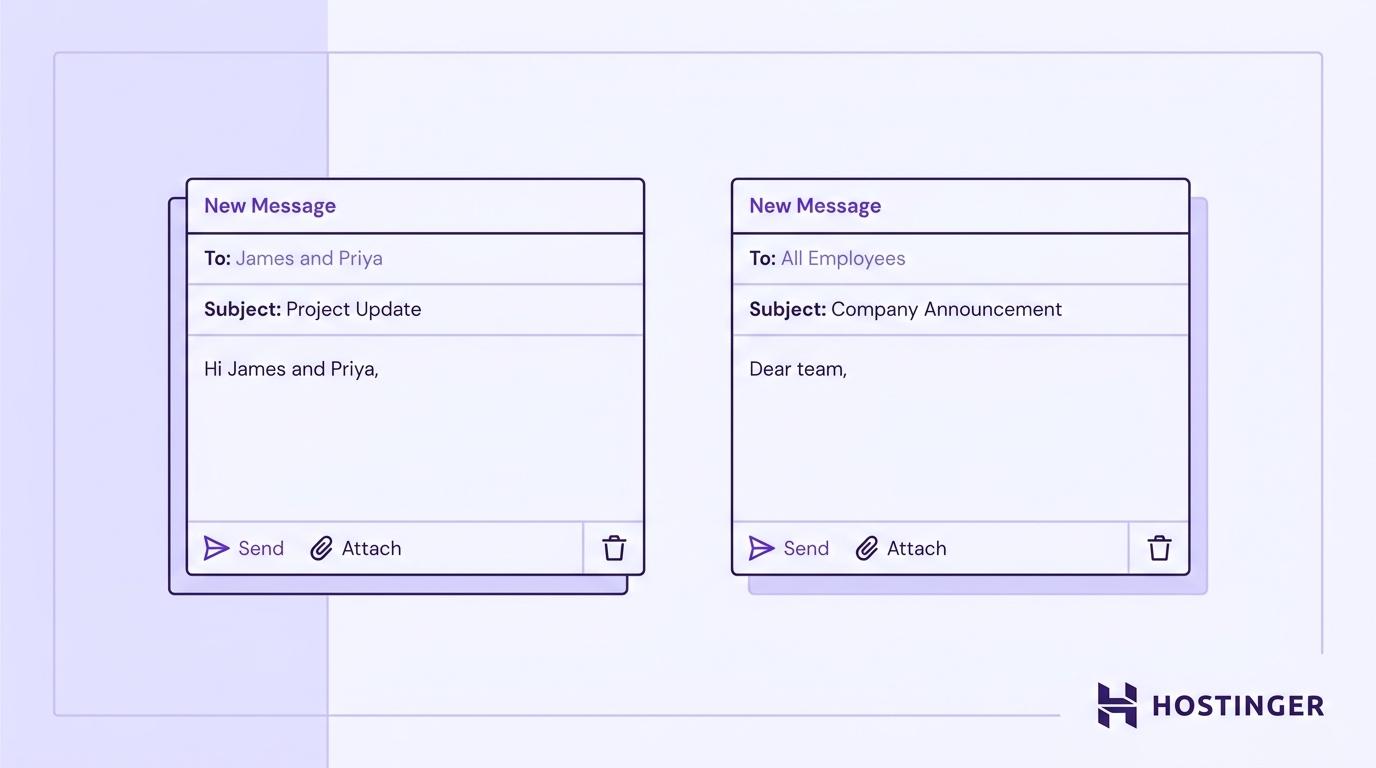
11. Hi [Name] and [Name],
Use Hi [Name] and [Name] when you’re emailing two people. For three people, list all three names if the greeting remains easy to read.
Hi Sarah and Marcus,
I’ve attached the timeline we discussed in yesterday’s meeting.
With three recipients, you could write:
Hi Sarah, Marcus, and Jenna,
Thanks for sending your comments.
This is more personal than a group greeting because each recipient is named. Once the list becomes long enough to make the opening awkward, switch to “Hi everyone” or another group greeting.
12. Hi everyone / Hello everyone,
Use Hi everyone or Hello everyone when you’re addressing a broader group that does not need to be named individually.
Hi everyone,
Here’s the latest update on the Q3 launch schedule.
For a less familiar group:
Hello everyone,
I’m sharing the agenda for Thursday’s planning session.
Both greetings serve the same basic purpose, so they belong together. The difference is tone: “Hi everyone” suits a familiar internal group, while “Hello everyone” is more neutral for a new, mixed, or partly external group.
13. Hi team,
Use Hi team when everyone receiving the email already works together as one team.
Hi team,
Please add your final comments to the document by Thursday.
It fits project teams, departments you belong to, and other groups working toward the same goal.
The difference from “Hi everyone” is the relationship between the recipients. “Hi team” implies that the group works together; “Hi everyone” only describes the people receiving the message.
14. Dear [Department] Team,
Use Dear [Department] Team when you’re addressing a specific department and want a more formal opening.
Dear Finance Team,
Please review the attached forecast before Friday’s meeting.
This greeting suits official notices, important requests, and messages to departments you don’t communicate with regularly. It also works when writing to a shared address such as finance@company.com.
Unlike “Hi team,” you do not need to belong to the department yourself.
15. Dear colleagues,
Use Dear colleagues for a formal message to professional peers who are not necessarily part of the same team.
Dear colleagues,
I’m writing to confirm the schedule for next month’s annual meeting.
It suits faculty members, committee members, conference participants, or people in the same profession.
The distinction from “Dear [Department] Team” is that colleagues can share a profession, organization, or committee without working together as one department.
Professional email greetings for unknown recipients
When you don’t know the recipient’s name, choose the opening based on how formal the setting is.
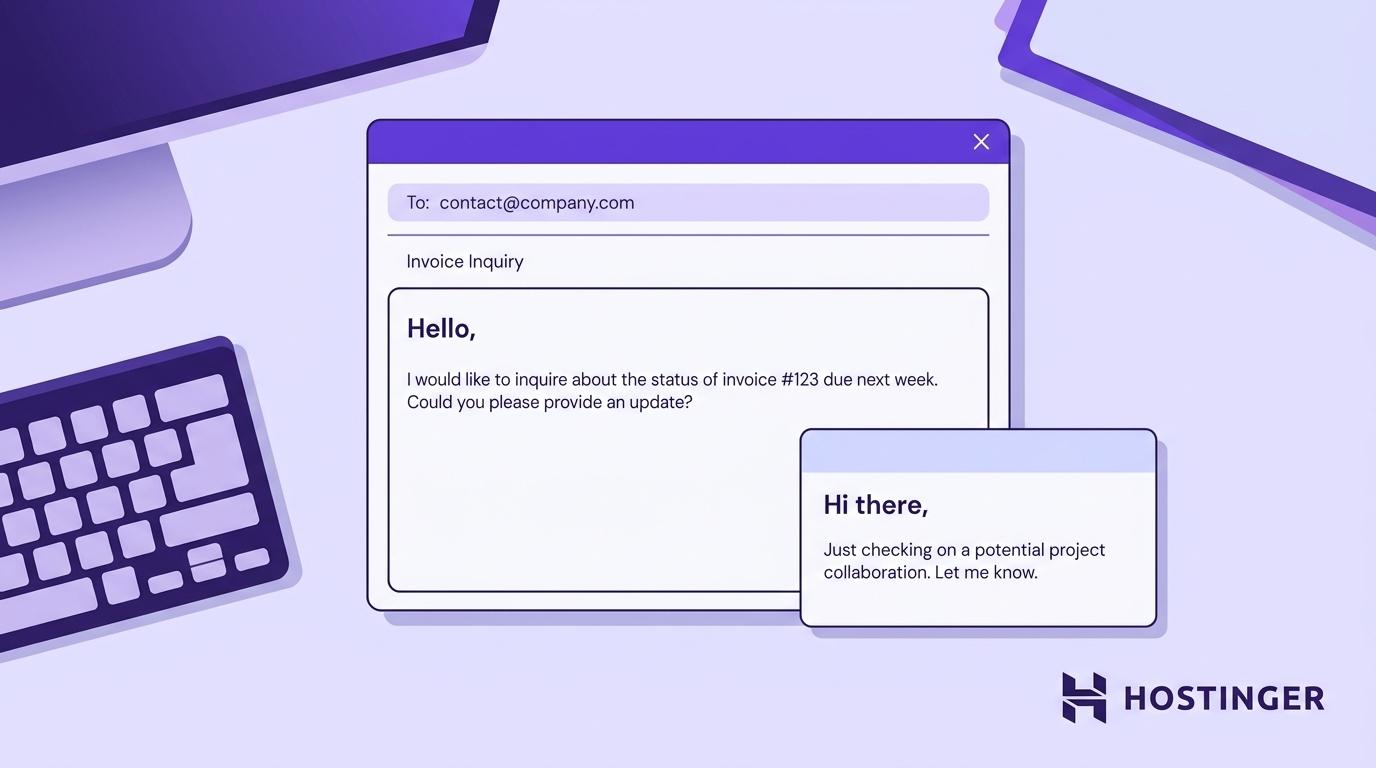
16. Hello / Hi there,
Use Hello when you’re writing to an unknown reader in a professional business setting.
Hello,
I’m contacting you about an invoice issued on July 12.
This works for a general inbox such as contact@company.com when you don’t know which person will read the message.
Use Hi there for an unnamed individual in a more relaxed setting:
Hi there,
I have a question about the registration process for next month’s event.
“Hi there” is good for contact forms, marketplace messages, community platforms, or similar situations where the person’s name isn’t shown.
The difference is the setting: “Hello” is the safer business default, while “Hi there” suits a more casual interaction. If you know the department, use something more specific such as “Hello Support Team.”
Professional greetings for replies and follow-ups
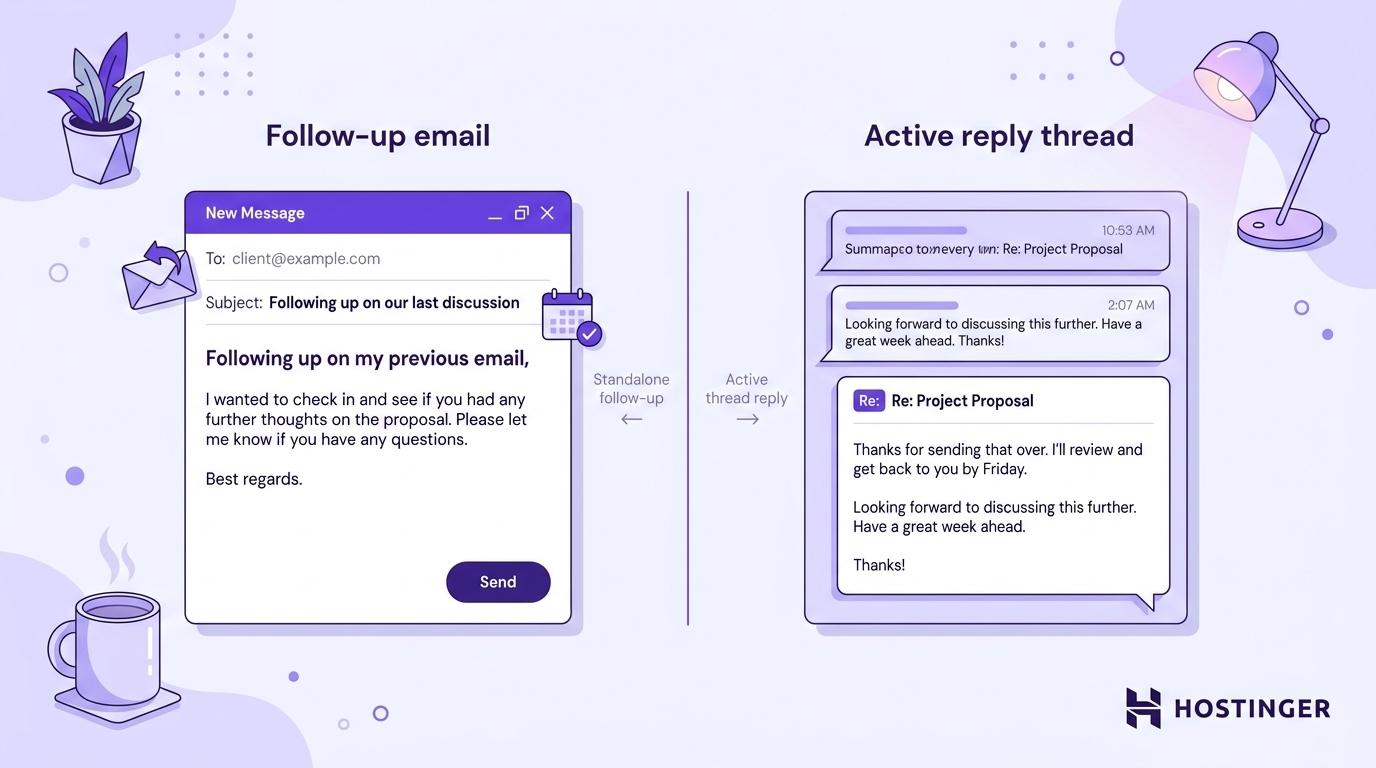
A separate follow-up can acknowledge your earlier email, while an active back-and-forth thread typically doesn’t need a fresh greeting every time.
17. Hi again [Name] / Hello again [Name],
Use Hi again [Name] or Hello again [Name] when you send another message shortly after an earlier one, especially when you need to add information before the recipient replies.
Hi again Sarah,
I wanted to add one detail to the proposal I sent yesterday.
“Hi again” suits an established or warmer relationship, while “Hello again” keeps a little more formality for a client or outside contact.
Once both people are actively replying, you don’t need to restart every short message with another greeting:
First reply:
Hi Sarah, thanks for the quick response.
Second reply the same day:
Great, I’ll send the file by end of day.
Reply after a longer gap:
Hi Sarah, I’m following up on this.
Bring the greeting back when the conversation resumes after a break or when you return to a slower client thread.
For follow-ups that need more context than a short reminder, see complete workplace email templates showing how the greeting, explanation, and request work together.
How to choose the right professional email greeting
Choose a professional email greeting based on your relationship with the recipient, the email’s subject, and the tone you’ve already established between you.
Situation | Good starting point |
Formal first contact | Dear [Full Name] |
Recipient with a known professional title | Dear [Title] [Last Name] |
Familiar contact, formal message | Dear [First Name] |
Job application with no contact name | Dear Hiring Manager |
Known role, unknown name | Dear [Job Title] |
New client or outside contact | Hello [Name] |
Established client or colleague | Hi [Name] |
Same-day meeting or update | Good morning / Good afternoon [Name] |
Close colleague | Hey [Name] |
Short direct message to someone you know well | [Name] |
Two or three recipients | Hi [Name] and [Name] |
Broader group | Hi everyone / Hello everyone |
One working team | Hi team |
Specific department | Dear [Department] Team |
Professional peers | Dear colleagues |
Unknown recipient | Hello / Hi there |
Separate follow-up | Hi again [Name] / Hello again [Name] |
When you’re unsure, start slightly more formally. If the recipient replies with a more relaxed greeting, you can match that tone in later messages.
The address you send from supports the same first impression. An address on your own business domain, such as name@yourbusiness.com, helps the recipient associate the message with your company before opening it, so use a business-appropriate address rather than an unrelated personal one for work email.
The greeting sets the tone, but the rest of the message needs to follow it. Hostinger Mail’s AI can remember your preferred tone and style and use them when drafting professional emails and replies.
Professional email greetings to avoid
Avoid greetings that make assumptions about the recipient, sound too casual for the relationship, or give the message no clear recipient.
Avoid | Why | Use instead |
Dear Sir or Madam | Assumes how the recipient should be addressed and sounds dated | Dear [Full Name], Dear Hiring Manager, or Dear [Job Title] |
To Whom It May Concern | Gives most workplace emails no clear recipient | A name, role, department, or Hello |
Hey guys | Uses gendered wording for a group | Hi everyone or Hi team |
Gentlemen / Ladies | Assumes how everyone in the group identifies | Hello everyone or Dear colleagues |
Yo / What’s up | Too casual for most workplace email | Hi [Name], or Hey [Name] with a close colleague |
An unfilled placeholder, such as “Hi [First Name],” | Shows that a template wasn’t checked before sending | Replace the placeholder with the correct name |
“To Whom It May Concern” still has limited uses for documents meant for an unknown reader, such as some reference letters. In a normal workplace email, a name, role, or department makes it clearer who the message is for.
Check the recipient’s name before sending as well. A suitable greeting still looks careless if the name is misspelled.
What to write after a professional email greeting
After the greeting, open with the reason for your email. State the topic, request, or update in the first sentence instead of adding a generic opening that delays the point.
For example:
Hi Priya,
Thank you for meeting with me yesterday. I’ve attached the revised project plan we discussed.
The opening sentence should maintain the tone set by the greeting and quickly make the purpose clear. A formal “Dear Dr. Patel,” should lead into a polished sentence, while “Hi Sam,” leaves room for a more conversational style.
The same tone should carry through to the end of the email, where you choose an appropriate closing and finish with a polished email signature so the recipient can see who you are and what you do.

All of the tutorial content on this website is subject to Hostinger's rigorous editorial standards and values.

Alma is an AI Content Editor with 9+ years of experience helping ideas take shape across SEO, marketing, and content. She loves working with words, structure, and strategy to make content both useful and enjoyable to read. Off the clock, she can be found gaming, drawing, or diving into her latest D&D adventure.