The Hostinger Horizons app for ChatGPT allows you to create new websites directly within the ChatGPT interface. By connecting your account, you can use AI prompts to generate site content and structure, providing a fast start for your web projects before finalizing them in the Hostinger Website Builder.
You’ll need:
-
An active ChatGPT account.
-
An existing Hostinger hosting plan.
How to connect and use Hostinger Horizons on ChatGPT
See how to build a fully functional website by connecting ChatGPT to Hostinger Horizons:
Follow these steps to enable the integration and generate your first website:
-
Log in to your ChatGPT account.
-
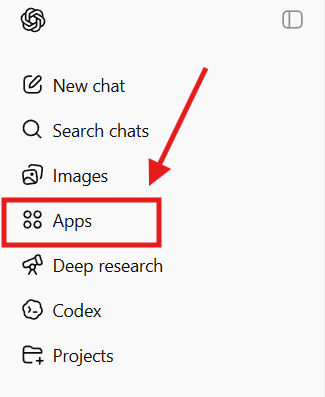
Navigate to the Apps section in the left sidebar.

-
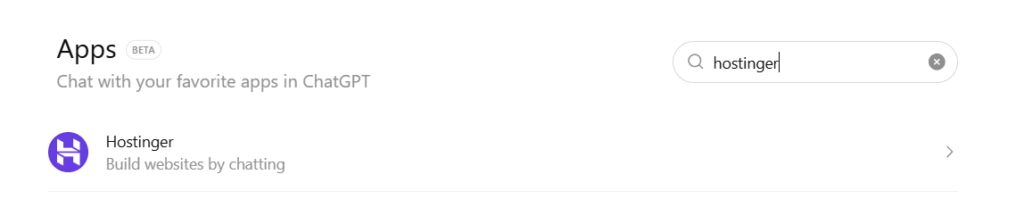
Search for Hostinger and select the official app.

-
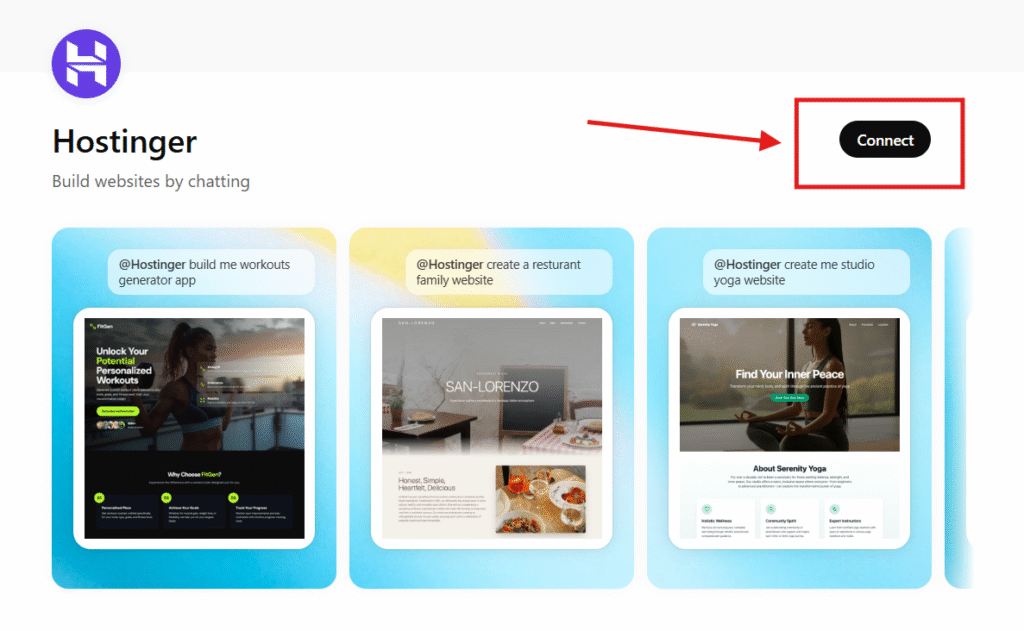
Click Connect to be redirected to the Hostinger login page.

-
Authorize the connection to your Hostinger account.

-
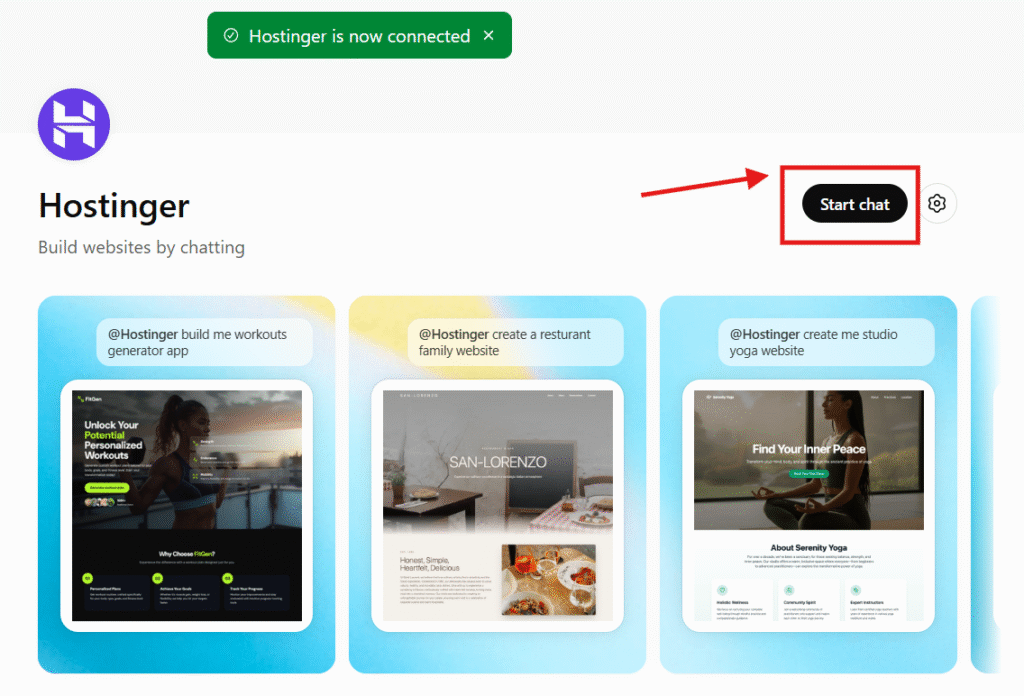
Once redirected back to ChatGPT, enter a prompt describing the website you wish to create.

-
Wait for Hostinger to process the content; the app will provide a link to review your new website.

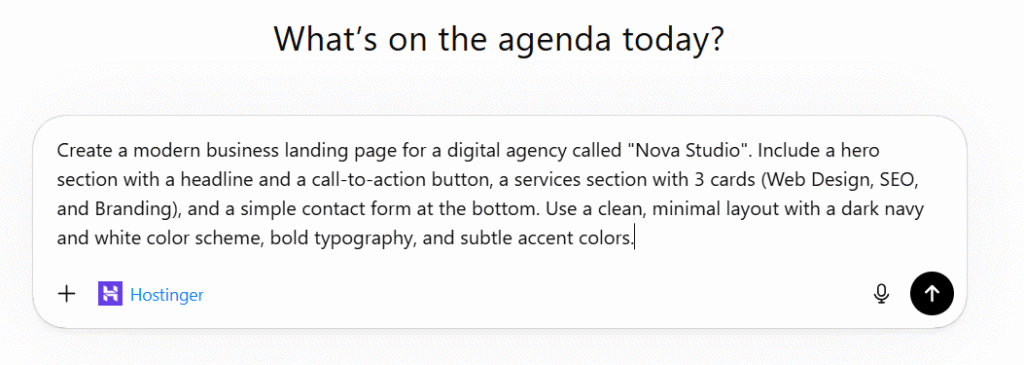

After completing these steps, you will have a website draft generated by Hostinger Horizons. You can then access the provided link to refine your site’s design and settings within the Hostinger interface.