Hostinger Agency Hosting lets you clone a WordPress website from a Web or Cloud plan to your Agency plan, or within your Agency plan, in just a few clicks — no manual migration needed.
How to clone WordPress or Builder websites to Agency Plan
Moving your WordPress or Builder website to an Agency plan is automated and requires just a few clicks. Follow these steps:
Step 1 – Access the Cloning Feature
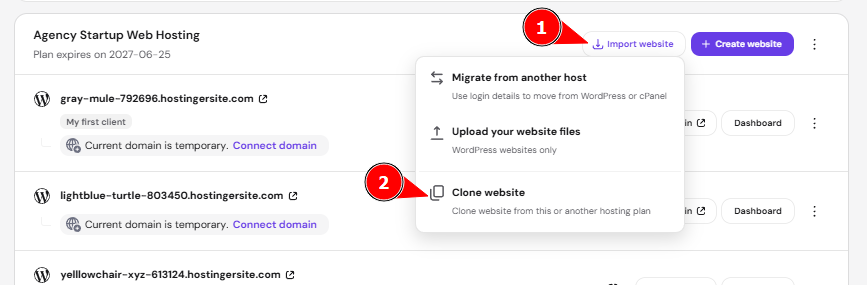
Navigate to your Agency hosting plan dashboard and click the Import Website button, then choose Clone Website from the available options.
Step 2 – Choose websites to clone
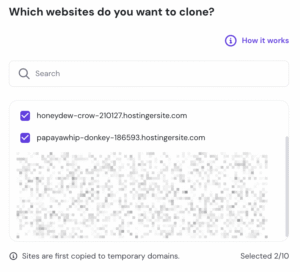
From the dropdown menu, select the websites you want to copy. The cloning feature supports multiple websites simultaneously, saving you time when migrating several sites.
Step 3 – Wait for completion
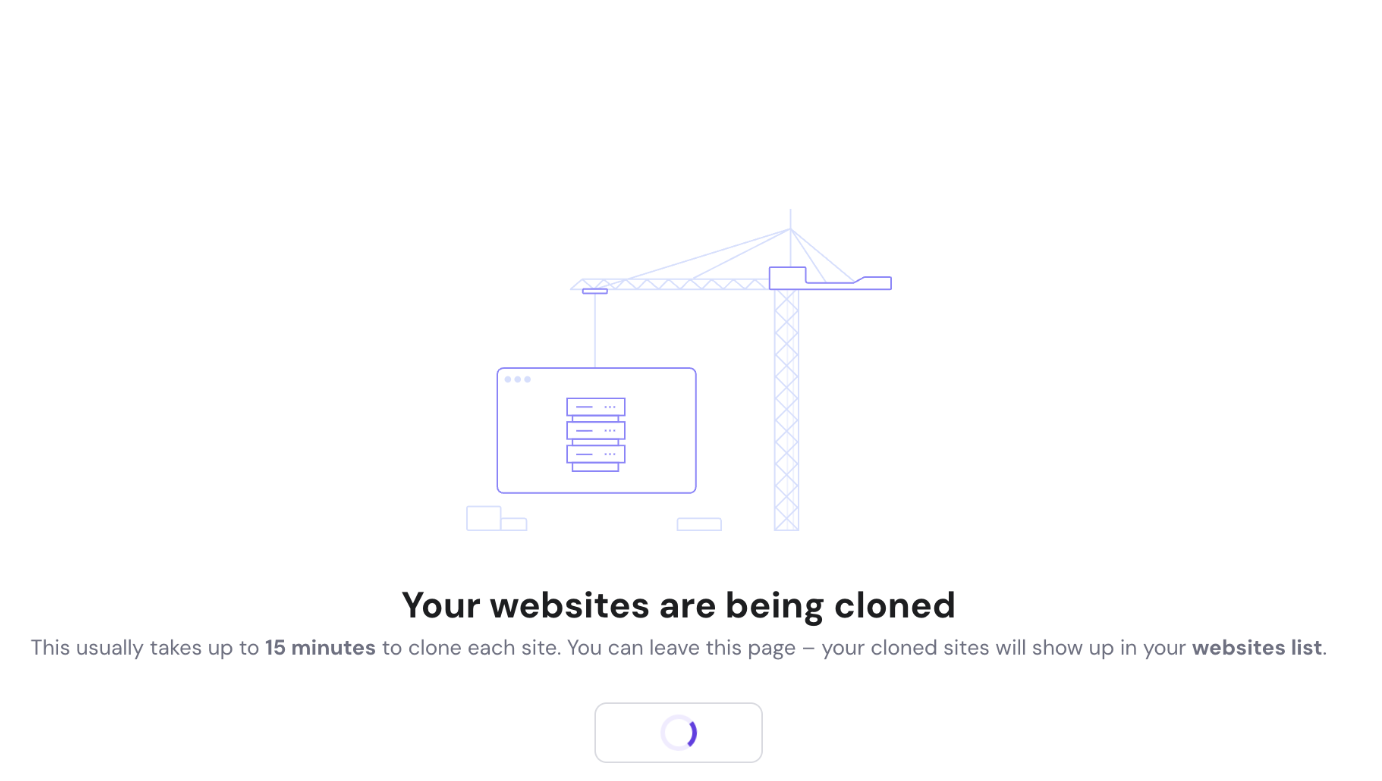
The cloning process typically takes up to 15 minutes per website. You can safely close or leave the page during this time. Once finished, your cloned websites will automatically appear in your Website List.
After cloning: Next steps
Your cloned websites will initially be assigned temporary domains. Before making them live:
- Test your cloned websites on the temporary domains to ensure everything functions correctly
- Remove the domain from your original hosting plan (learn how)
- Connect your actual domain name to the cloned website on your Agency plan (learn how)
Important considerations
Backup your destination domain
If your destination domain already contains content, we strongly recommend creating a backup before cloning (learn how), as the existing content will be overwritten during the migration process.
Subdomain preservation
Any subdomains configured on your destination domain will remain unchanged and won’t be affected by the cloning process.
Migration time
While most migrations complete within 15 minutes, larger websites with extensive databases or media libraries may take longer.
Frequently Asked Questions
Can I clone websites from a different Hostinger account?
No, you can only clone WordPress or Hostinger AI builder websites within the same Hostinger accounts. For hosting plans under the different Hostinger account, you need to perform the manual migration.
How many websites can I clone at once?
The Agency plan allows you to clone multiple WordPress and Builder websites simultaneously, streamlining bulk migrations.
What happens to my original website after cloning?
Your original website remains unchanged on the source hosting plan. You’ll need to manually remove the domain from the old plan once you’ve verified the cloned version works correctly.
Will my website be offline during cloning?
No, your original website stays online throughout the cloning process. The clone is created on a temporary domain, ensuring zero downtime.