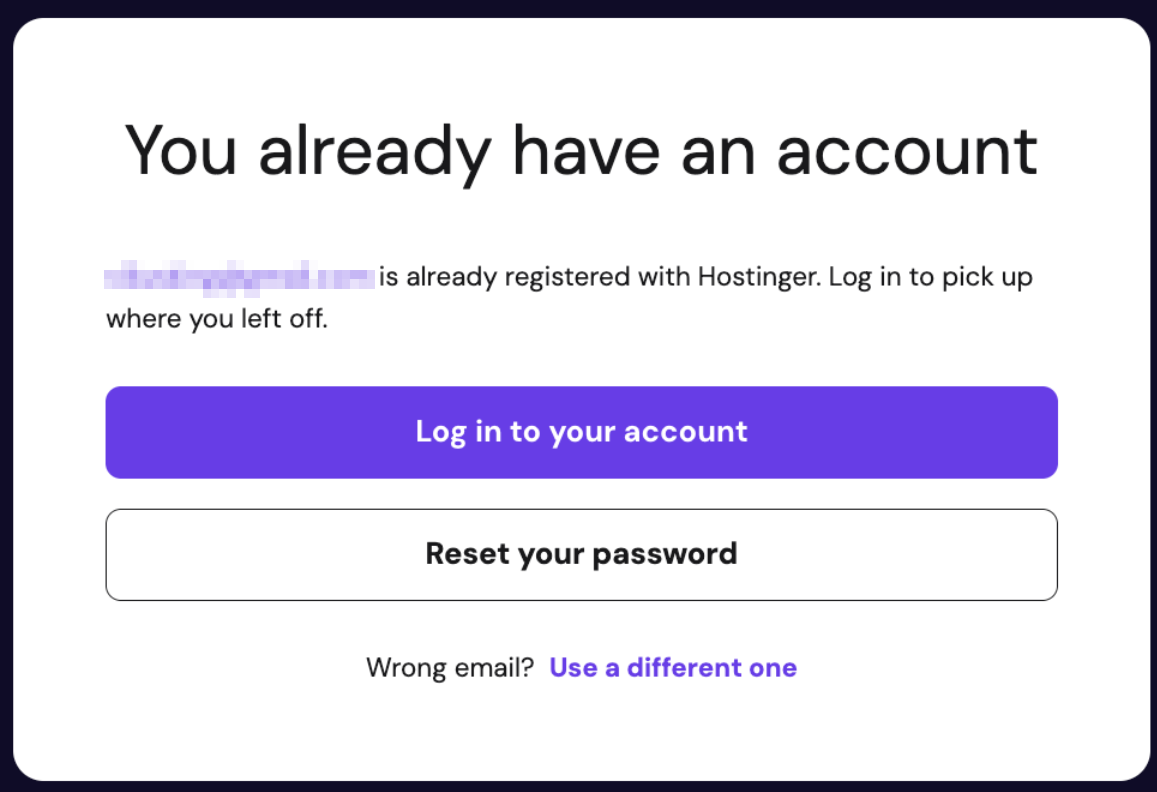
If you try to register with an email address that already has a Hostinger account, the registration page shows a message confirming an account exists for that address, with options to log in, reset your password, or use a different email.
Resolve the already-registered email message
Choose one of the following options:
- Click Log in to your account to sign in with your existing credentials.
- Click Reset your password to begin the password reset process, covered in How to reset your Hostinger account password.
- Click Use a different one to register with a different email address instead.
Once you pick an option, you’ll regain access to your Hostinger account within a few clicks.
If you no longer have access to the email address linked to your account, follow the steps in How to recover your Hostinger account if you can’t access your email instead of resetting your password.