Add a discount to a product in your Hostinger AI Builder online store to attract new customers, increase sales, improve customer loyalty, or clear out inventory.
Add a discount price
- Go to the store management area → Products, and open the preferred product.
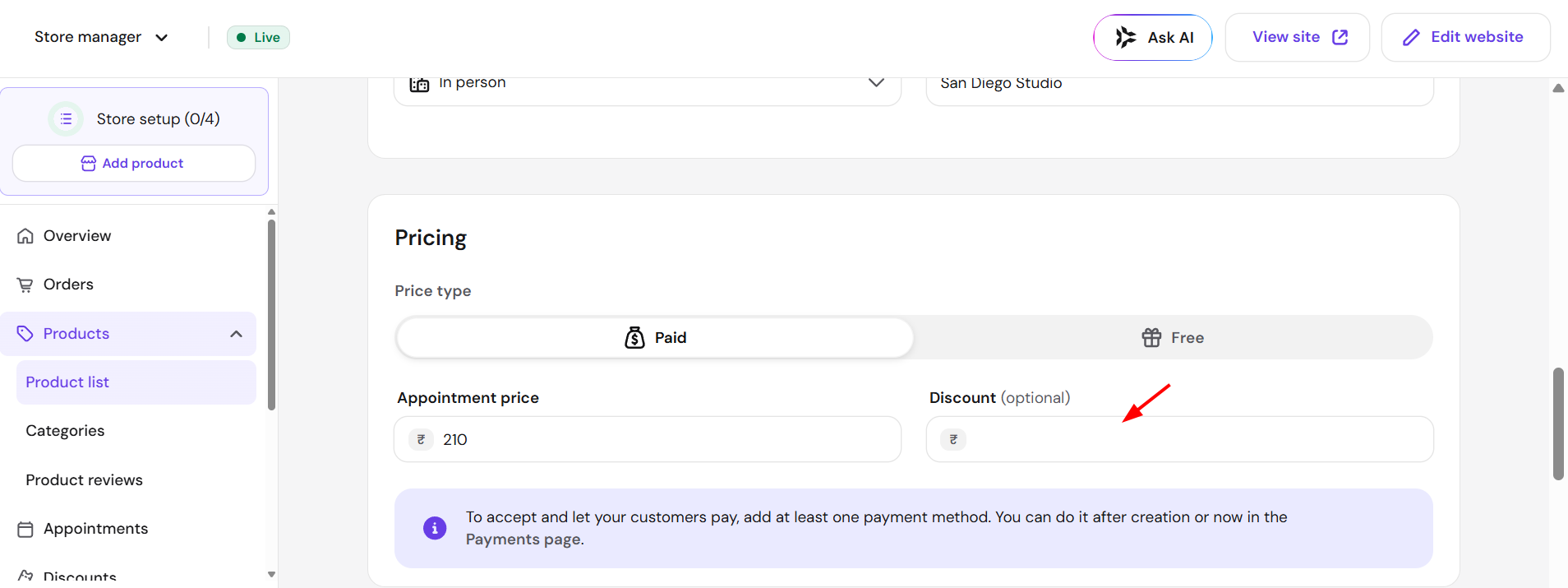
- In the product management area, scroll down to find the Pricing → Discount field. Here, insert a lower than the regular price and save the changes:
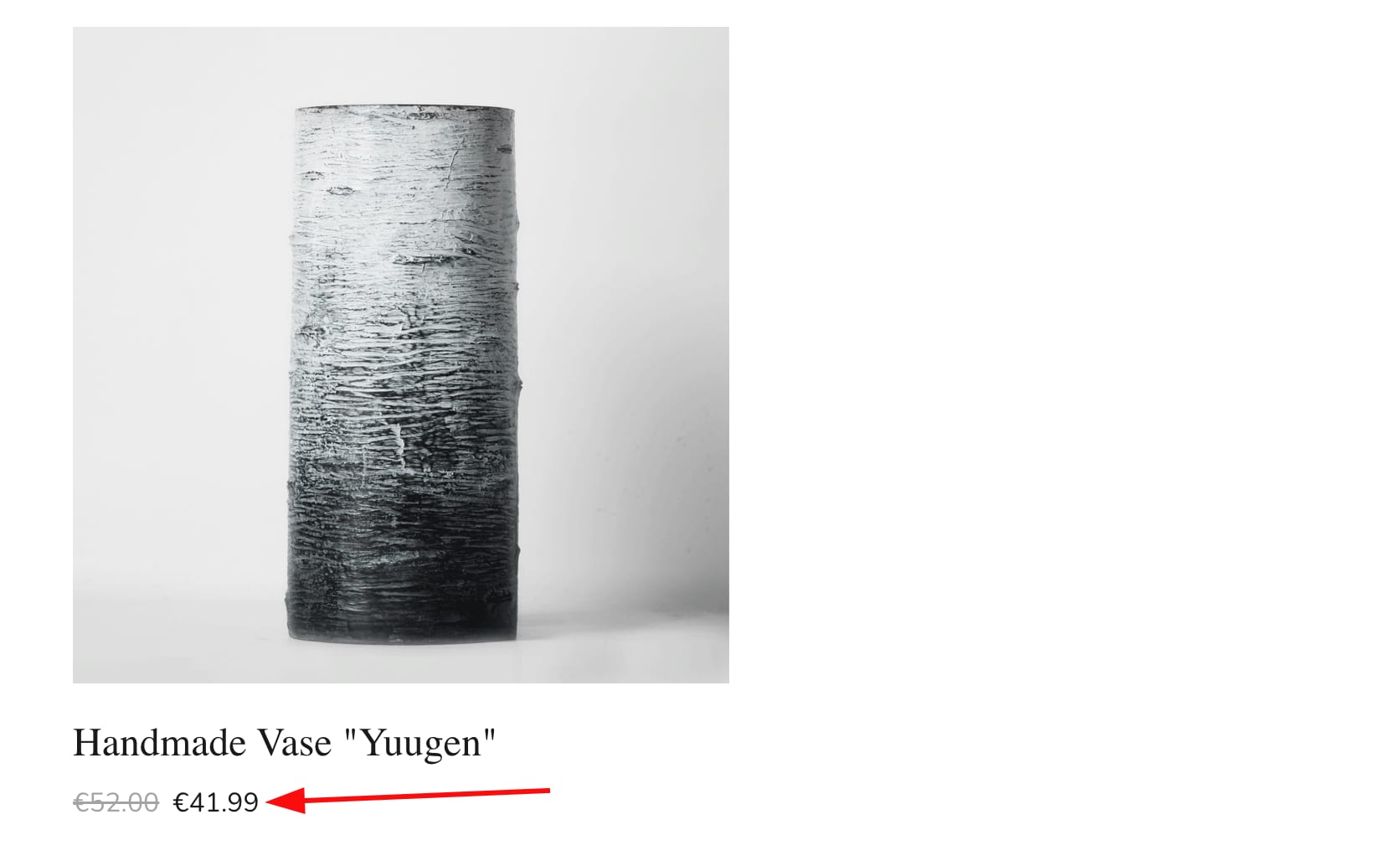
The sale price will automatically be displayed next to the crossed-out regular price:
You may also create discount codes that your clients can use at the checkout. Your product now displays its discounted price to customers.