Free shipping is one of the top reasons customers decide to buy. With Hostinger Ecommerce, setting it up is simple. To avoid hurting your profit margins, you can slightly increase your product prices to cover delivery costs or use other strategies to minimize your business expenses.
How to set up free shipping
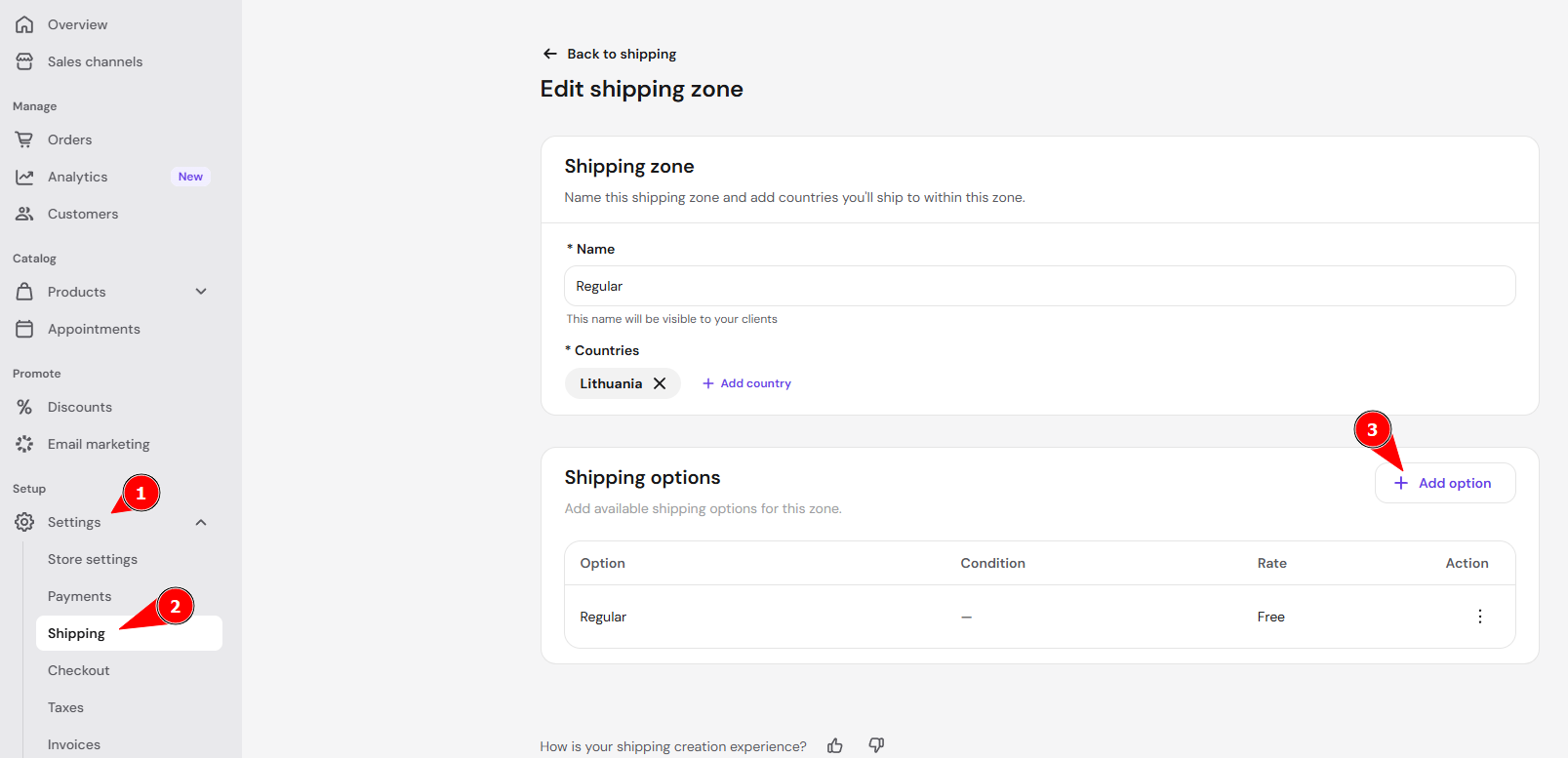
- In your Store Manager, go to Settings → Shipping.
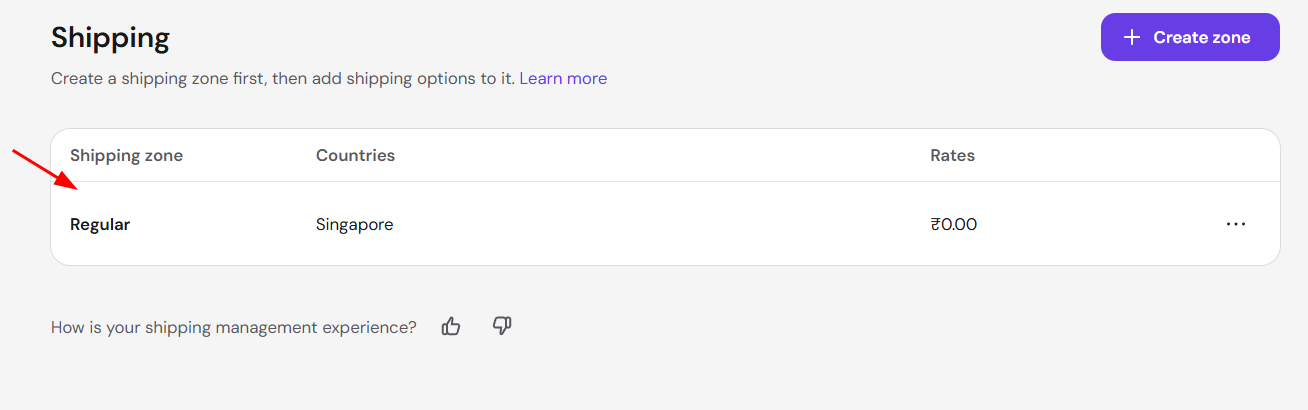
- Open the shipping zone you want to edit, or create a new one. You can create as many shipping zones as needed — for example, separate zones for different continents, countries, or even states

- In the Shipping options section, click Add option or edit an existing option.

- Specify the shipping option name. For example, if you want to offer unconditional free shipping, name it something like Free Shipping.

- Click Add to save your changes.
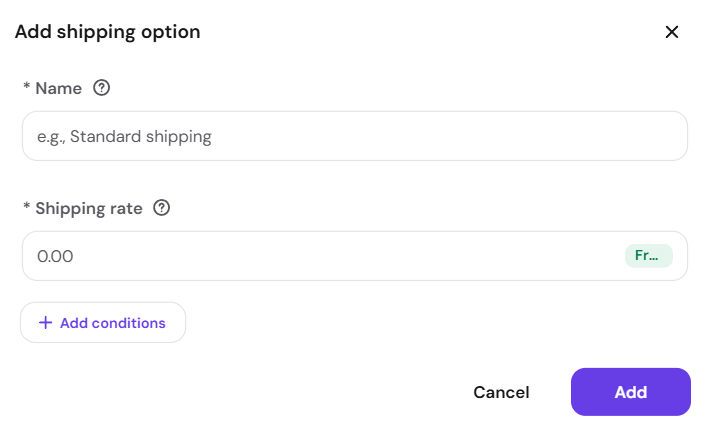
You can set up to 20 condition-based shipping options per each zone. For example, you could offer free shipping only for orders above a certain price or weight threshold. See how to come up with a shipping price strategy for guidance on setting your rates.