Create product options for physical products, services, or donations in your Hostinger Ecommerce online store. Each product can have up to 50 variations. This applies whether you add products one at a time or import them in bulk.
Add product options
To create product variations, you simply need to specify all your product options by following the steps below
- In your Store Manager go to Products, and click on a product you want to add options to (or create a new product).
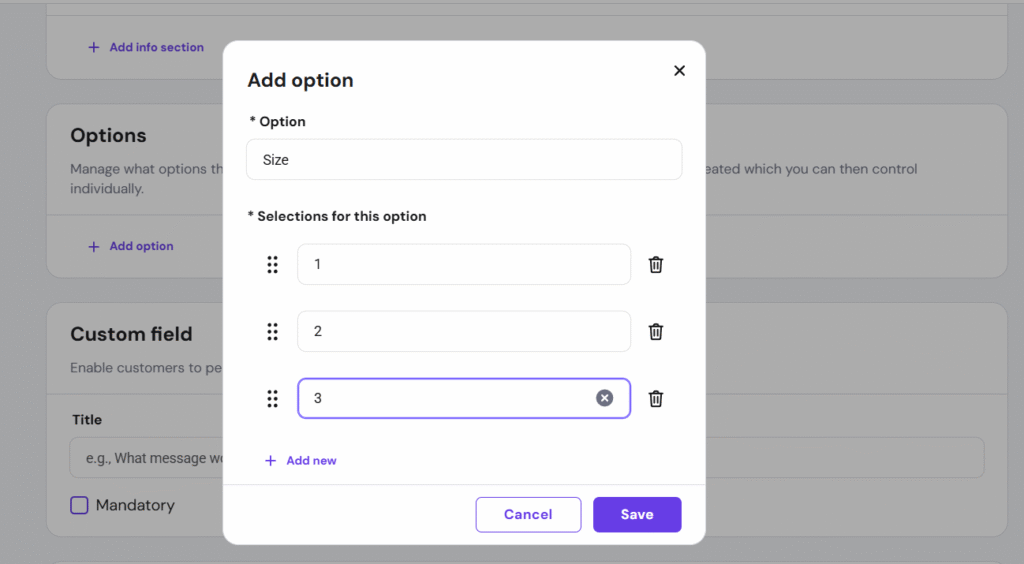
- In the Options section, click Add option and specify the following:
- Under Option, insert the title of the option type, e.g., Size, Color, Material, etc.
- Under Selections for this option, list all the available options, e.g., if the option type is Color, the selections could be Red, Green, Blue, etc.
- Once you’re done, click Save:
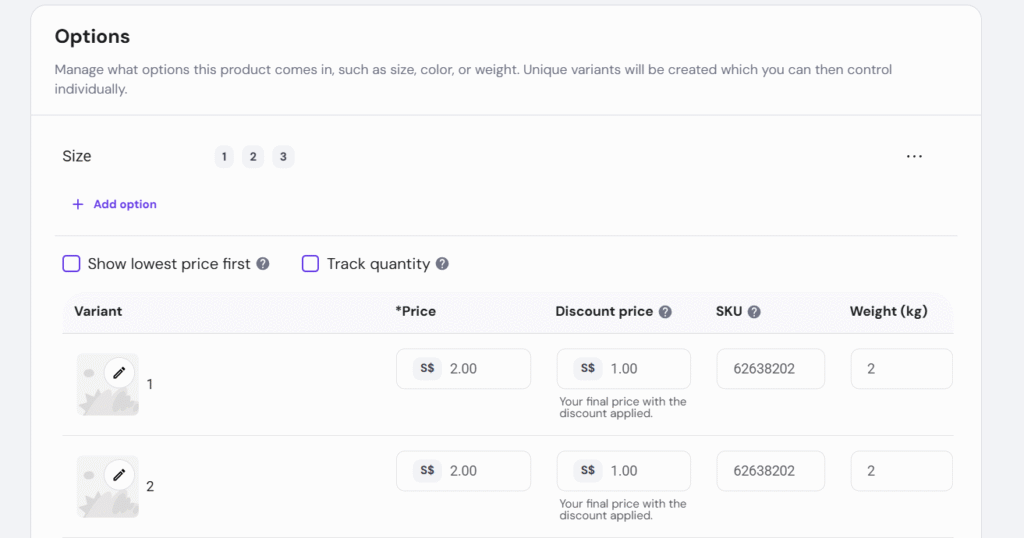
You can easily add more option types by clicking Add option. The store will automatically create product variations using all the option types and selections of your product:
The details (image, price, sale price, SKU, weight, stock quantity) for each product can be edited individually:
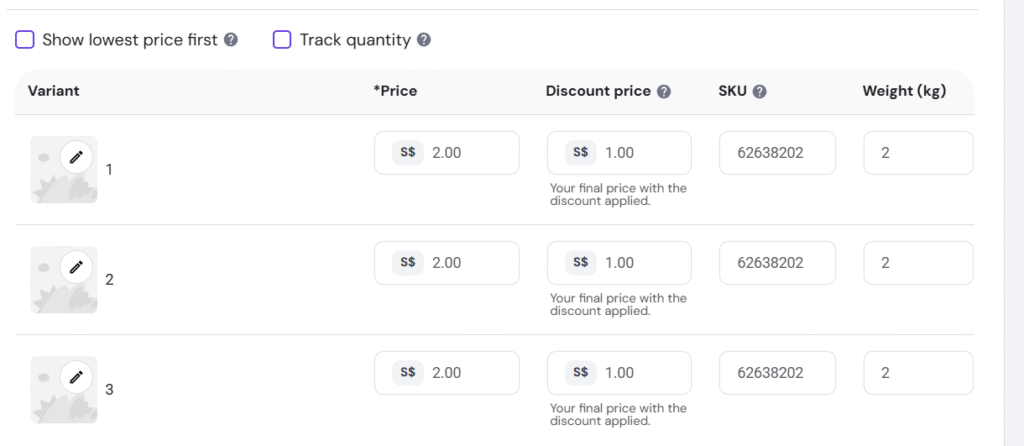
And that’s it! Your product now has variations based on the options you’ve created.
NOTES
- The store creates one variation for each combination of options, and each variation has its own price.
- An option can’t add a surcharge to a base price, so enter the final price on each variation.