Send a receipt to a customer after they successfully place an order in your Hostinger Ecommerce online store.
Download a receipt
- Go to your Store Manager.
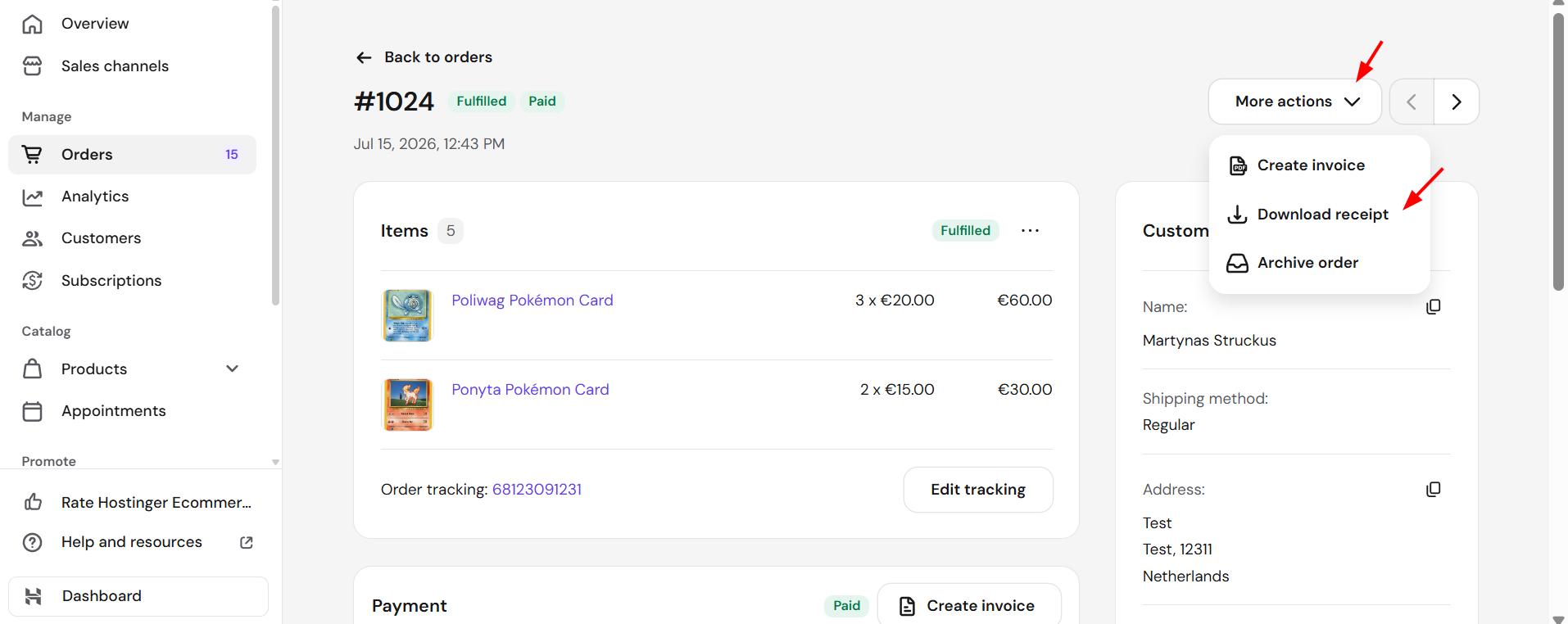
- Go to the Orders page and open the order in question.
- Find the dropdown More actions in the top-right and click Download receipt:
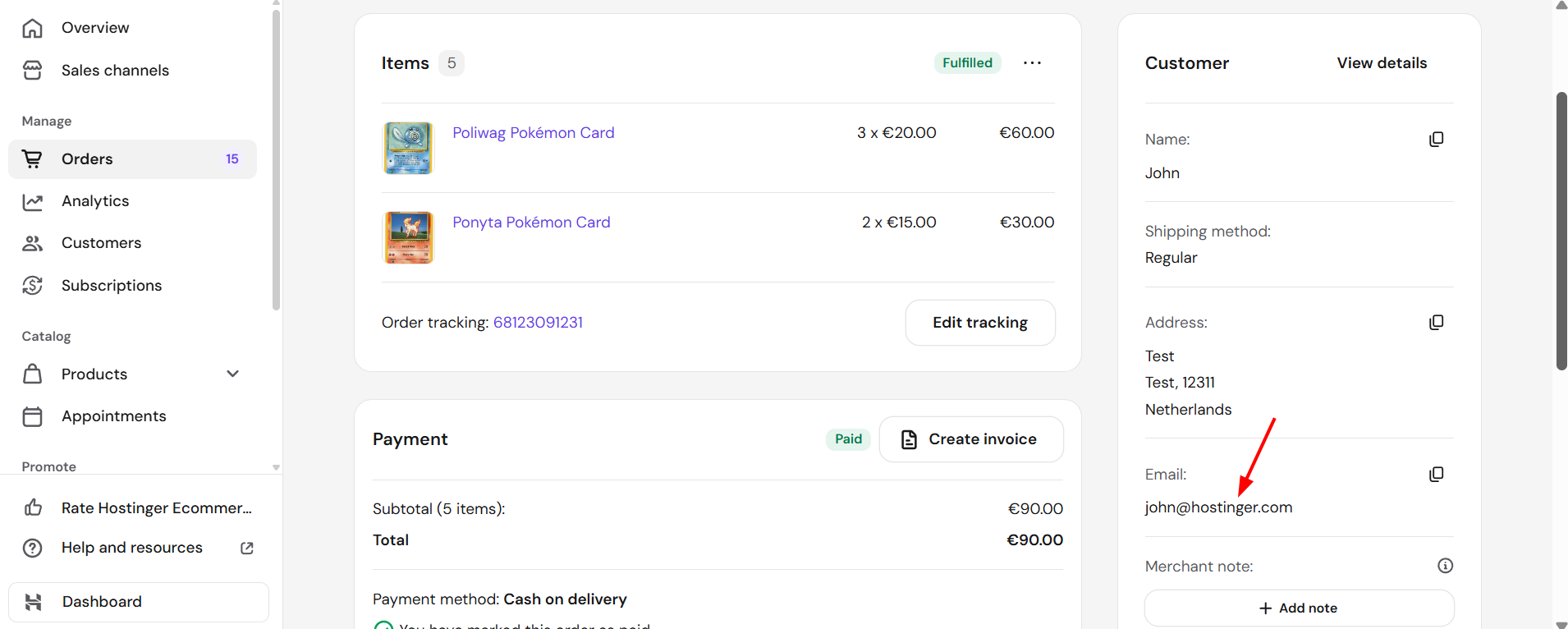
You may send this receipt to your client’s email address – you’ll find this information within the order:
Your customer now has a receipt confirming their order once you’ve sent it to their email. If they need a formal invoice instead, see how to manage invoices.