Add your Pinterest profile link to your Hostinger AI Builder manual mode website using the social icons element.
Add your Pinterest profile link
You can easily add your Pinterest profile link to your website!
- Expand the Add element panel on the left and add the social icons element to your page.
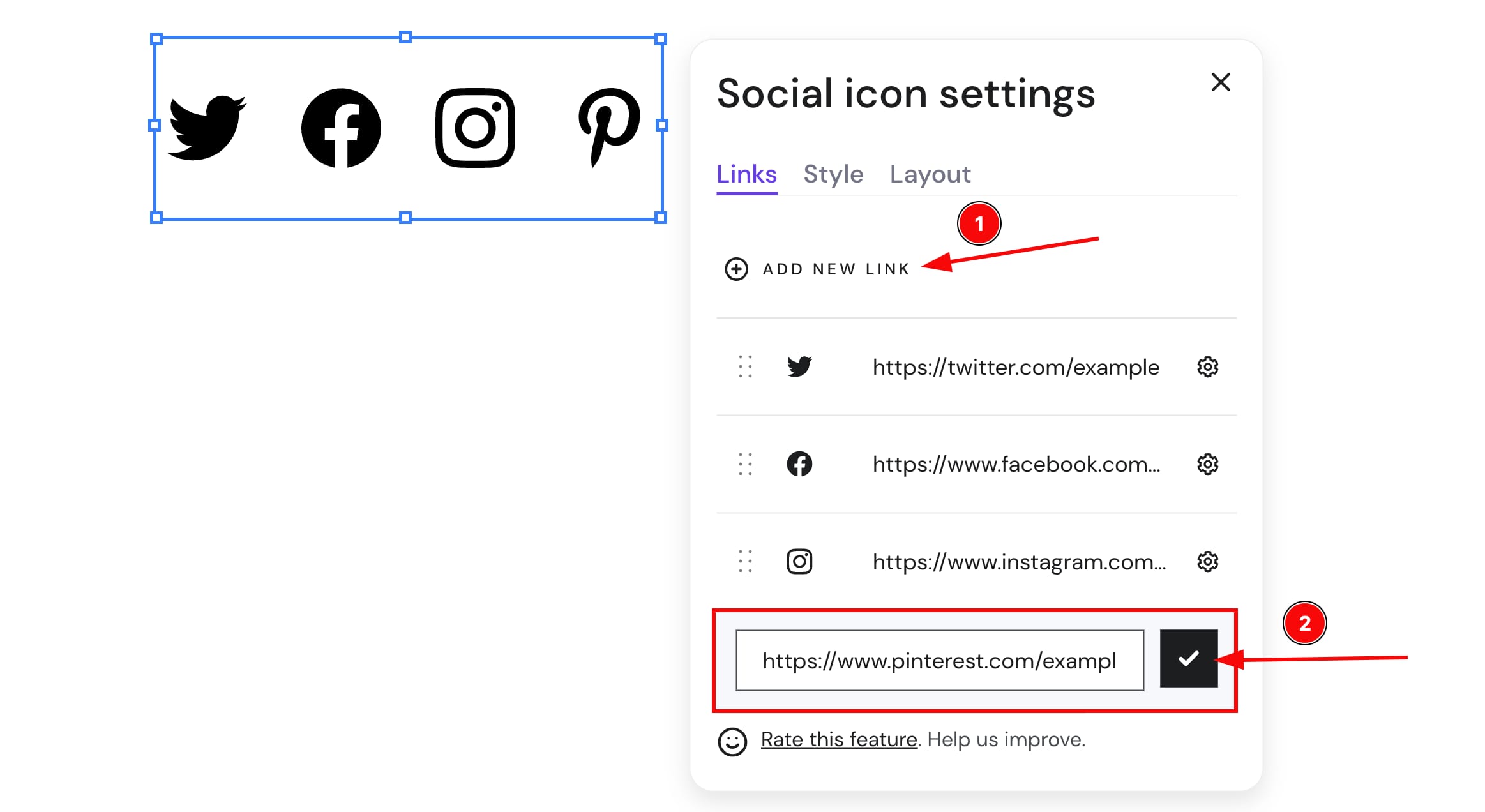
- Click on the element, and select Edit social icons.
- Click Add New Link, enter your Pinterest profile URL, and hit the tick symbol. We’ll automatically add the Pinterest logo
- Finally, update your website.
You may also create a widget using Pinterest Widget builder. To add the widget to your website, use the embed code element.