Purchase additional Titan Email mailboxes at Hostinger to expand your email service without waiting for a full plan renewal. Additional mailboxes are prorated to match your existing plan’s expiry date, so you only pay for the remaining time.
Buy additional mailboxes
To purchase additional mailboxes for Titan Email, open the Emails section, and click on Mailboxes next to your domain name:

Then, click on Buy Email Accounts:
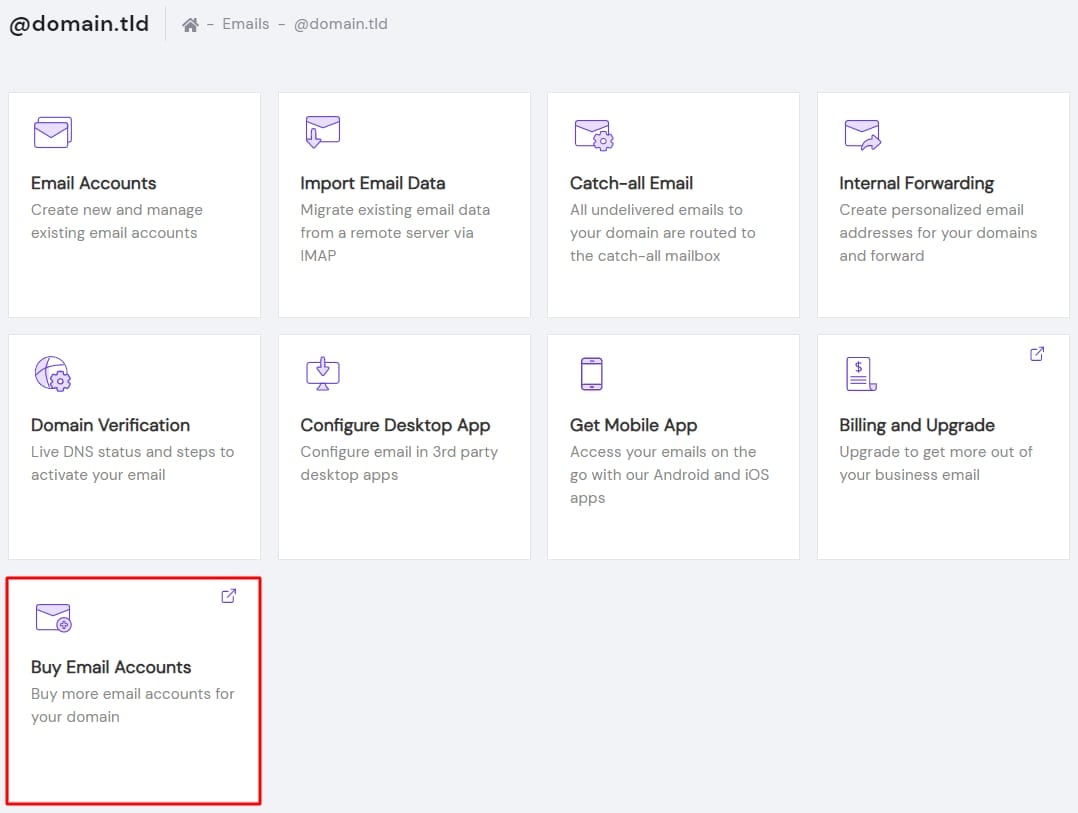
You will be presented with a pop-up window to purchase additional email accounts with just a few clicks.
How pricing is calculated
All of your email mailboxes have to have the same expiry date. For example, you purchase one email account on the 1st of March 2020 for six months for $30. After three months, on the 1st of June 2020, you decide that you need to have two email accounts overall. In this case, you pay $15 for the second account, as your Titan Email plan expires on the 1st of September 2020.
The calculation works like this:
(Amount of months purchased × Monthly price)/(Full plan time ÷ Time left until plan expiration) × Extra email accounts you are purchasing = (6 × 5) ÷ (6 ÷ 3) × 1
That’s it! Now you know how to get additional Titan Email mailboxes.