Upgrade a Titan Email plan at Hostinger to unlock more features or capacity, whether you’re on a free plan included with hosting or already on Business or Enterprise. Note that upgrades apply to the entire domain — if you have multiple email accounts linked to the same domain (e.g., hello@domain.tld, support@domain.tld, contact@domain.tld), you can’t upgrade just one of them individually.
How to upgrade a Titan Email plan
To upgrade your Titan Email plan, open the Emails section and click on Mailboxes next to your domain name:

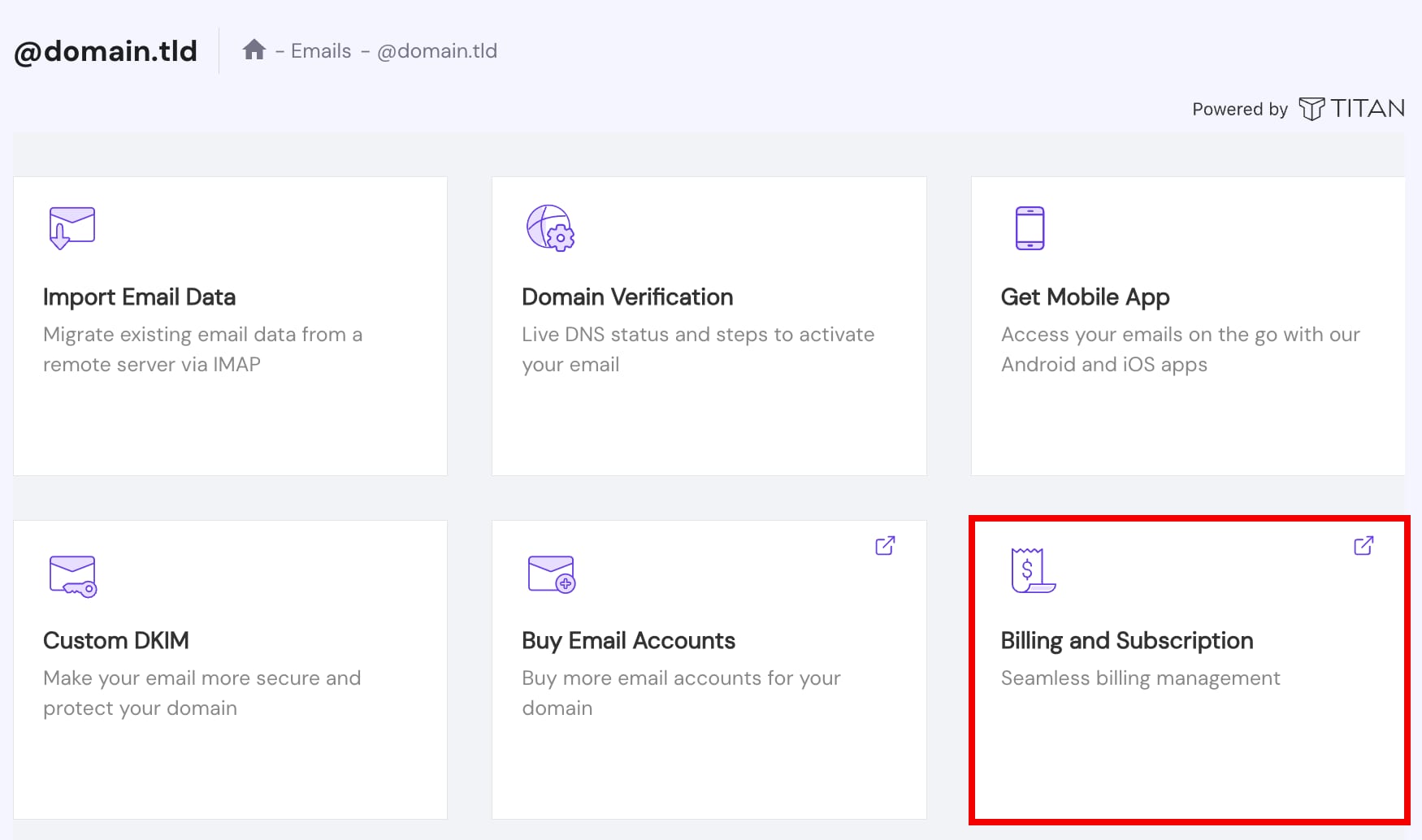
Then, click on Billing and Subscription:
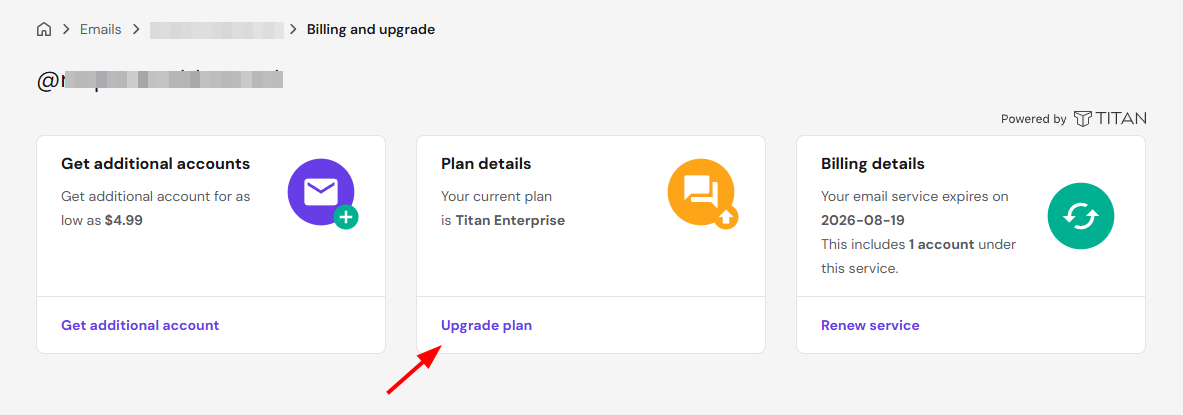
Now, select Upgrade plan:
You will be presented with a pop-up window to upgrade your Titan Email plan with just one click on Complete Payment.
Once upgraded, all email accounts on that domain immediately gain access to the new plan’s features, and you can manage your renewal going forward under the new plan.