Error Message: “Your given login credentials to Admin dashboard panel are incorrect.”
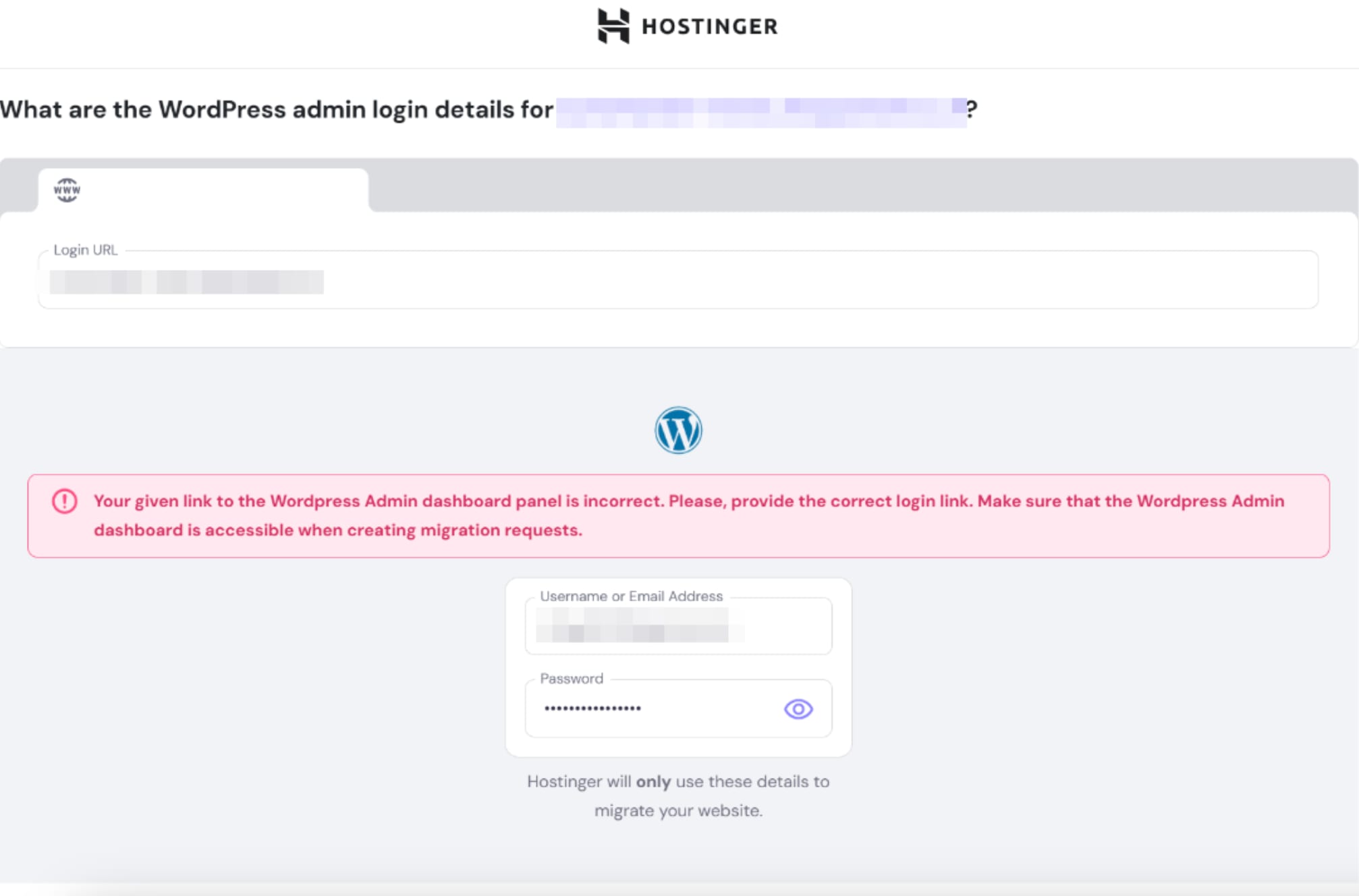
What causes this?
This error happens if:
-
The username or password is incorrect.
-
Two-factor authentication (2FA), CAPTCHA, or verification prompts are enabled, which block the login process.
How to fix It
-
Double-check the username and password to ensure they’re correct.
-
Disable 2FA or CAPTCHA temporarily while creating the migration request.
You can find some guides on how to disable them:
Once everything is verified, try submitting the migration request again.