Monday September 21, 2026
Gusti S. & Simon L.
Hostinger weekly product updates: Week 38, 2026
Here’s what shipped the week of September 14–18, 2026, across Hostinger Agent, Hostinger Ecommerce, Hostinger Email, and WordPress:
- Hostinger Agent on WhatsApp added three-day sessions, voice note support, and scheduled job notifications.
- Hostinger Agent gained Sandboxes, temporary isolated computers where it can run code and build files like presentations, spreadsheets, and project packages.
- A new Hostinger Agent quiz recommends the right AI agent for your business.
- Hostinger Ecommerce added Payment Links, pre-filled checkouts you can share anywhere without a storefront.
- Hostinger Email now lets you sign in to multiple mailboxes and switch between them.
- Hostinger Hub launched as a home screen for Hostinger tools inside the WordPress admin panel.
Here’s a closer look at each.
Longer sessions and voice notes for Hostinger Agent on WhatsApp
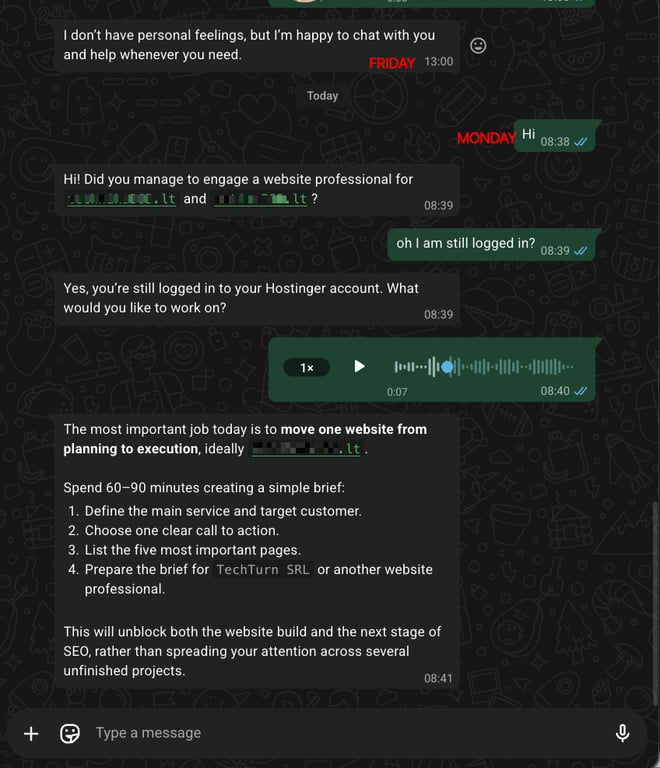
Since its recent launch on WhatsApp, Hostinger Agent keeps getting better. Sessions now stay active for three days and refresh with every message you send.
You can also send voice notes, and Hostinger Agent transcribes them and responds in text.
See how to use Hostinger Agent on WhatsApp.
Scheduled job notifications for Hostinger Agent on WhatsApp
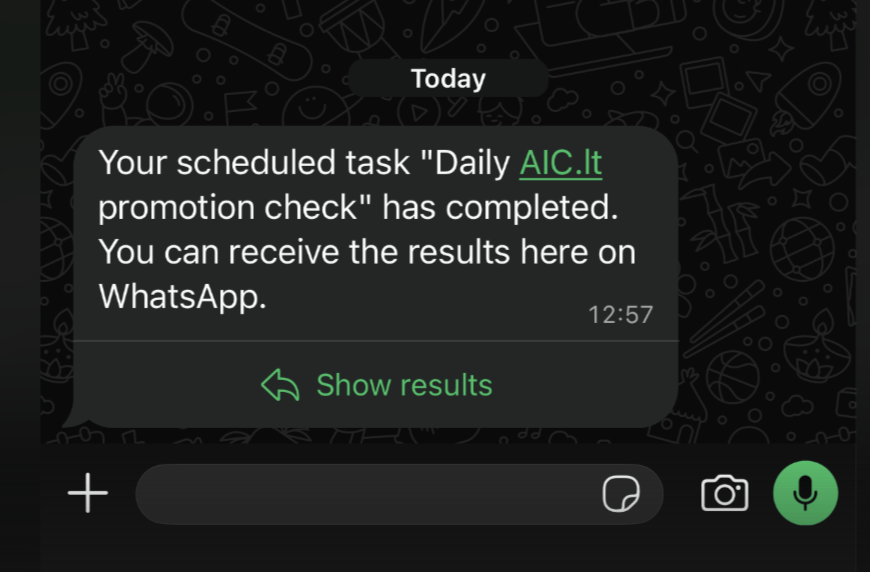
Hostinger Agent now sends scheduled job results straight to your WhatsApp conversation. If you’ve chatted with the agent on WhatsApp in the last 24 hours, the full result is delivered right in the notification.
Otherwise, you get a template notification and can tap Show results to see the full job result.
Sandboxes give Hostinger Agent its own computer
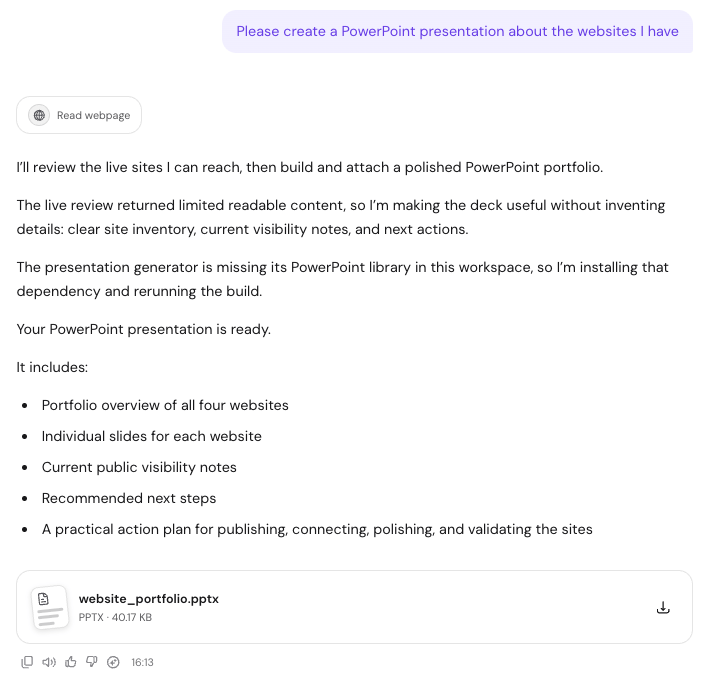
Hostinger Agent now has Sandboxes. A Sandbox is a temporary, isolated computer for the agent that can run code, work with files, and produce finished deliverables like presentations, spreadsheets, and downloadable project packages.
Hostinger Agent already had the brain; Sandboxes give it hands, so it can turn an idea into actual files, working projects, and ready-to-use deliverables, all within the conversation.
Read more about Sandboxes in the overview of Hostinger Agent’s features.
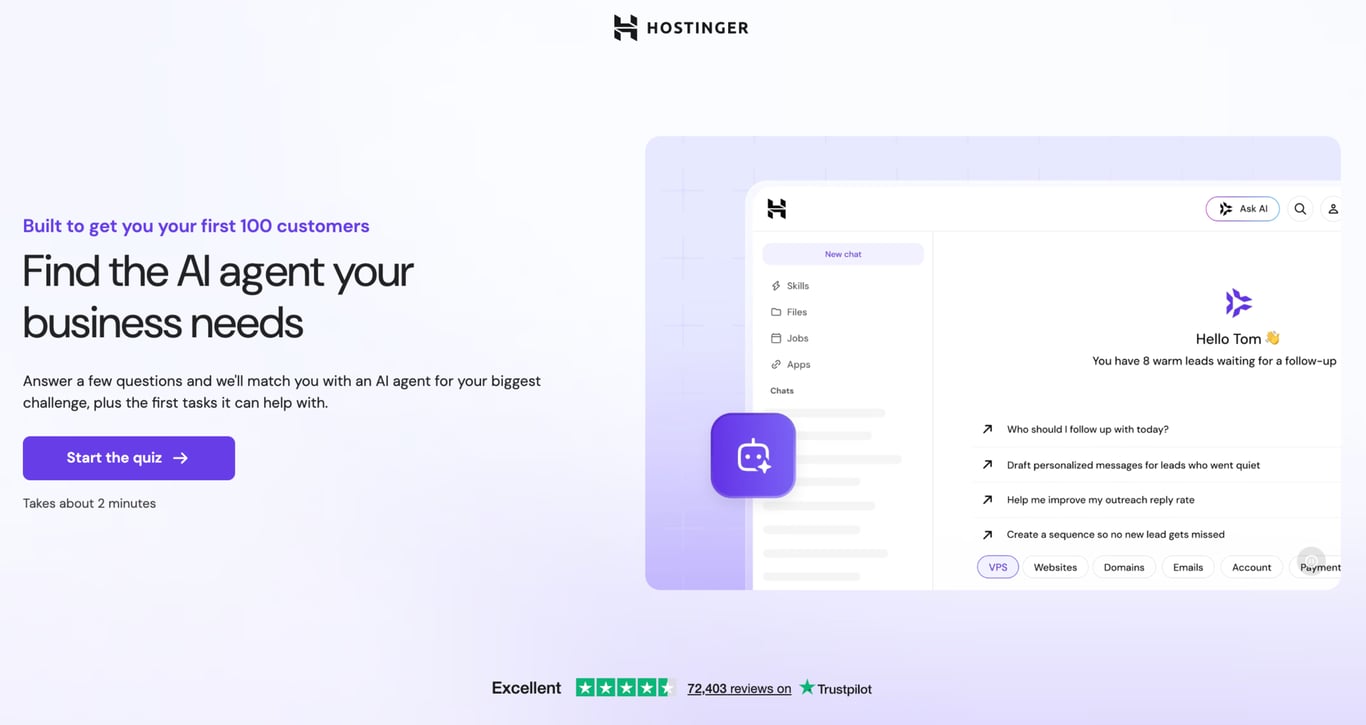
Find the right AI agent with the new Hostinger Agent quiz
We launched the Hostinger Agent quiz, a mobile-first, guided experience that helps you find the right AI agent for your needs. Answer a few short questions and get a personalized agent recommendation.
You can try the Hostinger Agent quiz now.
Sell anywhere with Payment Links in Hostinger Ecommerce
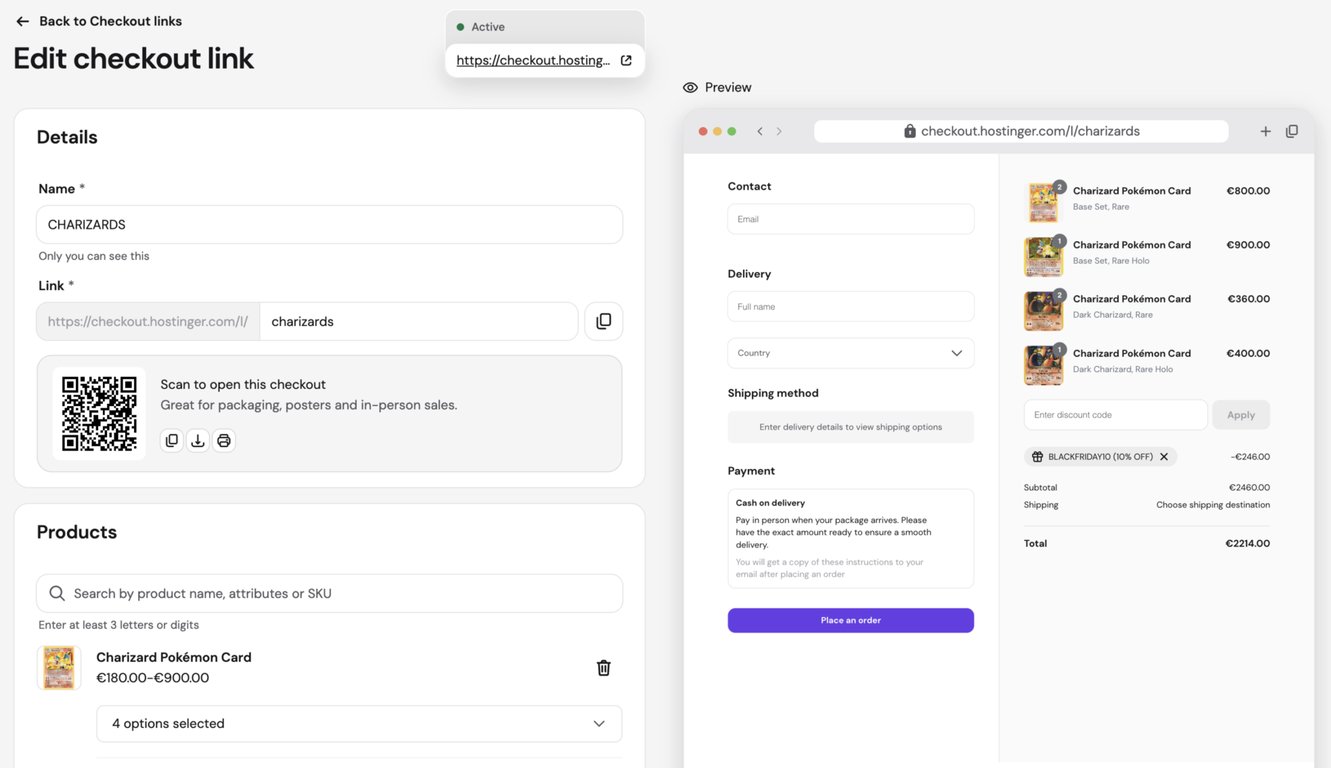
Store owners can now create Payment Links. A Payment Link sends customers straight to a pre-filled checkout for specific products, with no storefront or website required.
Share it in social bios, email campaigns, printed flyers, or as a QR code on packaging, so customers can complete a purchase in a single step.
Walk through how to create a PaymentLink.
Sign in to multiple mailboxes in Hostinger Email
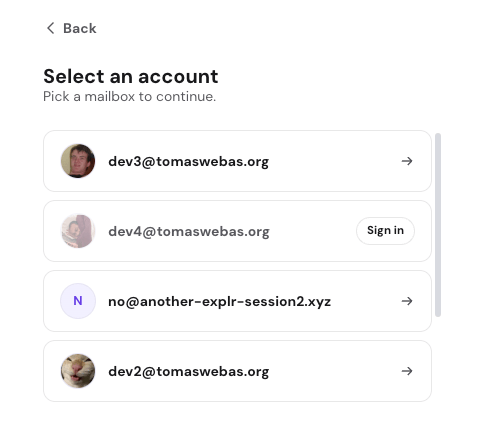
The Hostinger Email web app now lets you sign in to more than one mailbox and switch between them without logging out of your active session.
It’s handy if you manage separate addresses since you can jump between them in a click instead of signing out and back in each time.
Hostinger Hub: a new home screen in the WordPress admin panel
Hostinger Hub is a new home screen for Hostinger tools inside the WordPress admin panel. It’s powered by the Hostinger Easy Onboarding plugin and available exclusively to Hostinger customers.
Once the plugin is installed or updated, Hub appears automatically in the admin panel, and you can also open it from the Hostinger menu.
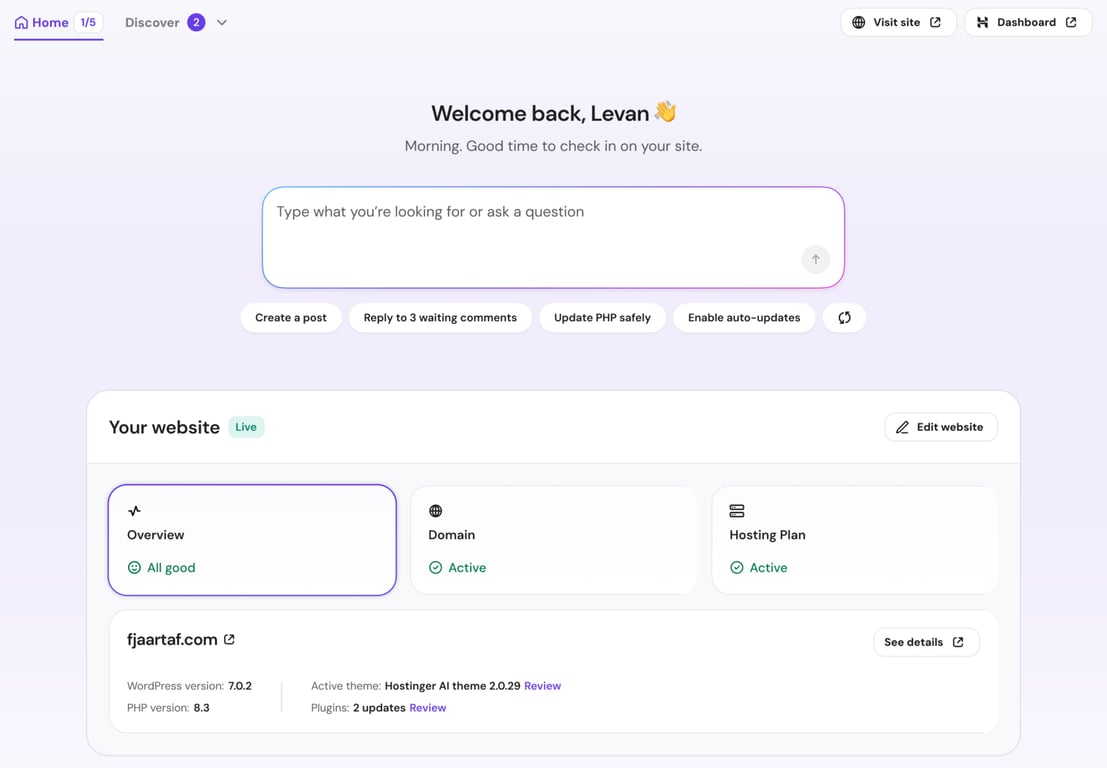
Hub has two tabs, Home and Discover. Home has a prompt box where you can type a request or pick a suggested action, like Search a blog post or Get a list of orders.
Suggestions update based on your site and its installed products, and the refresh icon next to them shows different options.
Below the prompt box, a Set up your website checklist walks you through the basics: create a site with AI, add a domain, claim a free business email, enhance your site with plugins, get found on Google, and turn visitors into subscribers.
For more on the plugin behind it, here’s what the Hostinger WordPress plugin is.
Do I need a storefront to use Payment Links?
No. As of September 2026, Payment Links in Hostinger Ecommerce send customers to a pre-filled checkout for specific products without requiring a storefront or website.
You share the link wherever you like, and customers complete the purchase in one step.
How long do Hostinger Agent sessions on WhatsApp stay active?
As of September 2026, Hostinger Agent sessions on WhatsApp stay active for three days and refresh each time you send a message.
Who can use Hostinger Hub?
Hostinger Hub is available exclusively to Hostinger customers. It’s powered by the Hostinger Easy Onboarding plugin, and once that plugin is installed or updated, Hub appears automatically in the WordPress admin panel and in the Hostinger menu.
That’s all for this week
For the running log of every release, check our changelog, and for the story behind each week’s updates, browse our weekly product updates.

Gusti Ayu Sandra is a Brand Reputation Specialist at Hostinger, where she keeps conversations between the brand and its community honest and helpful. Her career started in Customer Success, which taught her what customers really care about. Today, she works closely with the community across different platforms to make sure every voice is heard. Follow her on LinkedIn.

Simon is a dynamic Content Writer who loves helping people transform their creative ideas into thriving businesses. With extensive marketing experience, he constantly strives to connect the right message with the right audience. In his spare time, Simon enjoys long runs, nurturing his chilli plants, and hiking through forests. Follow him on LinkedIn.