All Hostinger Tutorials
Learn more about web hosting, VPS, domain names, SSL, and more with our newest releases.

What is the WordPress theme editor and how does it work?
The WordPress theme editor (officially called the Theme File Editor) lets you modify theme files directly in the WordPress dashboard.It ...

WordPress file manager: top plugins and how to create one on your site
A WordPress file manager is a plugin that enables users to perform file management tasks from the WordPress dashboard. Instead ...
Cache miss – what it is and how to reduce it
While caching is one of the most vital mechanisms for improving site performance, frequent cache misses will increase data access ...
How to optimize images for WordPress
A WordPress site with well-optimized images can reap benefits such as fast loading times, enhanced user experience, and better SEO.This ...
Wp-content uploads: what it is and how to upload files in WordPress
The WP-Content directory plays a significant role in all WordPress sites. It houses your website’s content, including file and media ...
How to delete a theme in WordPress and why you should remove unused themes
Installing multiple WordPress themes is part of the journey of finding the right one for your website. However, removing unused ...
How to install WordPress locally (3 methods)
Testing new themes and plugins on your live website can cause functionality issues, slow loading times, and even downtime. Without ...
The ultimate guide to web accessibility
Web accessibility refers to making your website accessible to everyone, including people with disabilities.Following the web accessibility standards...

How to get more clients: foster customer loyalty with 15 proven ways with expert tips
Bringing in new clients is a crucial skill for agencies and professionals to get a steady stream of revenue and ...

How to fix the ERR_CONNECTION_RESET error
The ERR_CONNECTION_RESET error indicates an unexpectedly closed connection between the browser and the website. This common issue typically occurs...
What is WordPress Gutenberg? understanding the block editor
If you’re new to WordPress, start by familiarizing yourself with Gutenberg, its block editor, to manage the platform more effectively. ...
10 best WordPress development agency options and useful tips to choose one
Choosing the right WordPress development agency is crucial for building a successful website. A reliable agency can transform your ideas ...

How to back up a WordPress site: 4 WordPress backup methods
You can back up a WordPress site using Hostinger dashboard, a WordPress backup plugin, WP-CLI, or a manual backup method. ...
How to create a custom WordPress page template
Designing a website can be time-consuming. Even if you’re using a powerful WordPress theme or page builder, you may still ...
How to use React with WordPress
To use React with WordPress, keep WordPress as your content management system (CMS), then use its REST API to fetch ...
WordPress CDNs: 6 best choices to speed up your website
Using a content delivery network (CDN) can enhance your WordPress site’s performance. A CDN service distributes the site’s static content ...
How to hire a WordPress developer (10 tips and tricks)
If you want to build a website but don’t have the skills to handle it yourself, you’ll likely want to ...
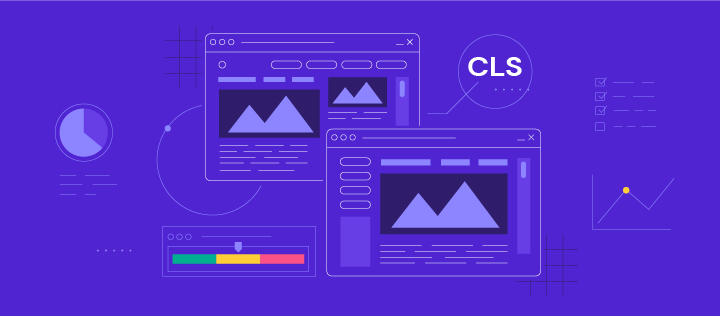
Cumulative Layout Shift (cls): what it is and how to improve it
Cumulative Layout Shift (CLS) is a metric that evaluates site experience by measuring how much your site’s pages shift unexpectedly.Even ...
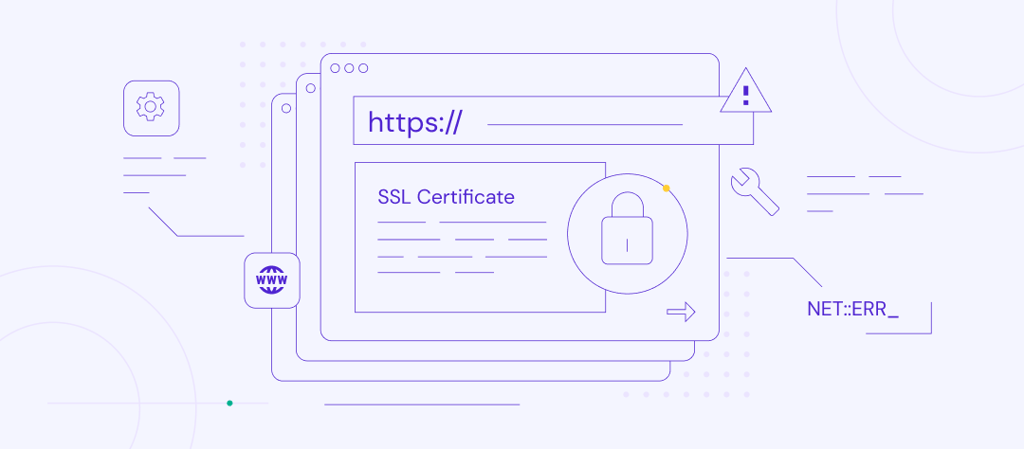
How to fix “NET::ERR_CERT_COMMON_NAME_INVALID” Error
When accessing a website, the browser usually has to verify the website’s SSL certificate to establish a secure connection. A ...
How to fix the ERR_CONNECTION_REFUSED error
ERR_CONNECTION_REFUSED is a Google Chrome error that prevents your browser from connecting to a website’s server. You can use one ...
How to migrate a WordPress site
To migrate a WordPress site, follow one of three main options: use a hosting provider’s migration service, a migration plugin, ...
PrestaShop vs Shopify: Two ecommerce platforms compared
Shopify is generally better for beginners and businesses that want a fully managed ecommerce platform with built-in hosting. PrestaShop is ...