13 best social media automation tools for 2026
Oct 01, 2026
/
By Justina B.
/
14 min Read
The best social media automation tools are n8n for custom cross-app workflows, Buffer for simple scheduling, Sprout Social for social listening and analytics, Later for visual content planning, and Planable for content approvals.
Social media automation can cover content creation, scheduling, engagement, social listening, analytics, and cross-app workflow automation. The right tool may centralize several of those jobs, or it may automate one narrow part of the process particularly well.
A lightweight scheduler won’t replace a full social listening suite. A CRM-connected marketing platform is overkill for someone who only needs to schedule Instagram posts. Match your tool to your actual workflow, not to the longest feature list.
Quick overview of the best social media automation tools
Here’s how the 13 tools compare on starting price and best use case, from free, self-hosted platforms to enterprise suites costing thousands of dollars a month.
| Tool | Best for | Starting price |
| n8n | Custom cross-app social media workflows | $20/month, billed annually |
| Hootsuite | All-in-one social media management | $99/user/month, billed annually |
| HubSpot Marketing Hub | CRM-connected social marketing | $800/month, billed annually |
| Buffer | Simple social media scheduling | $5/channel/month, billed annually |
| Sprout Social | Social listening and analytics | $79/seat/month, billed annually |
| Later | Visual social media planning | $18.75/month, billed annually |
| SocialBee | Evergreen content recycling | $24.20/month, billed annually |
| Agorapulse | Social inbox and engagement workflows | $79/user/month, billed annually |
| CoSchedule | Content and social calendar management | $29/month, billed annually |
| Sendible | Agencies managing multiple client brands | $30/month, billed annually |
| Publer | Budget-friendly scheduling | $4/account/month, billed annually |
| Metricool | Social media analytics and reporting | $20/month, billed annually |
| Planable | Content approvals and team collaboration | $33/workspace/month, billed annually |
1. n8n
Best for: custom cross-app social media workflows that go beyond scheduling and inbox management.
n8n is a workflow automation platform that connects social platforms with content sources, databases, AI tools, messaging apps, and other services. Its integrations directory currently lists more than 2000 integrations, and the HTTP Request/webhook tools let you connect services that expose an API or endpoint.
Auto-publish social posts when a blog article goes live, and pull approved copy from Google Sheets to distribute across platforms. You can also send engagement data into a reporting dashboard or trigger Slack notifications before a post goes out.
Supported platforms: any app with an accessible API, webhook, or HTTP endpoint.
n8n pros
- Full code access. JavaScript or Python nodes can handle custom logic when visual nodes are not enough.
- Visual workflow editor. Drag nodes, connect them, and trace complex automation sequences without switching between code files.
- Self-hosting option. Community Edition lets you run n8n on infrastructure you control. Execution data and credentials can remain under your administration, although any connected third-party service still receives the data your workflow sends to it.
n8n cons
- No native publishing calendar or social inbox. Visual content planning and engagement management require a separate tool.
- Steep learning curve for non-technical users. Building and maintaining workflows requires comfort with APIs, webhooks, and basic automation logic.
- Self-hosted instances need ongoing maintenance. Updates, backups, and uptime management are your responsibility without managed hosting.
n8n pricing
n8n Community Edition is free to self-host. For a hosted setup, cloud plans start at $20/month for 2,500 workflow runs or $50/month for 10,000 runs. Both plans let you build unlimited steps into each workflow.
Hostinger’s AI Automation Apps provides n8n as a managed option: Hostinger handles the initial setup, updates, backups, and security so you can focus on the workflows. Self-hosting remains useful when you specifically need server-level control and are prepared to maintain the environment yourself.
2. Hootsuite
Best for: all-in-one social media management combining scheduling, engagement, monitoring, analytics, and team collaboration.
Hootsuite is a social media management platform that covers scheduling, engagement, inbox management, social monitoring, analytics, and team collaboration in a single dashboard. Teams can dial up or down listening, reporting, routing, and approvals depending on the complexity of their workflow.
Supported platforms: Facebook, Instagram, LinkedIn, TikTok, X, Pinterest, YouTube, and Threads.
Hootsuite pros
- AI-assisted content creation. Hootsuite can generate post ideas, captions, and images, while its publishing tools separately recommend when to post based on account performance.
- Customizable monitoring streams. Track brand mentions, competitor activity, and industry conversations side by side, organized by topic, keyword, or network.
- Bulk scheduling via CSV. Upload dozens of posts at once, map columns to post fields, preview everything, and schedule a full content calendar in minutes.
Hootsuite cons
- Steep learning curve. The dashboard’s breadth requires more onboarding time than simpler scheduling tools.
- Advanced analytics and listening can add cost. Hootsuite includes monitoring and engagement tools, but deeper analytics/listening capabilities are separate feature packages or depend on the plan, so the total can rise well beyond basic scheduling needs.
- Approval and advanced routing features are plan-gated. Teams that need formal review workflows, message routing, and deeper collaboration have to move beyond the entry tier.
Hootsuite pricing
Plans start at $99/user/month, billed annually, for up to 10 social accounts. Higher tiers unlock bulk scheduling at $199/month, or approval workflows and message routing at $399/month.
There’s a 14-day free trial, and Enterprise pricing is custom. Like Sprout Social, Hootsuite charges per seat rather than per workspace, so cost scales with headcount, not just account count.
3. HubSpot Marketing Hub
Best for: CRM-connected social marketing where social media activity ties directly to lead tracking, email campaigns, and sales pipelines.
HubSpot Marketing Hub is a marketing platform that links social publishing and reporting with CRM contacts, campaigns, lead generation, and broader marketing automation. It tracks social-post clicks and includes them in attribution reporting, though deal and revenue attribution require Enterprise features and correctly associated CRM data.
Supported platforms: Facebook, Instagram, LinkedIn, X, Reddit, TikTok, and YouTube.
HubSpot Marketing Hub pros
- CRM-connected publishing. HubSpot can associate social posts with campaigns, track engagement in the CRM, and automatically publish social posts when new HubSpot blog articles go live.
- Unified ad and social dashboard. Run paid social campaigns alongside organic content without switching platforms.
- Seven networks, including Reddit and TikTok. Publish directly to all seven without a separate scheduling tool.
HubSpot Marketing Hub cons
- The full marketing suite gates social publishing. Accessing social tools means adopting the complete CRM and marketing platform, even for simple scheduling needs.
- Social engagement is narrower than on dedicated social-management suites. HubSpot now has a social inbox for reviewing and replying to supported interactions, but it is not a full social-listening platform for broad conversation discovery and sentiment monitoring.
- Significant onboarding investment. The CRM-social integration involves mapping fields, configuring attribution, and training team members on the broader platform.
HubSpot Marketing Hub pricing
You’ll need Marketing Hub Professional or Enterprise to get social publishing. Professional starts at $800/month, billed annually, plus a one-time $3,000 setup fee. Enterprise starts at $3,600/month plus a $7,000 setup fee.
4. Buffer
Best for: simple social media scheduling for individuals and small teams who want to go from sign-up to a scheduled post in minutes.
Buffer is a social media scheduling and publishing tool built around simplicity. It helps individuals and small teams schedule and publish posts across their social channels. It includes a Community inbox for replying to comments and analytics.
Supported platforms: Facebook, Instagram, TikTok, LinkedIn, X, YouTube Shorts, Threads, Pinterest, Google Business Profile, Bluesky, and Mastodon.
Buffer pros
- Schedule from anywhere. The browser extension and mobile app add content to the queue without opening the full dashboard.
- AI-assisted content creation. AI Assistant generates caption drafts and repurposes existing content into platform-specific social copy.
- Built-in bio link page. Start Page creates a customizable landing page to drive traffic to your content, products, or other destinations.
Buffer cons
- No social listening or brand monitoring. Tracking conversations about your brand requires a separate tool.
- Surface-level analytics. Reporting covers basic engagement and reach, but lacks the cross-network depth of Sprout Social or Hootsuite.
- Automation depth is limited compared with dedicated recycling tools. Buffer now supports recurring posts and can duplicate published posts, but evergreen category rotation and more advanced recycling logic remain outside its core workflow.
Buffer pricing
The free plan covers three channels, each with 10 scheduled posts. Essentials costs $5/channel/month, billed annually. Team costs $10/channel/month, billed annually, and includes unlimited users and approval workflows.
5. Sprout Social
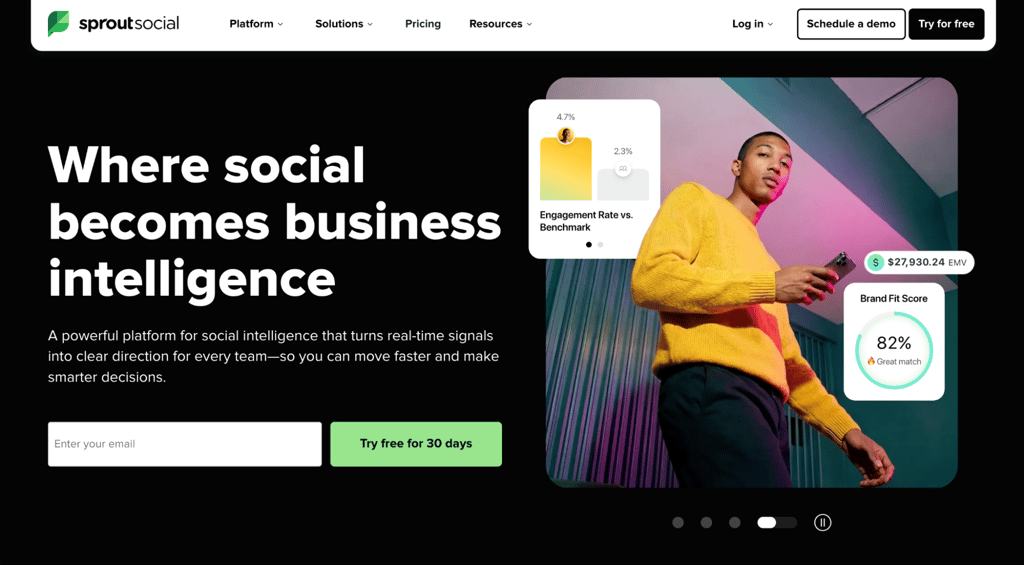
Best for: social listening, cross-network analytics, and advanced engagement management.
Sprout Social is a social media management platform built for social listening, cross-network analytics, and advanced engagement workflows. It also gives teams the reporting depth to track brand health and campaign performance over time.
Supported platforms: Bluesky, Facebook, Instagram, LinkedIn, Pinterest, Reddit, Snapchat, Threads, TikTok, X, and YouTube.
Sprout Social pros
- Smart Inbox. Every message and comment lands in one feed, so your team can assign conversations, add labels, and track response times.
- Competitor benchmarking. Track share of voice, audience growth, and engagement rates side by side with competitor accounts.
- Multi-approver workflows. Route content through multiple reviewers before publishing, with full audit trails for every post.
Sprout Social cons
- Listening and Premium Analytics are paid add-ons. The full feature set costs significantly more than the base subscription once these are included.
- Entry-level profile limits. Teams managing several brands or clients need a higher tier to connect all their accounts.
- Onboarding takes time. The platform’s depth in reporting, listening, and engagement means teams need dedicated ramp-up time to use it efficiently.
Sprout Social pricing
Essentials is the cheapest tier, at $79/seat/month billed annually, but it skips the Smart Inbox. Standard costs $199/seat/month and includes inbox and keyword monitoring. Professional costs $299/seat/month, drops the five-profile cap, and adds competitor insights.
Advanced costs $399/seat/month and includes sentiment analysis and customer care reporting. Enterprise pricing is custom. Every tier bills per seat, so team growth quickly raises costs, unlike Buffer’s flat per-channel rate.
6. Later
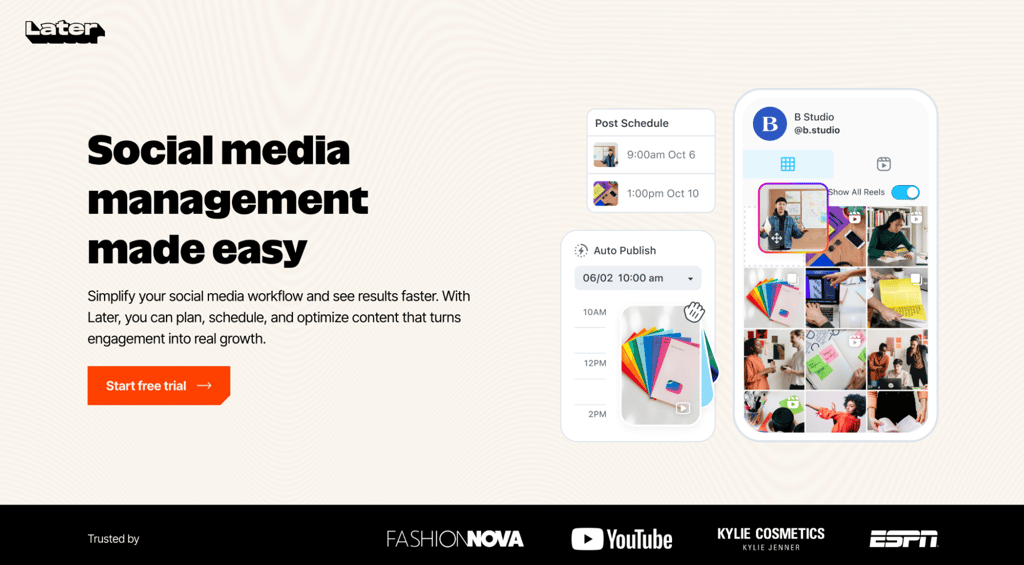
Best for: visual social media planning for creators and brands that rely on image-heavy and video-heavy content.
Later is a visual-first social media planner with a drag-and-drop content calendar, Instagram grid preview, and link-in-bio tool. Pricing is based on “social sets”, a bundle of one connected account per platform, up to eight profiles total, that counts as a single billing unit.
Supported platforms: Instagram, Facebook, TikTok, LinkedIn, YouTube, Pinterest, Threads, and Snapchat.
Later pros
- Instagram grid preview. See an approximation of your feed before publishing and rearrange posts until the visual layout looks right.
- Shoppable bio link pages. Link-in-bio tool turns Instagram and TikTok profiles into landing pages that drive followers directly to products or blog posts.
- Organized media library. Assets are sorted by labels, notes, and usage history, with saved captions for faster content creation.
Later cons
- No support for X, Bluesky, Mastodon, or Google Business Profile. Teams that rely on these platforms need a second tool.
- Restrictive post caps on lower tiers. The entry-level limit of 30 posts per profile per month fills up quickly for active brands.
- Lighter analytics than dedicated platforms. Reporting covers engagement and audience data, but lacks the cross-network depth of Sprout Social or Metricool.
Later pricing
Later offers a 14-day free trial. Starter costs $18.75/month, billed annually, for one social set, one user, and 30 posts per profile. Growth costs $37.50/month for two social sets, two users, and 180 posts. Scale costs $82.50/month for six social sets, four users, and unlimited posts.
7. SocialBee
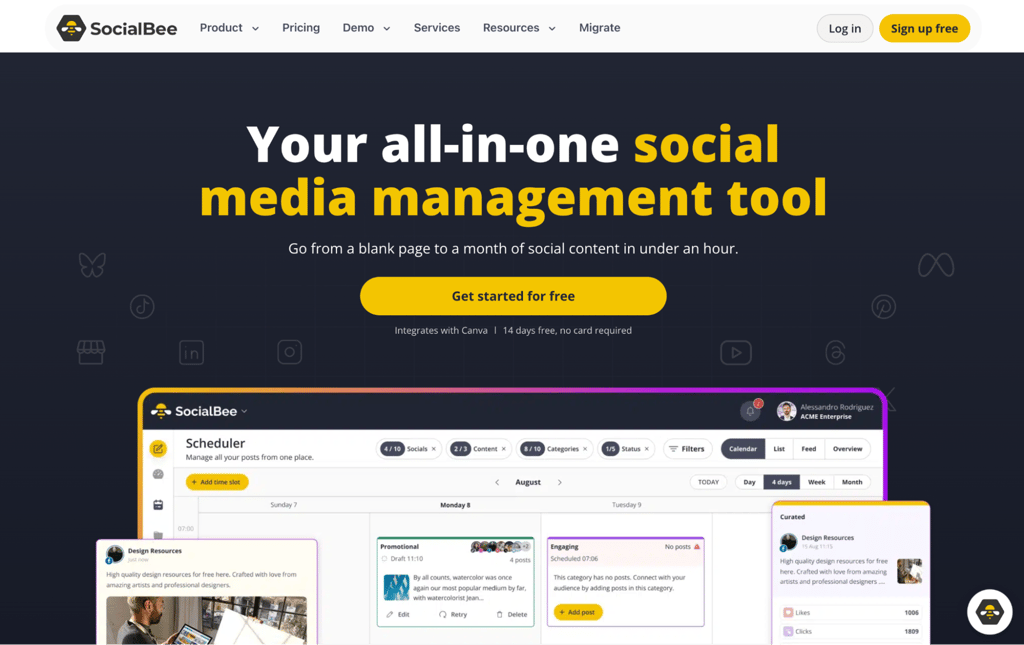
Best for: evergreen content recycling through category-based scheduling that keeps your feed active with less manual work.
SocialBee is a social media scheduling tool built around category-based planning and automatic content recycling. It organizes posts into content categories, such as promotions, blog posts, or quotes, sets a posting schedule for each category, and automatically rotates through the content.
Supported platforms: Facebook, Instagram, Threads, LinkedIn, X, Pinterest, TikTok, YouTube, Google Business Profile, and Bluesky.
SocialBee pros
- Built-in Canva integration. Design visuals, apply brand templates, and attach them to scheduled posts without leaving the platform.
- Universal Posting via mobile. Share content to platforms beyond the 10 directly supported networks through the mobile app.
- Combined AI text and image generation. Create complete post drafts with captions and visuals from a single prompt.
SocialBee cons
- Narrower engagement coverage than dedicated platforms. The inbox supports comments, mentions, and DMs for six networks, but doesn’t include broader social listening.
- Multi-user collaboration reserved for the top tier. Internal notes, multiple workspaces, and team access are separated from the core scheduling tools.
- Limited entry-level analytics. Advanced reporting with up to two years of history requires a higher subscription.
SocialBee pricing
A 14-day free trial is offered to try the tool. Bootstrap costs $24.20/month, billed annually, for five social profiles and one workspace. Accelerate costs $40.80/month for 10 profiles plus post approvals. Pro costs $82.50/month for 25 profiles, five workspaces, and up to three users each. Every plan includes unlimited AI content generation and Canva integration.
8. Agorapulse

Best for: social inbox and engagement workflows that consolidate comments, DMs, mentions, and reviews into one feed.
Agorapulse is a social media management platform centered on engagement workflows. It’s an all-in-one inbox that consolidates comments, messages, mentions, and Google Business Profile reviews across the connected networks. Conversations are assigned to team members, labeled, and tracked from submission to resolution.
Supported platforms: Facebook, Instagram, LinkedIn, X, TikTok, YouTube, Google Business Profile, Threads, Pinterest, Bluesky, and Reddit.
Agorapulse pros
- ROI reporting ties content to conversions. Track which posts drive clicks, leads, and revenue without leaving the platform.
- AI writing and alt-text generation in the editor. Draft captions, rewrite content, and add accessibility descriptions directly in the publishing flow.
- Automated moderation rules. Filter spam, flag keywords, and route messages by topic to reduce manual inbox triage.
Agorapulse cons
- Limited social listening depth. The inbox handles direct interactions, but broader brand monitoring and conversation tracking require a separate tool or custom subscription.
- No AI image generation. Creating visuals requires a separate tool outside of Agorapulse.
- Restricted approval chains for smaller teams. Multi-step approval workflows are separated from the core inbox and scheduling features.
Agorapulse pricing
Agorapulse offers a 30-day free trial with no credit card required. Standard costs $79/user/month for 10 profiles and the all-in-one inbox, billed annually. Professional costs $119/user/month and adds approval workflows plus ad comment moderation. Advanced costs $149/user/month and adds competitor benchmarking and sentiment detection.
9. CoSchedule
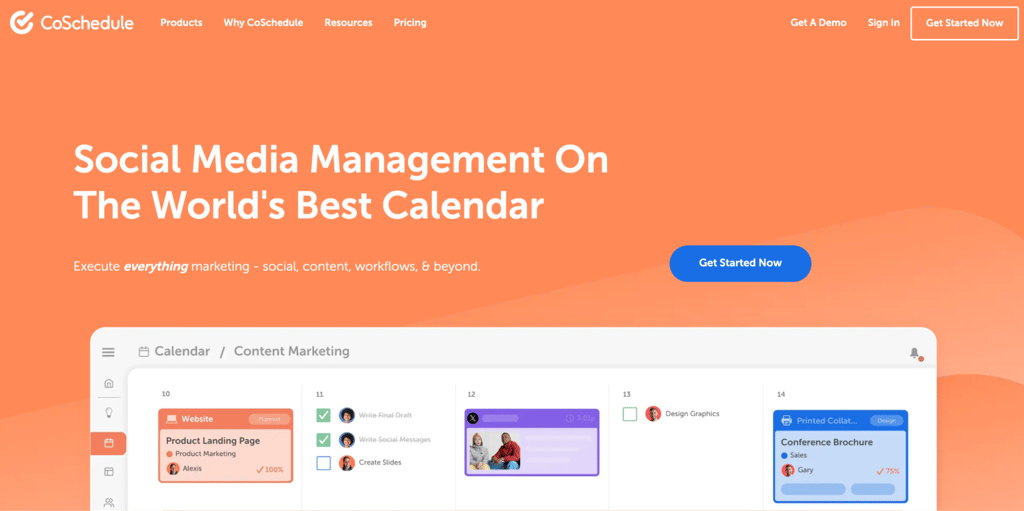
Best for: content and social calendar management that coordinates blog posts, email campaigns, and social promotion in one view.
CoSchedule is a marketing calendar and social publishing tool that brings editorial planning, social campaigns, and scheduling into one view. Plan a blog post and its corresponding social promotion together, and see both in the same calendar.
Supported platforms: Facebook, Instagram, LinkedIn, Pinterest, TikTok, Threads, YouTube, Google Business Profile, Mastodon, Bluesky, and X.
CoSchedule pros
- Smart content recycling with ReQueue. The tool identifies top-performing messages and automatically reshares them on your defined schedule.
- WordPress integration for blog-to-social workflows. Attach social promotion directly to a blog post and schedule everything from one view.
- Built-in Headline Analyzer. Score and improve headlines with data-backed suggestions before publishing to social or a blog.
CoSchedule cons
- Limited entry-level social inbox. Comment and message management only reaches Facebook and Instagram until you move to a higher tier.
- Core planning features are separated from scheduling. Content planning, permissions, and broader team management require a separate tier from the base scheduling tools.
CoSchedule pricing
Starter costs $29/month for one user, three social profiles, and unlimited scheduling, billed annually. Professional costs $49/month for two users and five profiles. Extra seats cost $29/month each.
Connecting X costs an extra $16/profile/month on Starter and Professional plans. CoSchedule Suite uses custom pricing that starts at $69/month and includes broader content planning team permissions and unlimited social profiles.
10. Sendible
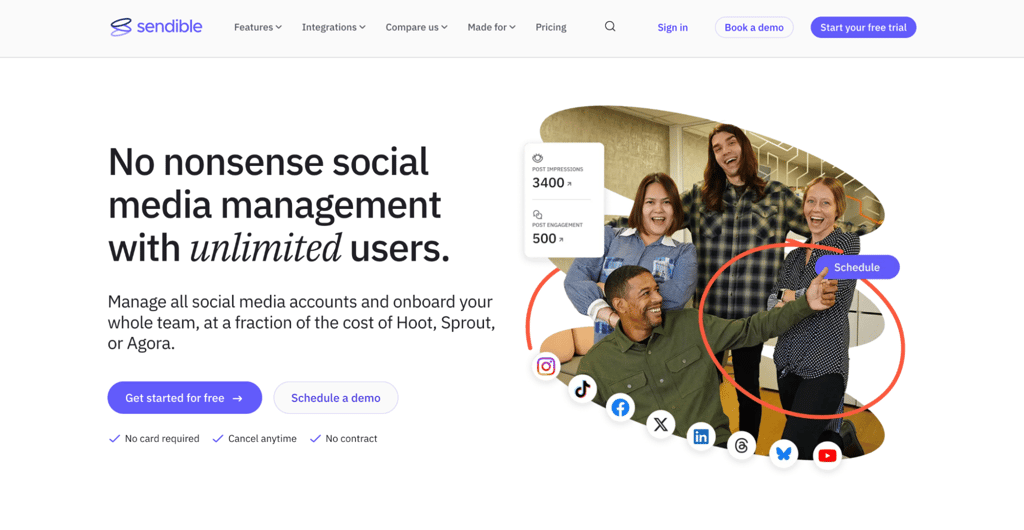
Best for: agencies managing multiple client brands with separate workspaces, reports, and approval processes.
Sendible is a social media management platform designed for agencies and brands managing multiple clients or locations. Its workspaces separate profiles, content, calendars, and reports for each client or brand, and every plan includes unlimited users.
Supported platforms: Facebook, Instagram, LinkedIn, X, TikTok, YouTube, Google Business Profiles, Threads, and Bluesky. Sendible also integrates with WordPress for blog publishing and Canva for content creation.
Sendible pros
- WordPress integration for blog publishing. Manage website and social content from a single platform, without switching tools.
- Unlimited users on every tier. Invite team members and clients to their relevant workspaces without additional per-seat charges.
- Custom-branded reports. Generate client-ready PDFs with your agency’s identity without third-party reporting tools.
Sendible cons
- White label is not included in the lower plans. Sendible offers White Label as a paid add-on for Elite and Enterprise plans, so agencies that need a fully branded client portal must budget beyond the Core, Plus, or Premium tiers.
- Approval features require a mid-tier subscription. The entry-level workspace includes bulk scheduling and standard reports but no review workflows.
- Steep jumps between tiers. Moving from the entry-level to the next tier nearly triples the monthly cost.
Sendible pricing
A 14-day free trial is offered to try the tool. Core costs $30/month for one workspace and six profiles, billed annually. Plus costs $84/month and adds assignments and approvals. Premium costs $169/month and adds branded reports and content libraries.
Elite costs $254/month and adds advanced permissions. Enterprise costs $638/month and is built for larger agencies. Every plan includes unlimited users.
11. Publer
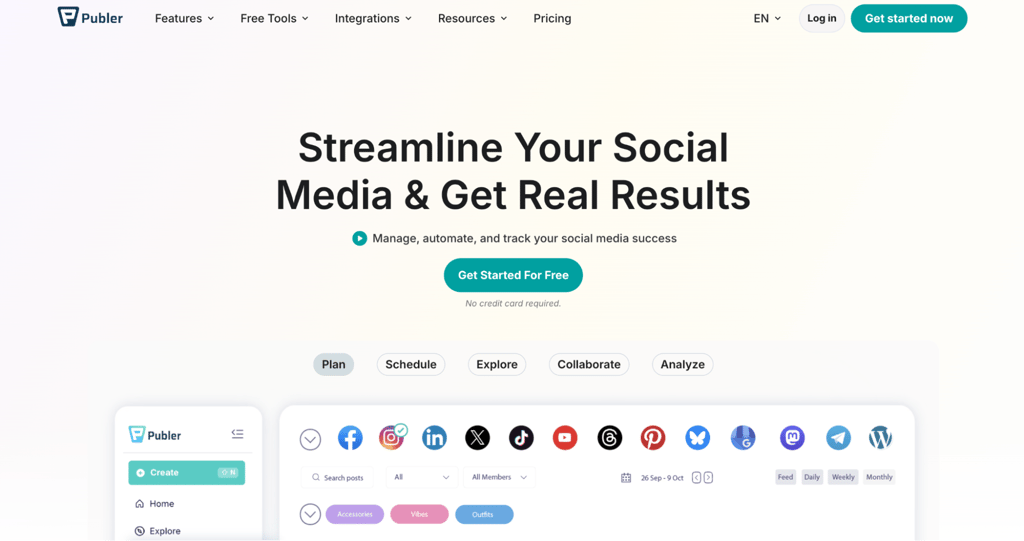
Best for: budget-friendly social media scheduling across a broad range of platforms.
Publer is a social media scheduler that lets teams manage posting, drafts, and approvals from one shared workspace. Every 10th account or member is free after nine paid ones.
Supported platforms: Facebook, Instagram, TikTok, X, Threads, LinkedIn, Pinterest, Mastodon, Google Business Profiles, YouTube, Bluesky, and Telegram, plus integrations like WordPress.
Publer pros
- Automated content recycling. Evergreen content re-enters the queue after publishing, keeping your feed active without manual rescheduling.
- AI caption and content generation. Create post drafts and suggestions directly in the editor, with unlimited AI prompts at higher tiers.
Publer cons
- X is excluded from the free tier. Connecting an X account requires a paid subscription due to API costs.
- Limited engagement management. The inbox covers selected comment-related workflows, but dedicated DM and mention management requires a separate tool.
- Advanced analytics is restricted to higher tiers. Entry-level reporting covers basic scheduling metrics without best-time recommendations or competitor analysis.
Publer pricing
The free plan covers three social accounts and 10 scheduled posts per account. Professional costs $4/account/month, billed annually, and unlocks X, unlimited scheduling, and post recycling.
Business costs $8/account/month, billed annually, and includes advanced analytics and unlimited AI prompts. Enterprise pricing is available through sales.
12. Metricool
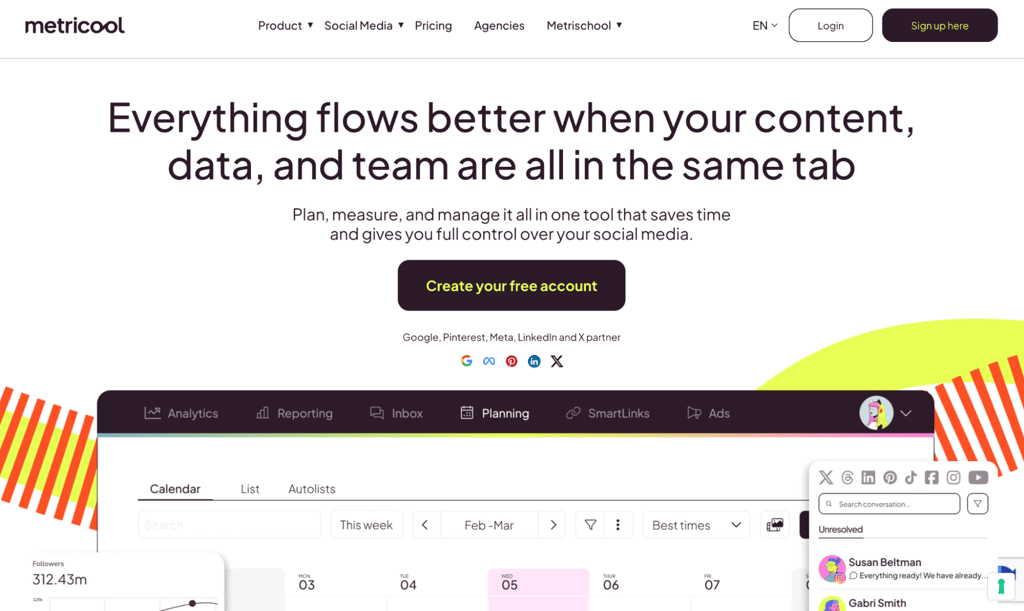
Best for: social media analytics, competitor tracking, and reporting alongside scheduling and publishing.
Metricool is a social media management platform that combines publishing and scheduling with cross-network analytics, competitor analysis, and reporting. It’s built with a strong focus on data, providing teams with a single view of performance across all connected accounts.
Supported platforms: Facebook, Instagram, LinkedIn, X, TikTok, YouTube, Pinterest, Google Business Profile, Threads, Bluesky, and Twitch.
Metricool pros
- Competitor tracking across up to 100 profiles. Monitor posting frequency, engagement rates, and audience growth alongside your own performance.
- Automated report scheduling. Downloadable PDF and PowerPoint reports go directly to stakeholders on a set cadence.
- Looker Studio integration. Pipe social data into custom dashboards and combine it with other business data sources.
Metricool cons
- The free tier excludes LinkedIn and X. Access to either network requires a paid subscription, and X also charges an additional per-account add-on fee.
- Team features are separated from entry-level tools. Solo users publish without structured review processes, roles, or post approvals until they upgrade.
- Prices exclude applicable VAT. The final amount depends on billing details and tax status, and checkout calculates it accordingly.
Metricool pricing
The free plan covers one brand, 20 posts a month, and 30 days of analytics history. Starter costs $20/month, billed annually, for up to 10 brands with automated reports.
Advanced costs $53/month for up to 50 brands, plus team roles, post approvals, and Looker Studio integration. Custom plans include white-labeling and a dedicated account manager.
13. Planable

Best for: content approvals and team collaboration, where multiple stakeholders review social content before publishing.
Planable is a collaboration-first social media platform built for teams that need structured content review and approval before publishing. Workspaces keep each brand or client’s pages, calendar, campaigns, and approval workflow separate.
Supported platforms: Facebook, Instagram, LinkedIn, X, TikTok, YouTube, Pinterest, Google Business Profile, and Threads.
Planable pros
- Realistic post previews. Review formatting, image crops, and character limits as content appears on each platform before publishing.
- Scalable approval types. Route content through the exact process your team requires, from optional review to multi-level sign-off chains.
- AI post-generation and rewriting. Create and rework captions directly inside the editor without switching to a separate AI tool.
Planable cons
- Analytics and Social Inbox are paid add-ons. Access to engagement management and performance data is charged in addition to the base workspace cost.
- Multi-level approvals restricted to the top tier. Teams that need mandatory sign-off chains beyond a single approval step require an upgrade.
Planable pricing
The free plan gives you 50 posts total, not 50 per month, so once you use them up, you will need to upgrade. It also doesn’t support posting to X. Basic costs $33/workspace/month for 60 posts, four social pages, and optional approvals, billed annually.
Pro costs $49/workspace/month for 150 posts, 10 pages, and required approvals before anything publishes. Enterprise is custom-priced with unlimited posts and multi-level approval chains.
How to choose a social media automation tool
Choose a social media automation tool based on the task you want to automate, then check whether the platform supports your required networks, account types, users, approval process, integrations, and reporting needs. Technical comfort matters most when you are comparing a workflow platform such as n8n with a ready-made social dashboard.
Match the tool to the job:
- Mostly scheduling posts. Buffer, Publer, or CoSchedule cover the basics without overwhelming you with features you won’t use.
- Creating and recycling content. SocialBee’s category-based scheduling and evergreen recycling keep your feed active with less manual work.
- Drowning in comments and messages. Agorapulse consolidates messages and organic comments from connected networks into a single inbox.
- Social listening and brand monitoring. Sprout Social offers advanced listening and sentiment analysis through its Listening add-on.
- Analytics and reporting. Metricool combines cross-network reporting, competitor tracking, and publishing. Compare plan limits, X/analytics add-ons, history, and brand counts rather than judging tools only by the headline starting price.
- Team approvals before publishing. Planable focuses on content review and sign-off. Sendible structures multi-client management with workspace-based pricing.
- Custom cross-app workflows. n8n connects social platforms with other tools through APIs, webhooks, and HTTP requests.
- CRM-connected marketing. HubSpot Marketing Hub ties social publishing to lead tracking and sales pipelines.
Before deciding, check the platform against your actual setup: supported networks, account types, posting limits, and total price with add-ons. Make sure it also includes basic safeguards, such as approval steps and failure notifications.
Start by automating one social media task
Start with the single most time-consuming repetitive task. For example, scheduling recurring posts, repurposing existing content, or collecting analytics data for reports. You don’t need to automate the entire workflow at once.
Pick one tool that handles that task well and test it through enough real publishing cycles to compare the manual work saved, output quality, error rate, and amount of oversight required. Keep the automation only if it reduces work without producing repetitive, inaccurate, or off-brand posts.
Once you’ve confirmed the automation holds up, start layering in the next task rather than overhauling your entire workflow at once. Expand into approvals, engagement management, analytics, and reporting once your first workflow runs reliably.
For task lists leaning toward custom, cross-app automation rather than straightforward scheduling, n8n automation ideas stretch well beyond social media, covering everything from invoicing to customer support.
Hostinger AI Automation Applications sets up n8n in a few clicks, with managed hosting, updates, and backups included. No server is required to start building workflows.
All of the tutorial content on this website is subject to Hostinger's rigorous editorial standards and values.

Justina is a Content Writer passionate about marketing, with a background in social media and customer success management. She also loves reading books, traveling and exploring new places as well as cooking, and trying out new recipes. Follow her on LinkedIn.