When deploying a Node.js application on Hostinger, you can configure environment variables as part of the deployment process. Environment variables are commonly used to store sensitive data and configuration values such as database credentials, API keys, and application settings.
Hostinger detects the environment variable names your application requires directly from your source code and prompts you to enter their values during deployment. You can also add variables manually or import them from a .env file in the same step.
Before you start
Make sure you know which environment variables your application requires. If using a .env file, ensure it follows the correct format (for example: KEY=value).
Add environment variables during deployment
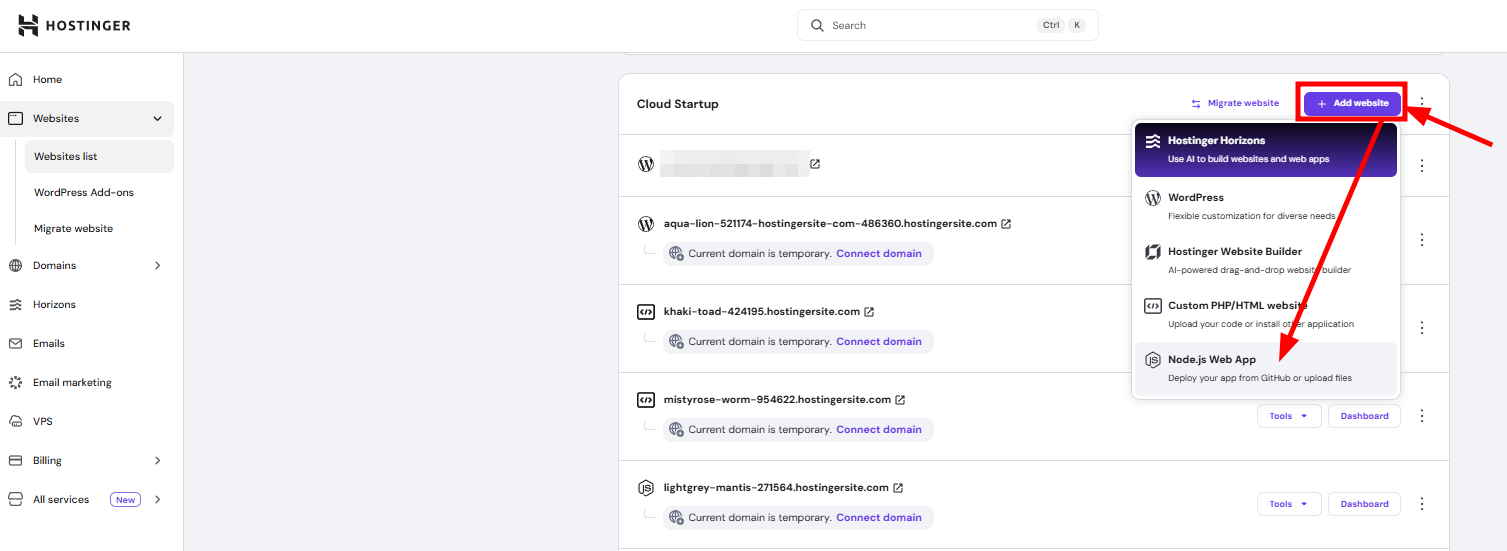
- Start the Node.js application deployment process.
- At the Review build settings step, check the Environment variables card. If Hostinger detected variables your application requires, the card shows Action required and the number of keys needing values.
- Click Edit to open Set environment variables.

- Enter a value for each detected key.
- To add a variable Hostinger didn’t detect, click Add more. To bring in values from a .env file instead, click Import .env.

Your .env file should follow this format:
DATABASE_URL=mysql://user:password@host:port/database
API_KEY=your_api_key_here
NODE_ENV=production - Review the key-value pairs, then click Finish to save them.
- Click Deploy to continue.
NOTES
- Hostinger detects variable names from your application’s source code, not their values — you still need to enter each value yourself.
- If Hostinger doesn’t detect any variables, or your application needs ones it missed, add them with Add more or Import .env in the same screen.
- Environment variables added during deployment are not stored in your repository.
- If you update environment variables later, you may need to redeploy your application for changes to take effect.
- Never commit sensitive data such as API keys or passwords directly into your GitHub repository.