Duplicate any section or element in a Hostinger Reach email template with one click in Edit mode, then adjust the copy to reuse layouts and keep your emails consistent. Select the section, click Duplicate, and an identical copy appears directly below it.
How to duplicate sections in email templates
To duplicate an element in your email:
-
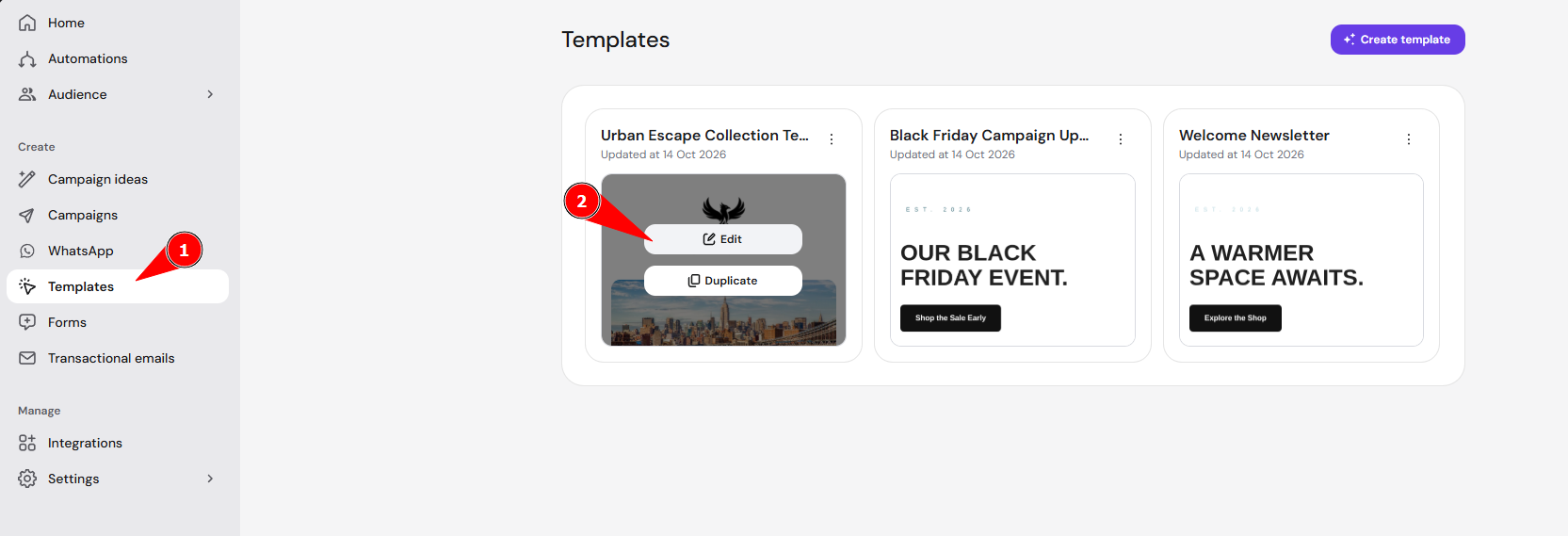
Open an email template in the Reach email editor and click Edit

-
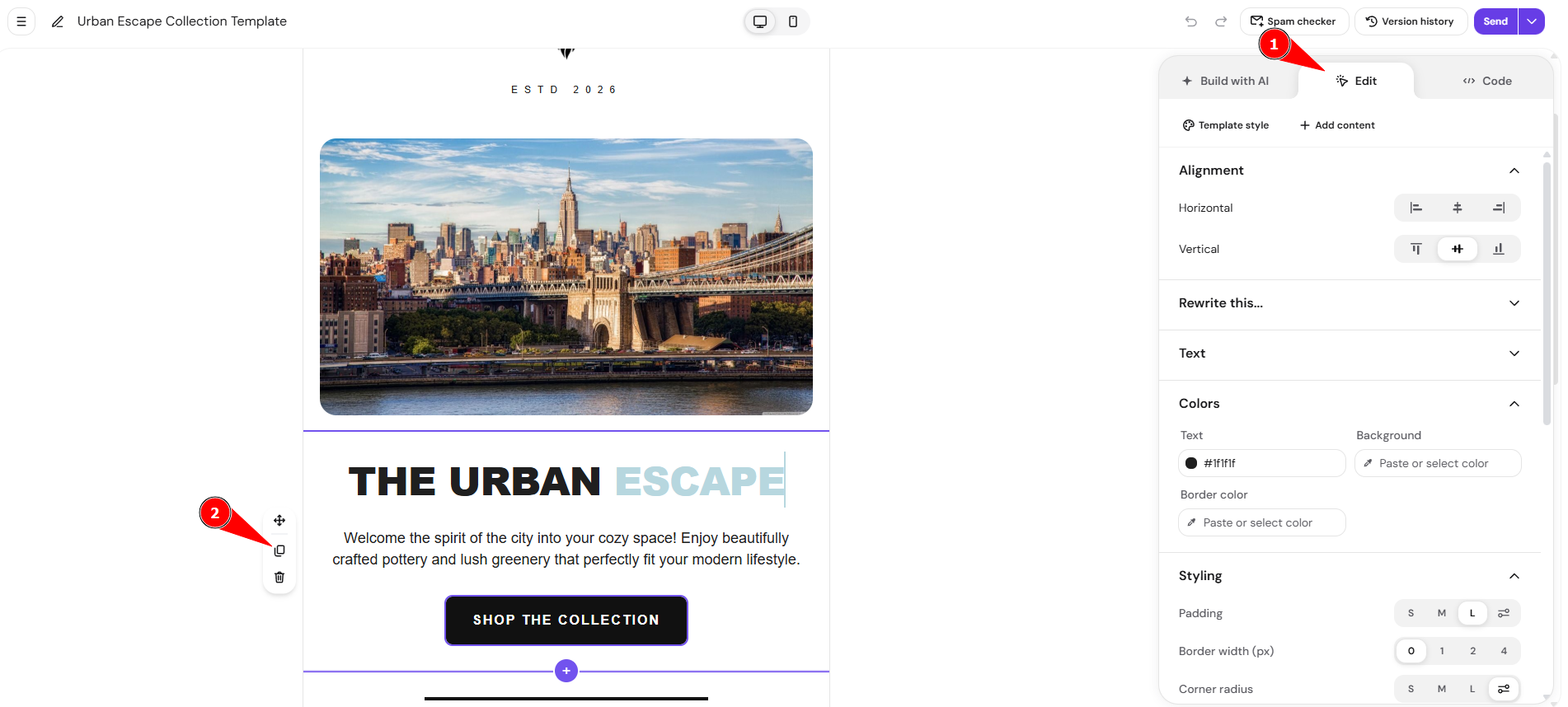
Select any section or element and click Duplicate

-
The selected element will be duplicated instantly
Once duplicated, the new section sits in your Hostinger Reach email template, ready to edit like any other section.