Copy and paste a section to another part of your Hostinger AI Builder manual mode website to speed up the building process.
Exception: copy-pasting blog and store sections is not supported.
Copy a section
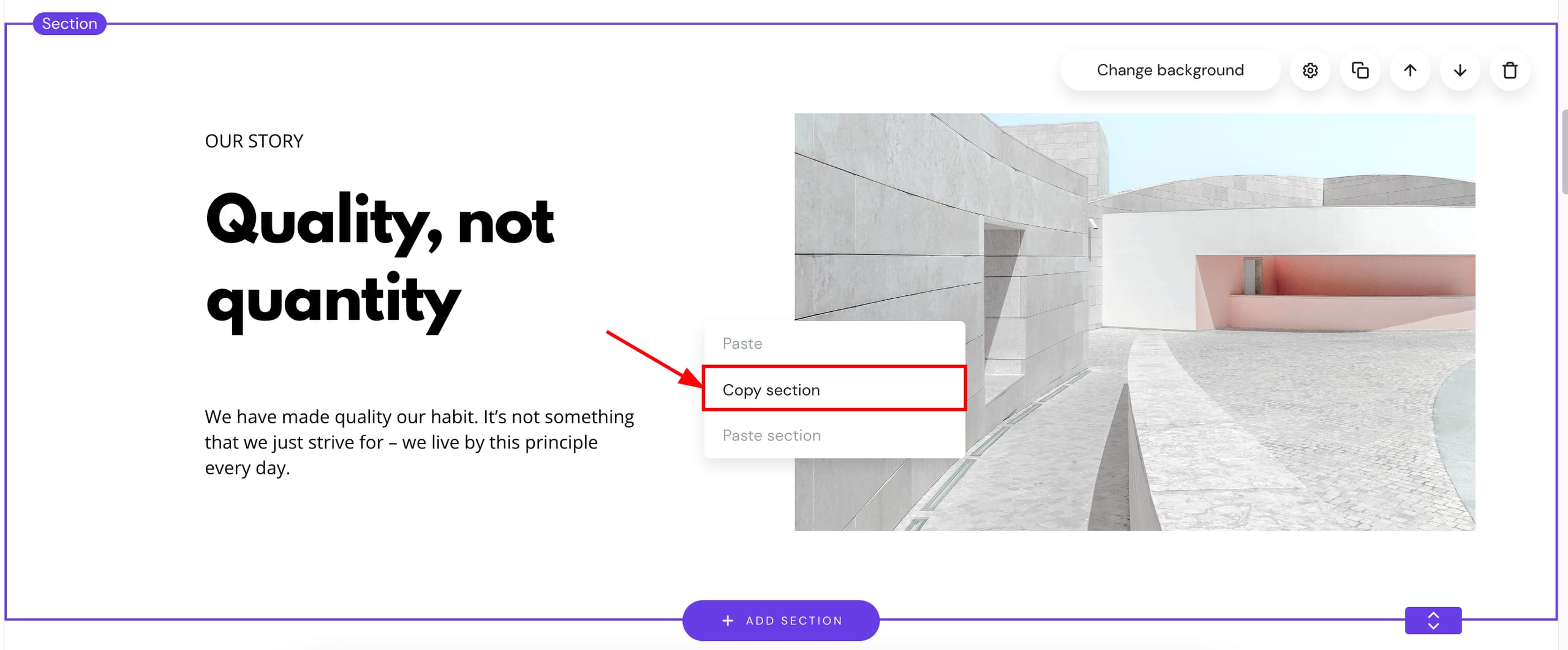
To copy a section, right-click on an empty space of a section and select Copy section:
To right-click on macOS, click and hold Control, and then click the touchpad
Paste a section
To paste a section, right-click on an empty space of a section and select Paste section:
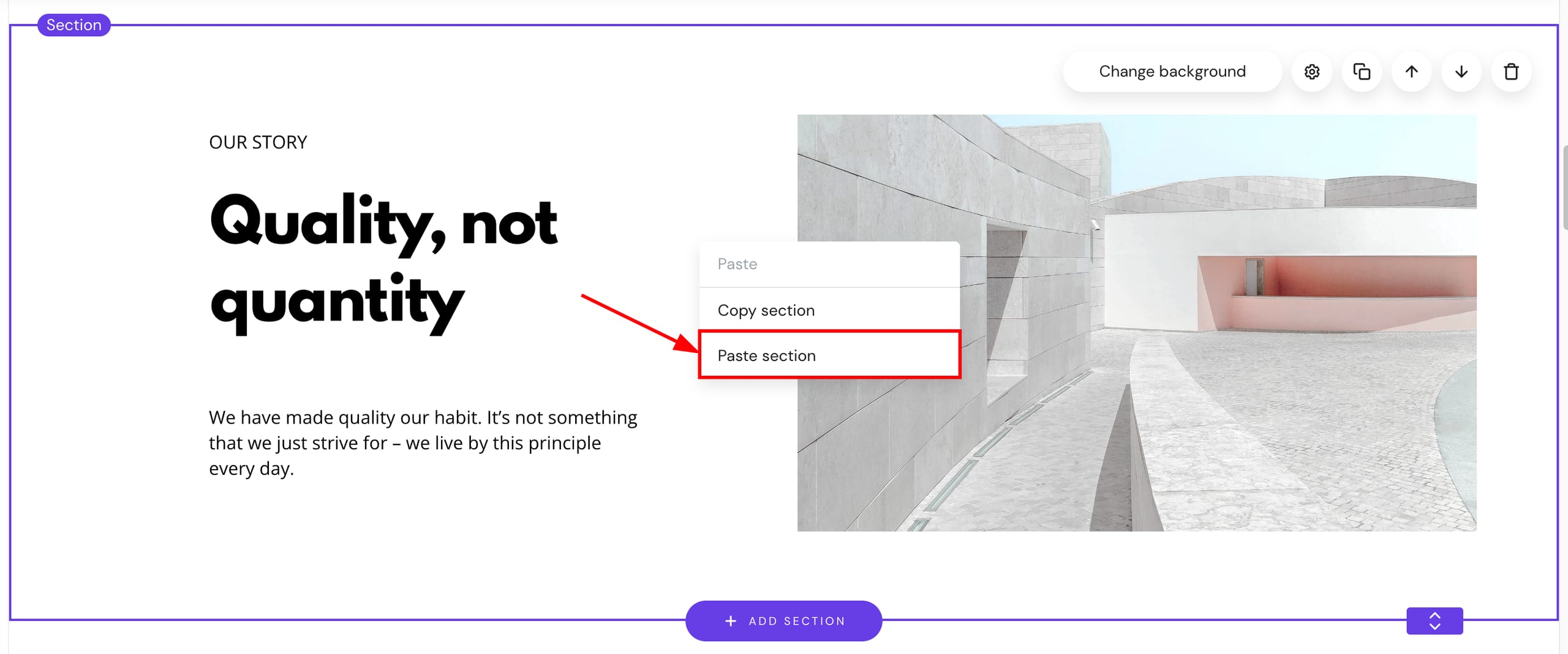
The section will be pasted below the selected section. Your copied section is now available on the same or a different page of your website.
See how to add and customize website sections in Hostinger AI Builder to get familiar with sections in general.