Hostinger Agency Hosting lets you restrict IP addresses to control who can access your website, blocking malicious traffic, unauthorized access attempts, and unwanted visitors.
What is IP address restriction?
IP address restriction is a security measure that blocks or permits access to your website based on the visitor’s IP address. When you block an IP address, any requests from that address will be denied access to your site.
Common use cases:
- Blocking malicious bots and scrapers
- Preventing brute force login attempts
- Stopping spam submissions
- Restricting access during site development
- Blocking traffic from specific regions or competitors
- Protecting against DDoS attacks
How to block IP addresses
Use IP blacklist feature in Hostinger dashboard:
- Go to Security section in your website dashboard
- Select IP Blacklist
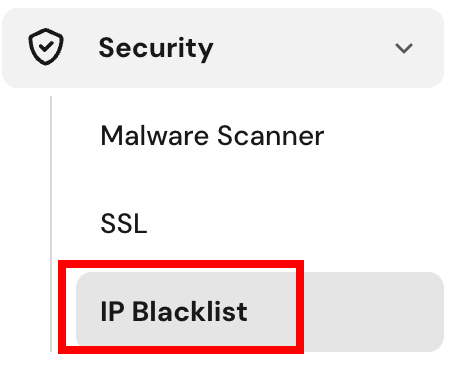
- Add IP addresses you want to block

- Save changes by clicking Add IP address button
Restricting IP addresses helps keep your websites secure from unwanted or malicious traffic. For more on your plan’s features, see how to get started with Hostinger Agency Hosting plans.