Allow or block a specific IP address for your website in Hostinger with the IP Manager in your website’s dashboard, or by adding rules to your .htaccess file. Use the IP Manager for single IP addresses, and the .htaccess file to allow or block IP address ranges.
How to manage access with the IP Manager
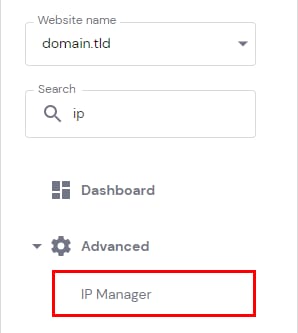
Go to Websites → Manage site, it will open Dashboard section, search for IP Manager on the sidebar and click on it:
There, you will be able to find two options – add IPs to allow and block access to your website:
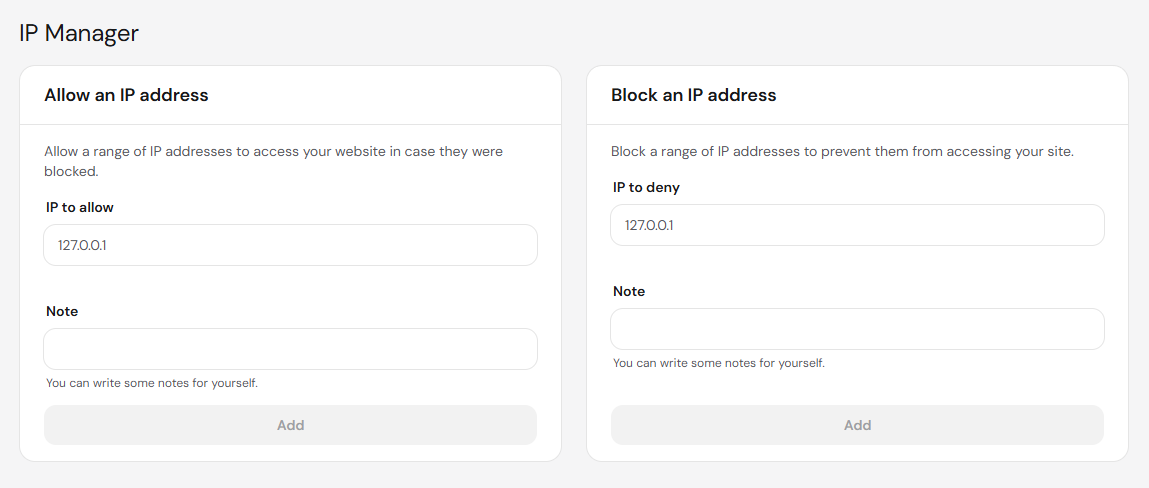
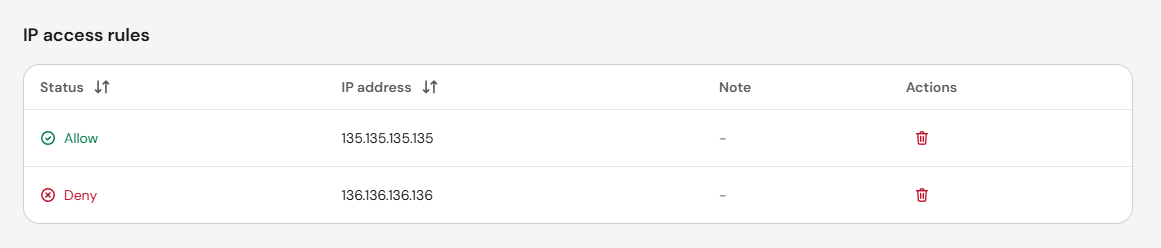
Just add an IP you wish to create rules for, leave a note (optional), and click on Add. The list of all the rules is available below:
With the IP Manager, you can set rules for specific IP addresses. If you want to set rules for a range of IP addresses, you can do it via .htaccess.
Your allow and block rules now control which IP addresses can access your website, and you can review them anytime in the IP Manager rules list.
NOTE:
-
Creating rules in Hostinger dashboard adds specific lines to your .htaccess file. Make sure not to delete them:
