Update your store name and regional settings in Hostinger AI Builder from the unified Store settings page in Store Manager.
Update store settings
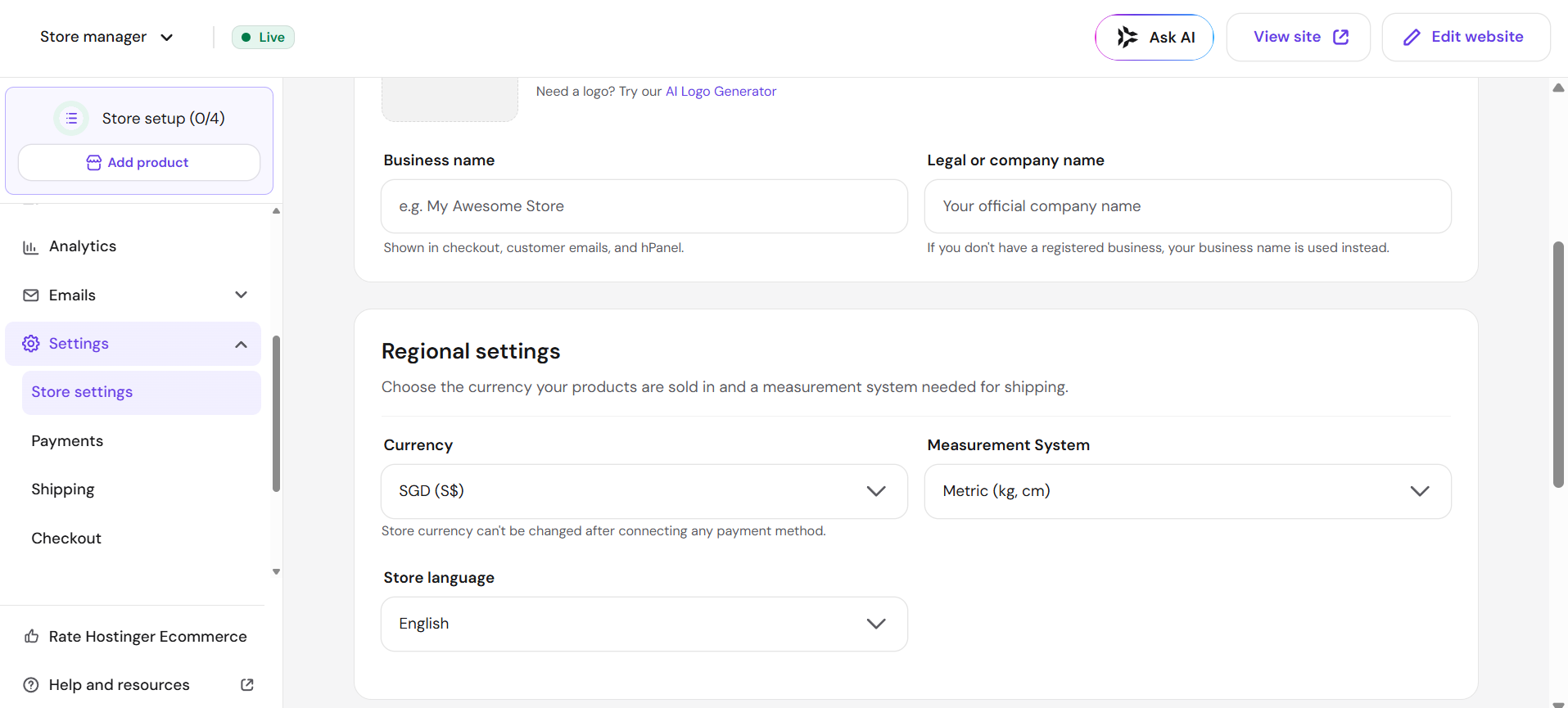
In your store management area, go to Settings → Store settings, and customize the following:
-
Store name – it will appear on invoices, emails, and at checkout
-
Regional settings:
-
Currency – the currency that’s used in your store; the currency cannot be changed after enabling payment methods
-
Measurement system: metric (kg, cm) or imperial (oz, in)
-
After making any changes, remember to save them and update your website. Your store now displays the updated name and regional settings.