Learn how shipping information is set up for your products and how order fulfillment works with TikTok Shop, through Hostinger Ecommerce.
Before you start
- If you haven’t connected TikTok Shop yet, see how to start selling on TikTok Shop first.
Shipping permissions
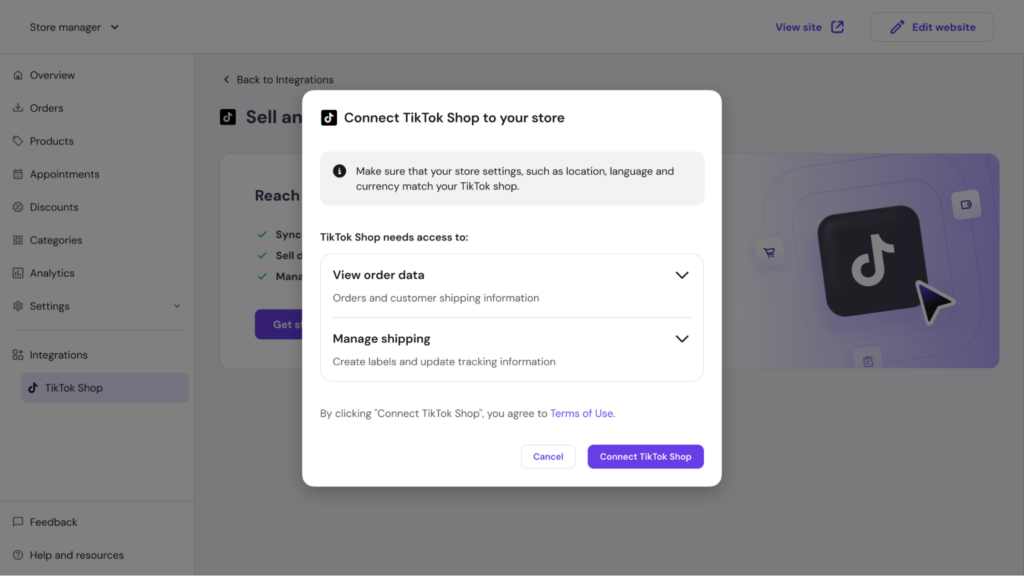
When you connect your Ecommerce to TikTok Shop, you grant it access to manage shipping — this allows TikTok to create shipping labels and update tracking information for orders placed through TikTok Shop, alongside its access to view order and customer shipping data.
Set shipping dimensions per product
TikTok Shop calculates shipping using each product’s physical dimensions, not your store’s general shipping settings. On each product’s TikTok Shop product details section, fill in the required Product shipping fields:
- Product weight
- Product length, width, and height
These fields, along with product category and brand, are required before a product can be synced and go live on TikTok Shop.
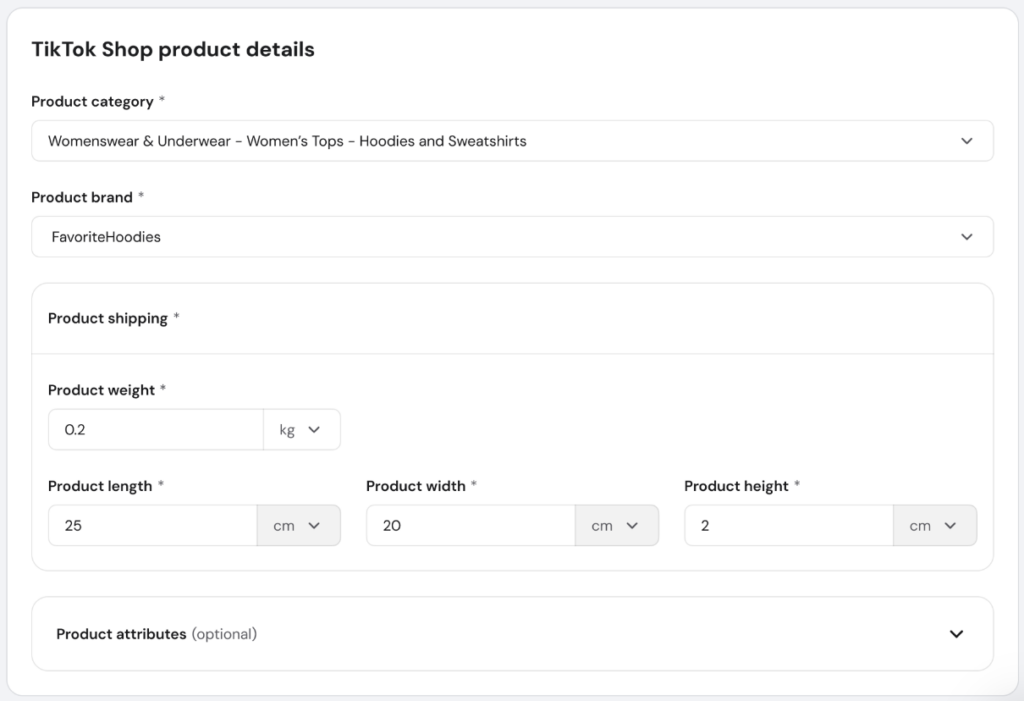
Example of completed shipping dimensions and category/brand fields for a product.
Fulfill orders and submit tracking numbers
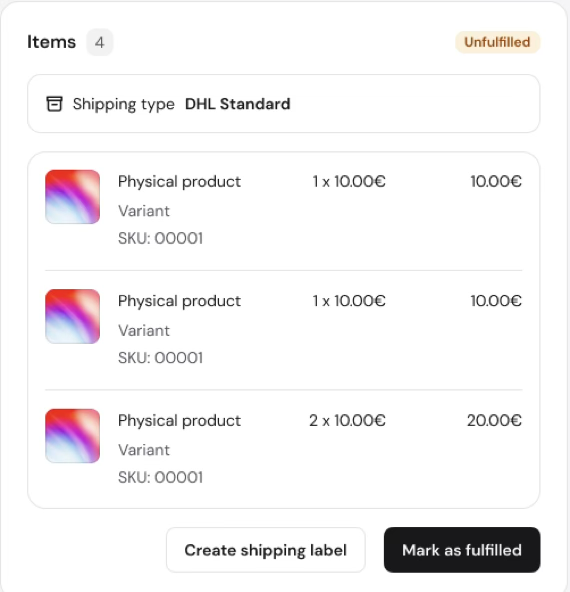
Orders placed on TikTok Shop sync into your ecommerce regular Orders list, so you fulfill them the same way as any other order.
- Open the order and review its items and shipping type.
- Click Create shipping label to generate a label and tracking number, or add your own tracking number if you’re shipping independently.
- Click Mark as fulfilled once the order has shipped.
TikTok Shop updates payment and shipping status automatically
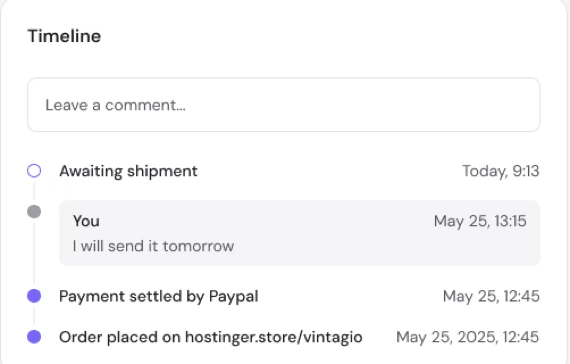
You don’t need to manually update an order’s status on TikTok’s side. Once payment is settled or you mark an order as fulfilled and submit its tracking number, TikTok Shop picks up the change automatically and reflects it to the customer.
NF-e invoices for Brazil orders
Note: If you sell to customers in Brazil, an NF-e (electronic invoice) is required for each order before it can be shipped. Make sure your NF-e is issued and attached to the order as part of your fulfillment process, alongside the shipping label and tracking number.
Track and fulfill TikTok Shop orders
Orders placed on TikTok Shop appear in your ecommerce dashboard, showing how many are Fulfilled versus Unfulfilled, along with the order total, payment, and fulfillment status for each order.
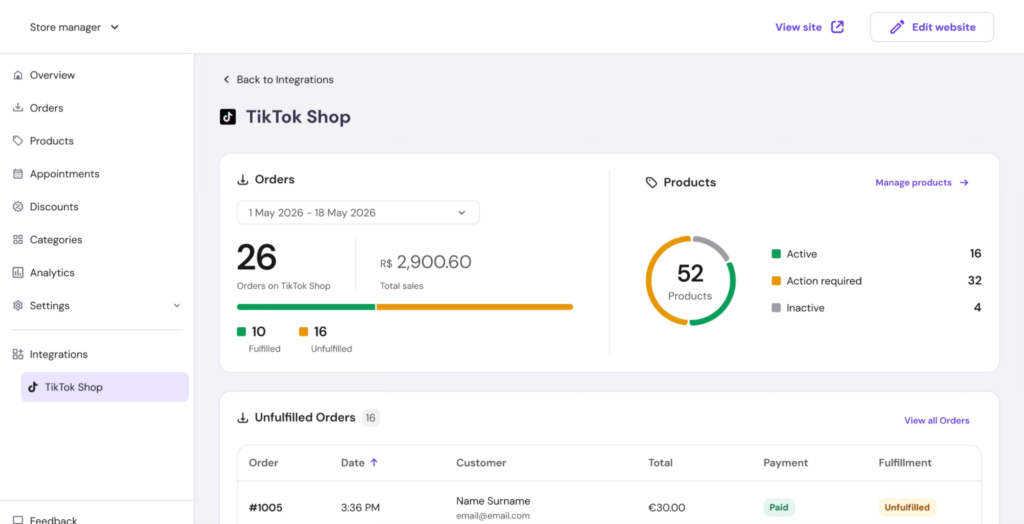
Click View all Orders to see the full order list, or process individual orders to generate the shipping label and tracking number TikTok needs to mark an order as fulfilled.