Configure dofollow and nofollow link settings in Hostinger AI Builder manual mode for links added to your navigation menu, button elements, text elements, and image elements.
Links can be one of two SEO types: dofollow, which tells search engines to follow the link and pass authority to it, or nofollow, which tells search engines not to pass authority to the link. All links you add to your website elements use the nofollow attribute by default.
Change a link’s follow setting
All links that you add to your website elements have the nofollow attribute by default, but you can easily change that in the link settings:
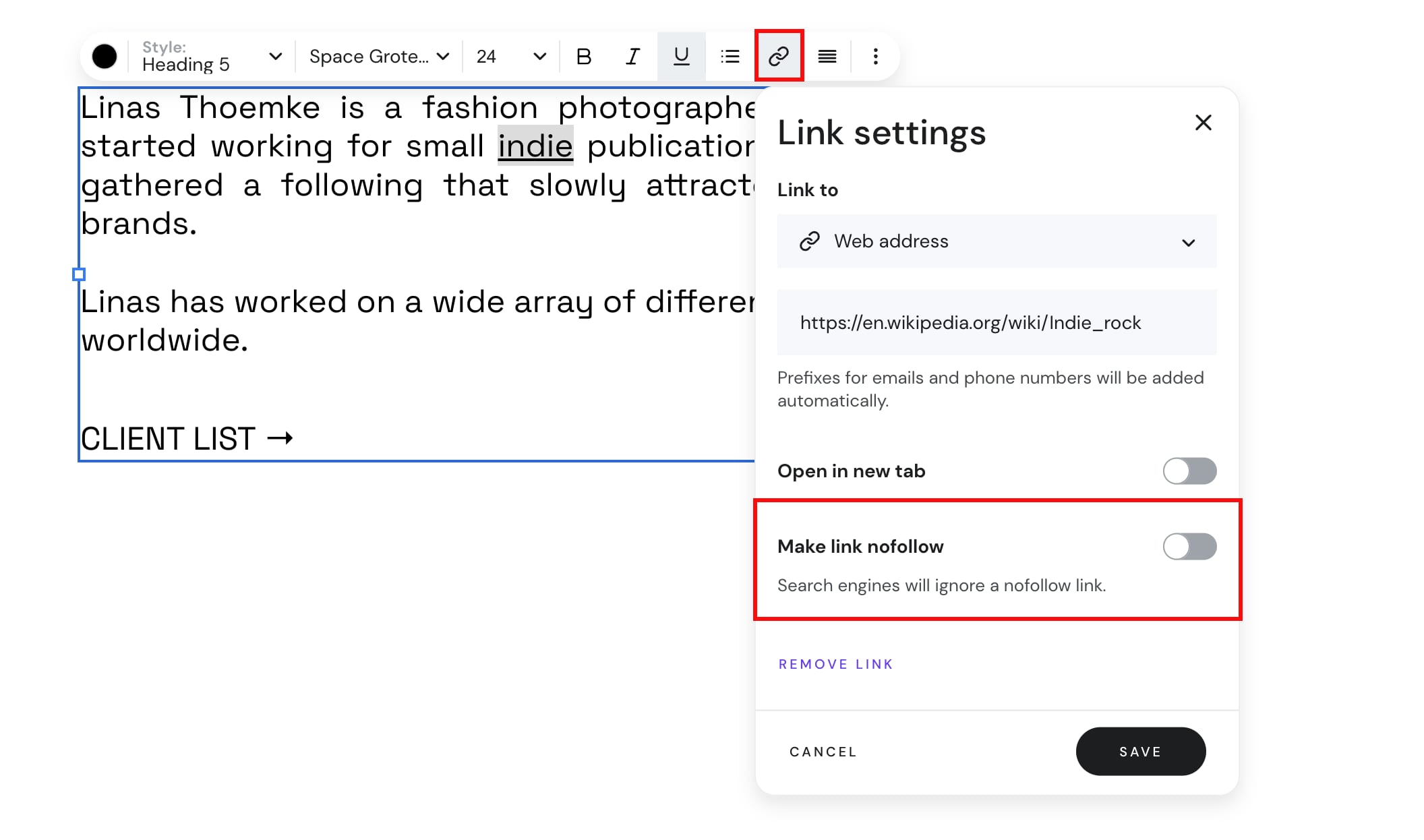
Your link now uses the follow attribute you selected, controlling whether search engines pass authority through it.
See How to Change the Page URL in Hostinger AI Builder Manual Mode for details on editing page URLs.