Google Wallet (previously known as Google Pay) allows your customers to pay using any credit or debit card saved to their Google account. Learn more:
-
Countries or regions where you can use Google Wallet
-
Set up Google Wallet on your device
Set up Google Wallet
To offer the Google Wallet payment method, you first need to enable Stripe payments in your Hostinger Ecommerce Store Manager.. Once you do that, follow the steps below:
- Access your Hostinger Ecommerce Store Manager. Go to Settings → Payments → Manage Stripe, and open your Stripe account.
- In your Stripe account, go to the payment methods settings.
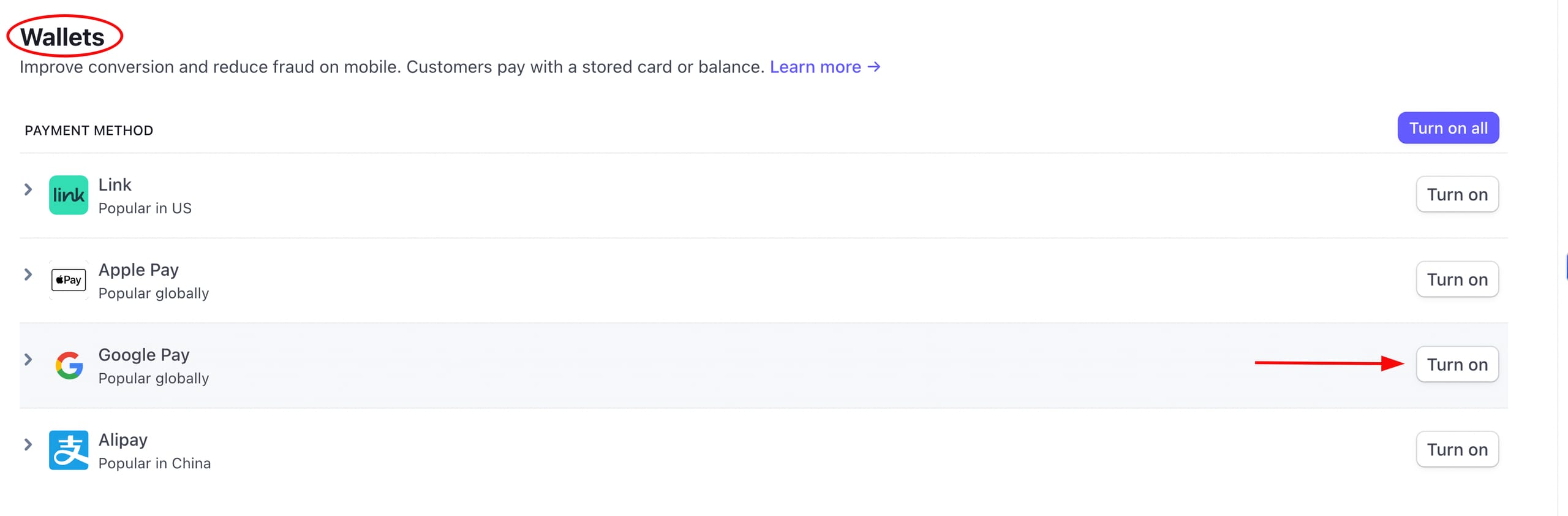
- Scroll down to the Wallets section, and click on Turn on next to Google Pay:
Google Wallet will automatically be suggested for your clients who have it set up on their devices.