With Hostinger AI Builder manual mode, you can easily create bulleted or numbered lists using text elements.
Create a list
- Click on a text element and select Edit text.
- Click on the List icon in the toolbar.
- Choose if you want bullet points or a numbered list:
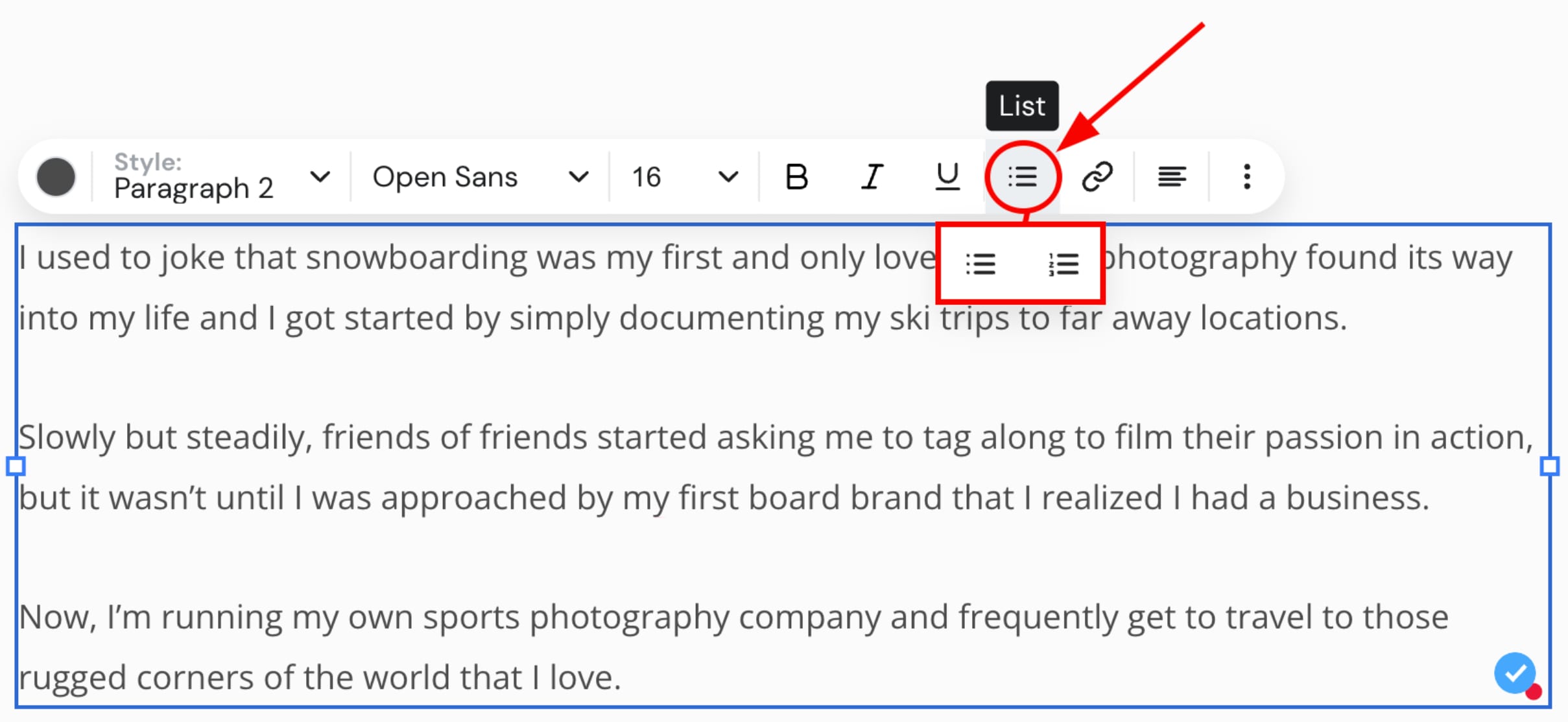
And that’s it!
Replace bullet points with another symbol
If you wish to use other symbols than bullet points for a list, copy this code:
<style>
    .text-box ul {
        list-style-type: '✓';
    }
</style>
Replace the ✓ with your preferred symbol.
Finally, go to your website’s More … (Settings) → Integrations, and paste the code in the Custom code field. Then, save the changes and update your website.
After updating the site, the change will be visible in the preview and online (not within the editor).