Hide a page from search results in Hostinger AI Builder manual mode by enabling the noindex option in your page SEO settings.
Hide a page from search results
Within the builder, access the page SEO settings, scroll down to find the option Hide page from search results, and enable it:
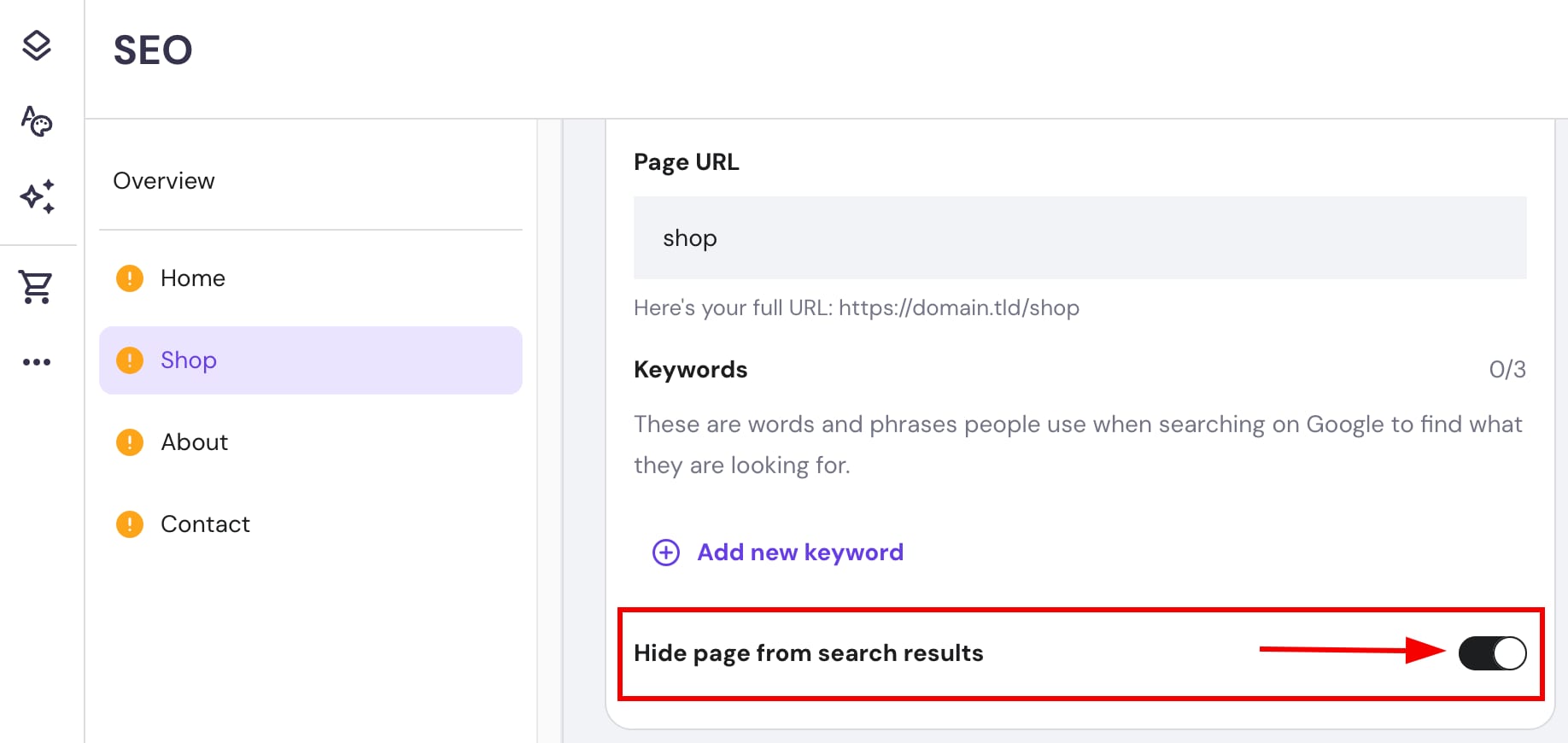
Finally, update your website.
This way, a noindex tag is added to your website, preventing the page from appearing in search engines