Internal forwarders are a great way to forward emails from one email address to another.
Create an internal forwarder
To create an internal forwarder with Titan Email, navigate to the Emails section, and click on Mailboxes next to the domain name in question:

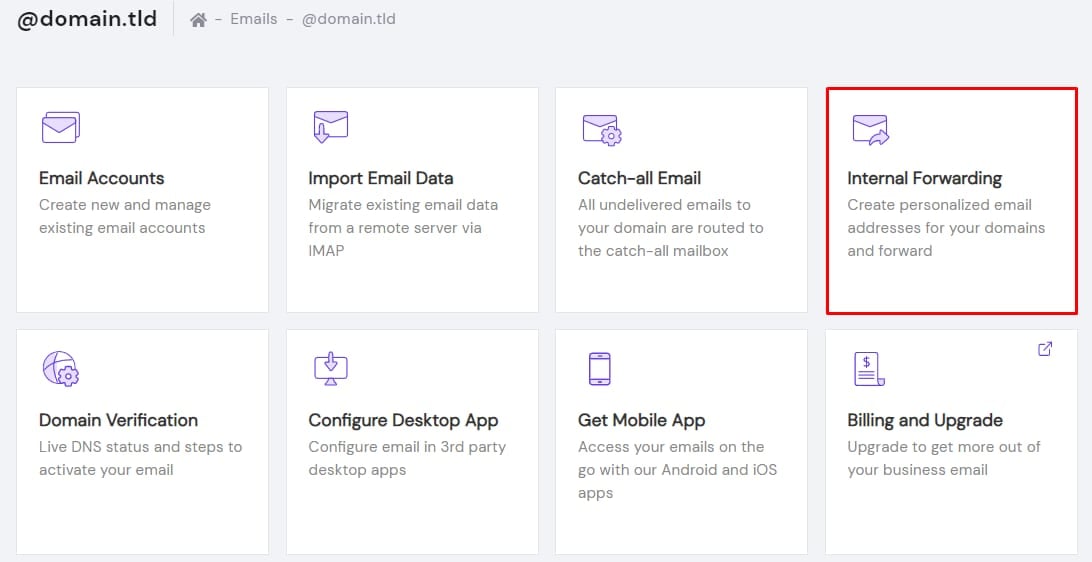
Then, click on Internal Forwarding:
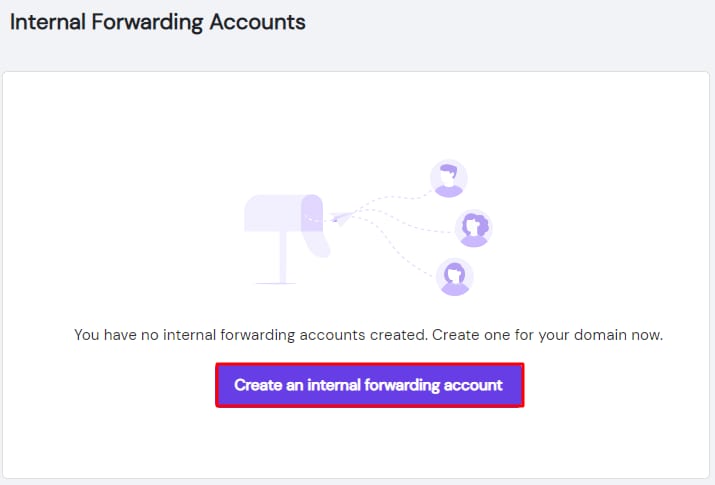
Select Create an internal forwarding account:
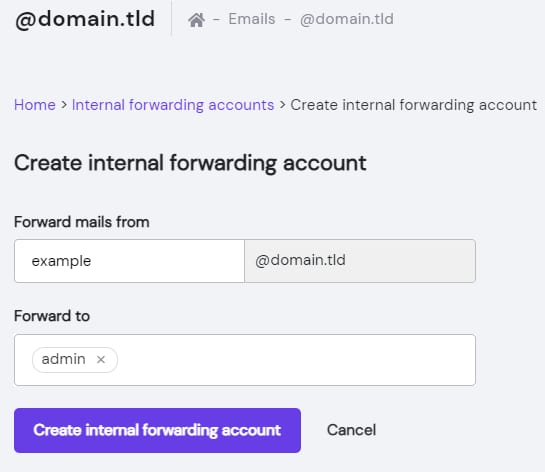
Now, specify the FROM address, and select one of your existing mailboxes to forward TO. Finally, click on Create internal forwarding account:
Now you know how to create internal forwarders with Titan Email at Hostinger.