Add your Hostinger Email account to the Mac OS X Notes application. First, install a profile using either auto-config or manual setup.
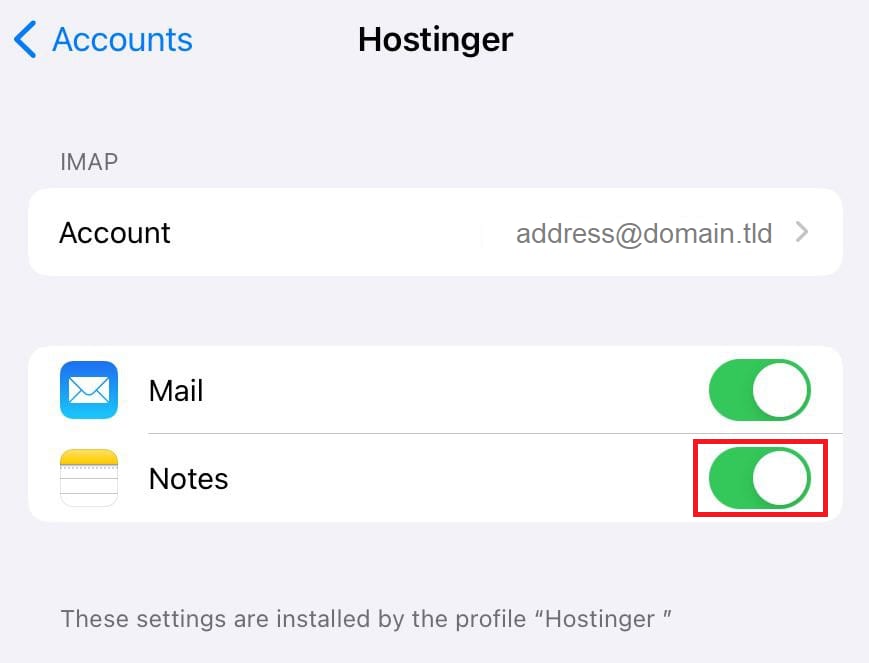
Enable Notes for your email account
After this, open this profile in Settings → Accounts and check the Notes switcher:
That’s it! Your email account’s profile is successfully added to your Notes application 😊