Find your MySQL database details in cPanel to connect your database to a website or application. If you don’t have a database yet, see how to create a new MySQL database in cPanel at Hostinger first.
Find your database details
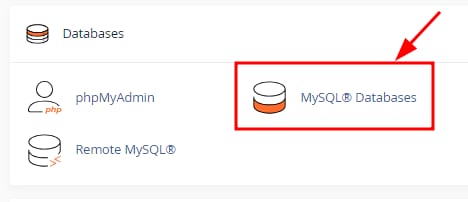
You can easily locate your MySQL databases details by opening your cPanel account and selecting MySQL® Databases section:
Once there, just scroll down to your desired database and the details will be shown right under Database and Privileged Users sections:

For database host you will need to use localhost.
That’s it! Now you know how to locate your MySQL databases details on cPanel.
If you need to update your database password, see how to change a database password on cPanel at Hostinger.