Hostinger services are available for purchase worldwide, allowing you to set up and manage your websites from almost anywhere. This guide covers how to select your local regional website and outlines international service restrictions.
To get the most relevant options, local currency, and payment methods, select the regional website that matches your location.
- Navigate to the Hostinger global website.
- Click the language selector to scroll or use the search bar.
- Choose your country or region from the list.
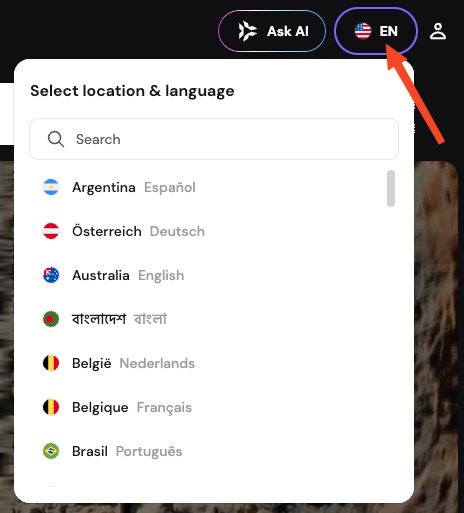
Some countries feature multiple language options, which share the same regional currency. For Spanish-speaking countries outside of Spain, Argentina, Colombia, or Mexico, select Spain and adjust the billing currency to USD if required.
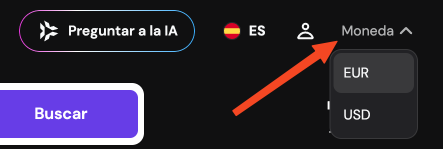
If you are in the United States, or a dedicated regional website is not available for your country, you can complete your purchase on the global website in US Dollars. During the checkout process, enter your current country of residence or business registration to ensure accurate tax code configuration.
International service restrictions
While Hostinger expands service availability globally, compliance with international regulations requires certain limitations.
- Services are unavailable in Belarus, Cuba, Iran, North Korea (DPRK), Russia (including occupied Ukrainian territories), and Venezuela.
- Some regions might require additional verifications before you can register a domain or buy a product. This helps keep our platform secure and aligns with international standards.
Selecting the correct regional website ensures a smooth checkout experience and proper account configuration.
Additional resources