Fix a blank or white preview screen in Hostinger AI Builder agentic mode by capturing a console screenshot and contacting Hostinger support. This issue occurs when your preview screen appears fully white or blank instead of showing your project.
The Preview situation applies to situations in which:
-
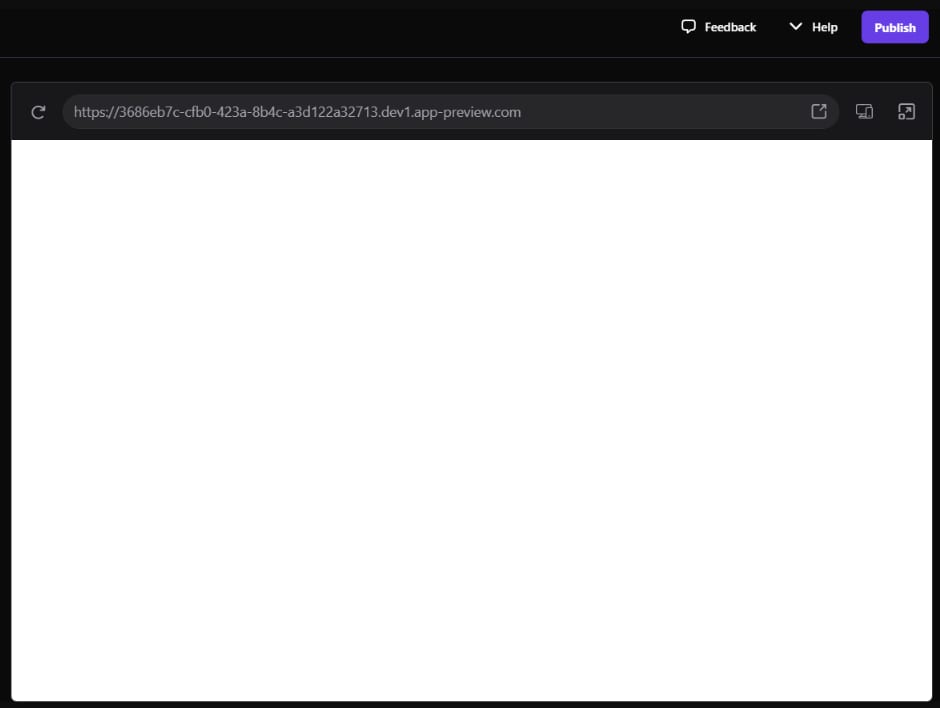
Your preview screen is fully white or blank, as in the image below:
Troubleshooting steps
In case you face such situation, our engineers will investigate it for you. For that, take a console screenshot of the error faced and reach out to our Customer Success team: How to contact Hostinger support
To take a console screenshot, follow these steps:
-
Open the Console tab in your browser:
For Chrome/Firefox on Windows: CTRL+SHIFT+J
For Chrome/Firefox on Mac: COMMAND+OPTION+J
For Safari on Mac: COMMAND+OPTION+C -
Reload the page and repeat the steps to catch the same error.
-
Take a screenshot of the console errors and send it to our support:
Your report gives Hostinger’s team the information needed to investigate and resolve the blank preview screen issue.