30 best freelance websites to find work in 2026
Sep 24, 2026
/
By Justina B.
/
16 min Read

The best freelance websites include Upwork and Fiverr for general freelance work, Toptal and Braintrust for vetted opportunities, FlexJobs for remote job listings, and Behance and Dribbble for creative professionals. The right platform depends on your field, experience level, preferred fee structure, and whether you want to bid on projects, join a vetted talent network, or attract clients through your portfolio.
We grouped our 30 picks into five categories to help you find the right fit faster:
- General freelance platforms, such as Fiverr and Upwork.
- Vetted freelancer networks, including Toptal and Braintrust.
- Job boards and aggregators, from Jooble to FlexJobs.
- Creative portfolio platforms, such as Behance and Dribbble.
- Niche service marketplaces, with editing.services and TaskRabbit among them.
We prioritized current freelancer fees and pricing, how opportunities are sourced, built-in payment or contract tools, screening and job-quality controls, and which types of freelancers each platform is most useful for.
General freelance platforms
General freelance platforms are open marketplaces where freelancers across nearly every skill set can find work. These platforms typically let you create a profile, browse job listings or publish service offers, and connect with clients directly.
They work well for both beginners building their first portfolio and experienced freelancers looking for a steady flow of projects.
1. Fiverr
- Freelancing type – web development, content writing, graphic design, social media, and voice-overs.
- Pros – 700+ service categories; gig-based pricing you control; built-in order management; payment protection for eligible orders.
- Cons – 20% commission on every order; up to 14 days to access earnings, depending on seller level.
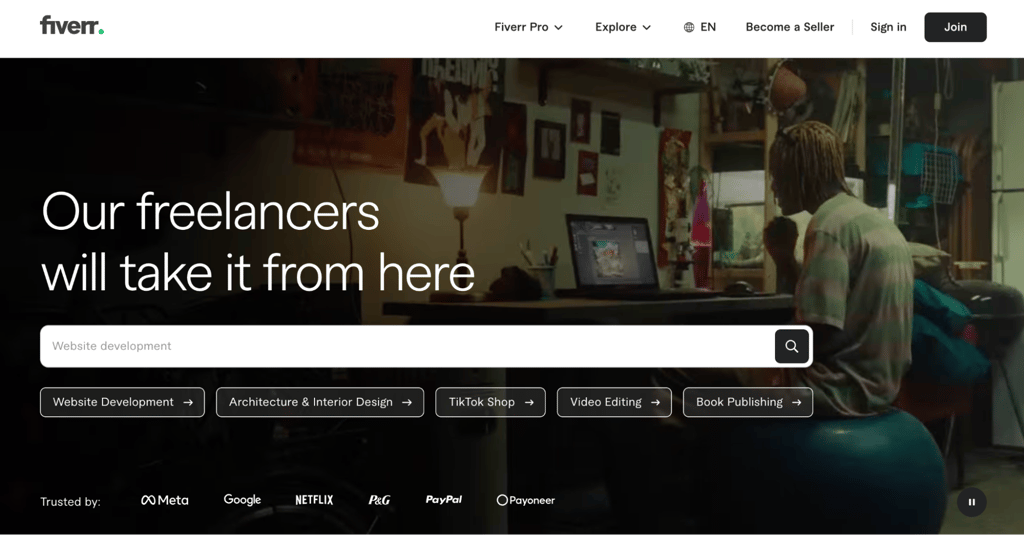
Fiverr is a gig-based freelance marketplace for services like website design, content writing, video editing, and AI prompt engineering. On Fiverr, freelancers are called sellers, their services are called gigs, and clients are called buyers.
You create gig listings with Basic, Standard, and Premium pricing tiers and set your own delivery terms. Buyers browse categories and purchase directly, so there’s no need to send proposals like on Upwork or Freelancer.com.
Fiverr pays freelancers 80% of the cleared amount, including Gig Extras and tips. Buyers pay an additional 5.5% service fee, plus a $3.50 small-order fee for payments under $200, in addition to your gig price. You can earn money online via PayPal, bank transfer, or Fiverr Revenue Card once your earnings have cleared.
2. Upwork
- Freelancing type – software development, brand marketing, customer service, accounting, and web design.
- Pros – large global marketplace; built-in payment protection for hourly and fixed-price contracts; flexibility to bill hourly or per project.
- Cons – variable service fee of 0% to 15% per contract, job proposals use Connects, and additional Connects cost $0.15 each.
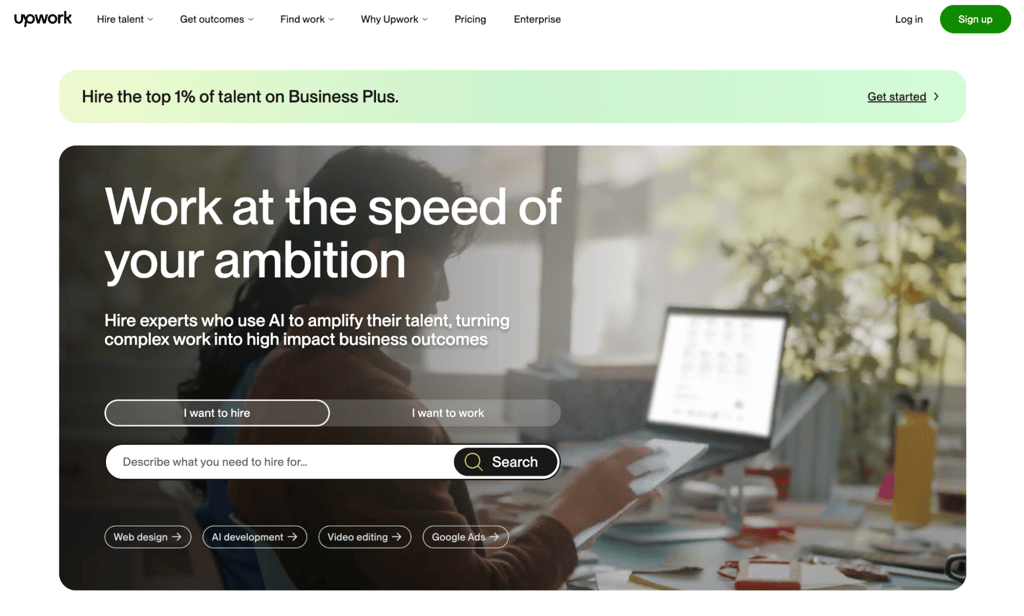
Upwork is a freelance marketplace that connects freelancers with clients worldwide. Clients post jobs and review proposals, or they browse the project catalog to buy predefined services. Most job proposals use Connects; the amount required varies by listing.
Your service fee is set on a per-contract basis and shown when you submit a proposal or receive an offer. It stays locked for the entire contract. The Freelancer Plus plan at $19.99/month helps offset these costs with 100 monthly Connects, 0% fees on Direct Contracts, access to Upwork’s AI assistant Uma, and visibility into competing bid ranges.
Compared to Fiverr’s service-listing model, Upwork places greater emphasis on actively finding jobs and submitting proposals, although clients can also discover freelancers and purchase Project Catalog services.
3. Freelancer.com
- Freelancing type – content translation, web development, social media marketing.
- Pros – design contests alongside standard projects; 24/7 customer support with live chat; 1,800+ skill categories.
- Cons – 10% commission (or $5 minimum) plus paid listing upgrades; a $20 minimum account balance is required before bidding.
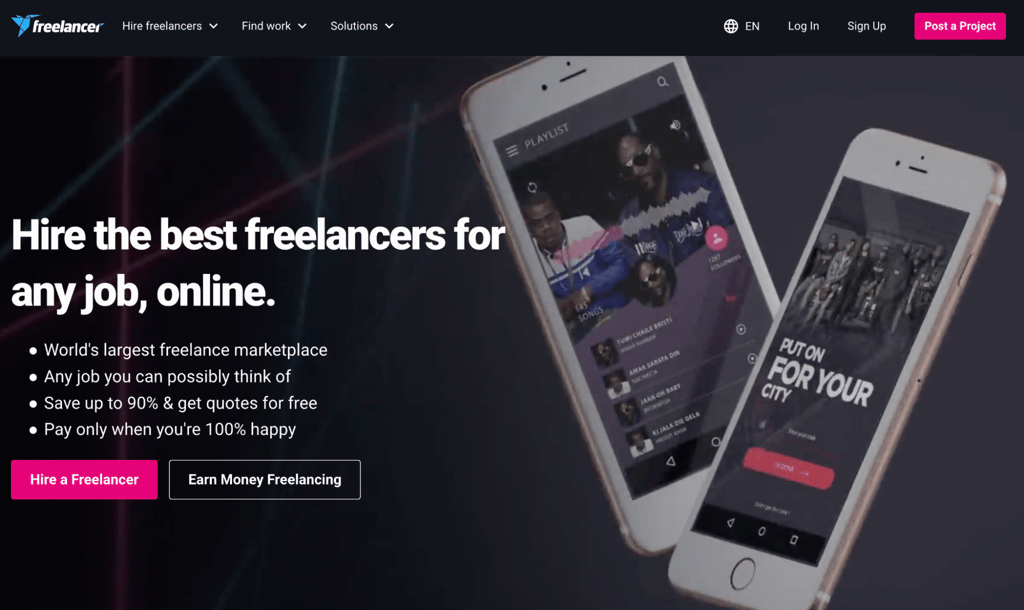
Freelancer.com is a global marketplace for standard projects and contests. The contest format is especially relevant to visual and design work because freelancers can compete on a brief while also building a public record of completed work and reviews.
For freelancers, fixed-price projects cost 10% or $5, whichever is greater, while hourly projects cost 10%. Free members receive six bids per month, and Freelancer.com requires a minimum account balance of $20 before bidding. Optional bids and project upgrades incur additional costs if you use them.
4. Guru
- Freelancing type – marketing, programming, administration, and graphic design.
- Pros – SafePay escrow protection; free Basic membership; fixed-price, hourly, task-based, and recurring payment terms; job fees from 5% to 9% depending on membership.
- Cons – the free Basic plan charges a 9% job fee and includes 10 bids per month; the lowest 5% fee requires the $49.95/month Executive plan.
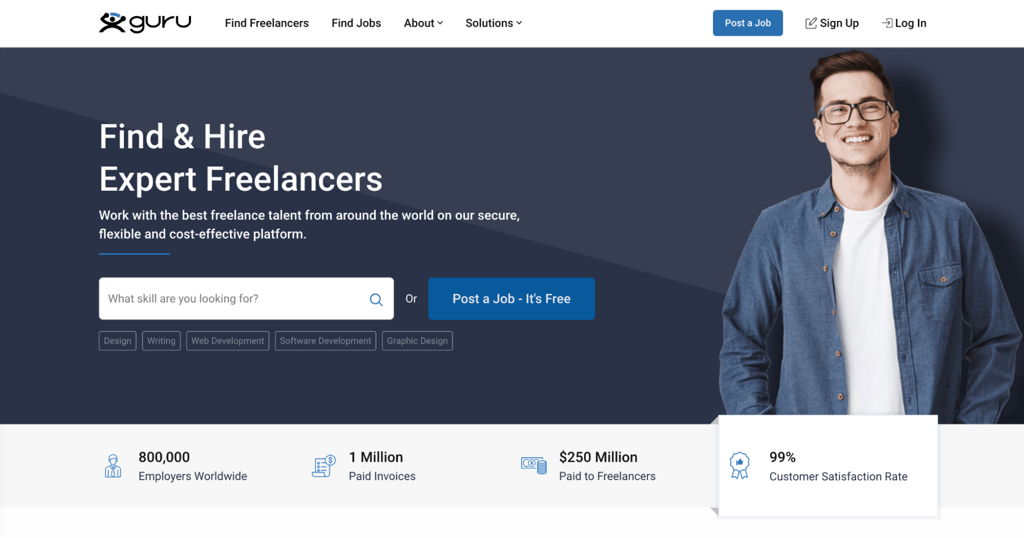
Guru is a freelance marketplace that covers a broad range of skills, from programming and graphic design to product management and marketing. Its SafePay system holds client funds until the work is approved, so you don’t have to chase payments.
The free plan gives you 10 bids per month at a 9% fee, while paid tiers increase your bid allowance to 50 bids and lower fees to as low as 5%. Whether upgrading makes financial sense depends on how much work you win and which paid features you use.
5. People Per Hour
- Freelancing type – programming, journalism, branding, public relations.
- Pros – tiered fee structure that rewards repeat clients with rates as low as 3.5%; built-in invoicing dashboard; location-based job matching.
- Cons – the service fee is 20% on lifetime billing below £250 with a buyer; the free monthly allowance is 15 proposal credits, after which additional credits cost extra.
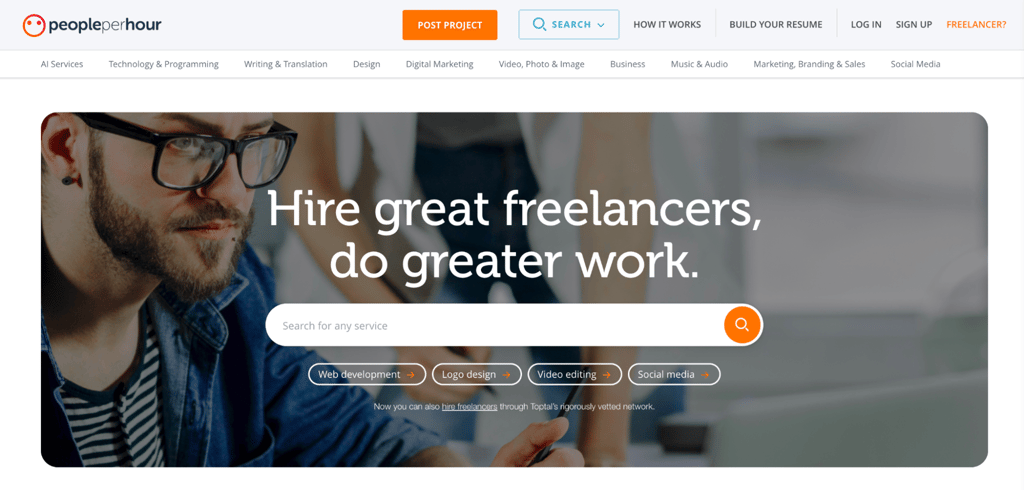
People Per Hour is a freelance marketplace that helps businesses find professional freelancers to hire by the hour or by project. Creating an account is free, but moderators review each application before approval.
The fee structure uses three tiers based on lifetime billing with each buyer: 20% below £250, 7.5% between £250 and £5,000, and 3.5% above £5,000, excluding VAT where applicable. That makes repeat clients progressively less expensive to serve through the platform.
6. Contra
- Freelancing type – design, web development, marketing, and content creation.
- Pros – keeping 100% of your earnings; portfolio-style profiles with built-in contracts and invoicing; Expert Network verification for specialist tools.
- Cons – job access and discoverability are more limited on the Free plan; client/platform and payout fees can still apply depending on the project and payment method; Contra Pro is needed for stronger portfolio and visibility tools.
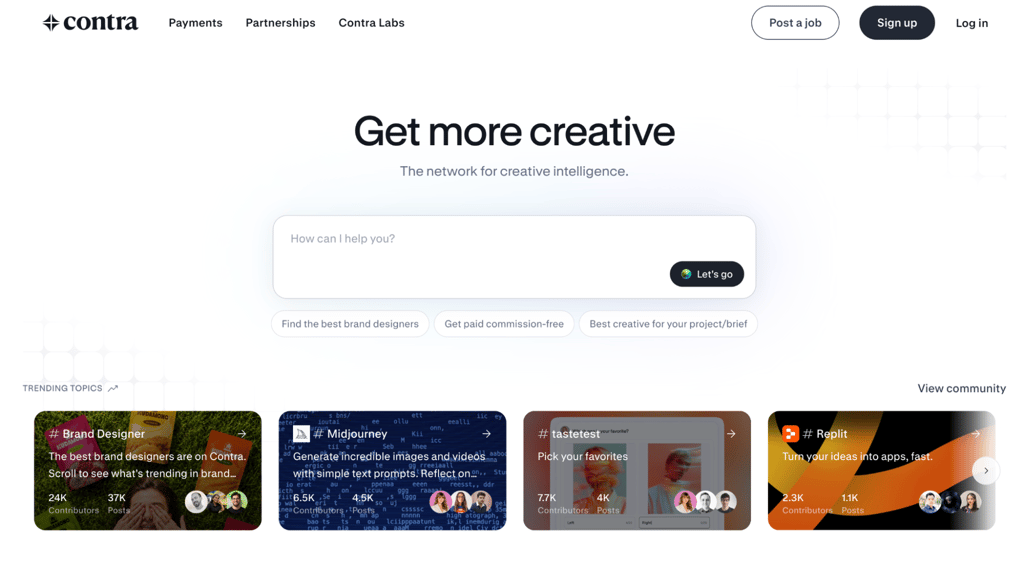
Contra is a commission-free freelance platform where your profile works like a personal website. You can showcase case studies and manage your entire client workflow in one place, from contracts to invoicing.
Contra Pro is $29/month or $199/year and adds boosted discoverability, advanced portfolio analytics, priority support, and waived platform fees. The Free plan remains 0% commission, but fixed platform fees can apply to payments, and third-party processing charges are separate.
Vetted freelancer networks
Vetted freelancer networks screen or curate talent before matching them with clients. The level of selectivity varies by platform, but these networks generally involve more screening than open marketplaces and tend to suit experienced professionals who are comfortable with assessments or interviews.
7. Toptal
- Freelancing type – software development, financial consulting, product management, and design.
- Pros – access to enterprise clients such as Motorola and Airbnb; built-in time tracking and invoicing via TopTracker; multistep screening that positions accepted talents in a curated network.
- Cons – typically fewer than 3% of applicants are accepted; the full screening process can take 3 to 8 weeks; the process includes live screening and a test project.
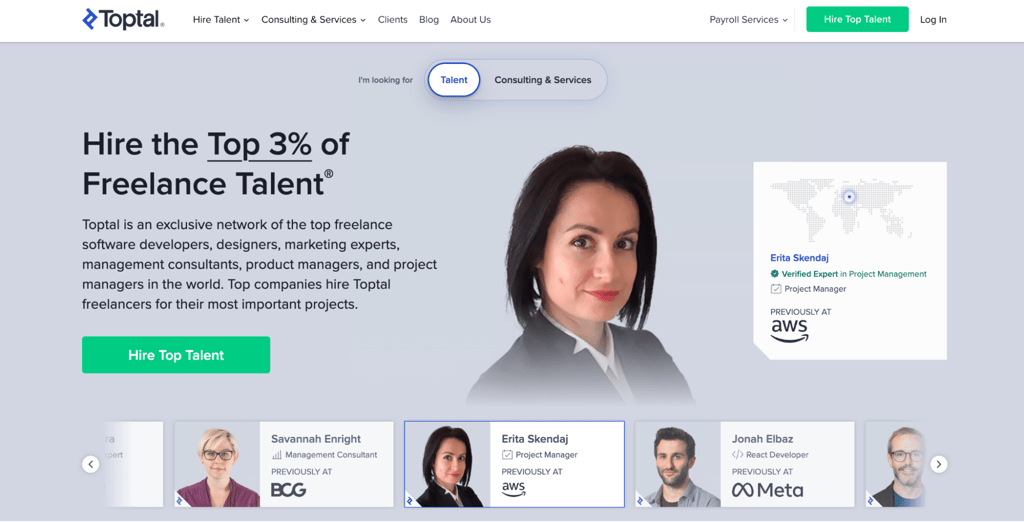
Toptal is a vetted freelance network that connects experienced professionals with enterprise companies through a multi-step screening process covering communication, subject expertise, live evaluation, and a test project
Once accepted, you set your own hourly rate; Toptal says it does not take a cut from talent earnings. Toptal also handles client billing and invoicing, so freelancers are paid through the platform without having to manage invoices themselves.
8. Flexiple
- Freelancing type – web development, mobile app development, UI/UX design.
- Pros – full administrative support for invoices, contracts, and compliance; curated matching instead of open bidding; an initial four-week client trial that can be extended by two weeks.
- Cons – the curated model gives you fewer opportunities to browse and bid directly; applicants go through screening before they can be matched.
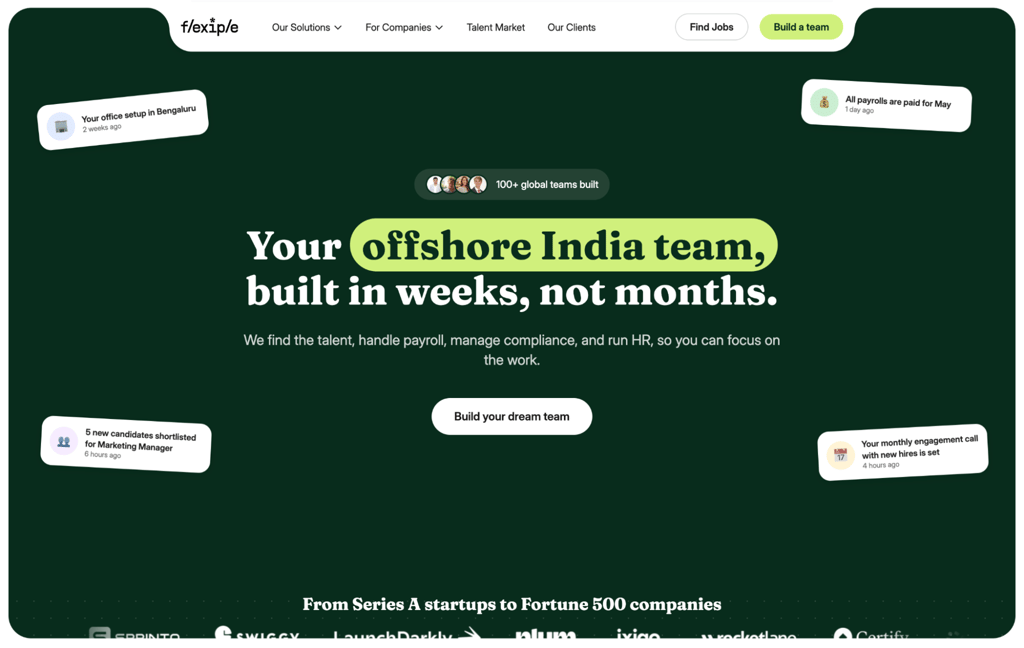
Flexiple is a curated freelance platform that matches pre-screened freelancers with startups and larger companies based on project requirements rather than relying on an open bidding marketplace.
Flexiple’s fee is built into the rate the client approves, so you receive your full agreed rate with no deductions. The platform also handles payroll, invoicing, and compliance, so you can focus on the work without managing administrative paperwork.
9. Arc
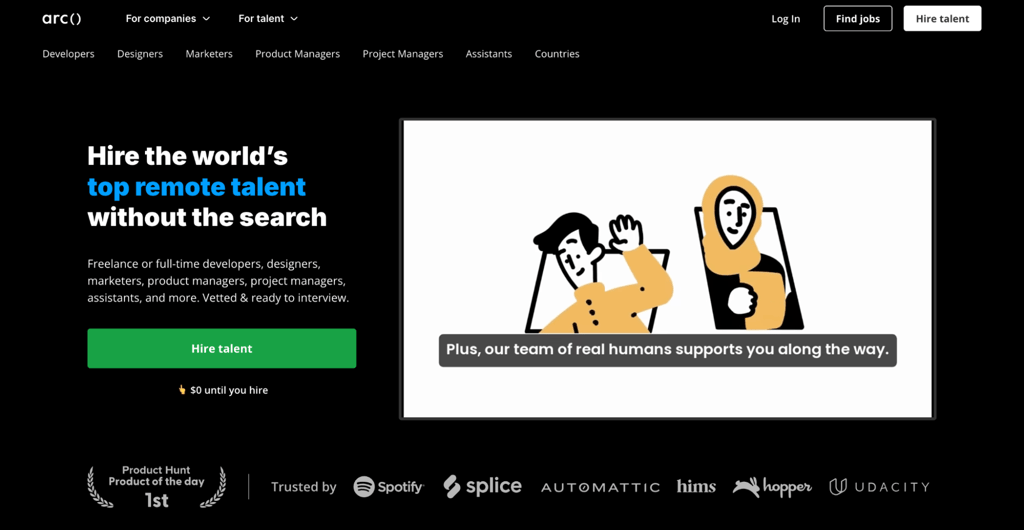
- Freelancing type – web development, UI/UX design, data engineering.
- Pros – Arc says vetted candidates represent the top 2% of applicants; freelance and full-time remote roles; AI-assisted matching through HireAI.
- Cons – Arc is strongest in technical and digital roles; the vetting process adds friction before you can be recommended directly to employers; opportunity volume varies by specialty
Arc started as a freelance platform for expert software developers and has since expanded to include designers, marketers, and product managers. You pass technical assessments and portfolio reviews, then create a profile and get matched with jobs based on your skill set.
Arc is free for talent, with no platform fee when you land a job. You can set your preferred rate and apply for freelance or full-time remote roles, while vetted profiles can also be recommended directly to hiring managers.
10. Gun.io
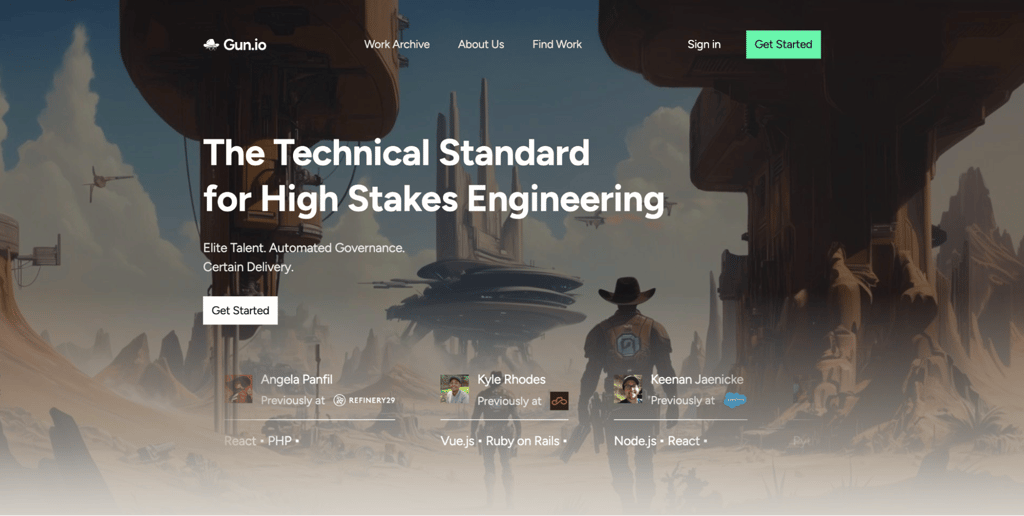
- Freelancing type – software development, data engineering, and software architecture.
- Pros – Gun.io handles billing and payments; talent is paid the rate shown on their profile unless a different rate is agreed upon; longer-term contract opportunities; direct collaboration with the client after a match.
- Cons – limited to technical and engineering roles; vetting includes algorithmic screening, background checks, and technical interviews.
Gun.io is a freelance platform for software developers that connects talent with companies through a multi-step screening process. Once approved, the platform’s team matches you with suitable projects.
Gun.io adds its fee to your stated rate when billing the client, so you receive your full quoted rate with no deductions. The account management model also means you spend less time on client communication and more on billable work.
11. Codeable
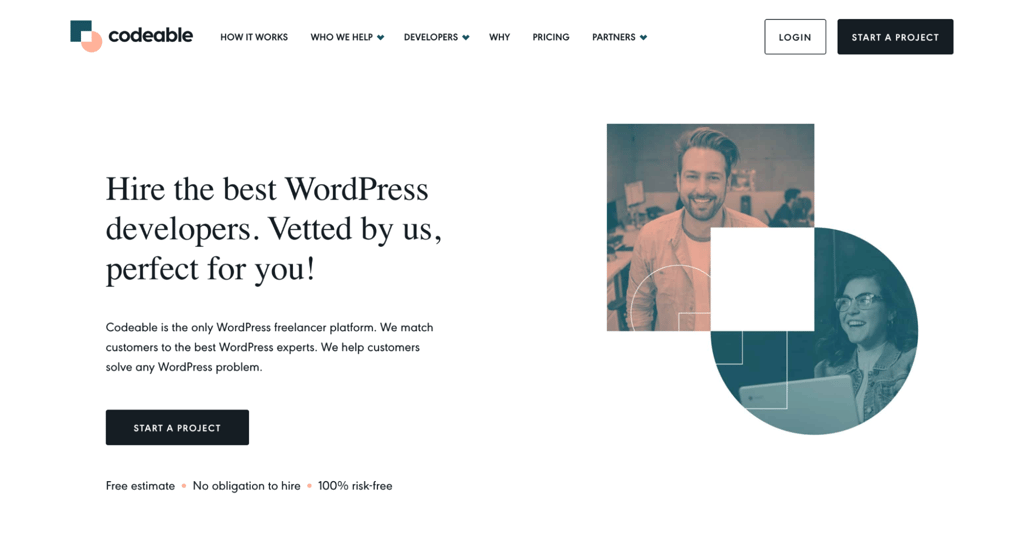
- Freelancing type – WordPress customization, plugin development, API integration.
- Pros – skills-based matching instead of competitive bidding; WordPress-focused vetted network; secure escrow payments.
- Cons – 17.5% service fee charged to clients on top of the developer’s estimate; limited to WordPress work.
Codeable is a freelance platform exclusively for WordPress developers. It evaluates all applicants through coding assessments, interviews, and trial work before granting access. New experts go through a 90-day trial period before gaining full platform access.
Clients typically receive a small group of qualified experts who help scope the project and submit estimates. Codeable combines multiple estimates into a single price and adds a fixed 17.5% service fee to the client’s total; recommended experts currently charge $80-$120/hour.
12. Gigster
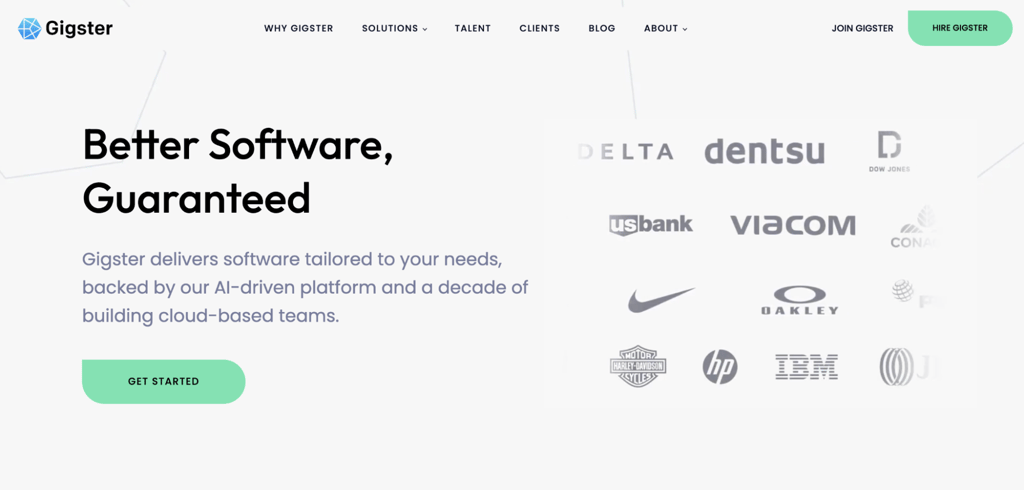
- Freelancing type – software development, web development, app development.
- Pros – team-based project structure with dedicated project managers; access to larger-scale builds; payments handled directly by Gigster at project milestones.
- Cons – highly selective vetting, including coding challenges and collaboration assessments; limited to software development, design, and product management roles.
Gigster is a managed talent network that assembles distributed teams for client projects. An Engagement Manager coordinates delivery and payouts, but network members still collaborate within the project team rather than handling all client communication through a manager.
Before a project starts, Gigster provides the scope and payout details in the project agreement. Network members can decline projects, and payouts are processed through Payoneer according to the schedule defined for the engagement, typically by milestone or two-week sprint.
13. Braintrust
- Freelancing type – software development, product management, design, and data engineering.
- Pros – enterprise clients such as Porsche, NASA, and Goldman Sachs; you keep 100% of your earnings; community-owned governance through BTRST tokens.
- Cons – many opportunities are geared toward enterprise and experienced talent; availability varies by specialty; the client pays a 15% platform fee on marketplace transactions, even though talent pays $0.
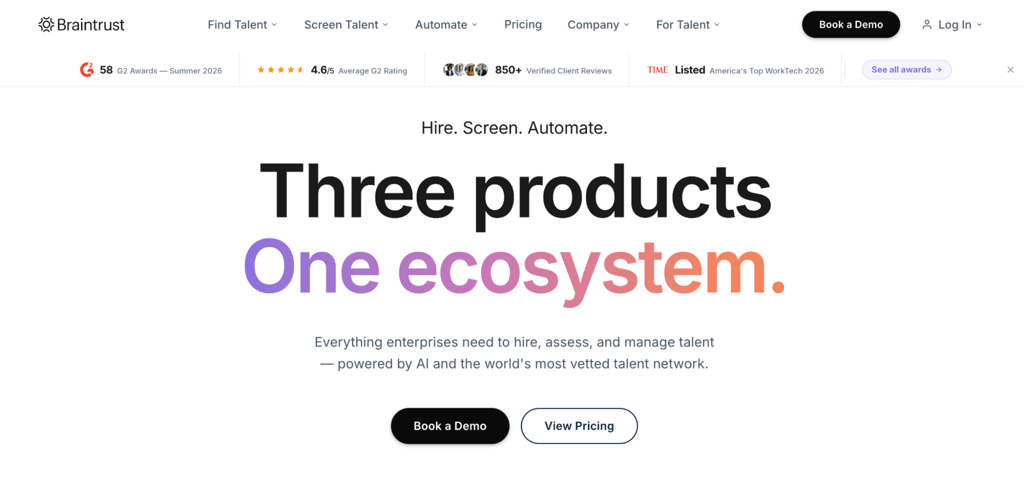
Braintrust is an AI-powered talent platform that connects vetted professionals with enterprise clients. It offers three products: a talent marketplace for freelancers, Braintrust AIR for AI-led recruiting and interviews, and Braintrust Nexus for enterprise workflow automation.
Braintrust’s marketplace includes more than 2 million professionals and charges talent no platform fees. The current onboarding flow includes a profile, a conversational AI skills interview, certification/skills validation, and AI-assisted role matching; opportunities include both contract and full-time work.
Job boards for freelancers
Job boards and aggregators list freelance and remote work opportunities from multiple sources, making them useful for centralizing your search. Some, like FlexJobs, curate their own listings. Others, like Jooble, are pure aggregators that pull from external sites without hosting jobs directly.
These platforms usually focus on discovery rather than managing freelancer contracts or payments. Some redirect you to an employer or partner site, while others let you apply or contact clients directly on the platform.
14. Jooble
- Freelancing type – writing, graphic design, data entry, and marketing.
- Pros – aggregates from 140,000+ sources worldwide; region-specific filtering for local opportunities; email alerts for new listings; no account required to search.
- Cons – many listings originate from external publishers; listing quality and application flow vary by source.
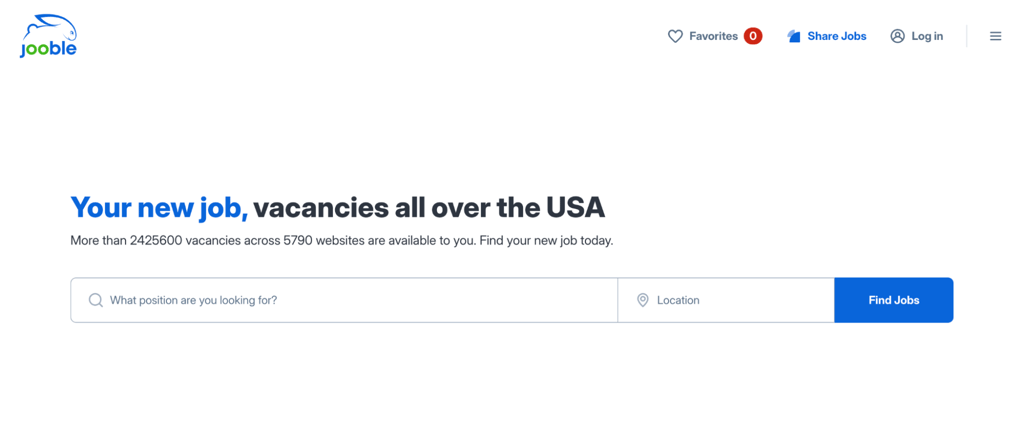
Jooble is a job aggregator, not a traditional job board. It indexes opportunities from corporate websites, other job boards, freelancing platforms, and social networks, then presents them in a single search interface. This makes it especially useful for freelancers outside the US who need localized results.
You don’t need an account to start searching, and email alerts keep you updated on new listings. Since Jooble pulls from so many sources, it’s worth double-checking each listing before applying.
15. SimplyHired
- Freelancing type – human resources, finance, data entry, marketing.
- Pros – salary information and estimator tools; resume upload/creation; one account across SimplyHired and Indeed; broad job search across local and remote listings.
- Cons – some listings come from unreliable third-party sources; no payment or contract management.
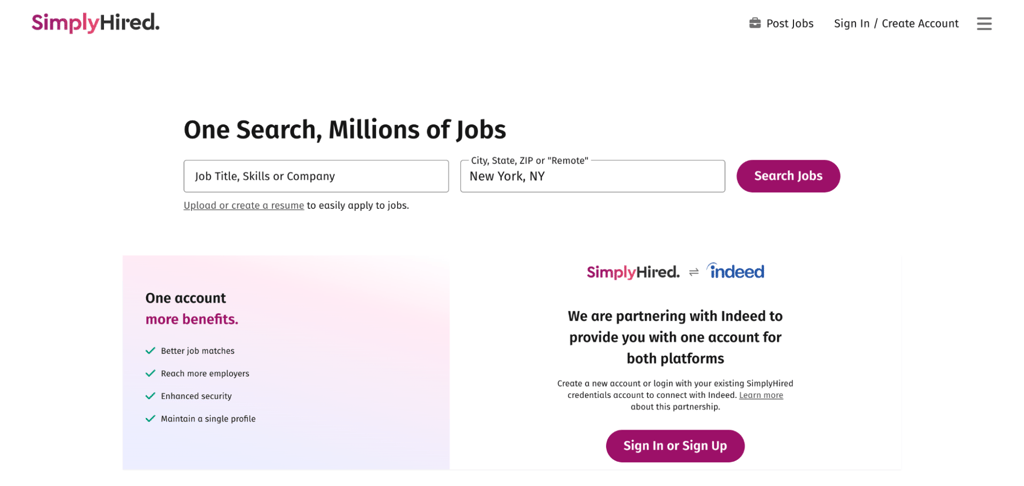
SimplyHired now partners with Indeed, so job seekers can use a single account across both services and keep their resume, profile, and job preferences connected. It remains a job-search site rather than a freelance marketplace with built-in contracts or payments.
The built-in salary estimator helps you price your services competitively, and company pages let you research employers before applying, so you know what to expect before committing.
16. FlexJobs
- Freelancing type – writing, content marketing, transcription, education, and customer service.
- Pros – every listing is hand-verified for legitimacy; career tools are included with every subscription; no ads on the platform.
- Cons – paid subscription required; some jobs can be found on free boards.
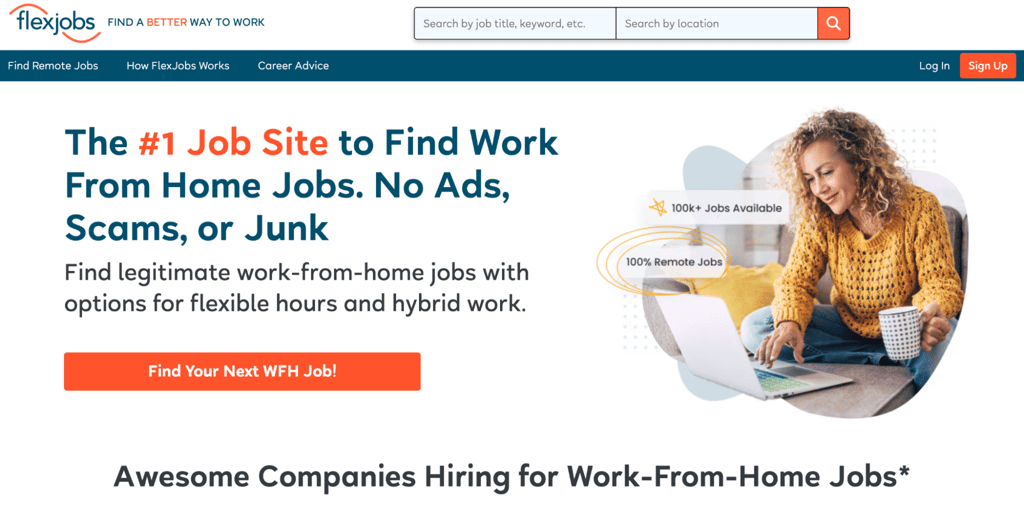
FlexJobs is a subscription-based job board that specializes in flexible and remote work, including freelance, part-time, and full-time positions. The platform’s team manually screens all postings and filters out scams, saving you time you’d otherwise spend vetting listings on free boards.
Plans start at $2.95 for a 14-day trial and auto-renew at approximately $23.95 every four weeks. A 3-month plan runs $9.95/month, and the annual plan works out to about $5.95/month. All plans include a money-back guarantee within 14 days of sign-up.
17. We Work Remotely
- Freelancing type – software development, design, customer support, and marketing.
- Pros – a free Basic account for browsing, saving jobs, uploading a resume, following companies, and an ATS resume check; WWR Pro adds unlimited applications and custom alerts; listings cover many remote-work categories.
- Cons – many listings are full-time or part-time rather than freelance; WWR Pro costs $14.95/month with a 12-month commitment (first month $2.95) if you want unlimited applications and up to five custom alerts.
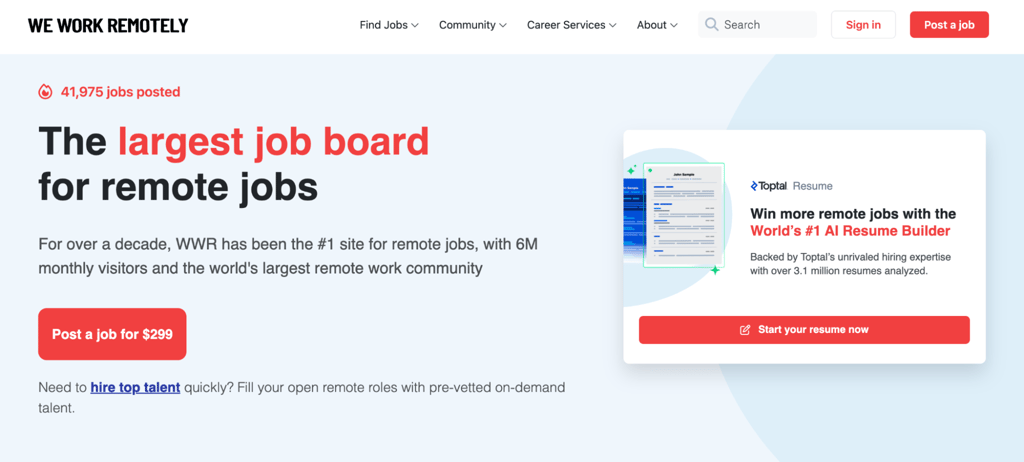
We Work Remotely is a remote job board that lists positions across a range of categories, with some roles requiring specific time zone availability. Companies post directly on the platform, so you apply to employers rather than bidding against other freelancers.
The platform includes full-time and part-time remote roles, as well as freelance work, so filtering by contract type helps you find the right fit.
18. Wellfound
- Freelancing type – software development, UI/UX design, copywriting, digital marketing.
- Pros – transparent salary and equity information upfront; 1-click applications without cover letters; direct access to startup founders and decision-makers.
- Cons – focused on tech startups; fewer short-term freelance projects.
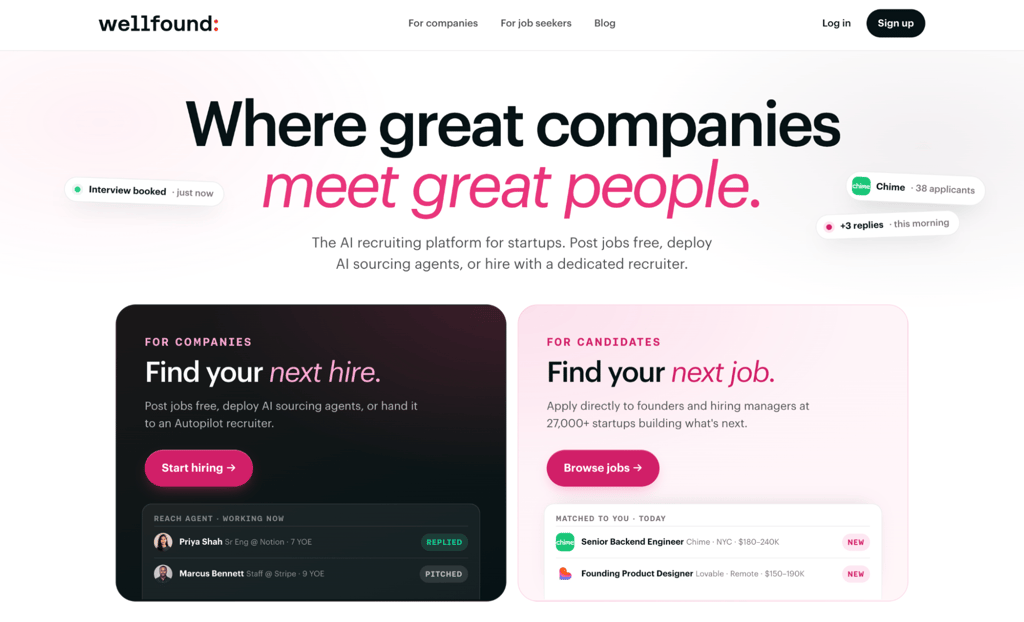
Wellfound, previously known as AngelList Talent, is a startup-focused job platform that connects you directly with startups. The platform is entirely free for job seekers.
Applying for Wellfound’s Featured spotlight puts your profile in front of top companies for eight weeks. The program is selective and free, so not all applicants are chosen, but acceptance positions you in front of decision-makers you’d otherwise need to cold-pitch.
Wellfound is worth exploring for freelancers drawn to startup culture and open to longer engagements.
19. LinkedIn
- Freelancing type – copywriting, translation, graphic design, consulting, marketing.
- Pros – professional networking and content visibility; contract-type job filtering; a free Service Page for listing freelance services and receiving client requests.
- Cons – project terms and payments are handled outside LinkedIn; some enhanced Service Page lead features require Premium Business, Sales Navigator, or Recruiter Lite; it is a professional network first, not a dedicated freelance marketplace.
LinkedIn is a professional social networking platform, not a freelance marketplace in the traditional sense. Publishing posts that showcase your expertise and engaging with your industry can increase your professional visibility and give potential clients another way to discover you.
LinkedIn also offers a Services Marketplace where you can list your freelance services and receive direct project requests from clients, but agreements and payments happen outside LinkedIn.
20. Remote OK
- Freelancing type – software development, design, marketing, customer support, writing.
- Pros – free browsing; published salary information on many listings; Remote OK Premium adds Apply First access, advanced salary/time-zone/filters, instant alerts, and salary insights.
- Cons – no built-in payment or contract system; not all listings are freelance; advanced features, such as job alerts, require a free account.
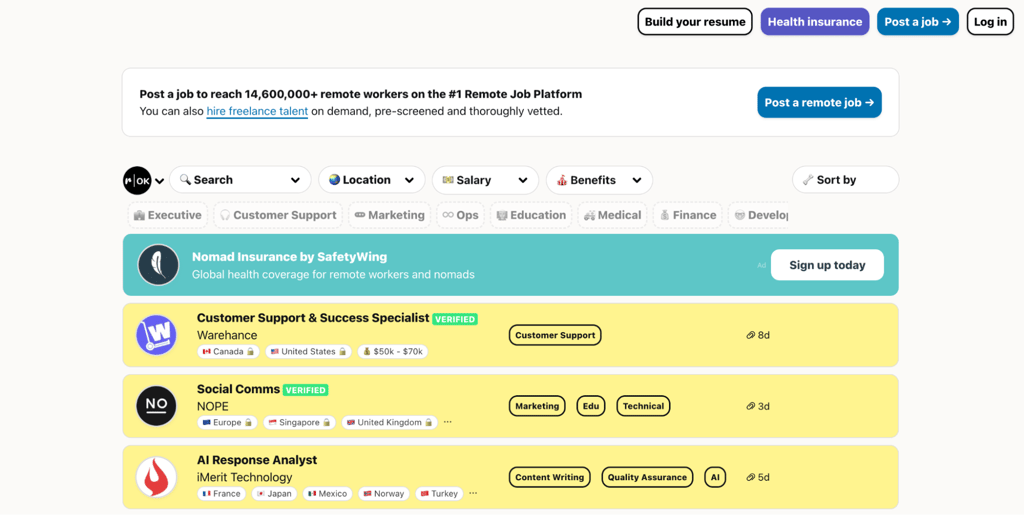
Remote OK is a remote job board that focuses exclusively on remote work and is particularly popular with startups and tech companies. The Premium tier offers early access to listings, helping you apply before the competition.
Salary information on listings and Premium salary insights can help you benchmark compensation before applying, while the platform’s main value is centralizing remote opportunities rather than managing freelance contracts.
Creative freelancer portfolio platforms
Creative portfolio platforms are designed for designers, illustrators, photographers, and other visual professionals to showcase their work and connect with clients. These platforms double as both a portfolio host and a discovery tool, meaning potential employers can find you through your published work.
For inspiration on what strong portfolios look like, check out these portfolio website examples.
21. Behance
- Freelancing type – illustration, photography, web design, graphic design, animation.
- Pros – personalized job recommendations based on your portfolio; Adobe ecosystem integration; free plan available for portfolio publishing.
- Cons – The free plan charges 15-30% platform fees on transactions.
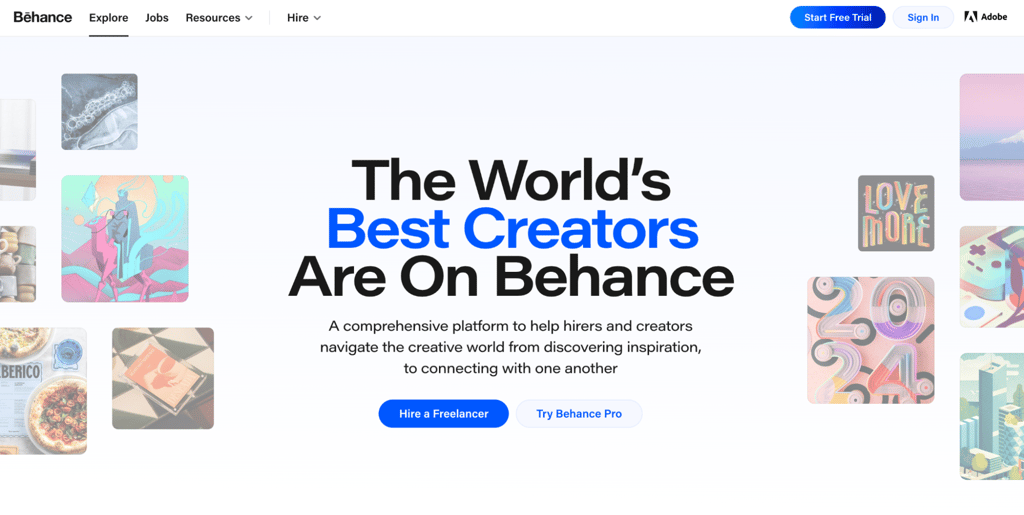
Behance is a social network for creative professionals. Whether you’re a web designer, graphic designer, or animator, Behance gives you a space to get discovered by potential employers.
The free plan works for building a portfolio and offering freelance services, but transactions can carry 15-30% platform fees. Behance Pro starts at $9.99/month with an annual commitment and adds 0% platform fees, advanced analytics, boosted projects, exclusive freelance opportunities, and Adobe Portfolio access for up to five sites.
22. Dribbble
- Freelancing type – mobile design, illustration, animation, UI/UX design.
- Pros – focused design community that attracts clients who value visual craft; InstantMatch placement on paid plans; Project Brief access for direct client requests.
- Cons – the strongest lead-generation features are paid; annual pricing is $4/month for Lite, $8/month for Standard, and $99/month for agency-focused Plus
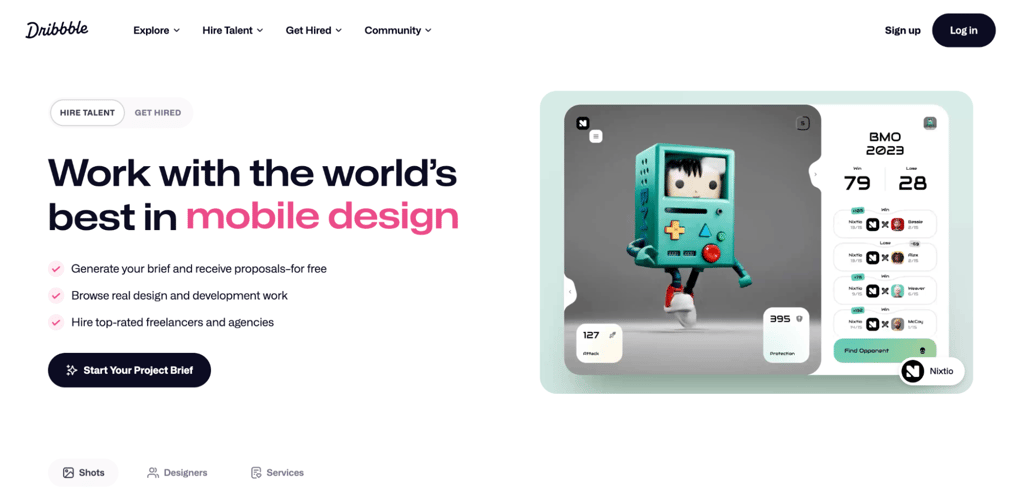
Dribbble is a portfolio and lead-generation platform for design professionals. Lite adds stronger profile/search visibility plus lead and proposal tools; Standard adds 0% designer platform fees, InstantMatch/recommendation placement, Project Brief credits, analytics, and a Pro badge.
The platform’s narrow focus on design means the clients browsing it are already looking for visual talent, so your portfolio does most of the selling for you.
23. 99designs
- Freelancing type – web, logo, and graphic design; book covers; clothing; and merchandise.
- Pros – tiered designer levels that reward stronger portfolios with better project access and lower fees; multiple project categories for variety.
- Cons – designer platform fees range from 5% to 15% by designer level; a client-introduction fee applies to the first $500 billed with a new client and is capped at $100.
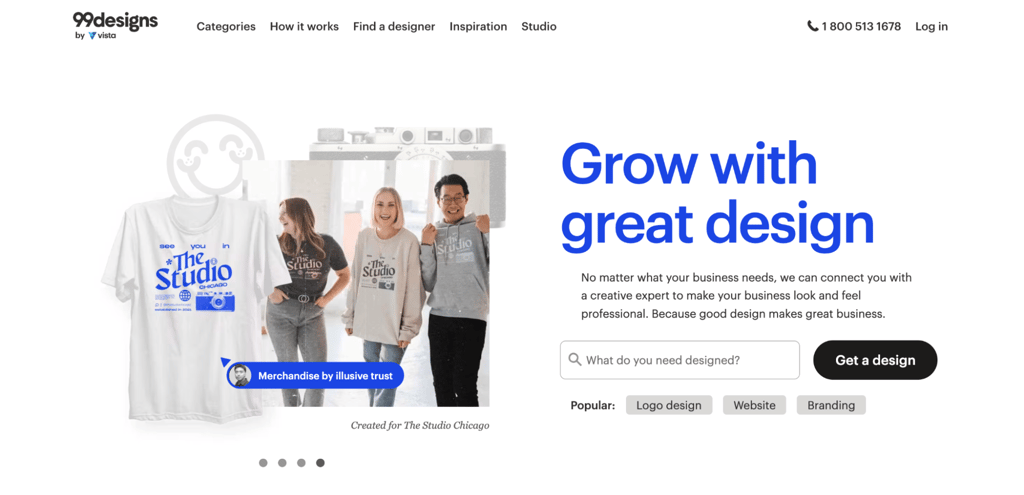
99designs is a freelance marketplace built specifically for designers and businesses. After you sign up and build your portfolio, the curation team reviews your application and assigns a designer level to you. Higher levels give you more visibility and faster access to consistent work.
The introduction fee applies to the first $500 of paid invoices with a new client and stops once the maximum $100 has been collected. It is waived in some cases, including when you won or were a finalist in that client’s contest or invited a brand-new 99designs client through the platform’s email-invitation flow.
24. DesignCrowd
- Freelancing type – logo design, brand design, web design, and graphic design.
- Pros – participation payments, even for non-winning submissions; tips and paid invitations from satisfied clients; multiple earning paths beyond contests.
- Cons – 15% commission on all payments, including tips; no guaranteed returns from contests.
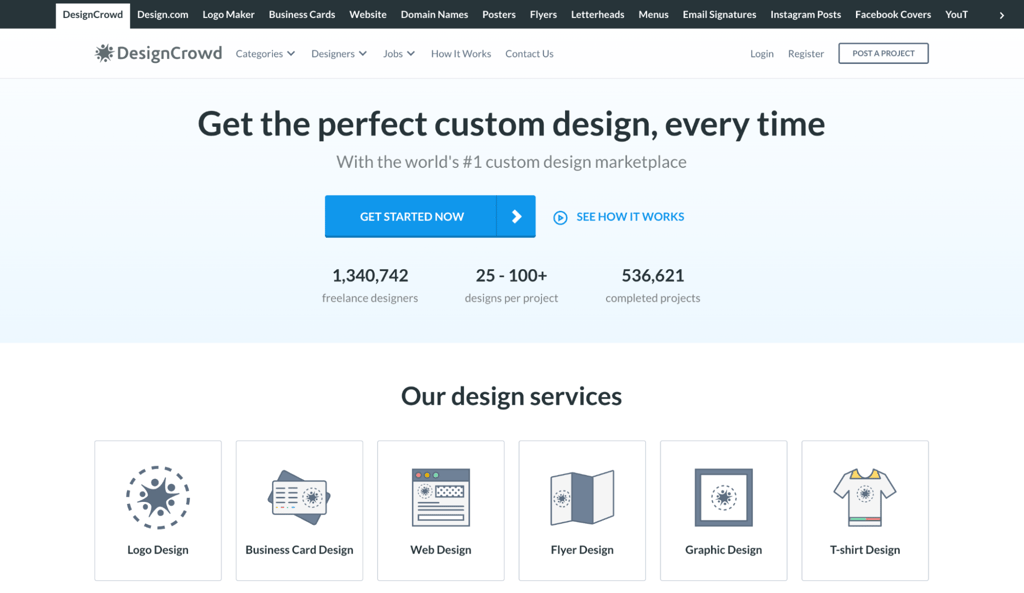
DesignCrowd is a contest-based design marketplace that connects freelance designers with clients worldwide. Clients post projects starting from $99, with the winning designer receiving the project budget minus the platform’s commission.
Beyond contests, you can earn through participation payments on non-winning submissions, tips from satisfied clients, and paid invitations for future projects.
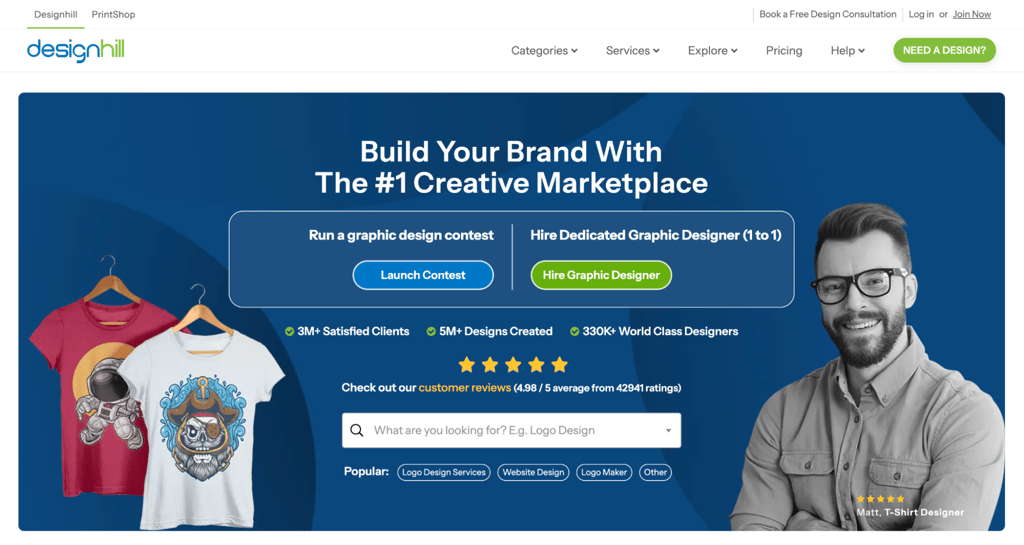
25. DesignHill
- Freelancing type – website, brand, and merchandise design.
- Pros – design contests, one-to-one projects, Customer Services for approved sellers, and a PrintShop marketplace for selling artwork; clients pre-pay one-to-one work before delivery.
- Cons – limited to design work; 5% commission on One-to-One projects; contest work can require speculative effort before you know whether you will be paid.
DesignHill is a creative marketplace where businesses source quality design from professional designers. Projects include logos, websites, brochures, and branded merchandise.
PrintShop lets artists upload designs, set a retail price above Designhill’s base product cost, and leave printing, shipping, and customer service to the platform. Designhill says artists average 20% of the retail price, but actual profit depends on the markup you choose
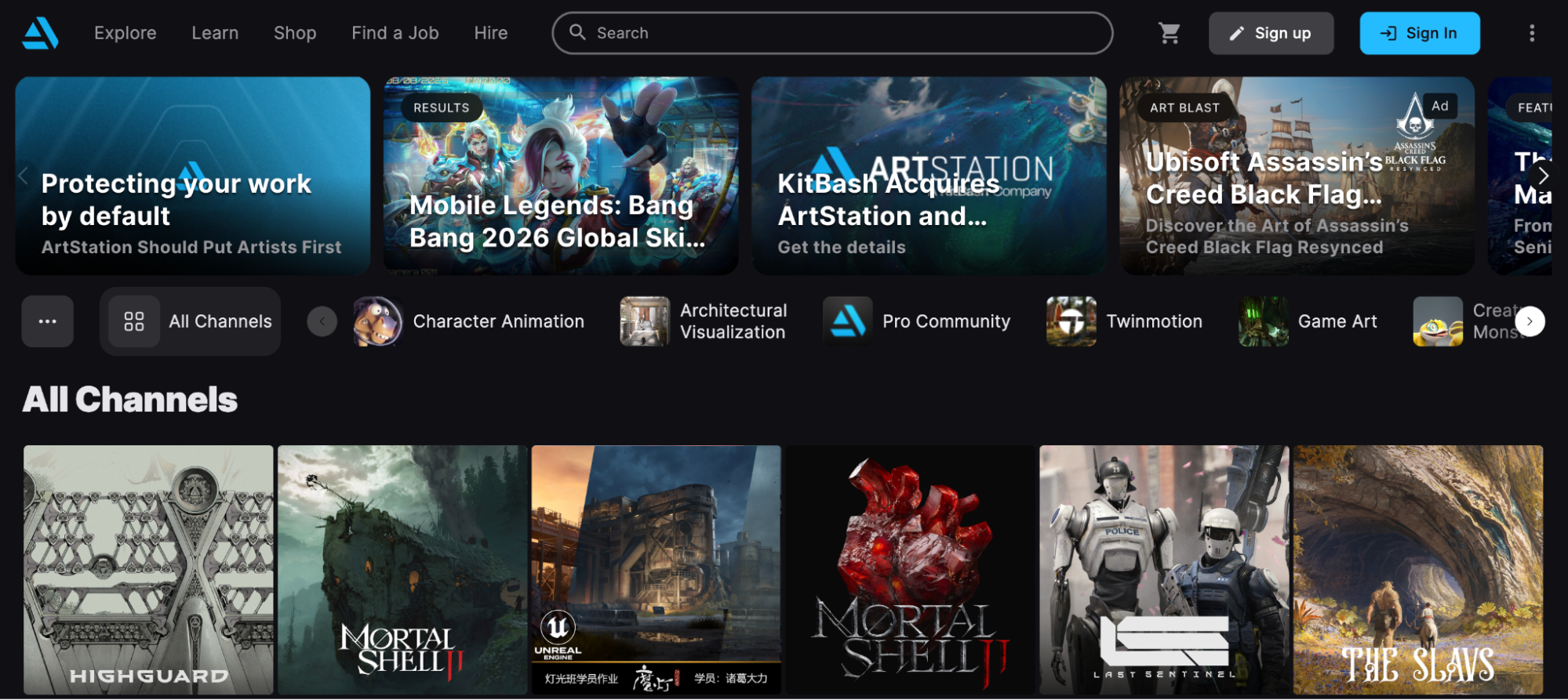
26. ArtStation
- Freelancing type – concept art, illustration, 3D modeling, game design, and visual effects.
- Pros – entertainment-art portfolio hosting; job opportunities; digital-product and print sales; a basic portfolio website on Free, and more customization/analytics on Pro.
- Cons – narrow focus on gaming, film, and VFX; Pro subscription starts at $9.95/month, billed annually, for premium features.
ArtStation is a portfolio platform built for artists working in gaming, film, visual effects, and entertainment. Studios and art directors in these industries actively browse ArtStation to find talent for concept art, character design, environment art, and 3D modeling.
Creating a portfolio is free, and you can keep up to 88% of marketplace revenue on the free plan. Selling brushes, tutorials, and 3D models through the marketplace creates a revenue stream independent of client work. A Pro subscription boosts your search visibility, increases your marketplace revenue share to 95%, removes ads, and unlocks analytics.
Niche freelance services
Niche freelance platforms focus on specific industries or service types, connecting specialized freelancers with clients who have very particular needs. Their narrower audience can make the opportunities more relevant, but it does not automatically mean less competition.
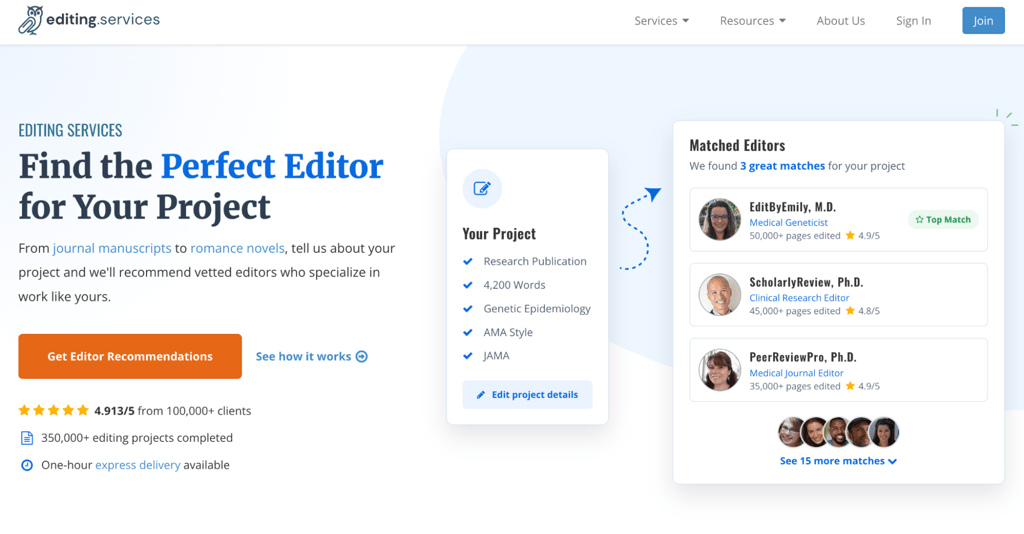
27. Editing.services
- Freelancing type – academic writing, document translation, manuscript editing.
- Pros – an inbound work model where clients come to you; custom pricing with project-based or hourly rates; built-in messaging; and conference calls.
- Cons – 50% commission on every project; limited to writing, editing, and translation.
Editing.services, previously known as ServiceScape, is a freelance platform for writers, editors, and translators with over 25 years of industry experience and more than 350,000 completed projects. You build a profile, and the platform promotes it to its client database.
US freelancers are paid monthly via Gusto. Payment methods for international freelancers are not publicly documented, so check directly with the platform before applying. With a 50% commission, it’s important to price your services high enough to cover the cut from the start.
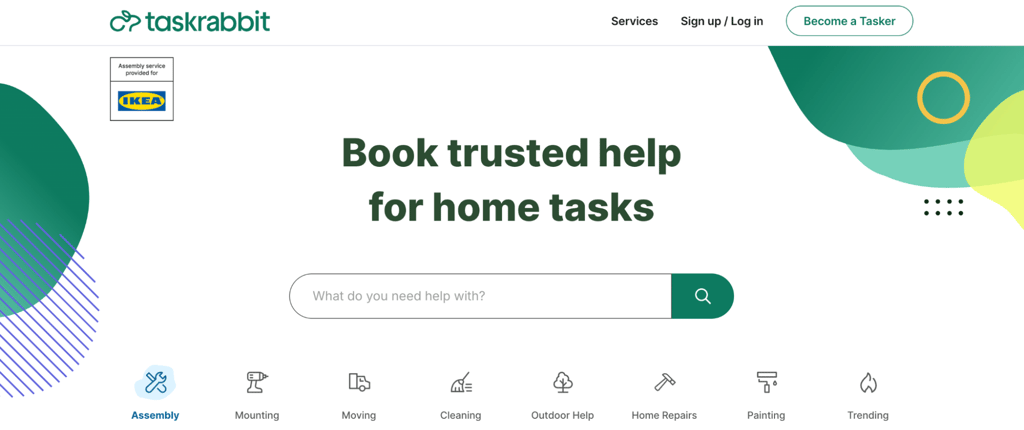
28. TaskRabbit
- Freelancing type – delivery, house cleaning, furniture assembly, and handyman services.
- Pros – Taskers can set their own hourly rates in most categories; optional same-day availability can surface last-minute work; tasks and communication are managed through the app.
- Cons – Only available in supported cities; US applicants need identity/background checks and a US Social Security number; a one-time, non-refundable $25 registration fee applies in applicable cities and does not guarantee approval.
TaskRabbit is a local services marketplace that connects clients with freelancers for in-person tasks such as household chores, furniture assembly, moving help, and deliveries. To get started, create an account, select your area and category, and set your rate. The registration process includes a background check.
TaskRabbit charges clients service and Trust & Support fees in addition to the Tasker rate. Its current support documentation states that those fees do not affect what Taskers are paid and that Taskers receive 100% of tips and reimbursement for expenses.
Because work is location-based, the volume of opportunities still depends on demand in your supported city and across your supported categories.
29. SolidGigs
- Freelancing type – content writing, web development, marketing, and design.
- Pros – AI and human-curated job leads delivered to your inbox; direct client relationships with full negotiation control; freelancer community for advice.
- Cons – $29/month, annually billed subscription; it curates leads rather than guaranteeing they fit or convert.
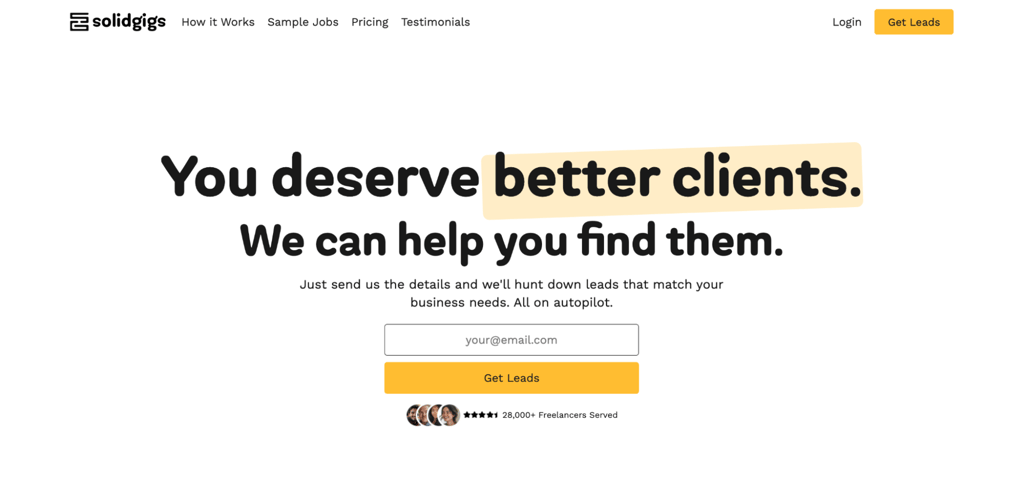
SolidGigs is a subscription-based job curation service that works differently from typical freelance marketplaces. Instead of browsing and bidding, it curates freelance opportunities and sends them directly to your email based on your preferences.
There’s no commission on what you earn, so the $29/month subscription is your only cost. Whether it is worth paying for depends on how much time the curated leads save you and whether they turn into paid client work.
30. Reedsy
- Freelancing type – book editing, cover design, ghostwriting, book marketing, translation.
- Pros – publishing-specific client marketplace; selective freelancer approval; professionals set their own quotes; Reedsy handles project communication and payments on the platform.
- Cons – limited to publishing-related work; competitive application process requiring proven experience.
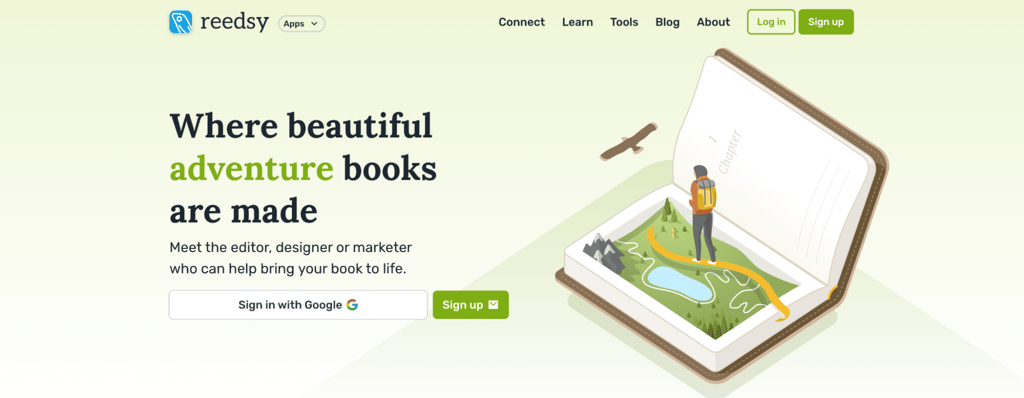
Reedsy is a curated freelance marketplace for the publishing industry. It connects authors with professional editors, designers, ghostwriters, marketers, and translators who specialize in books and publishing.
Reedsy’s fee starts at 10% for the professional and 10% for the client. For repeat work with the same client, the rate falls cumulatively to 9% after $5,000, 8% after $10,000, and 7% after $15,000 in completed collaborations.
How to become a freelancer
To become a freelancer, pick a skill you can deliver consistently, whether it’s writing, design, development, or marketing. The more specific your service, the easier it is for clients to understand what you offer and why you’re the right fit.
Create profiles on one or two freelance platforms that match your skill set, write a clear description of what you do and who you help, and add work samples or case studies. Personal projects, volunteer work, or discounted pilot projects all count as portfolio pieces when you’re starting out.
Research what other freelancers in your field charge and set your rates based on the value you provide. Start with competitive rates to build your reputation and client reviews, then raise your prices as your portfolio grows. Repeat business and referrals are how most freelancers sustain their income, so deliver quality work on time and follow up after projects.
Understanding what a freelancer actually does day to day helps you set realistic expectations before signing up on any platform.
Is freelancing a good way to earn money online?
Yes, freelancing is a good way to earn money online, working as both a side income stream and a full-time career. According to Hostinger’s side hustle statistics, over 36% of Americans have a side gig, earning an average of $530/month. Many freelancers start the same way and gradually scale up.
Freelancing can give you more control over which clients you work with, how you schedule projects, and what rates you quote. As your portfolio, referrals, and repeat-client base improve, you may rely less on constantly bidding for new work.
Freelancing also requires discipline. You’re responsible for finding work, managing finances, handling client communication, and delivering consistently. There’s no guaranteed paycheck, especially in the early months.
A professional website with your portfolio, testimonials, and contact information can strengthen your credibility and give you a presence that isn’t tied to any single platform. Creating a small business website is one way to build that independent home for your freelance business.
Hostinger AI Builder can generate the first version of a portfolio or service website from a prompt, after which you can customize the content and design, add contact functionality, and publish it under a custom domain.
All of the tutorial content on this website is subject to Hostinger's rigorous editorial standards and values.

Justina is a Content Writer passionate about marketing, with a background in social media and customer success management. She also loves reading books, traveling and exploring new places as well as cooking, and trying out new recipes. Follow her on LinkedIn.


