Thursday November 19, 2026
Hostinger P.
Making games is no longer just for developers: Hostinger launches AI Game Maker
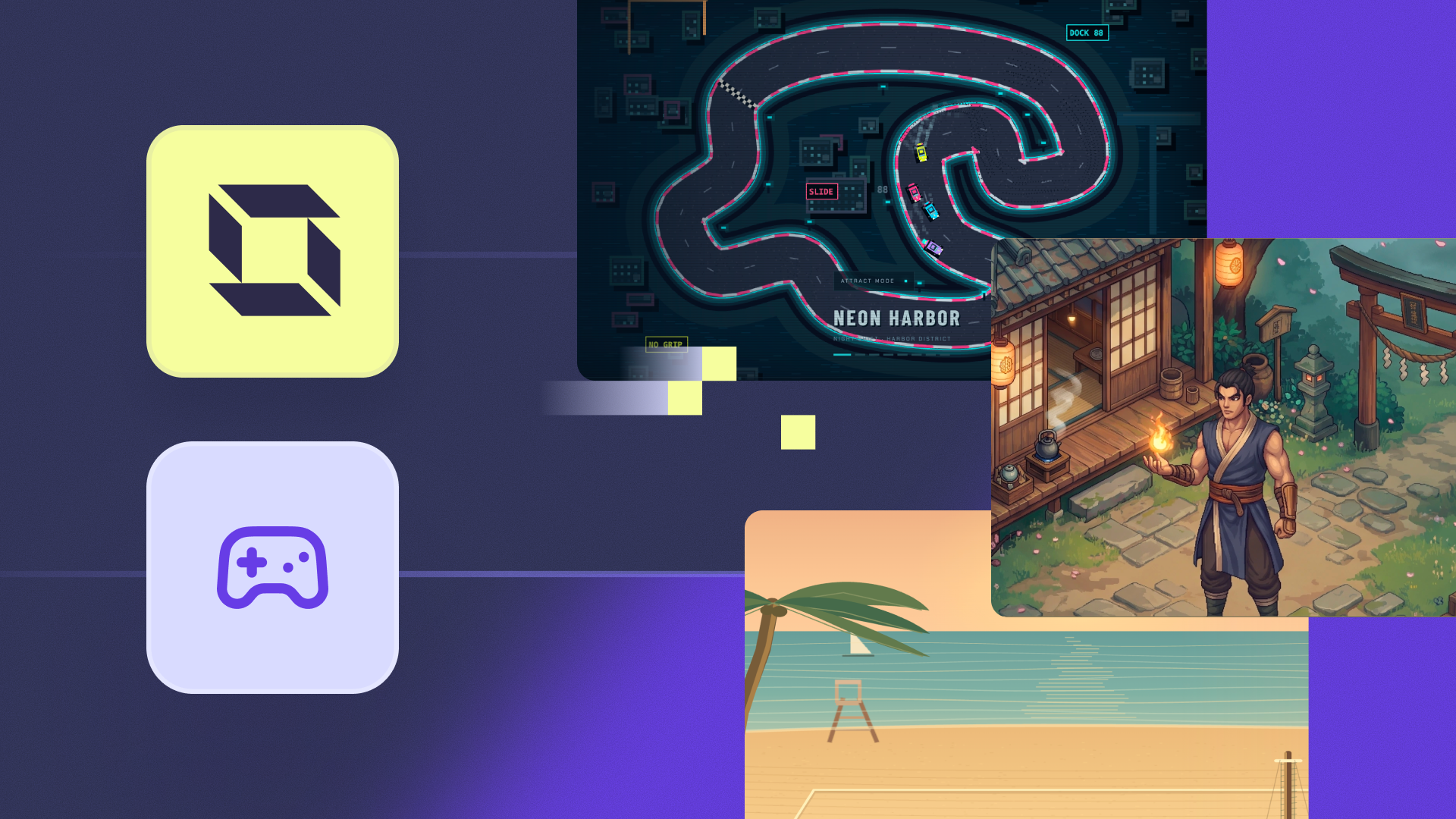
Hostinger has launched AI Game Maker, a new tool inside Hostinger AI Builder that turns a short description into a browser game.
Customers can now describe the game they want or start from a game template, then publish it online – all without writing a single line of code.
“Making a game used to take a studio, a team, and months of work. AI removes those barriers, and that’s where its real value lies. It doesn’t replace creativity, but it gives far more people the chance to use it,” said Auksė Žirgulė, VP of Product at Hostinger.
Who it’s for
AI Game Maker is aimed at three types of customers:
- Gamers and creators. Bring game ideas to life, from fast-paced racing games and shooters to RPGs, arcade adventures, and many other genres in 2D or 3D.
- Educators and teachers. Turn lessons into quizzes, geography games, and interactive activities that keep students hooked.
- Marketers and agencies. Build fully branded games around the products they promote. A coffee bean business, for example, can launch a 3D adventure where players dash through the jungle collecting coffee beans. If marketers can picture it, players can play it.
Hostinger wants games to become a new way for customers to engage their audiences, turning content into something people play, not just read. For customers who want to go further, Hostinger is also building ways to monetize their games.
How the AI Game Maker works
Making a game takes three steps:
1. Create a game
Coming up with a game idea from scratch can be a challenge. That’s why customers can start by browsing the existing templates and picking one that works best.
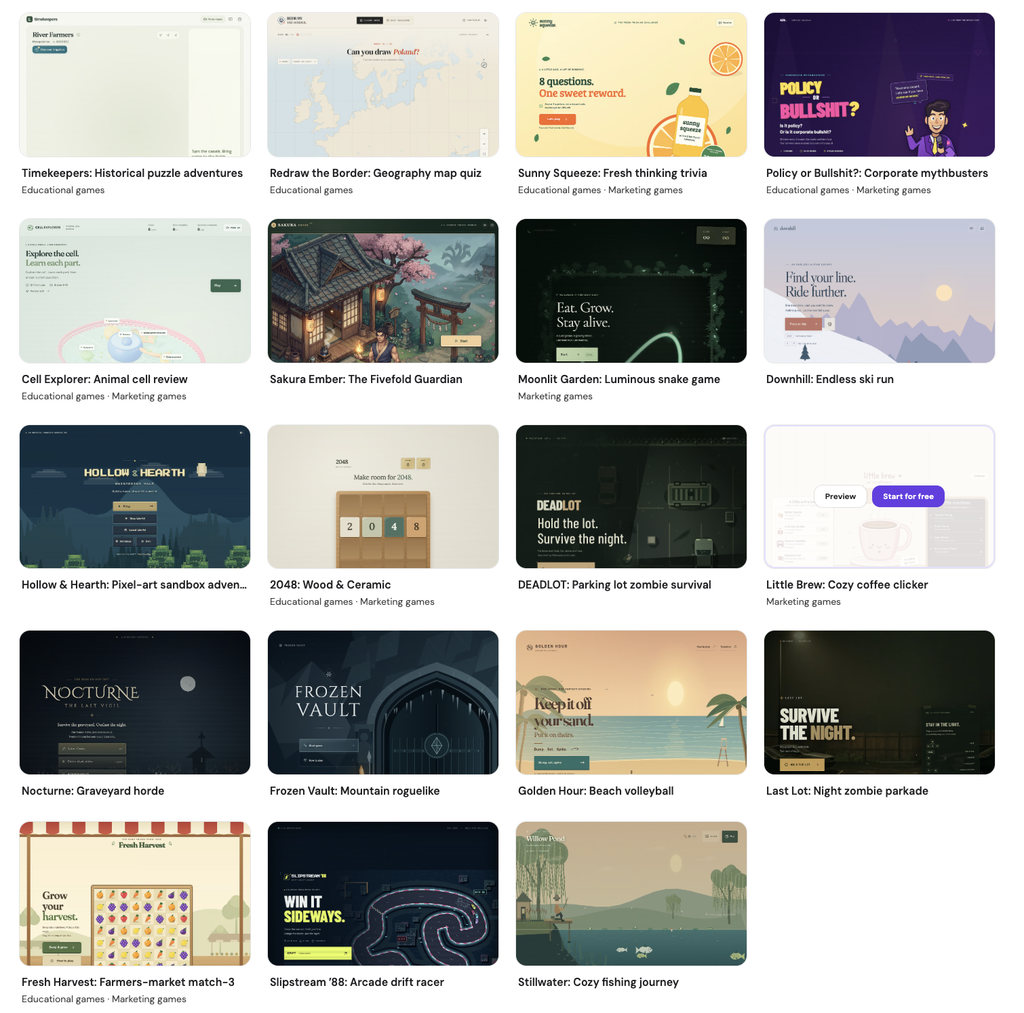
Customers with an idea in mind can simply describe the game.
They pick the genre, the main character, the controls, the visual style, and how players win or lose, and AI Builder brings it to life. If something’s unclear, it asks follow-up questions before building.
Another option is to upload a PDF or an image and turn it into a game. For example, a teacher can take a photo of a textbook page and create an educational game based on it. Students can then study for an upcoming exam in a fun, interactive way instead of just rereading notes.
Hostinger’s guide on how to create a game in AI Builder walks through every step in more detail.
2. Customize
Once customers have a game or template, they can refine it by prompting AI Builder, adjusting anything from the game’s mechanics to its visuals and features.
Games don’t have to be played alone, either. Customers can make them multiplayer and add real-time features like chat rooms, live polls, and other collaborative tools.
3. Go live
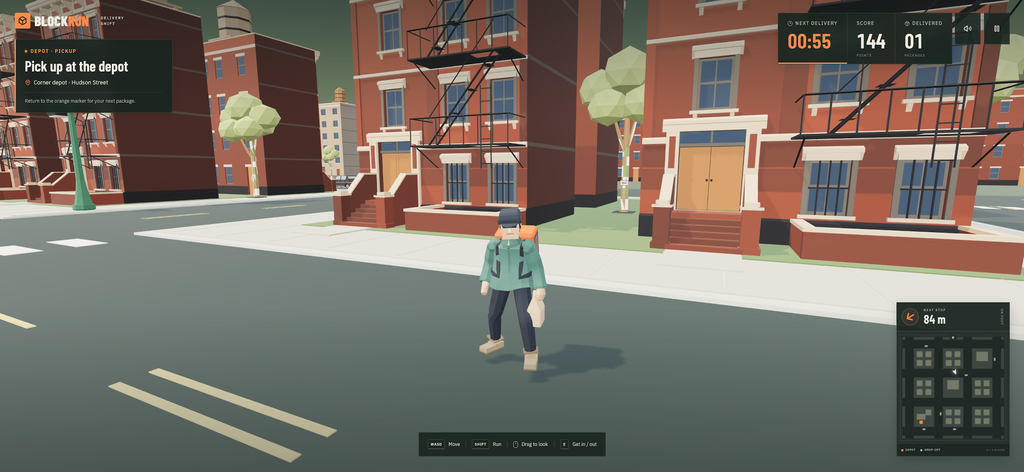
With one click, the game goes live on its own link, with hosting and a domain included. Anyone can play it directly in their browser, even on their phone, without downloading anything.
Availability
AI Game Maker is available in Hostinger AI Builder’s Agentic mode. Customers can try it with a free trial that includes AI credits and doesn’t require a credit card.
The Premium plan lets customers create up to three games. The Unlimited and Cloud Startup plans allow unlimited games and support subscriptions and payments.
Hostinger AI Builder is a platform that creates websites, online stores, web apps, internal tools, and now games from a description, a link, an image, or a PDF.