8 best agentic email tools to connect AI agents to email
Sep 24, 2026
/
By Alma F.
/
17 min Read

The best agentic email tools include Hostinger Agentic Mail for domain-based agent mailboxes, AgentMail for API-provisioned inboxes, Resend for send-first email workflows, Nylas Agent Account for hosted email identities, and Mailgun for transactional email with inbound routing. The right choice depends on whether your AI agent needs a persistent inbox, inbound message handling, MCP support, or simply an API to send and receive email.
Some provide a full mailbox where the agent stores messages and threads conversations. Others provide a sending API that handles delivery while your application manages storage. Picking the wrong type means either overbuilding or rebuilding later.
The type you need depends on what the agent actually does with email. For instance, a support agent that reads refund requests needs stored conversation history, while a sales agent that sends follow-ups and detects replies can work with a sending API.
We compared eight of the best agentic email tools on mailbox persistence, inbound handling, MCP support, security controls, and pricing.
Tool | Email model (how the tool handles email) | Persistent inbox (does the agent keep stored messages?) | MCP type (how AI agents connect to the tool’s features) | How it receives messages | Starting price |
Hostinger Agentic Mail | Domain-based business mailbox | ✅ | Hosted, executable | Webhooks | $0.39/mo per mailbox |
AgentMail | API-provisioned agent inbox | ✅ | Hosted, executable | Webhooks + WebSockets | Free (3 inboxes) |
Resend | Send-first API with inbound retrieval | ❎ | Hosted, executable | Catch-all webhooks + API retrievals | Free (3,000 emails/mo) |
Nylas Agent Accounts | Hosted email + calendar identity | ✅ | Hosted, executable | API + webhooks | Free (3 accounts) |
Mailgun | Transactional API with inbound routes | ❎ | Local, executable (50+ tools) | Regex routing | Free (100 emails/day) |
Postmark | Transactional API with inbound parsing | ❎ | Local, executable (24 tools) | Inbound webhook | Free (100 emails/mo) |
Mailtrap | Production API + agent inbox + email sandbox | ✅ | Local, executable | Agent inbox + signed webhooks | Free (4,000 emails/mo) |
Twilio SendGrid | Send-first API with inbound parsing | ❎ | Hosted, docs only (not executable) | Inbound Parse | Free 60-day trial |
1. Hostinger Agentic Mail
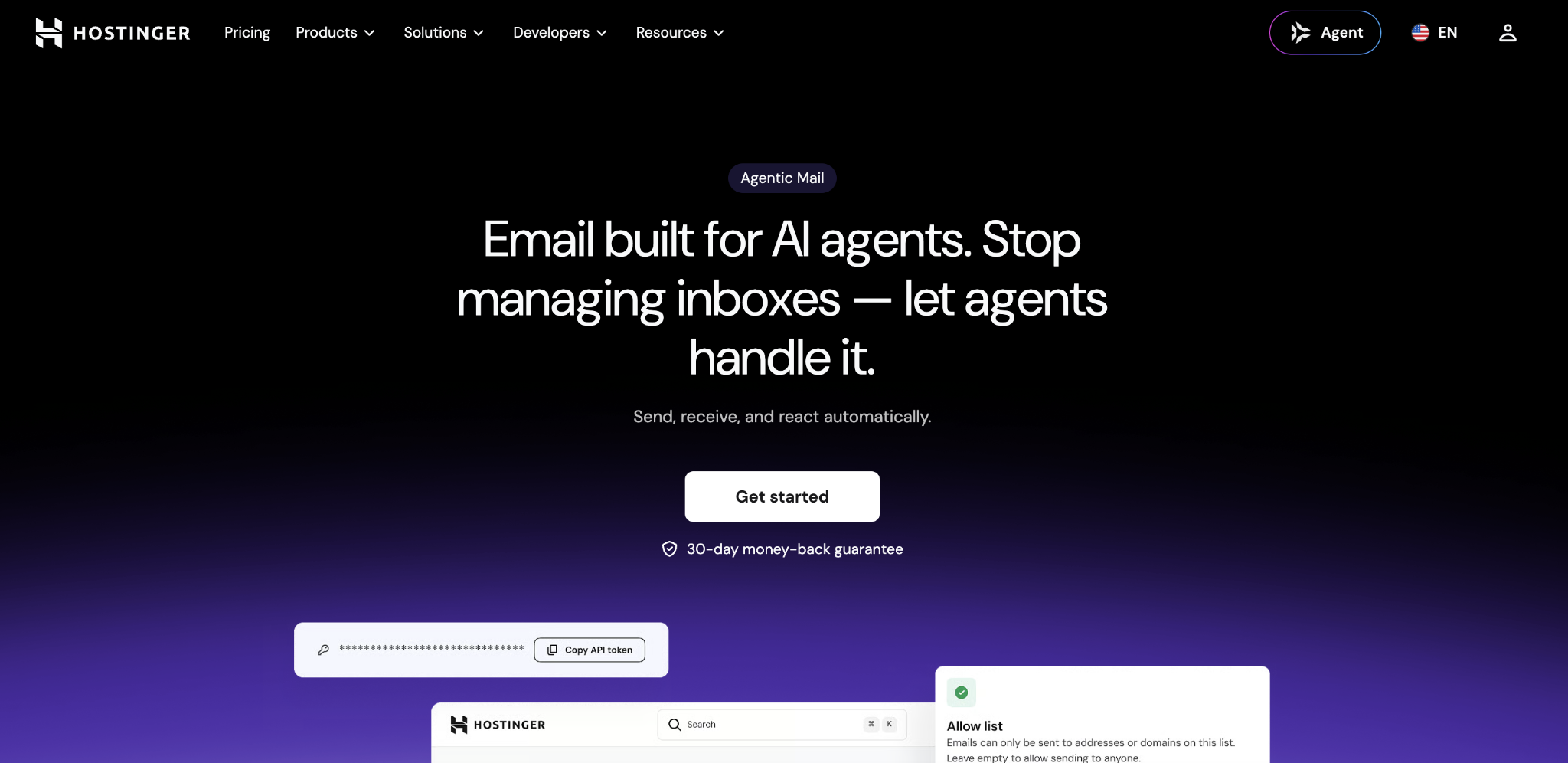
Best for: Teams that want a mailbox their agent can use programmatically and that humans can also check through webmail, especially if you already host with Hostinger or need a branded email address without managing separate infrastructure.
Hostinger Agentic Mail adds a REST API, webhooks, and a live MCP server to Hostinger business mailboxes. A connected mailbox gets a real address on your own domain, persistent message storage, human-accessible webmail, a first-party SDK for Node.js/TypeScript, PHP, and Python, and a CLI.
When an email arrives, Agentic Mail instantly sends a webhook notification. Your connected tool (n8n, Make, Zapier, LangChain, OpenClaw, for example) receives the trigger and acts on it without repeatedly checking the mailbox.
Unlike the standalone APIs on this list, Agentic Mail is bundled with Hostinger Business Email, so one plan covers both human and agent use.
Teams using Claude can connect through the MCP server, and OpenClaw users can build automated email workflows directly.
Hostinger Agentic Mail pros
- Real-time webhooks. Your agent reacts the moment the email arrives instead of checking the inbox on a timer.
- Connect from different stacks. First-party SDKs cover Node.js/TypeScript, PHP, and Python, while the REST API works from any environment that can make authenticated HTTP requests; the CLI and MCP server cover scripting and compatible AI clients.
- Broad automation support. Compatible with n8n, Make, Zapier, LangChain, OpenClaw, and Claude, so you’re not locked into one platform.
- Contact controls. Allow/block lists at the domain and individual email level reduce the risk of the agent accidentally emailing the wrong people.
- Persistent, searchable inbox. Each mailbox stores up to 50 GB of messages, so the agent’s conversation history is kept and searchable.
- No separate infrastructure. One plan covers both human webmail and agent API access on your own domain.
Hostinger Agentic Mail cons
- Limited webhook events. Only
message.receivedis documented. If your agent needs to react automatically to bounces, complaints, or delivery failures, you’ll need another monitoring layer. - Each agent identity still consumes a real mailbox. Hostinger’s API can manage the mailbox lifecycle, but the product is priced per mailbox rather than as a pool of disposable inboxes. That makes it a better fit for stable agent identities than for workflows that continuously create and destroy large numbers of temporary addresses.
- Daily message caps. Starter allows 1,000 messages/day per mailbox, while Standard and Premium allow 3,000/day. This makes Hostinger better suited to workflow and product email than high-volume bulk sending.
- Long commitment for the lowest price. The $0.39/month rate requires a 48-month upfront payment and renews at a higher rate (Starter renews at $1.59/month). Check the long-term cost before committing.
Hostinger Agentic Mail pricing
Agentic Mail comes with every Hostinger Business Email plan, so there’s no separate subscription.
Starter costs $0.39/month per mailbox with 5 GB of storage; Standard is $0.99/month with 20 GB; and Premium is $1.99/month with 50 GB. All tiers include full access to the API, MCP server, webhooks, SDKs, and CLI.
These are 48-month promotional prices, paid upfront. Renewal rates are higher (Starter jumps to $1.59/month, for example), so factor that into your budget past the first term. If you want to test the setup before committing, there’s a 30-day money-back guarantee.

2. AgentMail
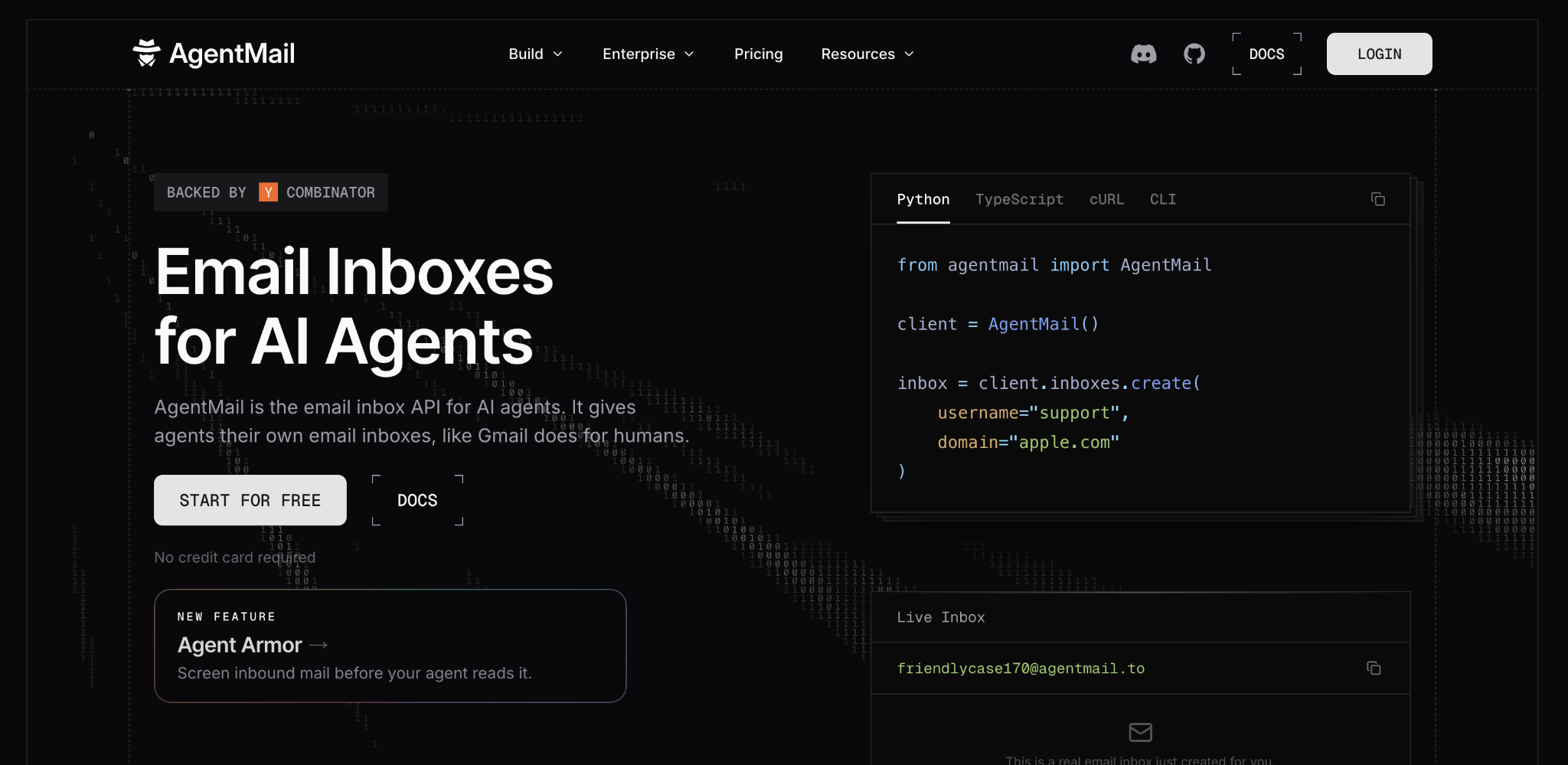
Best for: Developer teams building multi-tenant products where each customer or agent has a dedicated inbox, such as a property management platform with one inbox per building or a support product with a separate address per client.
AgentMail is an email API where the inbox is the core building block. Applications create inboxes through the API, and each gets its own email address, persistent message history, automatic threading, and scoped credentials.
Tenant separation works through “Pods,” which wall off one customer’s inboxes and data from another’s. If a credential from one tenant leaks, it can’t access another’s email.
AgentMail includes an official hosted MCP server with inbox, message, thread, draft, and attachment tools, plus an official Agent Skills integration for Claude Code, Cursor, Codex, OpenClaw, and other compatible clients. It also provides SDKs and maintained integrations such as LangChain.
AgentMail pros
- API-created inboxes. Your application spins up a new mailbox for every customer, agent, or workflow automatically. If the same creation request runs twice (from a network retry, for example), it won’t create a duplicate, which AgentMail calls idempotent creation.
- Persistent threading. Every inbox keeps its own message history and automatically threads conversations. Your agent can look back at earlier messages without your application reconstructing the chain.
- Tenant isolation. Pod-based separation prevents one customer’s credentials from touching another customer’s data, which removes a major security concern for products handling sensitive email.
- Agent integrations. The official LangChain toolkit exposes inbox, thread, message, draft, and attachment operations as agent tools, while the hosted MCP server and SDKs provide a general integration path for other frameworks.
- Real-time events. Webhooks and persistent WebSocket connections mean your agent gets notified instantly.
AgentMail cons
- Multi-dimensional scaling costs. The Developer plan is $20/month, and Startup is $200/month, but $2 add-ons for extra inboxes, domains, or 1,000 sends let teams bridge the gap. That flexibility also means total cost depends on which capacity dimension grows first.
- No custom domain on the free plan. The free plan uses AgentMail’s own domain. Sending from yourcompany.com requires the paid Developer plan.
- Email only. No calendar or contact identity. If your agent also schedules meetings, you’ll need Nylas or a separate tool.
- Newer platform. Shorter track record than established providers like Postmark or Mailgun. Worth considering if uptime history factors into your decision.
AgentMail pricing
AgentMail’s free plan includes 3 inboxes, 3,000 emails/month, and 3 GB storage – enough to prototype a multi-inbox setup before paying. Developer starts at $20/month for 10 inboxes, 10,000 emails, and 10 custom domains.
The jump to Startup ($200/month for 150 inboxes and 150,000 emails) is steep, but add-ons cost $2/month per extra inbox, domain, or 1,000 sends if you just need a few more than the Developer limit. Annual billing saves 20%. Enterprise pricing is custom and includes dedicated support, custom SLAs, and flexible pricing.
3. Resend
Best for: Developer teams that want a clean, modern API for sending email from agents with hosted MCP and minimal setup. Especially strong if you use React or Next.js, since React Email templates integrate natively.
Resend is a developer-focused sending API built for product and transactional email. It ships SDKs for 9 languages and pairs with React Email for building templates in code.
Its hosted MCP server covers 10 API groups (sending, received messages, contacts, broadcasts, domains, webhooks). Because it’s hosted, an agent calls Resend tools directly without the team running a local server.
Resend added catch-all inbound via webhooks in late 2025. It can receive mail on a Resend-provided address or your own domain, store received messages for the plan’s retention window, expose them through the API and MCP server, and trigger your application through email.received webhooks.
Resend pros
- Hosted MCP. Your team doesn’t install, update, or maintain anything locally. The agent connects to Resend’s endpoint and starts calling tools.
- SDKs for 9 languages. Node.js, Python, Ruby, PHP, Go, Elixir, and more.
- React Email integration. Build and version email templates as React components, a big quality-of-life improvement for frontend-heavy teams.
- Security on all plans. Industry-standard data protection certifications (SOC 2 Type II, GDPR) and multi-factor authentication (MFA) are included on every tier, including free. You don’t need to upgrade to get the basics.
- 30-day retention. Debug delivery issues without setting up your own logging first.
Resend cons
- Not a mailbox-native inbox. Resend stores received email for its retention window and exposes it through the API, but it does not provide a traditional per-agent mailbox with folders, long-term thread history, and mailbox identity in the same way Hostinger Agentic Mail, AgentMail, or Nylas Agent Accounts do.
- Long-term conversation memory remains your application’s responsibility. Resend’s plans include data retention for platform email records, but it is not a long-term mailbox-archive abstraction for an agent’s ongoing conversation history.
- Tight free-tier cap. 100 emails/day is fine for testing, but tight for production.
- Administrative MCP tools need caution. The server also exposes domain and API key management. Without narrow credentials, an agent could make unintended account-level changes.
Resend pricing
Resend’s free plan covers 3,000 emails/month (100/day) with 3 domains and 30-day retention, enough to test a full sending workflow before committing.
Most teams running agents in production will likely start with Pro at $20/month, which includes 50,000 emails and 10 domains. Scale starts at $90/month for 100,000+ emails, and enterprise pricing is custom.
Overages cost $0.90 per 1,000 emails. Scale supports a dedicated IP as an add-on; consider it when your sending volume and deliverability strategy justify isolating sender reputation rather than using an arbitrary daily-volume threshold.
4. Nylas Agent Accounts
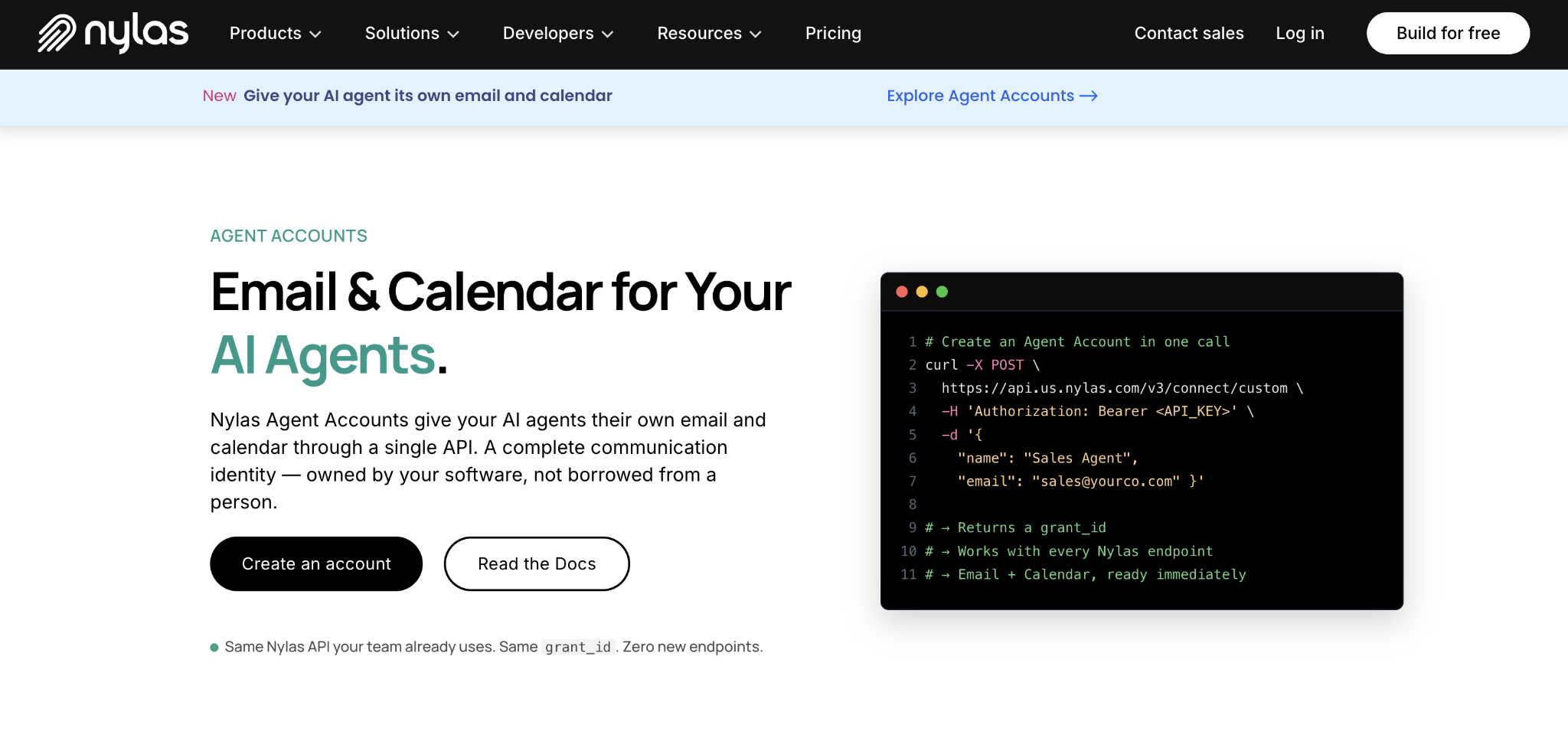
Best for: Teams building agents that need to both send email and manage a calendar, such as a recruiting agent who emails candidates and schedules interviews, or a sales agent who follows up and books demos.
Nylas Agent Accounts give each AI agent a hosted email address and calendar under one identity. An agent that starts by sending an email and finishes by confirming a meeting stays inside one account the whole time.
Each account uses the same Nylas v3 API that handles connected human inboxes, so existing code works without new concepts. Nylas runs a hosted MCP server, a CLI, and pre-built skill packs for Claude Code, Cursor, and 30+ coding environments.
Policies and Rules APIs let teams set boundaries for agent behavior, such as retention limits, spam handling, and account caps.
Nylas Agent Accounts pros
- Email + calendar in one identity. No second vendor or separate integration for scheduling. One API covers both.
- API-provisioned accounts. Create agent identities programmatically with persistent inbox, threading, folders, and contacts.
- Hosted MCP and CLI. Works with Claude Code, Cursor, and 30+ environments without running a local server.
- Behavior boundaries. Policies, Rules, and Lists APIs let you restrict retention, block senders, or cap volume per account.
- Enterprise-grade compliance. Meets the security and privacy standards (SOC 2, ISO 27001, HIPAA, GDPR) that healthcare, finance, and enterprise teams typically require before connecting a business inbox.
Nylas Agent Accounts cons
- More complex than a pure email API. Calendar, contacts, and policies add surface area. If you only need email, this is more platform than necessary.
- Some adjacent features still have limits. Scheduler now works with Agent Accounts, but only on the primary calendar and without round-robin hosting. Notetaker and conferencing integrations are still not supported for Agent Accounts.
- Limited free tier. 3 accounts, 3,000 monthly sends, 200 daily sends per account. Enough to test, but tight for production.
- Multi-dimensional pricing. Cost scales across accounts, storage, bandwidth, and message volume, making monthly spend harder to predict.
Nylas Agent Accounts pricing
Nylas gives you 3 Agent Accounts free with 3,000 emails/month, enough to test an email + calendar agent workflow before paying.
Essentials at $15/month covers 10 accounts, 10,000 emails, and 1 custom sending domain, which is a reasonable starting point for production. If your product provisions more agents or you need higher volume, Pro at $49/month gives you 50 accounts, 50,000 emails, and 10 custom domains. Enterprise pricing is custom.
It’s worth keeping an eye on overages at the Pro level. Extra accounts cost $0.40 each, storage is $0.40 per GB, and bandwidth is $0.80 per GB. If your agent sends calendar invites with attachments, bandwidth charges can grow faster than the per-email costs. Annual billing lowers the rates and adds Basic Support.
5. Mailgun
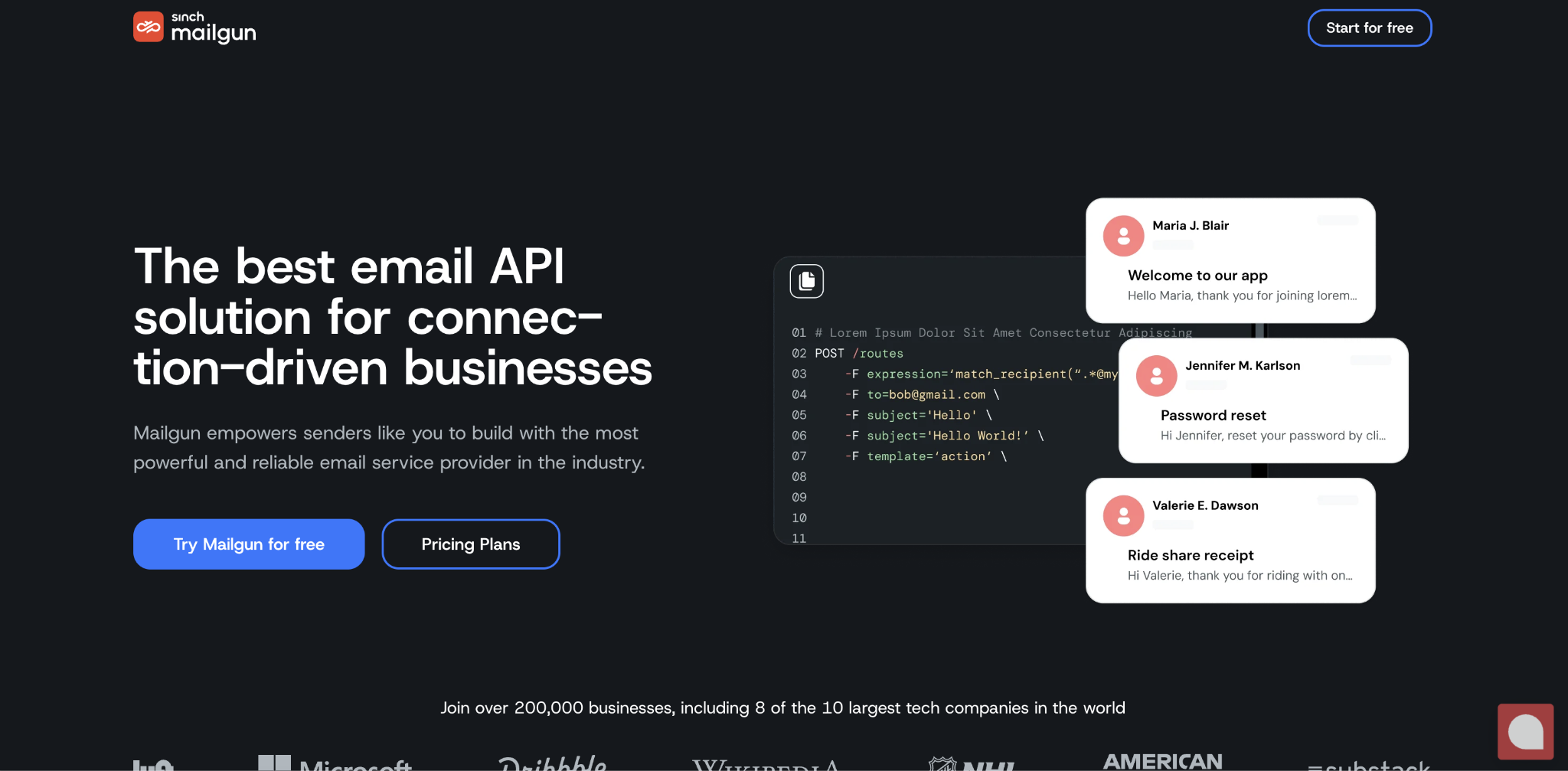
Best for: Teams that need fine-grained control over how incoming email is sorted before it reaches the agent, especially when multiple agents handle different message types (support, billing, technical).
Mailgun stands out for configurable inbound routing. An insurance platform could route claims sent to photos@claims.example.com to an image-processing agent while directing appeals@claims.example.com to a review queue. Mailgun handles this through regex-based routing rules that forward, filter, and sort incoming email to different webhook endpoints based on sender, subject, or content.
The MCP server exposes 50+ tools covering sending, receiving, domain management, DNS troubleshooting, routing, suppressions, and analytics. A built-in email validation API checks addresses before sending, helping agents avoid bounces on unverified contact lists.
Mailgun pros
- Flexible inbound routing. Mailgun can route incoming messages at the infrastructure layer using configurable rules, which is useful when different addresses or message patterns should trigger different agent workflows.
- Broad MCP coverage. 50+ tools cover sending, routing, domains, DNS, suppressions, and analytics. Your agent manages more of the stack through MCP than with any other provider.
- Built-in email validation. Check addresses before sending to prevent bounces, without a separate service.
- Regional data centers. US and EU options on paid plans for teams with data residency requirements.
- Resilient webhooks. Retries for 8 hours if the first delivery fails, so temporary downtime on your end won’t cause missed events.
Mailgun cons
- No persistent inbox. Your application stores messages, reconstructs threads, and maps conversations to the right customer. That’s significant engineering compared to tools that handle it for you.
- Local MCP server. Runs on Node.js. Your team installs and maintains it, adding work compared to hosted MCP.
- Short log retention on lower plans. Basic keeps logs for only 1 day. If a problem surfaces after 24 hours, the evidence is gone. Five-day retention requires Foundation ($35/month); 30-day requires Scale ($90/month).
- Broad tool access needs scoping. Mailgun’s MCP server can restrict registered tools by product tag, and Mailgun recommends a dedicated, scoped API keys plus client-side confirmation for write operations. Teams still need to decide which actions an autonomous agent should be allowed to call.
Mailgun pricing
Mailgun’s free plan gives you 100 emails/day with 1 custom domain and 1 inbound route – enough to test routing rules before paying. Basic starts at $15/month for 10,000 emails, but log retention is only 1 day, and you’re limited to 5 inbound routes.
For production agent workflows, Foundation at $35/month (50,000 emails, 5-day logs, 1,000 custom domains, full inbound routing) or Scale at $90/month (100,000 emails, 30-day logs, dedicated IPs, and phone/chat support) are more realistic starting points. Foundation offers a free 1-month trial, so you can test it before committing. Log retention matters for debugging agent behavior, so budget for Foundation or higher from the start.
Overages on Basic run $1.80 per 1,000 emails. On Foundation, they drop to $1.30, and on Scale to $1.10. Enterprise pricing is custom.
6. Postmark
Best for: Transactional email workflows where deliverability is the top priority and the agent needs clean, structured reply data. Support tickets, appointment confirmations, and order follow-ups fit well.
ActiveCampaign’s Postmark is a transactional email platform built around deliverability and fast application email. It separates transactional and broadcast traffic into Message Streams, so bulk-sending patterns do not have to share the same stream as critical application messages.
Postmark’s inbound webhook parses incoming email into structured JSON with the full body, headers, spam score, and attachments. The StrippedTextReply field removes quoted thread content and returns only the new reply. If a customer replies “Tuesday works” beneath a long thread, StrippedTextReply extracts just that sentence.
Postmark now has an official installable MCP server from ActiveCampaign with 24 tools covering sending, templates, message search, delivery diagnostics, bounces, suppressions, statistics, server information, and webhooks. It runs locally through the configured Postmark server token rather than as a hosted MCP endpoint
Postmark pros
- Deliverability-focused transactional infrastructure. Postmark separates transactional and broadcast streams and provides delivery/bounce diagnostics for teams where critical application mail needs close monitoring
- Clean reply extraction. StrippedTextReply isolates the new content from quoted threads, saving your agent from parsing through email chains.
- Separated message streams. Transactional and broadcast traffic can use separate Message Streams, which gives teams clearer separation for configuration, reporting, and sending behavior.
- Structured inbound data. The webhook delivers clean JSON with headers, spam scores, and attachments. Less parsing work on your end.
- Long retention. 45-day message retention (extendable to 365 days) gives a longer debugging window than most competitors at similar prices.
Postmark cons
- No persistent inbox. Inbound is a webhook that fires and delivers a payload. No folder structure, search, or history on Postmark’s side.
- Inbound requires a paid upgrade. The Basic plan handles sending only. Two-way email needs Pro or Platform.
- MCP is outbound and operational rather than inbox-native. The official MCP server can send and manage Postmark resources, but inbound replies still arrive through Postmark’s inbound webhook, and your application remains responsible for any durable mailbox or thread state.
- Small free tier. 100 emails/month. Mainly useful for testing, not production.
Postmark pricing
Postmark’s free plan gives you 100 emails/month with no expiration, enough for integration testing. Basic starts at $15/month for 10,000 emails, but it only covers sending – no inbound processing.
The gap between Basic and Pro is just $1.50/month (Pro is $16.50/month at the 10K level), and Pro unlocks inbound email processing. If there’s any chance your agent will handle replies, start on Pro and skip the plan change later. The Platform plan at $18/month adds unlimited custom sending domains on top of everything in Pro.
7. Mailtrap
Best for: Teams that want agent-native inbound email, production sending, and pre-production email testing in one vendor ecosystem. Mailtrap is especially useful when an agent needs programmatic inbox operations, but the team also wants a sandbox before messages reach real recipients.
Mailtrap combines a production Email API/SMTP service, Email Sandbox, and a newer AI Agent Email Inbox/inbound API. That means a team can test generated mail safely, send production messages, and give an agent a scoped inbound address without switching vendors.
Its local MCP server now exposes sandbox, production, and inbound operations, including inbox CRUD, message retrieval, replies, forwarding, and threads. Inbound email is delivered as structured data and can trigger signed webhooks, while SDKs remain available for common server-side languages.
Mailtrap pros
- Sandbox testing. Catches agent email mistakes before they reach real recipients. Inspect content, headers, attachments, and rendering in a safe environment.
- Unified MCP across testing and live email. One local MCP surface can expose sandbox operations, production sending, and agent-native inbound tools, so an agent workflow can use the same provider from test through production.
- Generous free tier. 4,000 emails/month on the production API, more than most competitors, giving you room to run a real workflow before paying.
- Authentication included. SPF, DKIM, and DMARC on all plans. Higher tiers add dedicated IPs and suppression management.
- SDKs for 6 languages. Node.js, PHP, Ruby, Python, Elixir, and Java.
Mailtrap cons
- Newer agent-inbox surface. Mailtrap’s agent-native inbound/MCP capabilities expanded substantially in 2026, so they have a shorter public production track record than its long-established sending and sandbox products.
- Short log retention on lower tiers. Free keeps logs for 3 days, Basic for 5. If a problem surfaces later, the evidence may be gone.
- Local MCP only. No hosted option like Resend or Nylas. Your team installs and maintains the server.
- Separate product billing: Sandbox and production Email API are separate plans, so teams that need both should budget for two subscriptions beyond their free allowances.
- Shared sending/receiving quota. Inbound messages count against the same allowance as outbound, so inbound-heavy workflows eat into sending capacity.
Mailtrap pricing
Mailtrap’s free Email API tier gives you 4,000 emails/month (150/day) with 1 domain and 3-day logs, which makes it one of the more generous free tiers on this list. Basic starts at $15/month for 10,000 emails with 5-day logs but no dedicated IP.
For production agent workflows, Business at $85/month is a more practical starting point: 100,000 emails, a dedicated IP, 100 domains, and 15-day log retention. Enterprise starts at $750/month for 1.5 million emails and extends logs to 30 days. Overages run $1 per 1,000 emails on Basic and drop to $0.88 on Business.
The Email Sandbox is a separate subscription with its own free and paid plans (starting at $17/month for 500 test emails). If your team uses both testing and production, budget for both.
8. Twilio SendGrid
Best for: Teams deep in the Twilio ecosystem (SMS, WhatsApp, voice) that want email under the same account, or high-volume sending where enterprise infrastructure and pre-warmed IPs matter more than cutting-edge agent integrations.
Twilio SendGrid is a mature email API within Twilio’s broader communications platform. Teams already using Twilio can keep email alongside services such as SMS, WhatsApp, and voice under the same vendor ecosystem.
SendGrid’s Inbound Parse forwards incoming email to your webhook endpoint. It’s stateless: no persistent inbox, storage, or threading. The biggest gap for agent workflows is MCP. Twilio’s hosted server can retrieve documentation and API schemas but can’t send, receive, or manage email. Teams needing an executable MCP must build a custom server.
Twilio SendGrid pros
- High-volume delivery controls. SendGrid paid tiers add features such as dedicated IPs, automated IP warm-up, domain authentication, suppression management, and delivery analytics for teams operating at larger sending volumes.
- Multi-channel consolidation. Email, SMS, WhatsApp, and voice under one account. If your agent communicates across channels, this saves significant integration work.
- Verified inbound. Inbound Parse supports ECDSA and OAuth signature verification, confirming webhook payloads are genuine.
- Subuser management on Pro. SendGrid Pro adds subusers and teammate controls, which can separate teams, applications, or agent workflows administratively. Dedicated IP and IP-pool design should be planned separately if you need reputation isolation
- Broad infrastructure. SDKs for 7 languages, sandbox mode, and event webhooks for bounces, opens, clicks, and spam complaints.
Twilio SendGrid cons
- Official MCP is documentation-only. Twilio’s hosted MCP server can search and retrieve SendGrid API schemas and documentation, but it does not execute SendGrid email operations. For executable MCP, you need a custom/community server of another integration layer.
- Stateless inbound. No persistent inbox or threading. Your application stores everything.
- No permanent free plan. The 60-day trial expires, and paid plans start at $19.95/mo. Most competitors offer permanent free tiers.
- Subuser isolation requires Pro. Essentials does not include subuser management, so teams that want separate SendGrid subusers for agents or tenants need the $89.95/month Pro tier or higher.
- Split billing. Email API and Marketing Campaigns are billed separately, making the total cost less transparent.
Twilio SendGrid pricing
SendGrid offers a 60-day free trial with 100 emails/day (no permanent free plan — the trial structure started in March 2025). After that, Essentials starts at $19.95/month for up to 50,000 emails.
Pro costs $89.95/month for 100,000 emails and unlocks dedicated IPs, subuser management, and SSO. Premier is custom-priced.
If your agent workflow needs subuser isolation (separate sending reputations per agent or tenant), you need Pro at a minimum. Teams already using Twilio for other communication channels may still value consolidating vendors, even when the email-only price is higher than that of smaller API providers.
Agentic email tools vs. AI email assistants
AI email assistants help people manage their inboxes, while agentic email tools let AI agents handle email as part of an automated workflow.
If your goal is to write replies, summarize conversations, search messages, or organize emails more efficiently, you’re looking for an AI email assistant. Gemini, Copilot, and Superhuman are examples of tools built around a person’s existing inbox.
Agentic email tools are designed for cases where the AI needs to send messages, receive replies, or react when new email arrives. Depending on the platform, they may provide a dedicated inbox, email APIs, webhooks, MCP support, or a combination of these features.
Use an AI email assistant when a person remains responsible for the inbox. Use an agentic email tool when the AI needs to carry out email tasks on its own.
How to choose an agentic email tool
Start with the type of email access your AI agent needs: a persistent inbox that stores messages and threads conversations, or a sending API where your application handles storage.
If your agent needs to… | Choose this | Best tools for this use case |
Hold conversations, reference past messages, manage threads | Persistent inbox (mailbox-native) | Hostinger Agentic Mail, AgentMail, Nylas Agent Accounts, Mailtrap |
Send notifications, process occasional replies | Send-first API with inbound support | Resend, Mailgun, Postmark, SendGrid |
Test agent email in a safe environment before going live | Sandbox + production API | Mailtrap |
From there, check for any capability your workflow can’t operate without:
- Need email and calendar under the same agent identity? Nylas Agent Accounts is the only option here that combines both.
- Need to create many agent inboxes automatically? AgentMail and Nylas let your application create separate inboxes through an API, while Mailtrap can create and manage agent inboxes through MCP. Hostinger Agentic Mail is better suited to stable, branded mailboxes on your own domain than large numbers of temporary inboxes.
- Need advanced inbound routing? Mailgun gives you the most control over directing incoming messages. Postmark is especially useful when you need clean reply extraction.
- Need hosted MCP? Hostinger Agentic Mail, AgentMail, Resend, and Nylas provide hosted/remote MCP access, so agents can connect without your team running a local MCP process. Mailgun, Postmark, and Mailtrap currently use installable local MCP servers. SendGrid does not document a first-party executable email MCP. Hostinger users can follow the MCP server setup walkthrough for connection details
- Need it to work with your existing agent tools? Check whether the platform supports the frameworks or automation tools you already use, such as n8n, Make, Zapier, LangChain, OpenClaw, or Claude. Existing integrations can reduce the amount of custom development needed.
Next, compare security controls and pricing. A tool may support the features you need but still be a poor fit if it gives the agent too much access or becomes expensive as your email volume grows.
Security controls to look for:
- Restrict who the agent can contact. Hostinger Agentic Mail does this with allow/block lists at the domain and email level. Nylas uses Rules and Lists APIs for the same purpose.
- Isolate agents from each other. AgentMail’s Pods wall off each tenant’s data. Mailgun’s subaccounts separate sending reputations. Both prevent one agent’s mistake from affecting another’s.
- Scope credentials and tools as narrowly as possible. Hostinger can restrict an API token to selected mailboxes; AgentMail uses organization/inbox controls and Pods; SendGrid supports API-key permissions; and Mailgun can filter which MCP product tags are exposed. Choose credentials and permissions that limit what an agent can access or change if it makes a mistake.
Review each provider’s email security approach before connecting a business inbox.
Choosing by pricing model:
- You need a few stable inboxes. Hostinger uses per-mailbox pricing starting at $0.39/month on its 48-month Start term. Nylas uses plan-based Agent Account allowances instead: Essentials is $15/month for up to 10 Agent Accounts plus the other included Nylas products.
- Your agent sends high volume from one or two addresses. Per-email pricing (Resend, Postmark, Mailgun, SendGrid) scales with usage instead of inbox count.
- You run a multi-tenant product with many inboxes. AgentMail’s combined inbox + volume pricing fits this pattern, though the jump from $20/month to $200/month is steep for mid-range needs.
- You want to test before paying. Resend offer: 3,000 emails/month free; Mailtrap: 4,000 production emails/month free; AgentMail: 3 free inboxes with 3,000 emails/month; Nylas: 3 free Agent Accounts; and Postmark: 100 emails/month free. SendGrid instead uses a time-limited 60-day trial.
Once you’ve narrowed the list to tools that support the way your agent will use email and the integrations it needs, compare their total cost at your expected number of inboxes and monthly messages. Then test your strongest options with a real workflow before committing to one.
All of the tutorial content on this website is subject to Hostinger's rigorous editorial standards and values.

Alma is an AI Content Editor with 9+ years of experience helping ideas take shape across SEO, marketing, and content. She loves working with words, structure, and strategy to make content both useful and enjoyable to read. Off the clock, she can be found gaming, drawing, or diving into her latest D&D adventure.