The Hostinger database size in the dashboard is higher than in phpMyAdmin because the Hostinger dashboard measures the disk space your database folder uses on the server. phpMyAdmin shows only the data and index size that MySQL reports for your tables. The difference comes from free space left inside tables after deletions, hidden FULLTEXT index files, and the information MySQL stores to manage each table file. Reduce it by repairing the database, optimizing tables, or removing unused FULLTEXT indexes.
How the Hostinger dashboard and phpMyAdmin measure database size
The Hostinger dashboard and phpMyAdmin measure two different things, so their database sizes don’t match. There are two measurements:
- Hostinger dashboard: the actual disk space the database folder takes up on the hosting server.
- phpMyAdmin: the data and index size that MySQL reports for each table, which leaves out free space inside the table files and hidden index files.
A higher size in the Hostinger dashboard doesn’t mean your database is out of sync or damaged. A small difference exists even when a database has no free space and no FULLTEXT indexes, because every table file also holds information MySQL uses to manage it. Your database size limit is listed in Parameters and limits of hosting plans in Hostinger.
Why the Hostinger dashboard shows a higher database size
There are three common reasons the Hostinger dashboard database size is higher than phpMyAdmin’s:
- Free space inside tables: MySQL doesn’t shrink a table file when you delete or update rows. The InnoDB storage engine keeps the freed space inside the file for future data, so the file stays the same size on disk. For example, in one case a WordPress Action Scheduler table (
wp_actionscheduler_actions) of 2,008 MB held 1,977 MB of free space after old completed actions were deleted. - FULLTEXT index files: a FULLTEXT index lets MySQL search words inside text columns. MySQL stores FULLTEXT indexes in separate hidden files that phpMyAdmin doesn’t count. Search and related-posts plugins often create FULLTEXT indexes, and these files can grow to several gigabytes.
- Table file structure: MySQL stores information it needs to manage each table file, such as which parts of the file are in use, and builds files in fixed-size blocks. This is standard for every MySQL table, so each table file is slightly larger on disk than the data and indexes inside it. For example, a WordPress database with 67 tables, no free space and no FULLTEXT indexes showed 14 MB in the Hostinger dashboard and 9.2 MiB in phpMyAdmin.
How to check where the extra database space comes from
Run two queries in phpMyAdmin to find free space and FULLTEXT indexes in your database. Access phpMyAdmin, select your database, and open the SQL tab. Paste each query, replace u123456789_database with your database name, and click Go.
- Check the free space inside each table:
SELECT TABLE_NAME, ROUND(DATA_FREE / 1024 / 1024, 2) AS free_mb
FROM information_schema.TABLES
WHERE TABLE_SCHEMA = 'u123456789_database'
ORDER BY DATA_FREE DESC;
- List the FULLTEXT indexes in your database:
SELECT DISTINCT TABLE_NAME, INDEX_NAME
FROM information_schema.STATISTICS
WHERE TABLE_SCHEMA = 'u123456789_database' AND INDEX_TYPE = 'FULLTEXT';
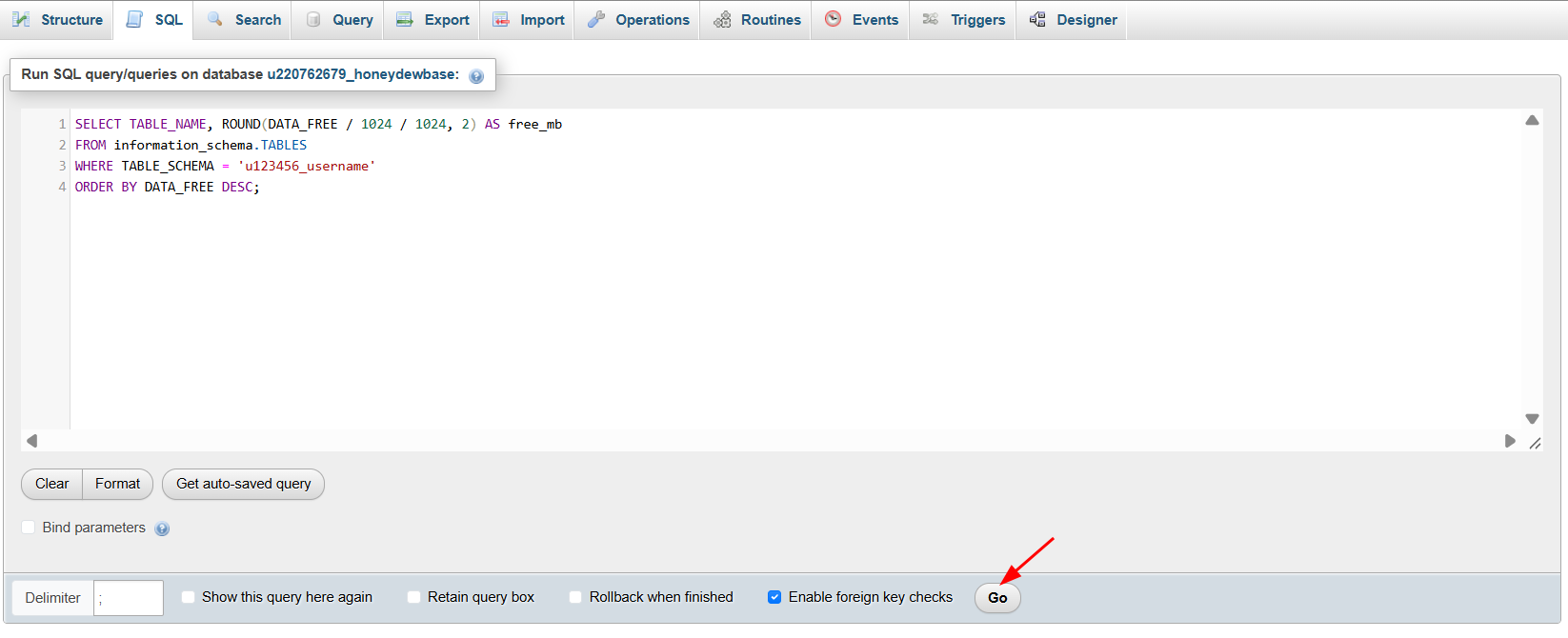
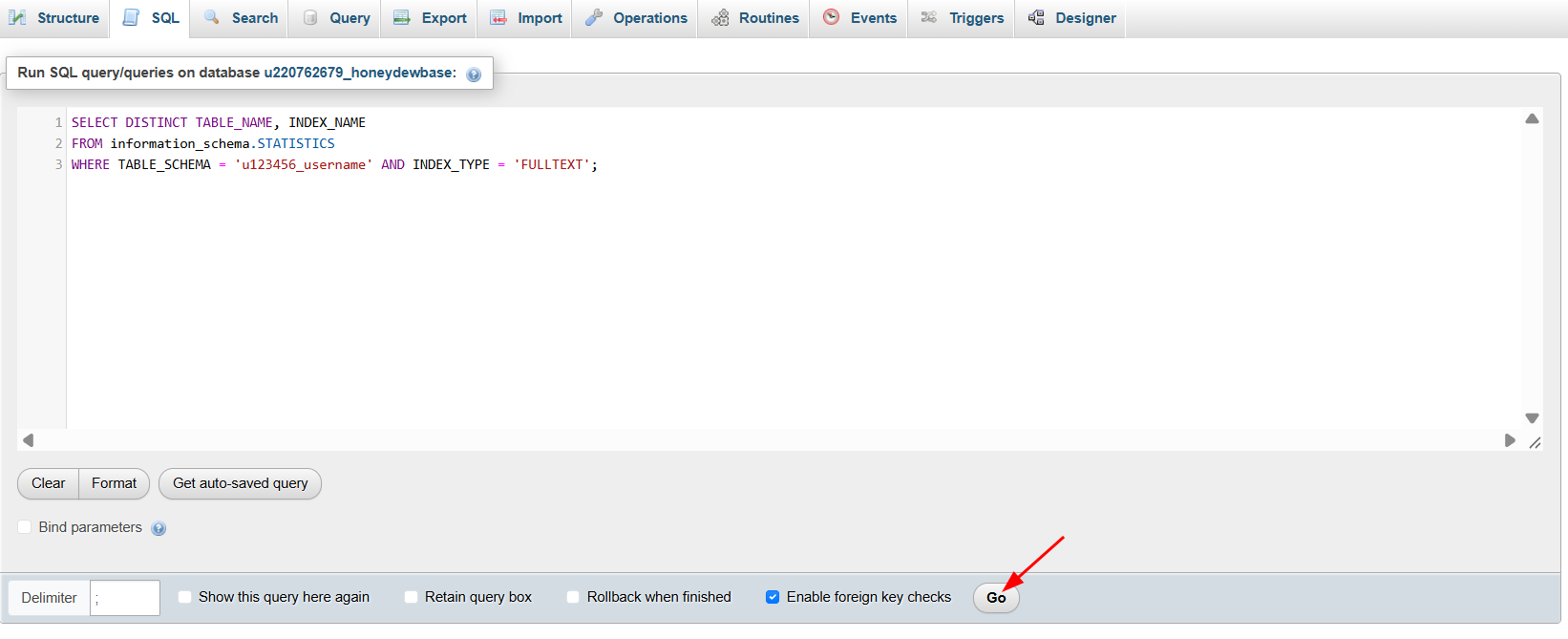
Tables with a high free_mb value hold reclaimable free space. The second query lists the tables that have FULLTEXT indexes. If the first query shows no free space and the second query returns no rows, the remaining difference comes from the table file structure, which is standard for every MySQL database and doesn’t need fixing.
How to reduce the database size in the Hostinger dashboard
Reclaim free space by repairing the database or optimizing its tables, and remove FULLTEXT index space by dropping unused FULLTEXT indexes. Deleting rows alone doesn’t lower the Hostinger dashboard size until you repair the database or optimize its tables. Export a backup of your database before you start.
Repairing or optimizing tables isn’t guaranteed to shrink FULLTEXT index files. Dropping the FULLTEXT index is the sure way to free that space.
Option 1 – Repair the database in the Hostinger dashboard
Repairing the database reclaims free space left inside tables after deletions. In the List of Current MySQL Databases And Users section, click ⋮ next to the database and select Repair. The message Database repaired successfully appears when the repair finishes.
Option 2 – Optimize tables in phpMyAdmin
Run OPTIMIZE TABLE in the phpMyAdmin SQL tab to rebuild a table and release its free space. Replace wp_options with the table name from the free space query:
OPTIMIZE TABLE wp_options;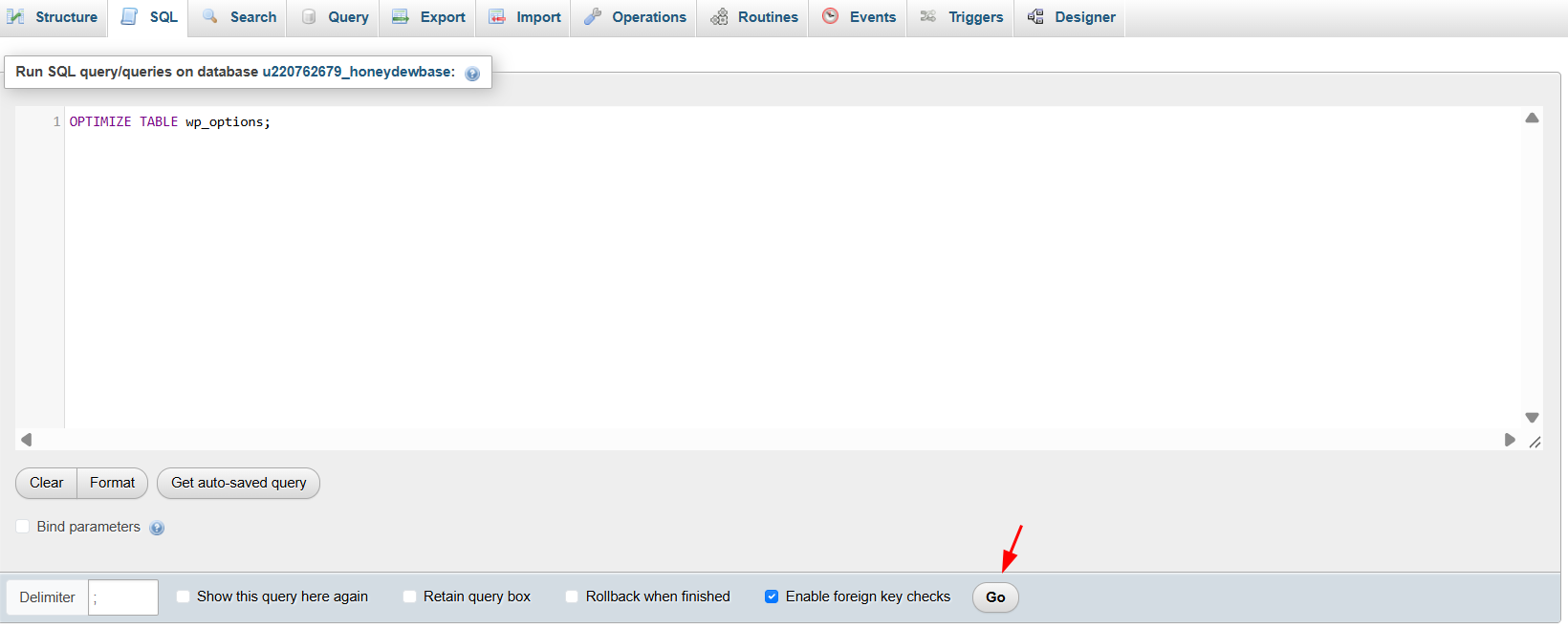
A note saying Table does not support optimize, doing recreate + analyze instead appears, followed by the status OK. This note is normal for InnoDB tables and means the table was rebuilt successfully.
The Hostinger dashboard size can rise temporarily while OPTIMIZE TABLE runs, because MySQL builds a new copy of the table before it removes the old one. The size drops once the optimization finishes.
OPTIMIZE TABLE fails with error #1142 (INSERT command denied) if your database is over its size limit, because write permissions are suspended. See What to do if the database size limit has been reached in Hostinger to reduce the database size in that case.
Option 3 – Remove unused FULLTEXT indexes
Drop a FULLTEXT index you no longer use to delete its hidden index files. Replace table_name and index_name with the values from the FULLTEXT query:
ALTER TABLE table_name DROP INDEX index_name;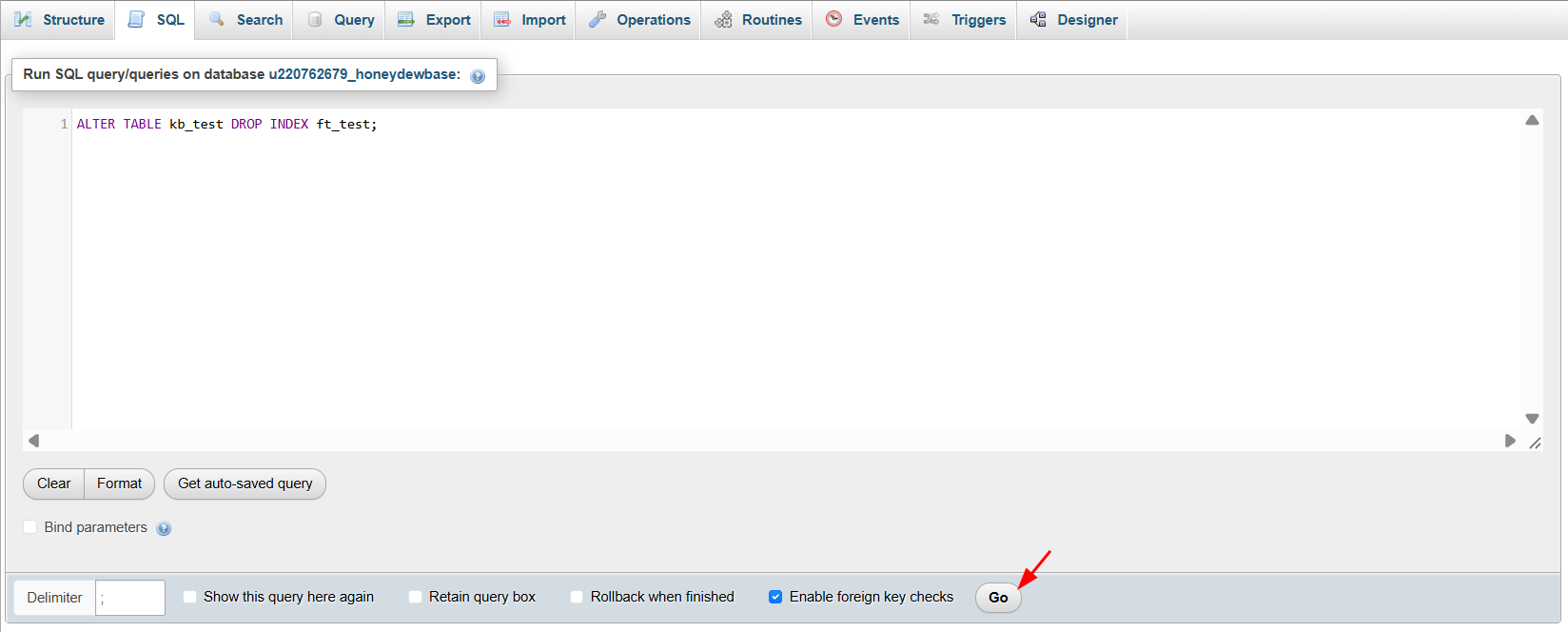
Features that rely on the index, such as plugin search or related posts, stop working until the index is recreated. Check which plugin created the index before you drop it.
Removing free space and unused FULLTEXT indexes lowers your Hostinger database size and keeps it further from your hosting plan’s limit.
Hostinger database size FAQ
Why doesn’t deleting rows reduce my database size in the Hostinger dashboard?
MySQL keeps the space from deleted rows inside the table file for future data, so the Hostinger dashboard size stays the same after you delete rows. Repair the database or optimize its tables to release that free space.
Is a difference between the Hostinger dashboard and phpMyAdmin a problem?
No. The Hostinger dashboard and phpMyAdmin measure database size in different ways, so a difference is expected. A difference doesn’t mean your database is damaged or out of sync.
Why didn’t OPTIMIZE TABLE reduce my database size in the Hostinger dashboard?
OPTIMIZE TABLE releases free space inside tables, but it isn’t guaranteed to shrink FULLTEXT index files. Check for FULLTEXT indexes with the phpMyAdmin query and drop the ones you no longer use.
Additional resources